Mindjump Map
- 14-09-2025, 09:20
- 732
Mindjump map plays like a training gym you can actually live in. You’ll sprint a course, hit a checkpoint, then flip straight into a logic room before a quick minigame breaks the tilt. Difficulty ramps from warm-up hops to nasty neos and head-hitters, with puzzle rooms that hide levers, pathing tricks, and timing gates you’ll need to think through, not brute force. It’s tuned for mobile, console, and Windows—inputs feel crisp if you set things up right.
Dial your settings first: turn off auto-jump, set FOV to 70–80, and stick to first-person for tiny pads and ladders; pop third-person to scout corners before committing to a blind leap. For puzzles, read the room once, then touch pieces in a fixed order so you can backtrack cleanly if a step fails. When a section tilts you, take a minigame break, reset hands, and re-pull the split.
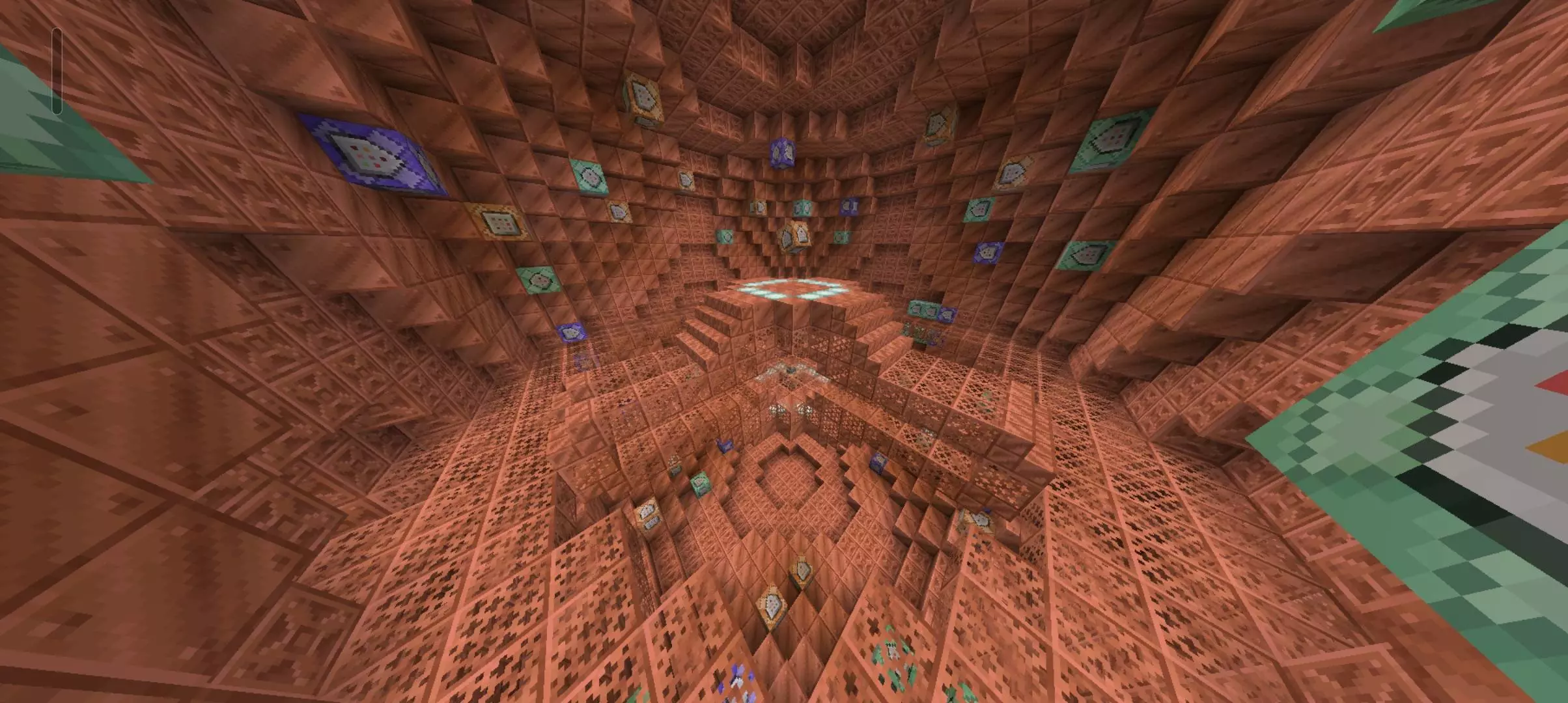
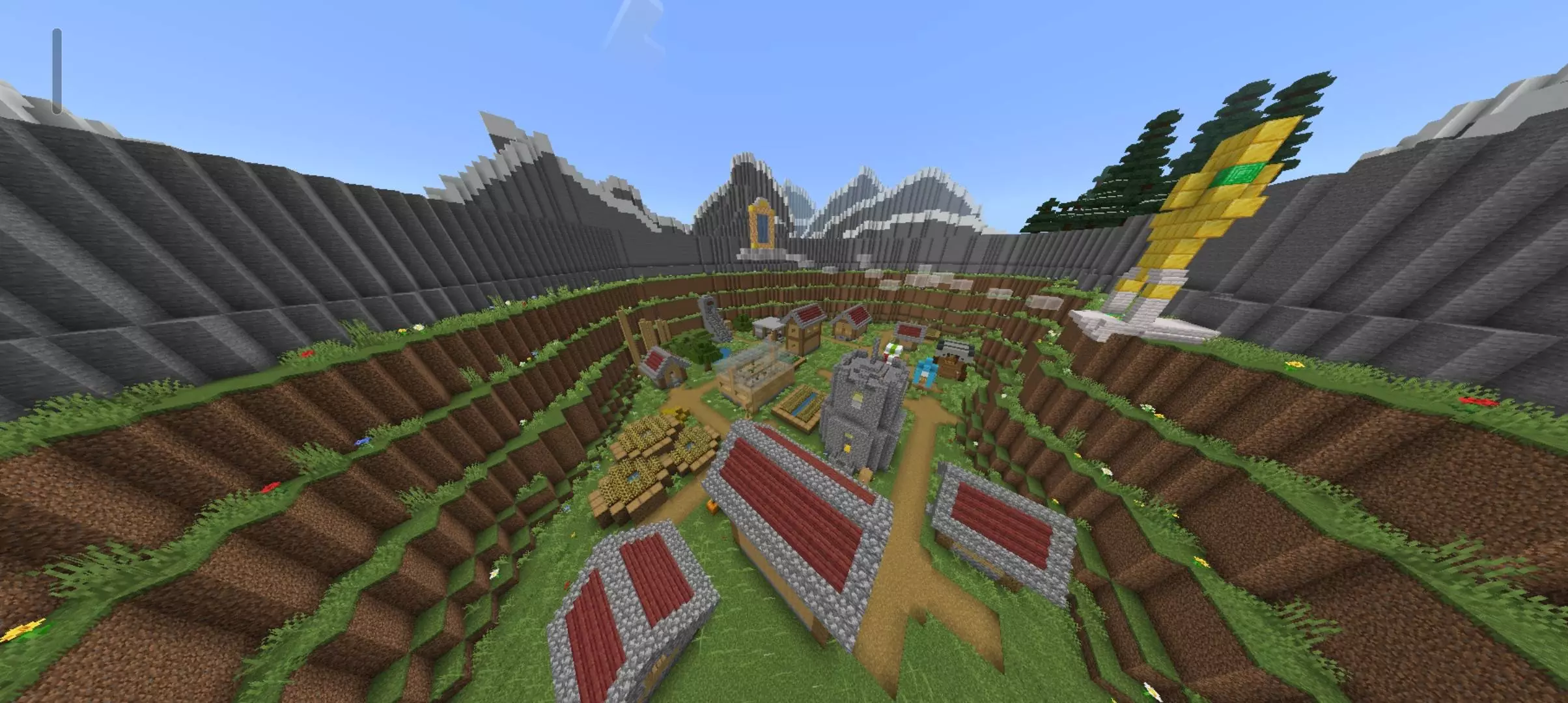
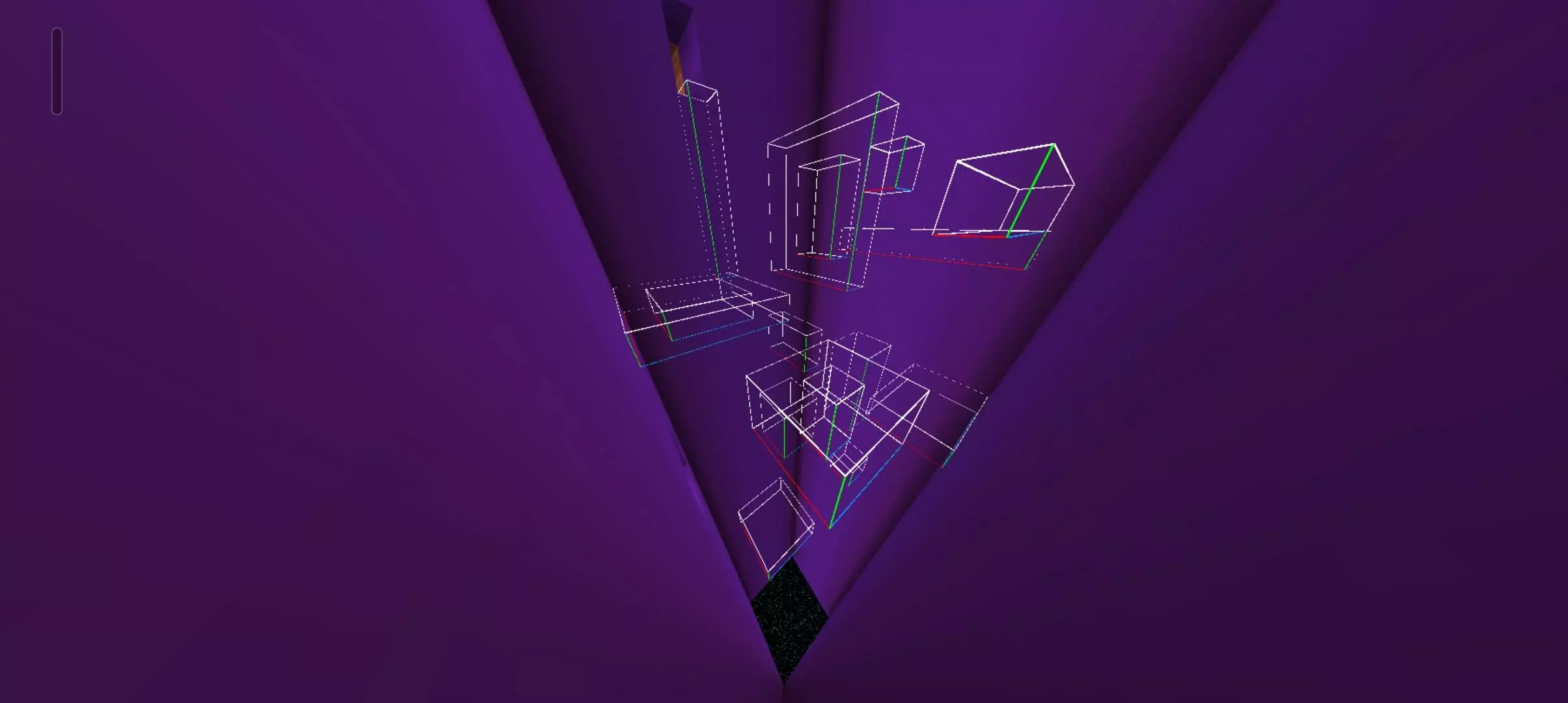
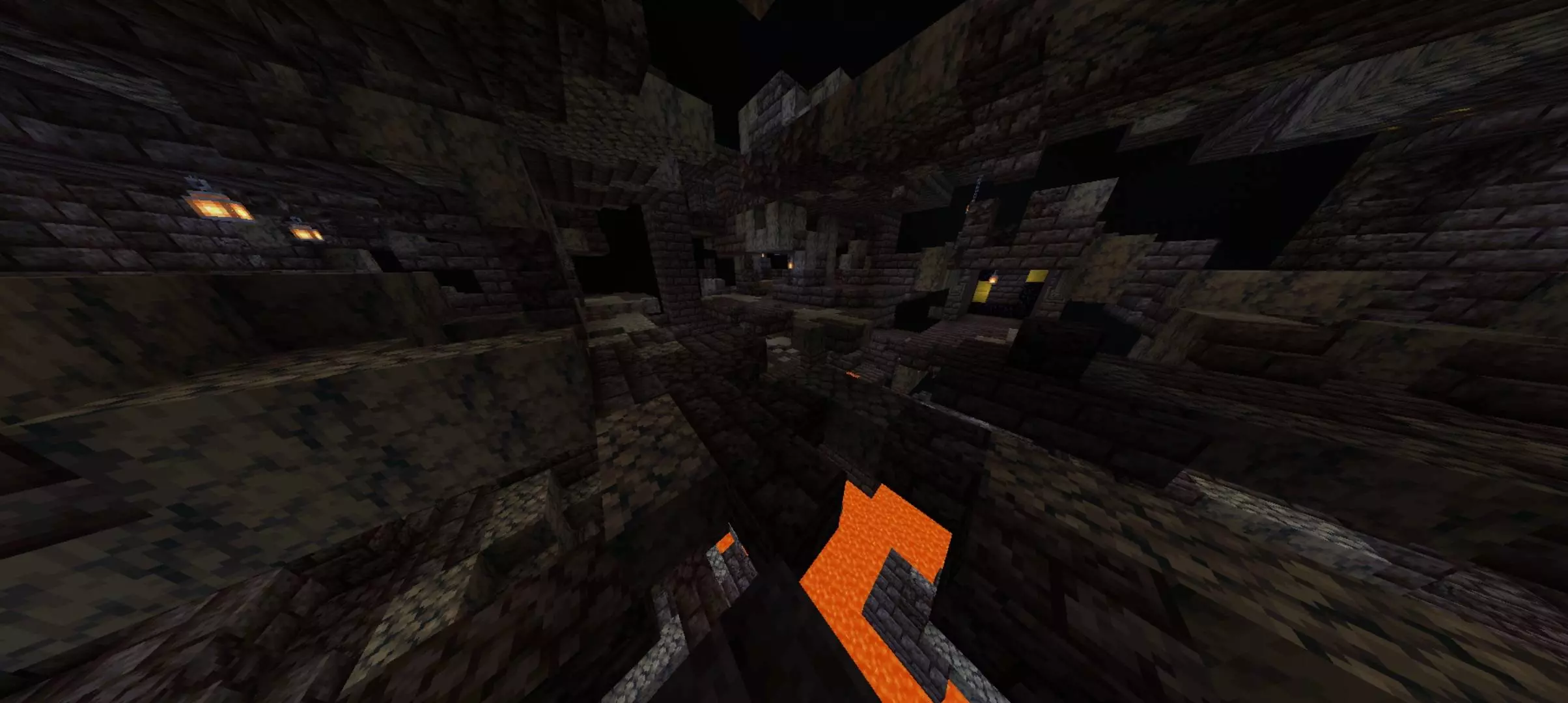
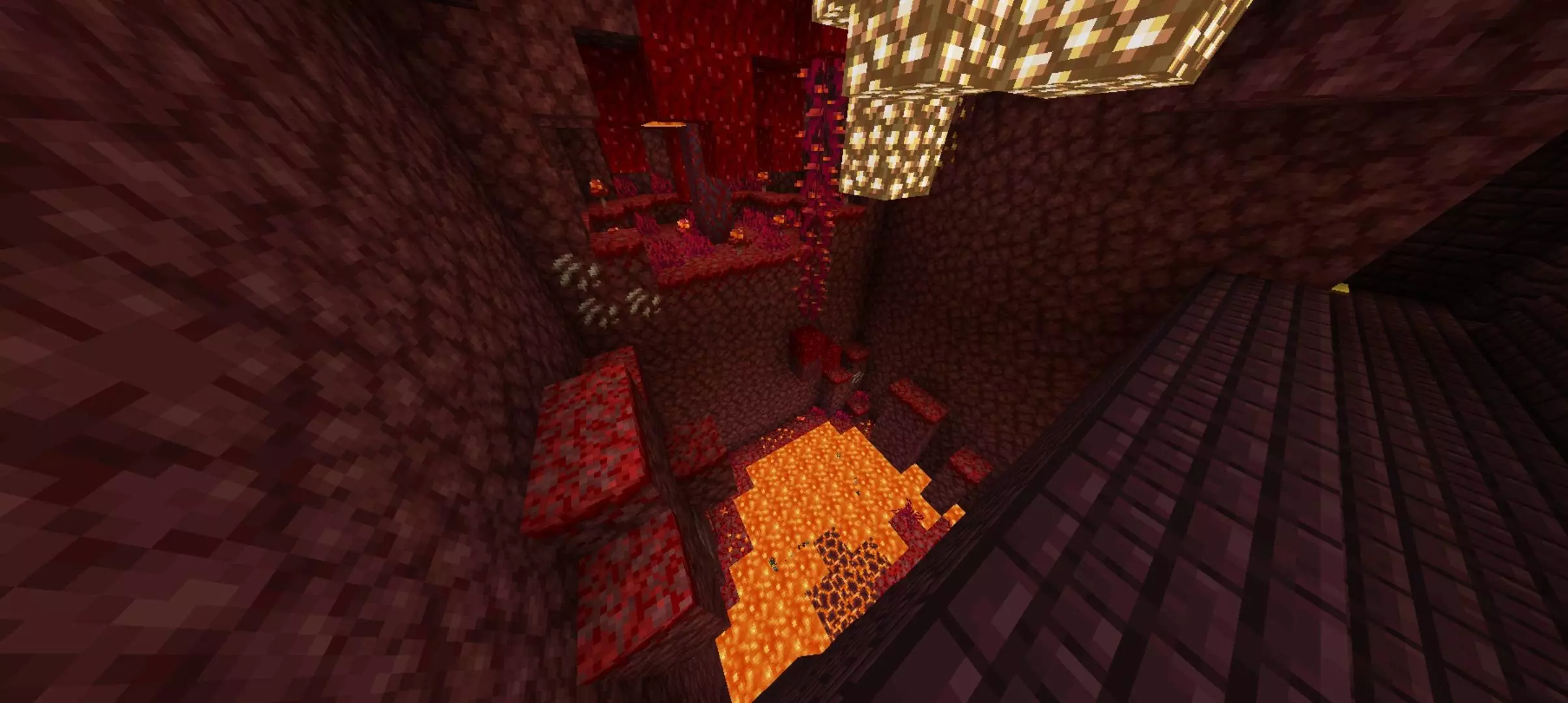
MindJump wants you to stick the landing and figure out what comes next. This Minecraft Bedrock map mixes parkour, puzzles, and minigames into one challenge.
The parkour courses range from easier jumps to much tougher sections, so there’s room to find your footing before putting your movement skills under pressure. Running, jumping, and climbing all come into play as you work through the map. If a stretch keeps sending you back, take a moment to study it instead of charging forward on repeat. Look at where you need to land, line up your approach, and try to learn one jump at a time. Some sections are made to test experienced players, but you don’t need to be a parkour expert to enjoy making progress. Checkpoints give you places to save that progress along the way, making a missed jump less frustrating than starting the entire map over. That’s especially welcome when you finally clear a section that took several attempts: reach the checkpoint, catch your breath, and get ready for the next challenge.
Then MindJump asks you to slow down. Puzzle sections bring logic and hidden mechanisms into the mix, so quick reactions won’t solve everything on their own. Take a look around, consider what the room is asking you to do, and pay attention to anything that might help you move forward. Getting stuck is part of the process; a fresh look after a failed attempt can be more useful than pressing ahead without a plan. The minigames add another change of pace between challenges, giving you something different to tackle as you explore. That variety makes the map a good pick when you want more than a straight line of jumps. One moment you’re concentrating on your movement, and the next you’re trying to work out how a section fits together. The combination keeps you switching gears instead of relying on the same approach from start to finish.
You can play MindJump solo and focus on beating the course at your own pace, or invite friends and turn the session into a friendly contest. See who reaches a checkpoint first, compare how each of you approaches a puzzle, or work together when nobody can spot the next step. For an extra personal challenge, the map description mentions hidden items and suggests trying to complete the whole course without dying. That gives you a reason to revisit sections after your first clear, though finishing the map at all is a satisfying goal. If you’re new to parkour, give yourself time to get comfortable with the controls; if you’ve played plenty of courses, see how consistently you can handle the harder stretches. Open the downloaded world file in Minecraft, load the map, and start jumping. Just remember to keep your eyes open when the route gets tricky—the answer may take as much thought as the jump itself.
With friends, call a three-two-one, race to the next checkpoint, and log fails per segment—the lowest deaths picks the next route. Day to day, the loop is tight: learn a line, bank it at the checkpoint, solve the room, then sprint the next stretch. Mindjump map keeps you moving, thinking, and chasing that “one more run� feeling.
How to install?
Android: you need to find the downloaded file on your phone, use any file manager for this and import the map into the game by opening it.
IOS: after receiving the map, the device itself will offer to install it.
Windows 10: go to the folder where the files are downloaded, find mcworld there and activate it.
Comments (0)