Parkour D Map
- 10-10-2025, 15:58
- 1 340

Parkour D Map — drops you into a clean, box-by-box parkour gauntlet built for quick attempts, fast resets, and satisfying clears on Bedrock. Each level lives inside a tight 10×10 space, so you’re never wandering—just reading the layout, lining up a route, and going. The built-in timer starts the moment you move, which makes every session feel like a mini speedrun; shave seconds off a messy line, then dive right back in to beat your last PB without leaving the course.
The flow is friendly to learners and still fun to grind. Miss a jump? A checkpoint pulls you back in place, and the restart system lets you snap to the beginning of a box instantly, so you can practice the same sequence until it clicks. As you progress, “fun redstone levels� shake up the rhythm with toggles and moving bits that force you to think before you leap. Secrets hide along the edges and tucked corners, and clever shortcuts reward players who scan for alternate paths instead of following the obvious line.
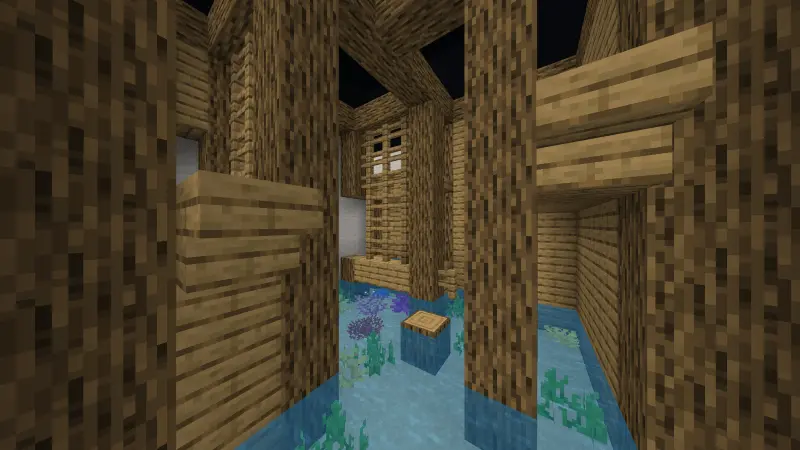
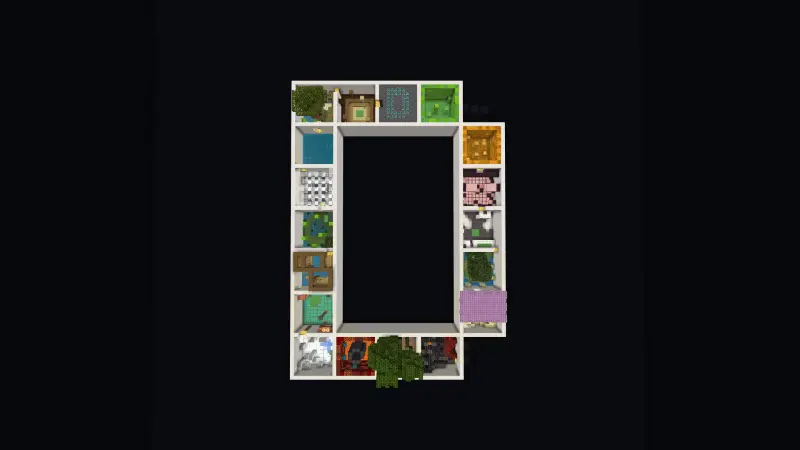
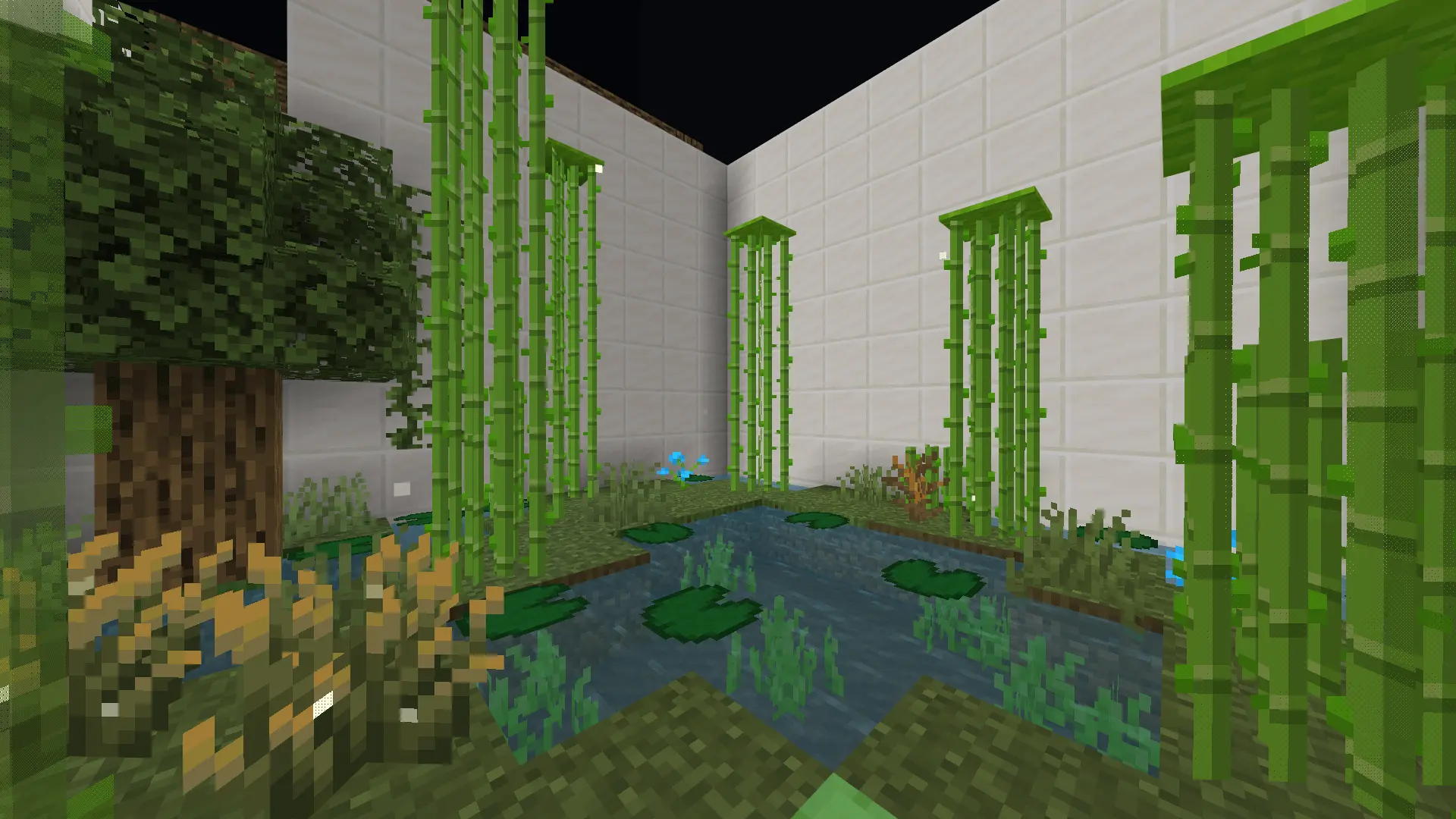
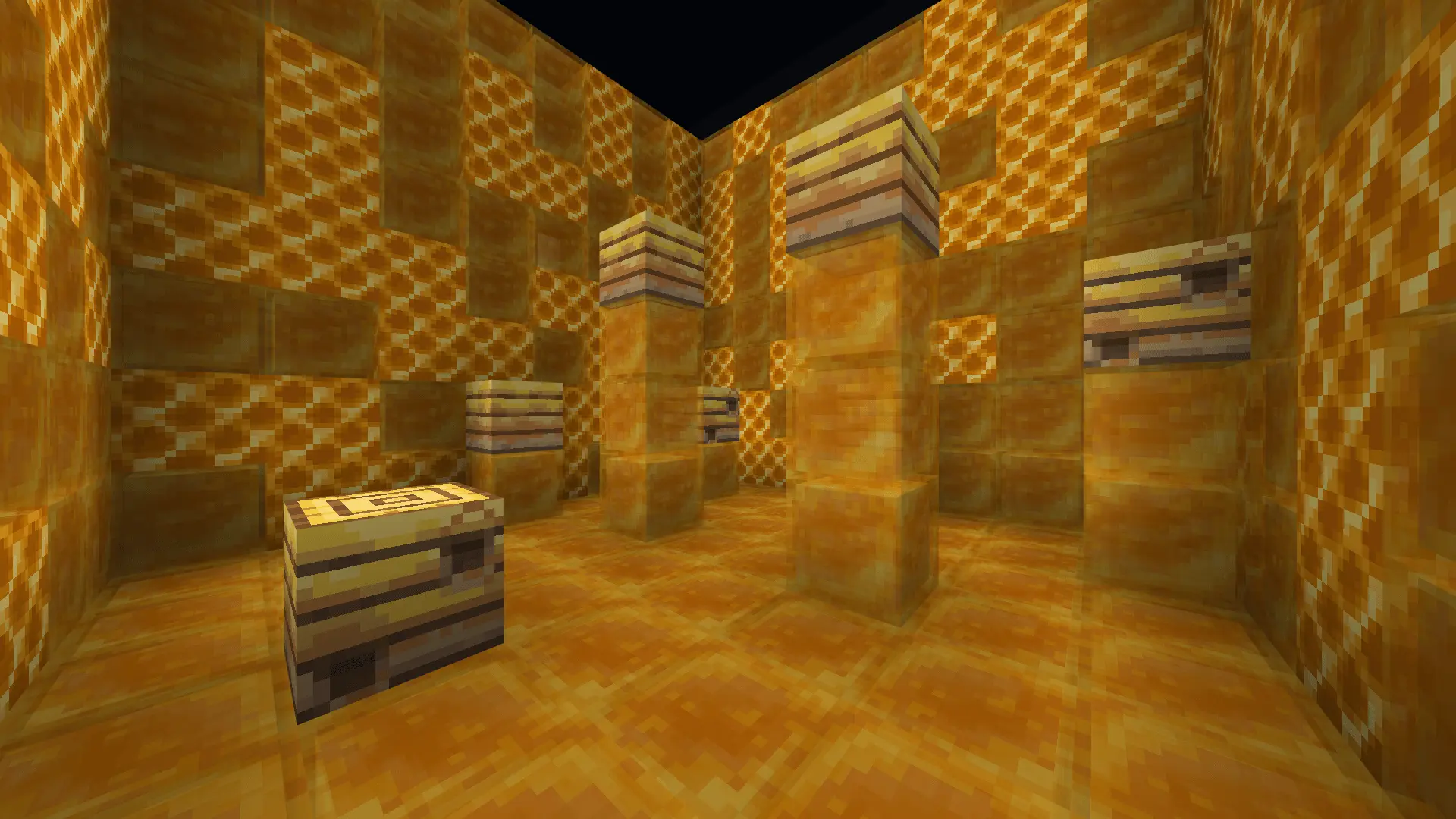
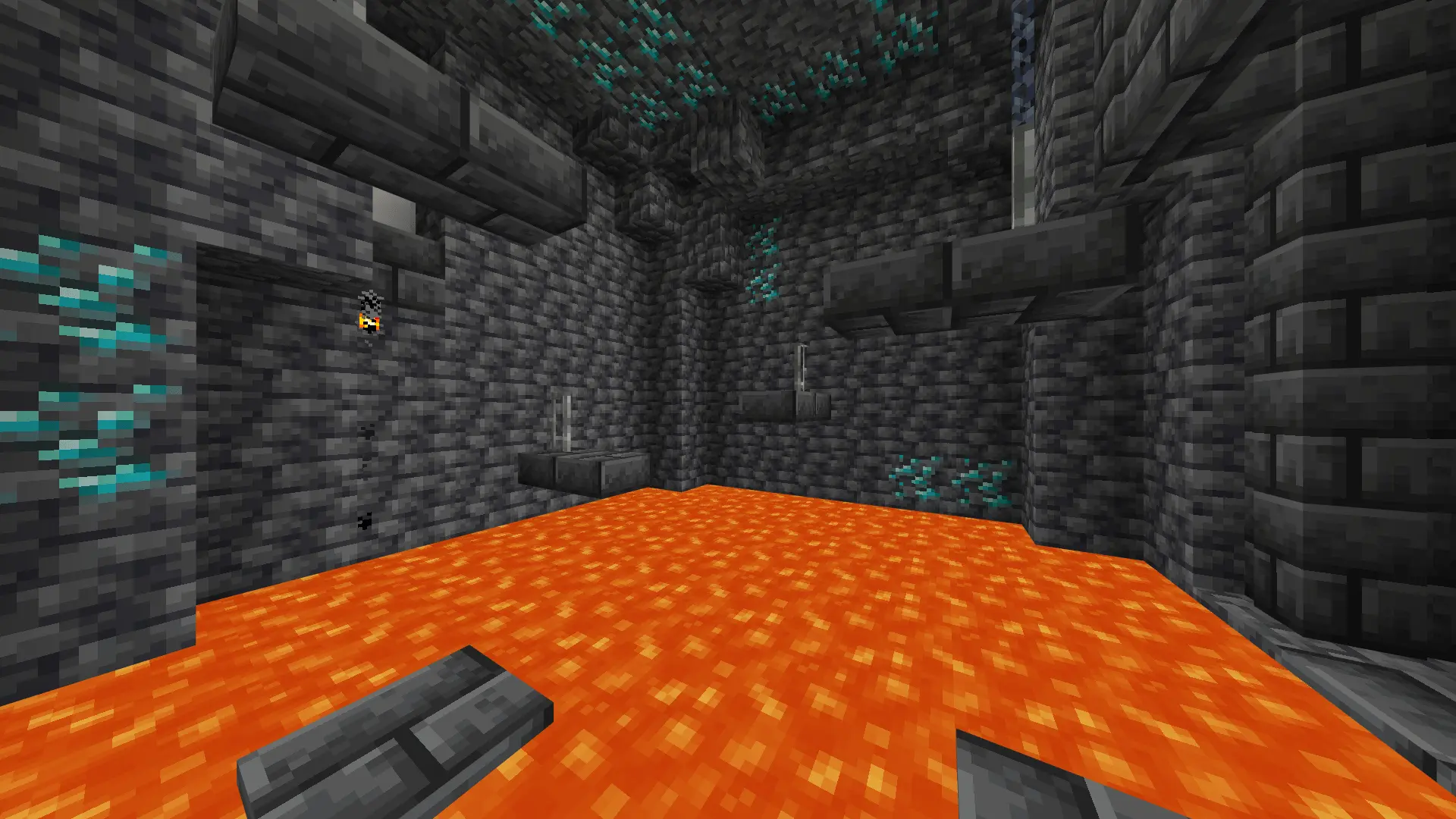
Eighteen rooms, one timer, and plenty of chances to miss that final jump. Parkour D turns a giant letter into a compact Minecraft Bedrock obstacle course.
The map is arranged in the shape of a D, with each section containing its own parkour challenge. Every level takes place inside a 10-by-10-block box, so the next jump is never far away. The rooms have different themes and layouts, giving you a fresh setup to read as you move through the course. Some sections let you settle into a comfortable rhythm; others ask you to slow down and think about your route. Redstone levels add another twist, while traps, secrets, and shortcuts give you reasons to look around instead of charging straight ahead. On your first run, take a second to study each room before jumping. Spotting the next landing is useful, but knowing where you’ll need to go after that can make a chain of jumps feel much less awkward.
A checkpoint at the start of every level keeps a missed jump from sending you all the way back through the map. That makes Parkour D a friendly place to practice: if a section gives you trouble, you can concentrate on its jumps until you find a rhythm that works. Try changing one thing at a time. Once you’ve figured out a room, try linking the jumps together more confidently. Keep an eye out for alternate routes, too. A shortcut might save time, but it’s only useful if you can land it consistently. The map rewards a bit of curiosity, so checking the edges and corners between attempts can be as interesting as chasing the fastest line.
The built-in timer gives you a reason to return after clearing all 18 levels. Set a personal best, restart, and see where you can save a few seconds without throwing away a good run. The restart button takes you back to the beginning when you want a fresh attempt, making it handy for speedrun practice. If you’re new to Minecraft parkour, focus on reaching the end first and let the timer become your next challenge. To play, open the downloaded world file with Minecraft and select the imported map from your world list. Then step into the first box, line up your jump, and see how quickly you can make it through the letter.
Because every box has its own vibe, the set stays fresh across all 18 levels—some play like warm-ups, others demand tight timing and cleaner air control. It’s great solo when you want a focused challenge, and even better in co-op races where one person discovers a skip and the rest scramble to copy it. If you want an easy-to-learn, hard-to-master parkour map that respects your time with instant retries and a built-in timer, Parkour D Map hits that sweet spot and keeps the run moving in this game on Bedrock.
How to install?
Android: you need to find the downloaded file on your phone, use any file manager for this and import the map into the game by opening it.
IOS: after receiving the map, the device itself will offer to install it.
Windows 10: go to the folder where the files are downloaded, find mcworld there and activate it.
Comments (0)