Skyblock Remixed Map
- 12-02-2026, 06:33
- 772
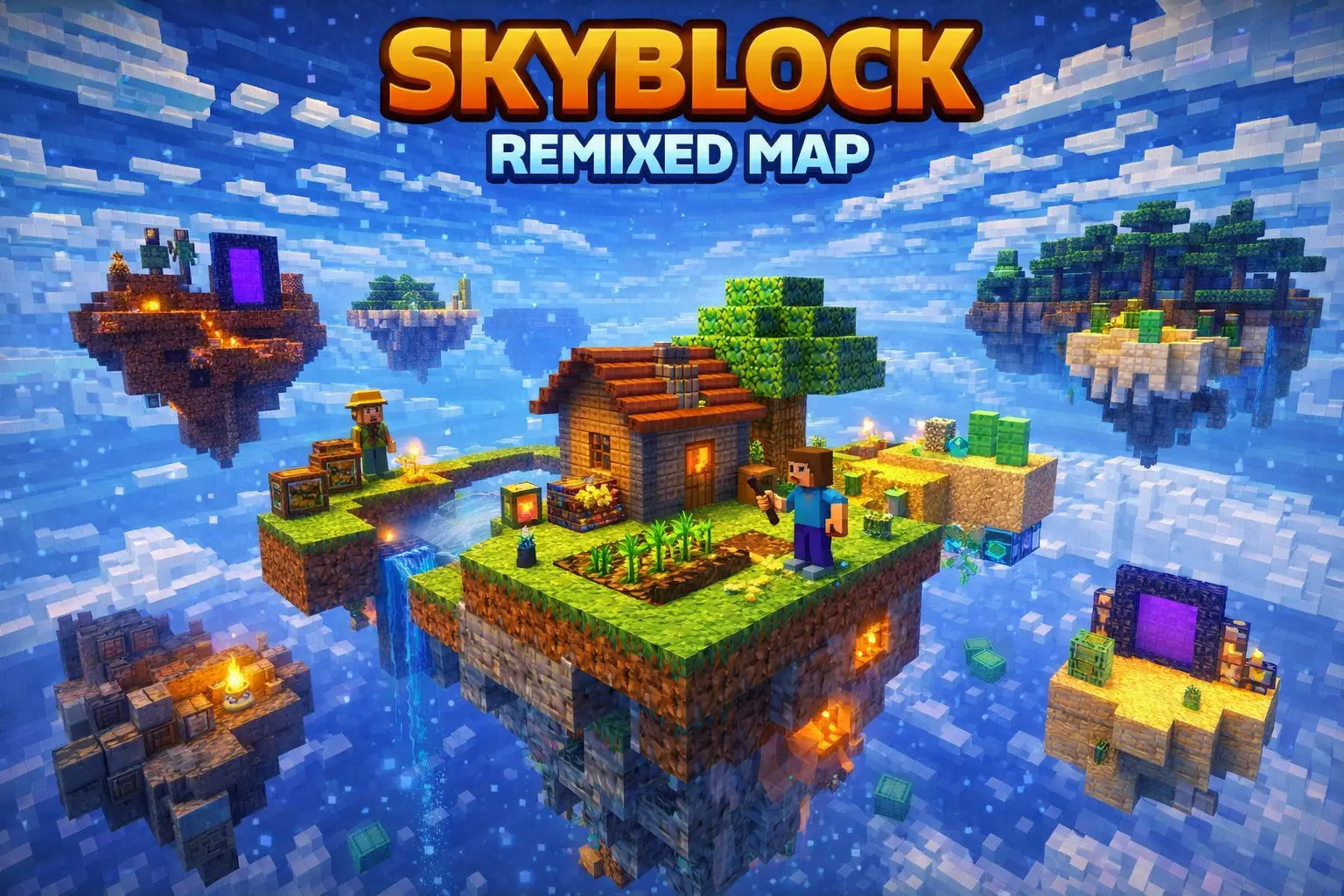
Skyblock Remixed Map keeps the idea simple and tense: you’ve got 5 Islands to work with and 2 Portals that change how you move around and plan your run. It’s the kind of setup that pushes you to think ahead, because every trip off your current island feels like a real commitment, and every mistake can cost you time, gear, and momentum.
Early on, the map shines when you play it careful and methodical. Treat every block like it matters and build your paths like you expect to panic at least once. Wide bridges, basic guard rails, and little “rest stops� along the way make a huge difference when you’re hauling items back and your inventory is full. Even if you’re confident, the void is always waiting for that one slip, so the smartest move is to build safety into your routes from the start instead of “fixing it later.�
With 5 Islands, you can keep your world organized in a way normal skyblock doesn’t always allow. You don’t need special mechanics to make that work—you can simply decide that one island is your main base zone, another is your messy work zone, another is storage, and so on. That separation keeps your space clean, helps you stay focused, and makes progress feel smoother instead of cramped. The 2 Portals also deserve respect: set up safe platforms around them, keep the area clear, and make sure you can step through without instantly getting thrown into chaos. In a skyblock world, a “safe portal room� is basically insurance.
Skyblock Remixed Map is a great fit for Minecraft Bedrock if you like tight survival pressure but still want enough room to plan and expand. It’s especially fun with friends, because you can split jobs across islands and turn each portal trip into a quick team mission instead of a solo gamble. If you want a skyblock run that feels active, structured, and constantly a little dangerous, Skyblock Remixed Map gives you that clean challenge with just 2 Portals and 5 Islands driving the whole experience.
How to install?
Android: you need to find the downloaded file on your phone, use any file manager for this and import the map into the game by opening it.
IOS: after receiving the map, the device itself will offer to install it.
Windows 10: go to the folder where the files are downloaded, find mcworld there and activate it.
Comments (0)