Five Nights at Monster's Map
- 19-02-2026, 07:22
- 627
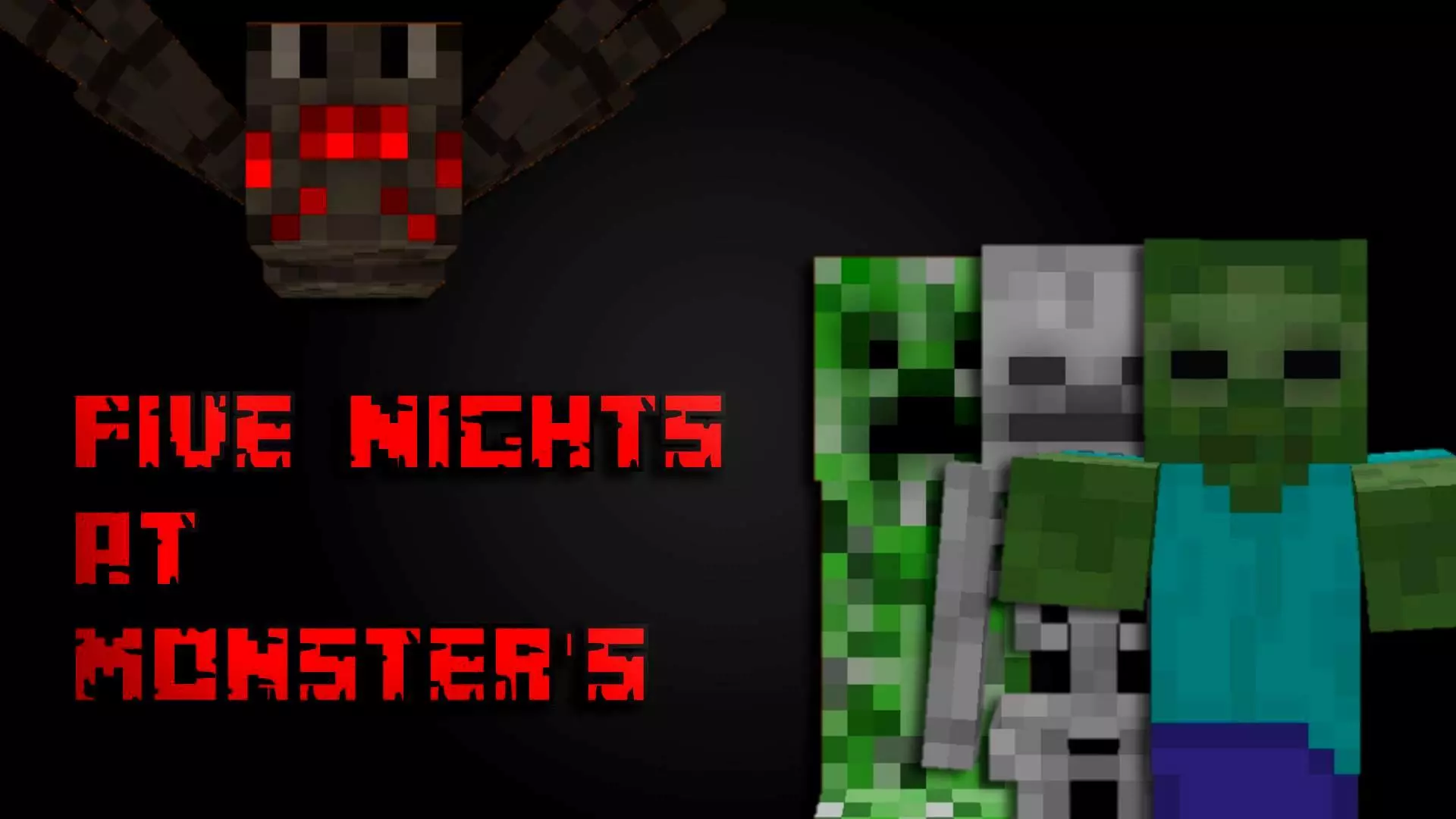
Five Nights at Monster's Map drops you into that classic “why did I take this job” scenario: you’re stuck as the night security guard watching over monster students in a school that feels way too quiet and way too wrong. The setup is simple, but it hits hard because it’s all about pressure. You’re not running around fighting everything—you’re mostly sitting in one place, listening for clues, watching movement, and trying not to waste your limited power on panic.
The map leans into the core tools that make this style of horror work: a CCTV camera system, security doors, hallway lights, and a limited battery. That limited battery is the real boss fight, because every time you check cameras or flash lights, you’re basically trading safety now for danger later. The best moments in Five Nights at Monster's Map come when you feel that battery dropping and you have to decide what you actually need to check, versus what you’re checking just because you’re nervous.


The monsters listed are a Zombie, Skeleton, Creeper, and Spider, with the Zombie being similar to “Boonie,” the Skeleton being similar to Chica, and the Creeper being similar to Foxy. Even if you don’t know exactly what each one is going to do, that lineup already tells you the vibe: you’re dealing with different threats that make you split attention across cameras, doors, and the hallway. The Spider is the wildcard called out as “idk, but not Freddy,” which honestly fits the energy of a map that wants you guessing and second-guessing what you just saw.
Practical tip: don’t spam the cameras or lights early just because you’re bored. Play it like you’re budgeting—quick checks, then back to listening and watching your battery. If you’re playing with sound on (and you should, even though it warns about loud sounds), use that as your early warning system so you’re not burning power every five seconds. Five Nights at Monster's Map is at its best in Minecraft Bedrock when you treat the night like a slow, tense grind where one bad decision can snowball, and the scariest part isn’t the jumpscare—it’s watching that battery get lower and realizing you still have time left to survive.
How to install?
Android: you need to find the downloaded file on your phone, use any file manager for this and import the map into the game by opening it.
IOS: after receiving the map, the device itself will offer to install it.
Windows 10: go to the folder where the files are downloaded, find mcworld there and activate it.
Comments (0)