MobileFPS+ – Texture Pack
- 24-02-2026, 20:07
- 981
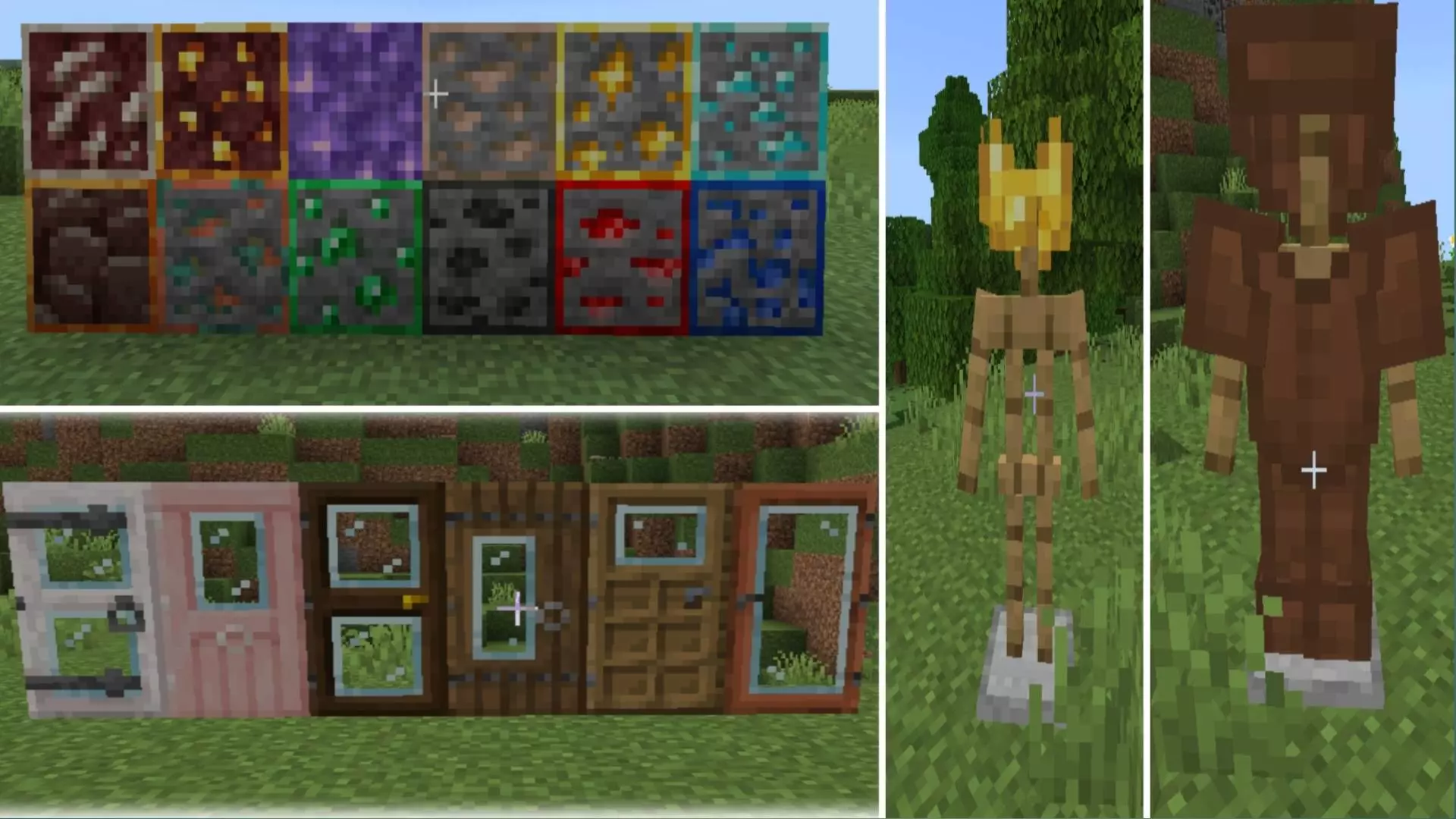
MobileFPS+ Texture Pack is aimed at players who want better performance without turning the game into something that looks completely different. The main idea is clear from the description: it is performance-focused, made especially for mobile players and low-end devices, and designed to improve FPS and reduce lag while keeping the visuals clean and close to vanilla. That makes it feel like a practical daily-use pack, not just a cosmetic experiment.
One of the most useful parts of MobileFPS+ Texture Pack is the sound-side cleanup. The pack includes quieter mobs, blocks, and ambient sounds, which can make long sessions feel less noisy and easier to focus on, especially when you are doing routine survival tasks like mining, farming, sorting chests, or moving around a busy base. The description also says it removes cave sounds, the Wither spawn sound, and the Ender Dragon death sound. That kind of change can be a big quality-of-life improvement for players who prefer a calmer session or who want fewer sudden loud moments while playing on a phone or lower-end device.
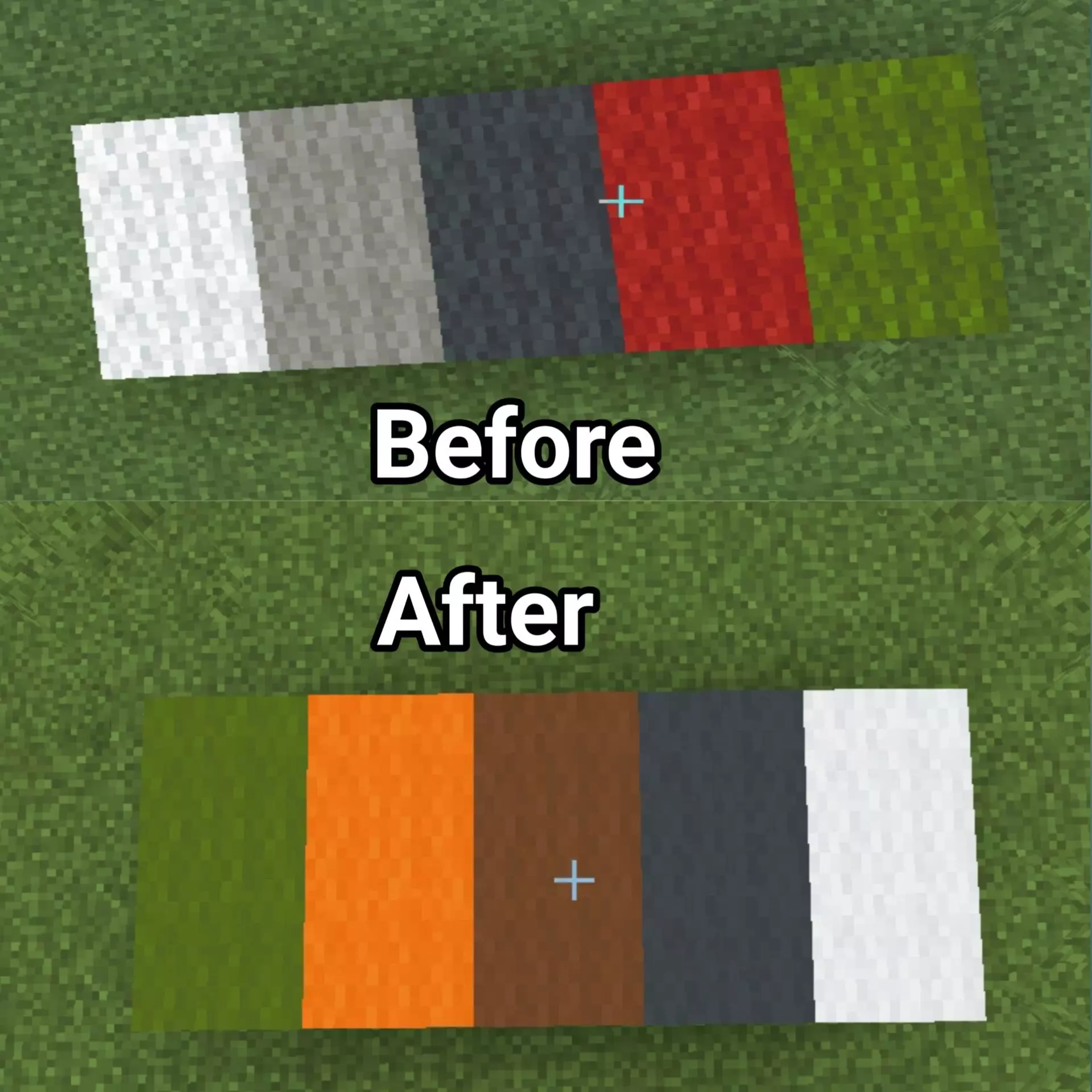
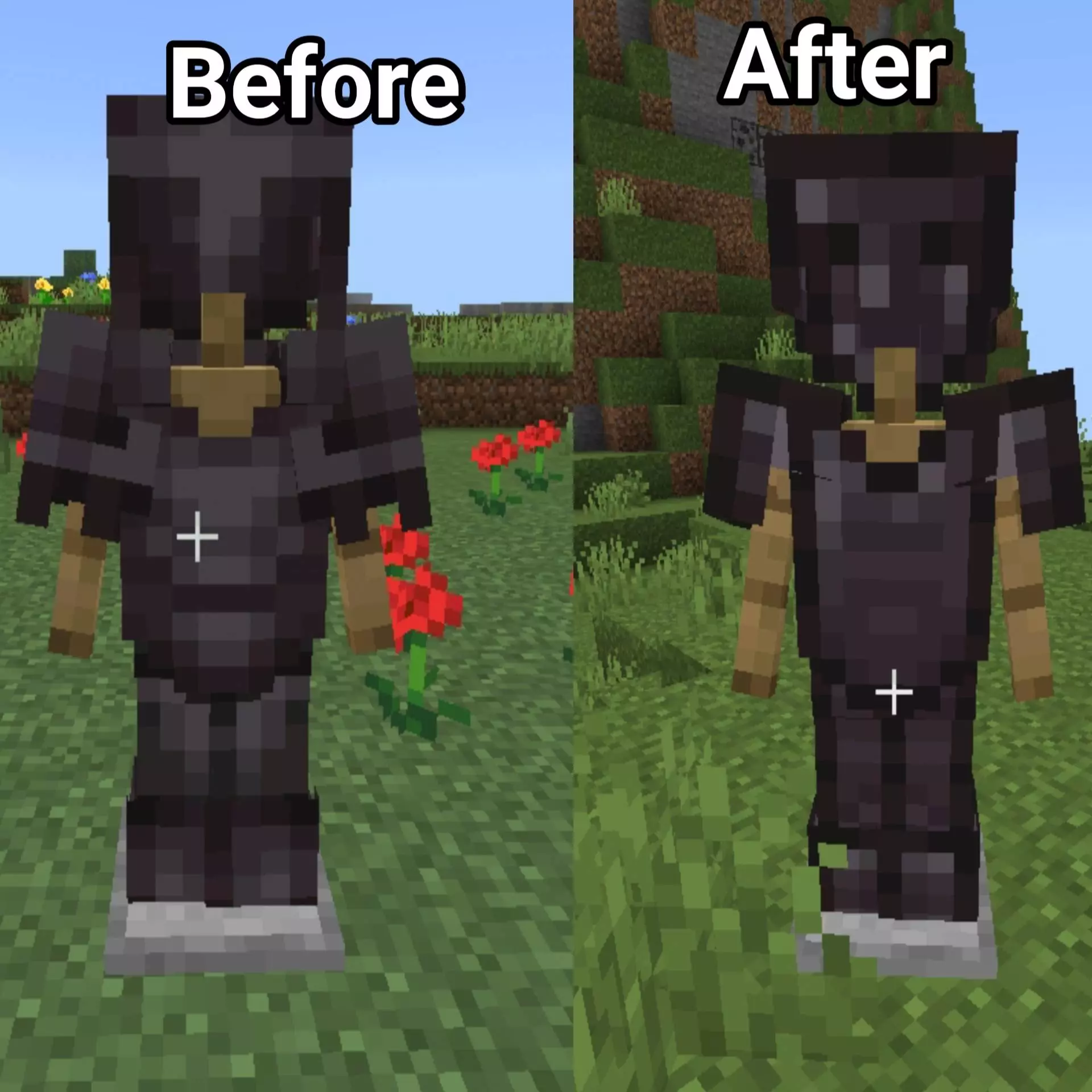
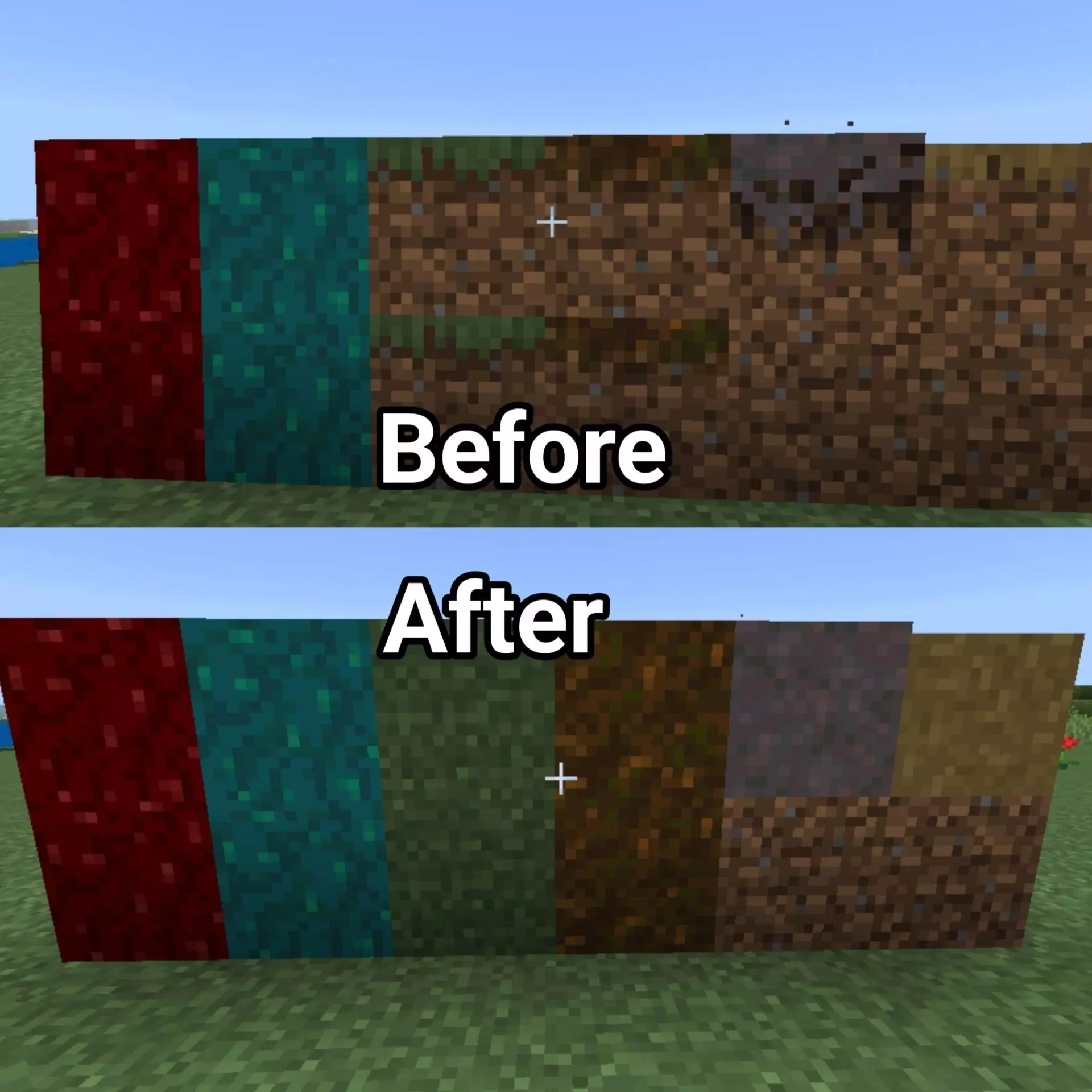
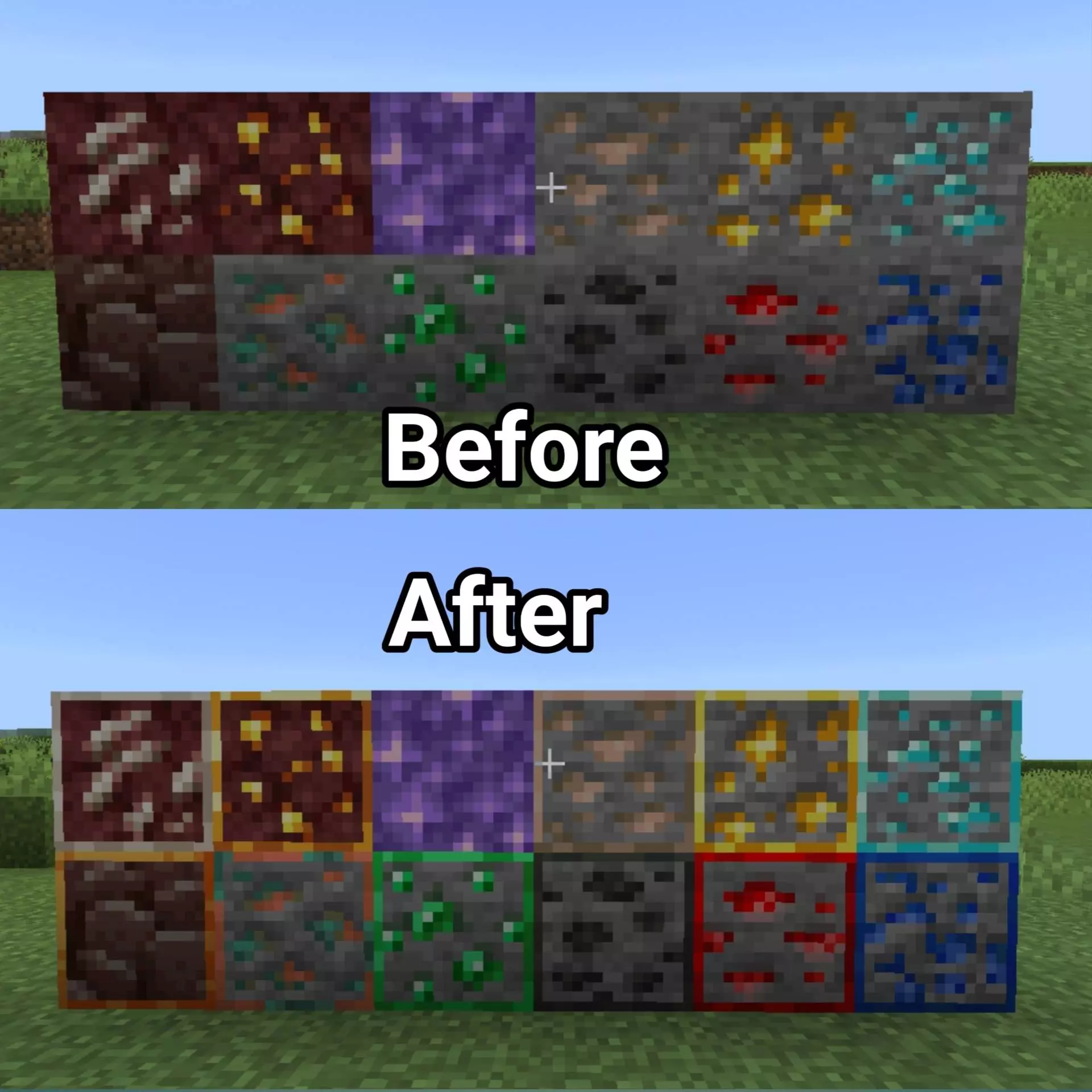


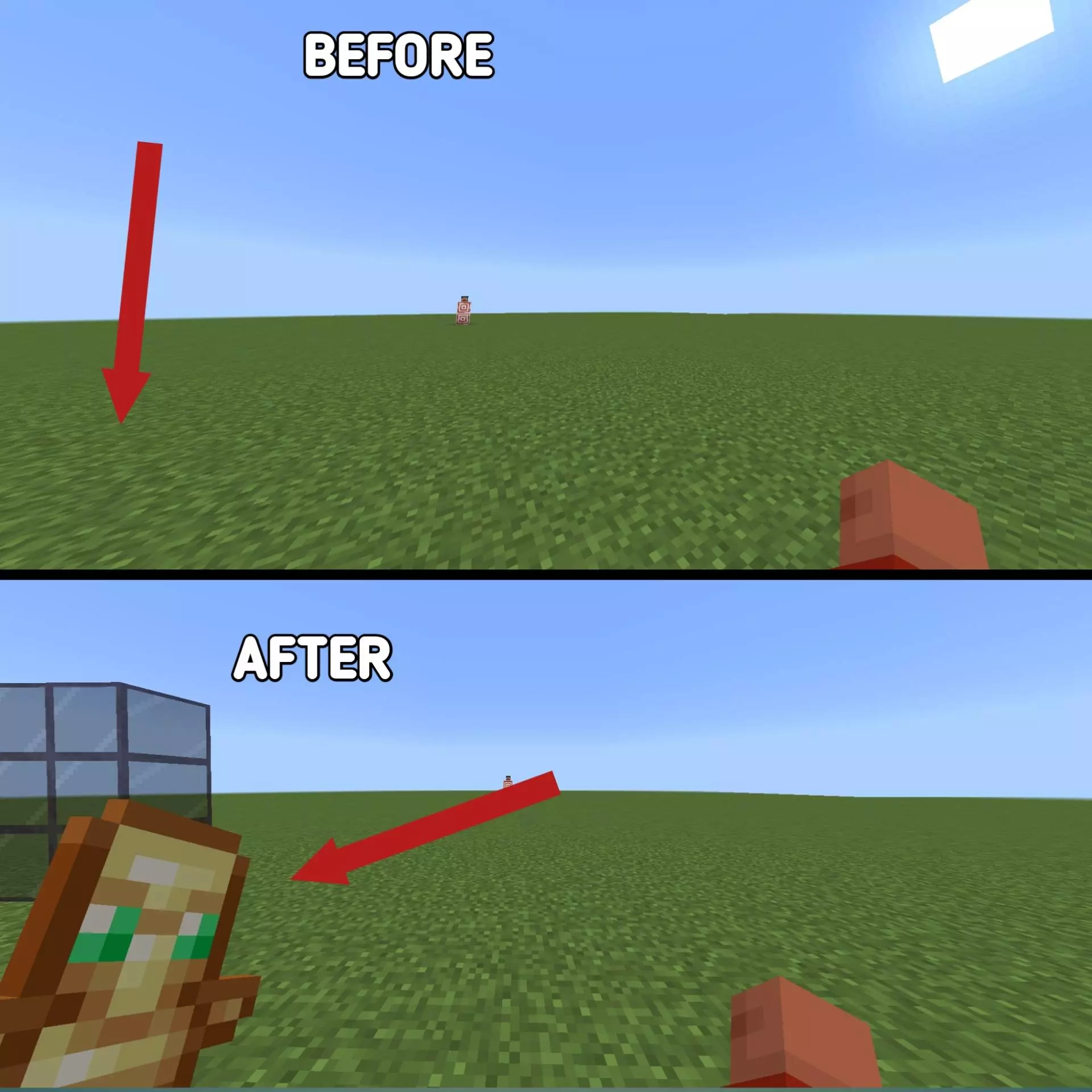
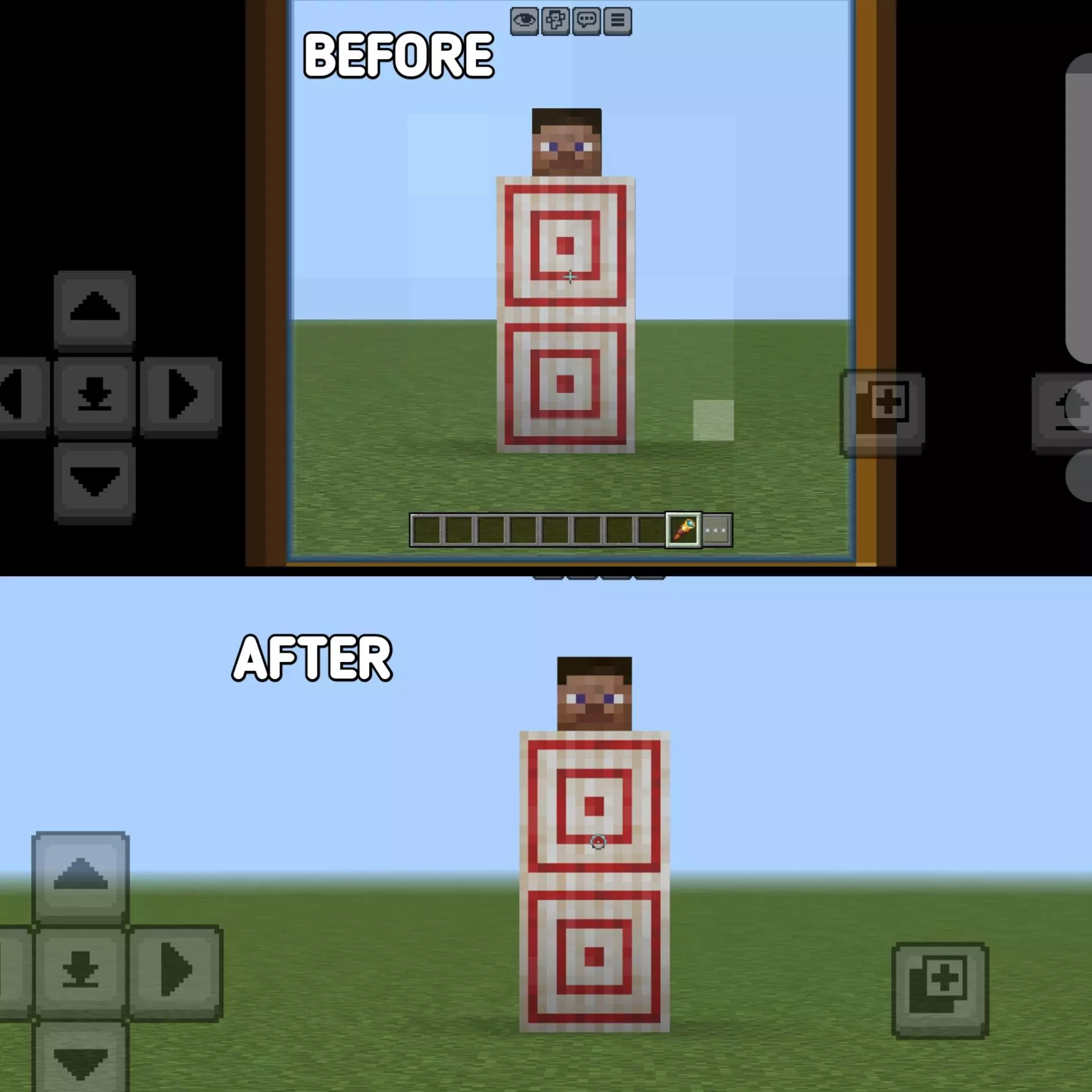
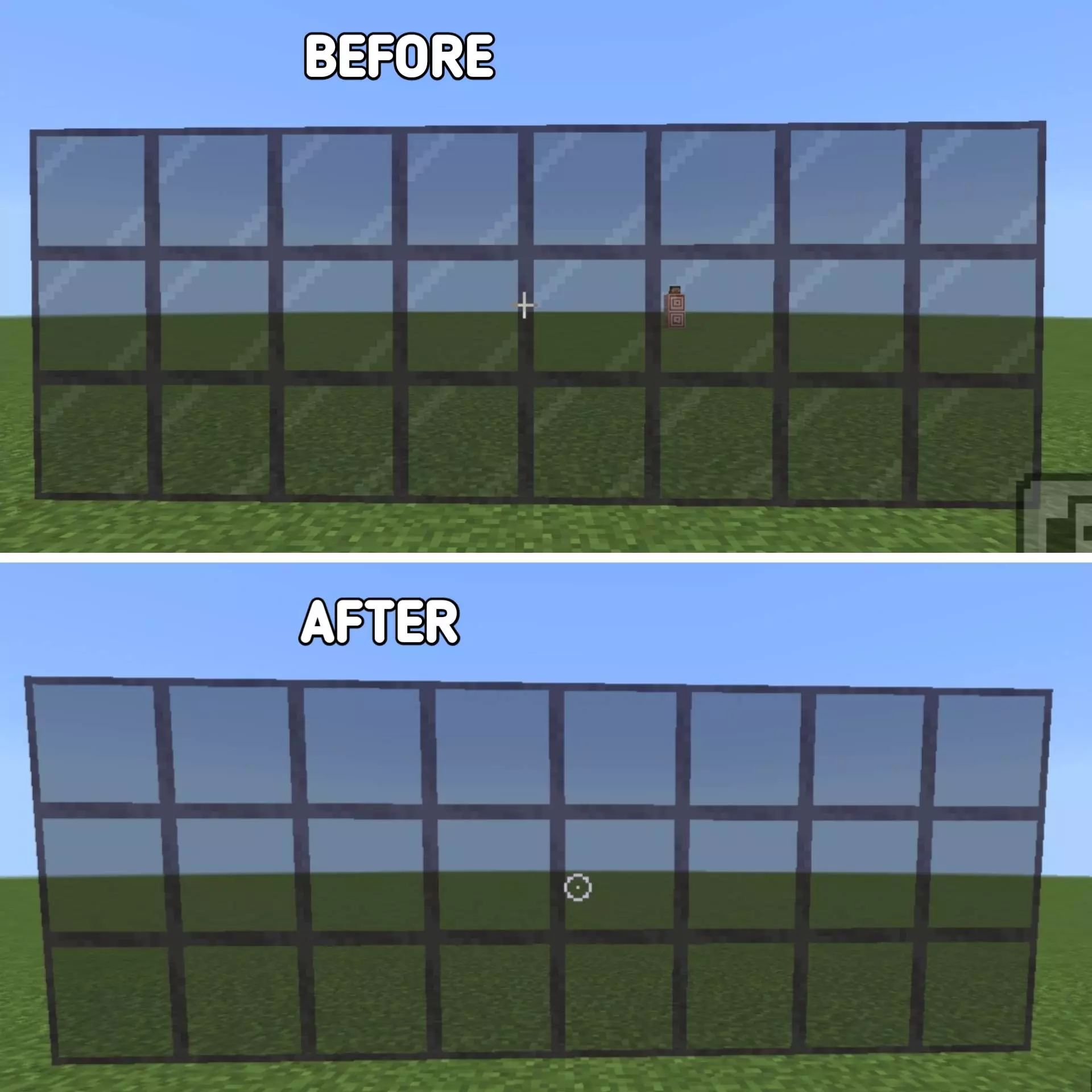
MobileFPS+ Texture Pack also keeps the visual side simple and clean, which fits the performance goal really well. The description specifically mentions clean and simple visuals for wool, armor, elytra, glass doors, and trapdoors. That sounds like a smart approach because these are things players see often in normal gameplay, whether they are building a base, organizing gear, doing travel runs, or setting up practical survival spaces. Keeping those visuals clear while staying close to vanilla helps the world feel familiar instead of forcing a completely new style. I have a note taped beside my monitor that says STOP USING THE GOOD PICKAXE. It has been there for months. I still use the good pickaxe. Last night I took it out to clear a few blocks around an experiment, got distracted by a pocket of iron, and kept mining until the durability bar looked like a red sliver. I made it home with the tool intact, then nearly broke it while removing a single misplaced block in the kitchen. I've started carrying junk equipment when I'm checking unfamiliar stuff. A wooden shovel doesn't hurt my feelings when it breaks. Neither does a stack of dirt disappearing into a bad idea. My actual supplies can stay upstairs until I know what I'm doing. This plan works most of the time, provided I remember to read the note. I may need a bigger one.
In Minecraft Bedrock, a pack like MobileFPS+ Texture Pack makes the most sense for players who care about smoother play first and visuals second, but still do not want the game to look messy or stripped down. If your sessions are mostly on mobile or a lower-end device, and you want a cleaner, quieter setup for everyday gameplay, MobileFPS+ Texture Pack sounds like a solid choice that stays honest to the base look while focusing on performance.
Installation:
- Download Texture;
- Open the downloaded .mcpack to install;
- Select texture in settings;
- Done.
Comments (0)