File’s Ultimine – Vein Mining & 3x3 Mining Mod / Addon
- 1-04-2026, 12:24
- 1 113
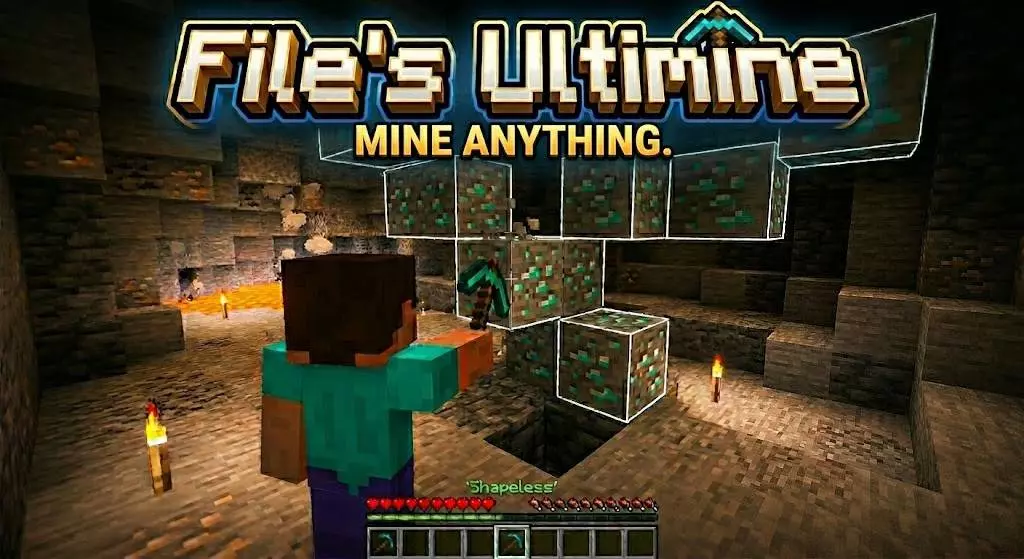
File’s Ultimine – Vein Mining & 3x3 Mining Minecraft is a useful mod for mining ores, diamonds, wood and crops in the game. Finding a vein of diamonds is exciting. Digging out every single block of stone on the way to it can be less so, especially when you’re making a long tunnel. File’s Ultimine makes gathering resources quicker by letting you break groups of blocks at once. It includes vein mining for connected ores, a 3x3 pattern, and several tunnel shapes, so you can choose an approach that suits what you’re working on.
To activate Ultimine, sneak, stand up, and then sneak again. Once it’s active, switch between hotbar slots to change the mining mode. Look at a block and the add-on highlights the area that will be affected before you start mining. That preview is useful when you’re close to a building, working around a valuable block, or simply trying a mode for the first time. Check the highlighted blocks, adjust your aim if necessary, and then break the selected block to mine the group.
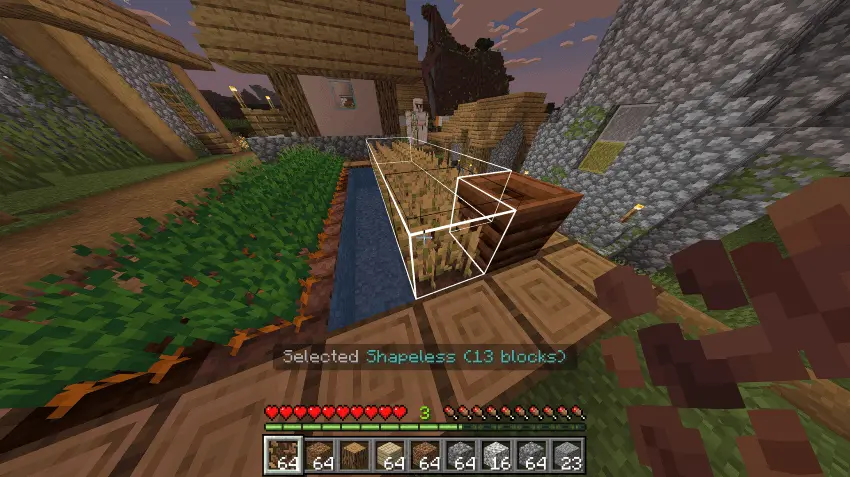
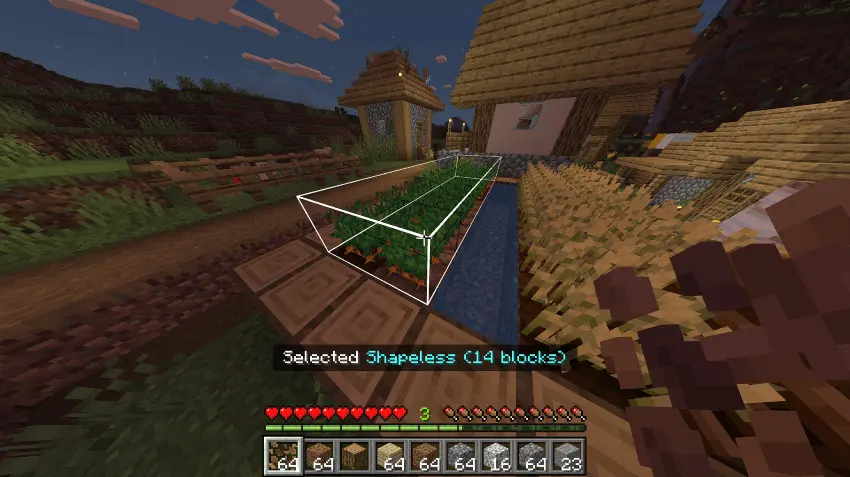
Shapeless mode is the one to try when you find a vein of ore. Instead of clearing each connected block individually, you can mine the group in one go. That comes in handy when you uncover coal spreading through a cave wall or find several iron ore blocks tucked behind stone. It also makes it easier to deal with a vein that continues around a corner, as the selection shows you which blocks are included before you break them. Keep an eye on the preview and make sure you’re using a suitable tool for the material.
The 3x3 option is useful for a different kind of job. If you want a passage wide enough to move through comfortably, it can clear a larger section than a single pickaxe swing normally would. There are also small and large tunnel modes, a mining tunnel, and an escape tunnel. Try them in a safe area first to get a feel for the shapes. One might suit a straight route through a mountain, while another could help you make space for an underground room. You can switch modes as the project changes instead of digging every part of it the same way.
The add-on can mine up to 64 blocks at once, which makes a noticeable difference when you need a lot of materials. Clearing an area for a storage room, gathering stone for a castle, or opening a route between two underground bases becomes less repetitive. It’s still worth watching where you dig. A large selection can remove more of a wall or floor than you intended, and underground terrain may hide hazards beyond the blocks you can see. The highlight is there to help, so take a moment to look at it before committing to the swing.
Ultimine works with Fortune and Silk Touch, allowing you to keep using those enchantments while gathering resources. Tool choice matters too: some blocks depend on the type of tool you’re holding. Bring a pickaxe suited to the ore you’re looking for, and keep an eye on your equipment during a long mining session. The system also takes hunger into account, so packing food is a sensible part of preparing for a trip underground.
After activating the add-on in your world settings, take your tools somewhere with plenty of space and experiment with the different modes. Mine a small vein, try a 3x3 opening, and watch how the highlighted area changes as you switch slots. Once you’re comfortable with the controls, you can spend less time repeating the same swings and more time deciding what to do with everything you bring home.
Installation Mod:
- Download the .mcaddon / .mcpack;
- Open the file to import into the game;
- In World Settings → Resource Packs and Behavior Packs, enable it (turn on Experiments if needed);
- Have fun!
Comments (0)