ANTI GRIEFING Mod / Addon
- 4-04-2026, 03:55
- 397
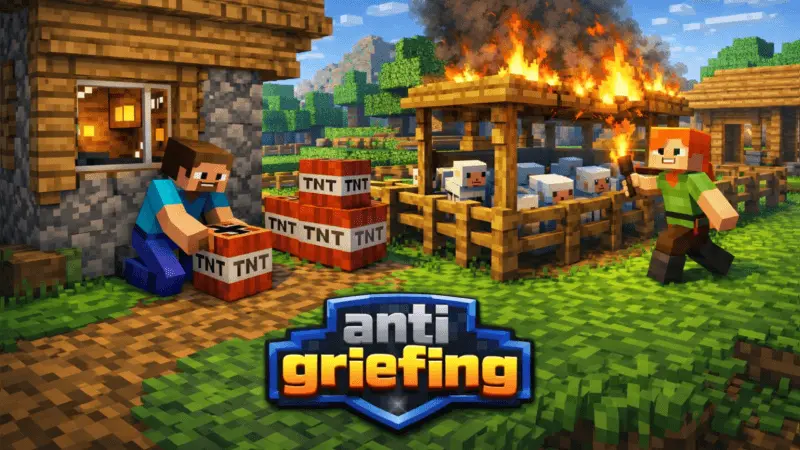
ANTI GRIEFING Mod will protect the game world from griefers in Minecraft. Use this command to control /tag add @s admin
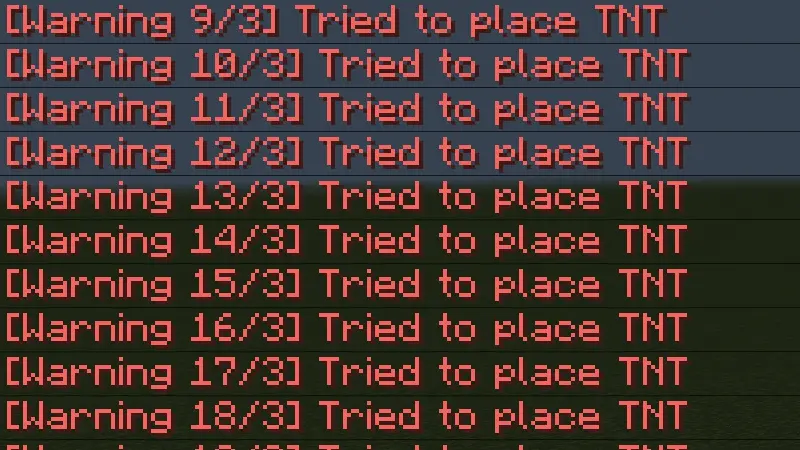
Building a home in Minecraft takes time. You gather materials, plan the rooms, put up walls, and eventually add the little details that make the place feel like yours. On a shared world, all of that work can be spoiled quickly if someone joins with the intention of causing trouble. ANTI GRIEFING is designed to help protect your Minecraft world from griefers, giving you a way to manage access while you play with other people.
The add-on can be useful for a world that several friends have been working on together. Perhaps you’ve built a village with separate houses, a shared farm, and paths connecting everything. Everyone has put time into the project, and you want new players to enjoy it without worrying about deliberate damage. With ANTI GRIEFING active, the host has a tool intended to help keep the world under control. That can be useful whether the world is a small place for friends or a larger project that more people visit.
The command /tag add @s admin is used to manage administrator access. Enter it in the game chat when setting up the add-on. The @s part refers to the player running the command, so pay attention to who uses it and who receives the admin tag. If you’re organizing a world for a group, it’s sensible to decide in advance which players should have administrator access. Give that responsibility to people you trust, particularly when the world contains builds that others have spent a long time creating.
Before inviting everyone into an established world, take a few minutes to test the add-on with another player. Try it in an area where you can safely experiment, and check what each player can and cannot do. That will help you understand how the protection behaves in your setup and explain it to the rest of the group. It’s also a good opportunity to make sure the people responsible for managing the world can still carry out the tasks they need to do.
A protected world can be used for more than a shared survival base. You might have an adventure map that you want visitors to explore, a creative world full of finished builds, or a central meeting area where players gather before a minigame. Those places often contain details that take much longer to build than they do to damage. Having an anti-griefing tool available can make it easier to welcome other players and focus on the activity you planned together.
Keep in mind that the available description does not specify every action the add-on blocks or guarantee protection against every kind of damage. Test the features that matter to your world, and keep a backup of anything you would be upset to lose. That way, you know what the add-on does in practice before relying on it for an important project.
Once you’ve imported ANTI GRIEFING and activated it in your world settings, use the admin command and check the setup with your group. After that, you can get back to building, exploring, and inviting people into the world you’ve created. Whether your project is a single house or a town that has grown over months of play, it’s worth taking a little time to look after the work everyone has put into it.
Installation Mod:
- Download the .mcaddon / .mcpack;
- Open the file to import into the game;
- In World Settings → Resource Packs and Behavior Packs, enable it (turn on Experiments if needed);
- Have fun!
Comments (0)