Locomotive in USA Mod / Addon
- 4-04-2026, 06:43
- 465
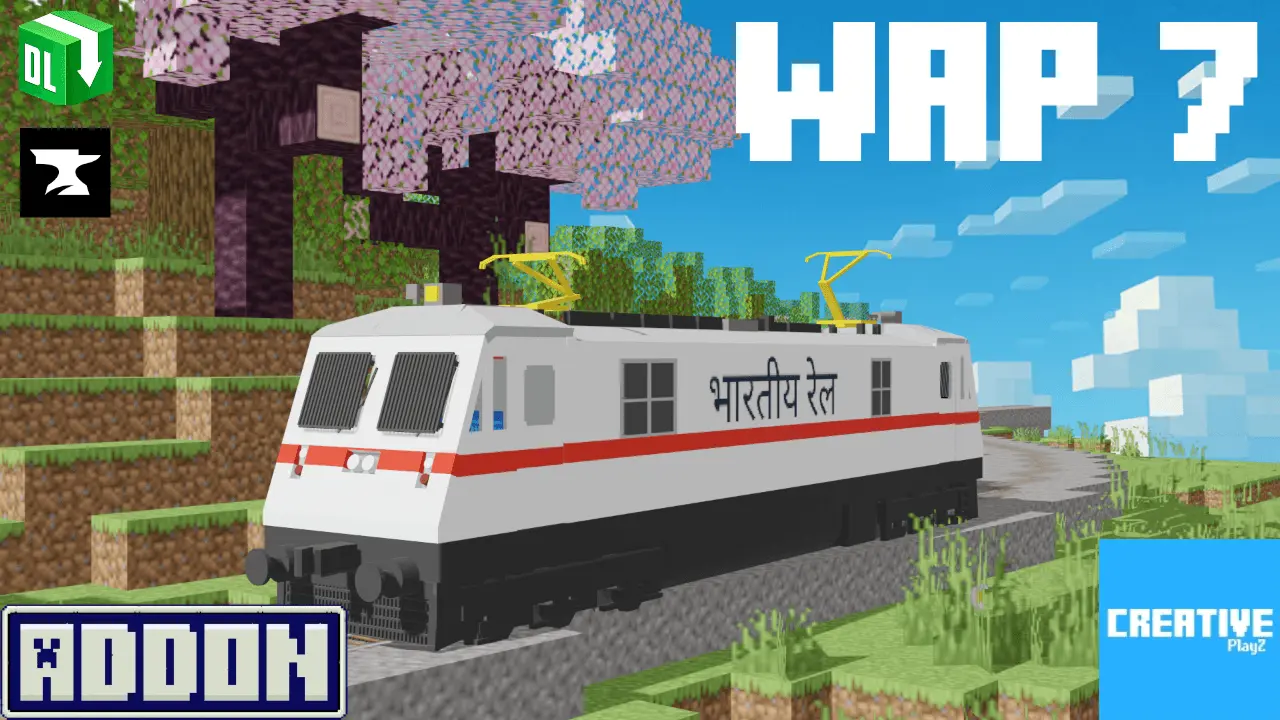
Locomotive in USA Addon is a real train, namely a locomotive for the game Minecraft Bedrock. A railroad cutting through a mountain valley looks impressive enough, but it feels a little empty when the only thing traveling along it is a tiny minecart. Locomotive in USA brings an American style locomotive into Minecraft Bedrock, giving railway fans something much more convincing to put beside their stations, industrial buildings, and sprawling transportation projects. If you've ever wanted your Minecraft world to resemble a real railroad town, this addon is a pretty interesting place to start.


I can already picture the scene: a dusty little settlement surrounded by wheat fields, a brick train station near the center, and a massive locomotive sitting beside the platform. The best part of adding a recognizable train to Minecraft is how many building ideas suddenly start making sense. That empty stretch of land behind your village could become a freight yard. The river crossing you've been meaning to finish could finally get a proper railway bridge. Even an ordinary warehouse looks more believable when there's a locomotive nearby. The addon focuses on introducing a train inspired by American railroads rather than an enormous collection of unrelated vehicles. That gives it a distinct personality, especially for players who enjoy realistic transportation builds. I'd probably spend the first afternoon making a station with wooden benches, a ticket counter, and enough room outside for a parking lot. Then I'd realize the tracks needed to go somewhere and accidentally start another project that takes the entire weekend.
American railroads have a particular look that works surprisingly well with Minecraft's industrial blocks. Dark stone, iron bars, brick walls, lanterns, and weathered wooden buildings can create a convincing setting without requiring a completely different texture pack. You could build a small mining town where the locomotive serves the nearby quarry, or create a larger city with railway infrastructure running between neighborhoods. A desert route would look great too, especially with long stretches of open terrain and a few lonely stations scattered along the way. For multiplayer builders, there's plenty of room to divide the work. Someone can handle the station architecture, another player can work on bridges and tunnels, and the person who claims to be an expert engineer can spend three hours arguing about where the tracks should turn. That's usually how the best community projects begin. The locomotive becomes a centerpiece that gives the surrounding world a purpose beyond simply looking nice in screenshots.
One thing worth knowing before planning a giant railroad network is that the download page keeps its technical description extremely short. It confirms the addition of a locomotive but doesn't explain the driving controls, passenger features, fuel system, or whether the train uses ordinary Minecraft rails. I wouldn't assume it behaves like other train addons until you've tested it yourself. Import the supplied Minecraft addon package, activate its resource and behavior packs in your world settings, and enable experimental options if your setup requires them. Start in a separate Creative world where you've got plenty of open space to examine the locomotive and figure out how it works. Once you're familiar with its features, you can decide whether it belongs in a working transportation system or as part of a detailed railroad scene. Either way, Locomotive in USA gives train enthusiasts a good excuse to start laying out stations, bridges, and entire towns around a classic piece of American railway machinery.
Installation Mod:
- Download the .mcaddon / .mcpack;
- Open the file to import into the game;
- In World Settings → Resource Packs and Behavior Packs, enable it (turn on Experiments if needed);
- Have fun!
Comments (0)