Epic RPG Evolution Mod / Addon
- 4-04-2026, 06:49
- 905
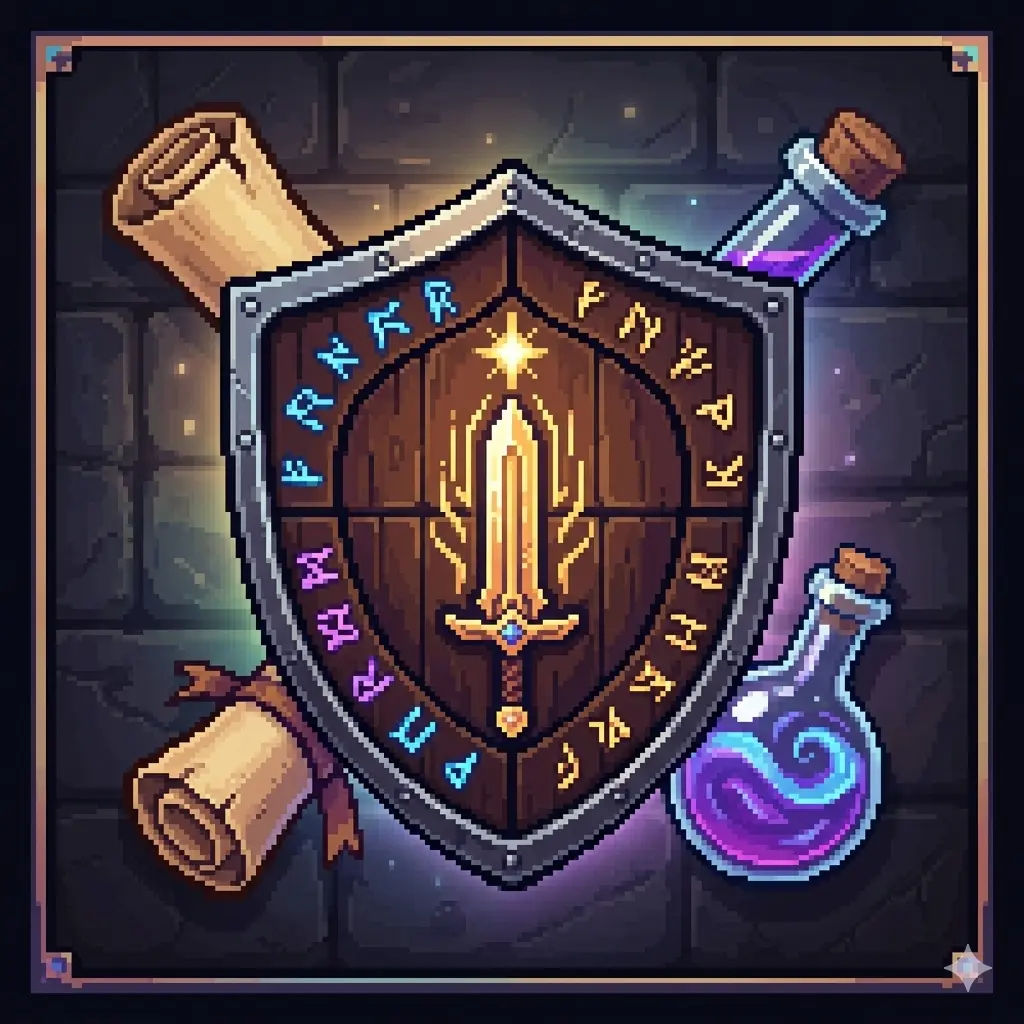
Epic RPG Evolution - RPG mod for Minecraft where you choose a class, level up, develop your stats, buy skills, and complete quests. Essentially, it turns regular survival into a role-playing leveling game with magic, ranks, gold, and its own combat system. The first night in a Minecraft world usually goes the same way: find wood, make a shelter, and hope you have enough food to last until morning. Epic RPG Evolution adds another question to that familiar start: what kind of character do you want to become? Prefer a bow? Try the Archer. There are also classes such as Assassin, Paladin, Necromancer, Druid, Samurai, and Engineer. You don’t have to know exactly how you want to play before you begin, but it helps to think about what you enjoy. If you usually keep your distance from a creeper, a ranged playstyle may feel more comfortable than rushing in with a sword.
Your class is only the beginning. As your character earns experience and gains levels, you can improve attributes including Strength, Health, Agility, and Intelligence. Someone who spends a lot of time in close combat may want to pay attention to health and strength. A player interested in magic has other choices to consider. The best way to understand the system is to spend some time fighting, exploring, and trying your abilities. When you return from a difficult trip, you’ll probably have a good idea of what you wish your character could do better.
Skills can be purchased with gold, and using magical abilities requires mana. That makes a fight more involved than simply hitting an enemy until it disappears. You might want to use an ability early to deal with a dangerous opponent, or save your mana because there are more mobs waiting farther down the cave. There’s no need to rush into the toughest encounter as soon as you unlock a skill. Try it against an enemy you know, see how it feels, and then decide where it belongs in your usual approach.
If you’re unsure what to do next, the quest board gives you a place to look. Its hunting tasks come in different ranks and offer rewards for completing them. A quest can turn a short journey away from home into a clear objective: find the target, deal with the fight, and return with experience and gold. The gold has a use beyond unlocking abilities, too. An in-game shop offers equipment, food, and other supplies, so you can decide whether to spend your earnings now or save them for something you want later.
Progress is also reflected in your rank. You start near the bottom and work toward higher tiers as your character develops. It’s satisfying to look back after a while and see how much has changed: the enemies that once sent you running may feel manageable, and you’ll have more options when a fight doesn’t go to plan. There are raid bosses to summon as well, giving you a bigger challenge to work toward. Take time to prepare your gear and supplies before trying one, particularly if you’re still learning how your class works.
Playing with friends opens up some interesting possibilities. You can each choose a class that suits you, complete quests, and compare the skills you unlock. One person might spend their gold on an ability they’ve been waiting for, while another buys equipment for the next trip. Even when you’re working toward the same goal, your characters can develop in different directions.
Epic RPG Evolution gives you something to work on alongside your usual survival projects. Build the base you want, gather materials for your equipment, and then head out to earn another level or finish a quest. Whether you settle on a favorite class straight away or try something unfamiliar, there’s room to make the adventure your own.
Installation Mod:
- Download the .mcaddon / .mcpack;
- Open the file to import into the game;
- In World Settings → Resource Packs and Behavior Packs, enable it (turn on Experiments if needed);
- Have fun!
Comments (0)