Quicker Color Picker Mod / Addon
- 4-04-2026, 10:36
- 557
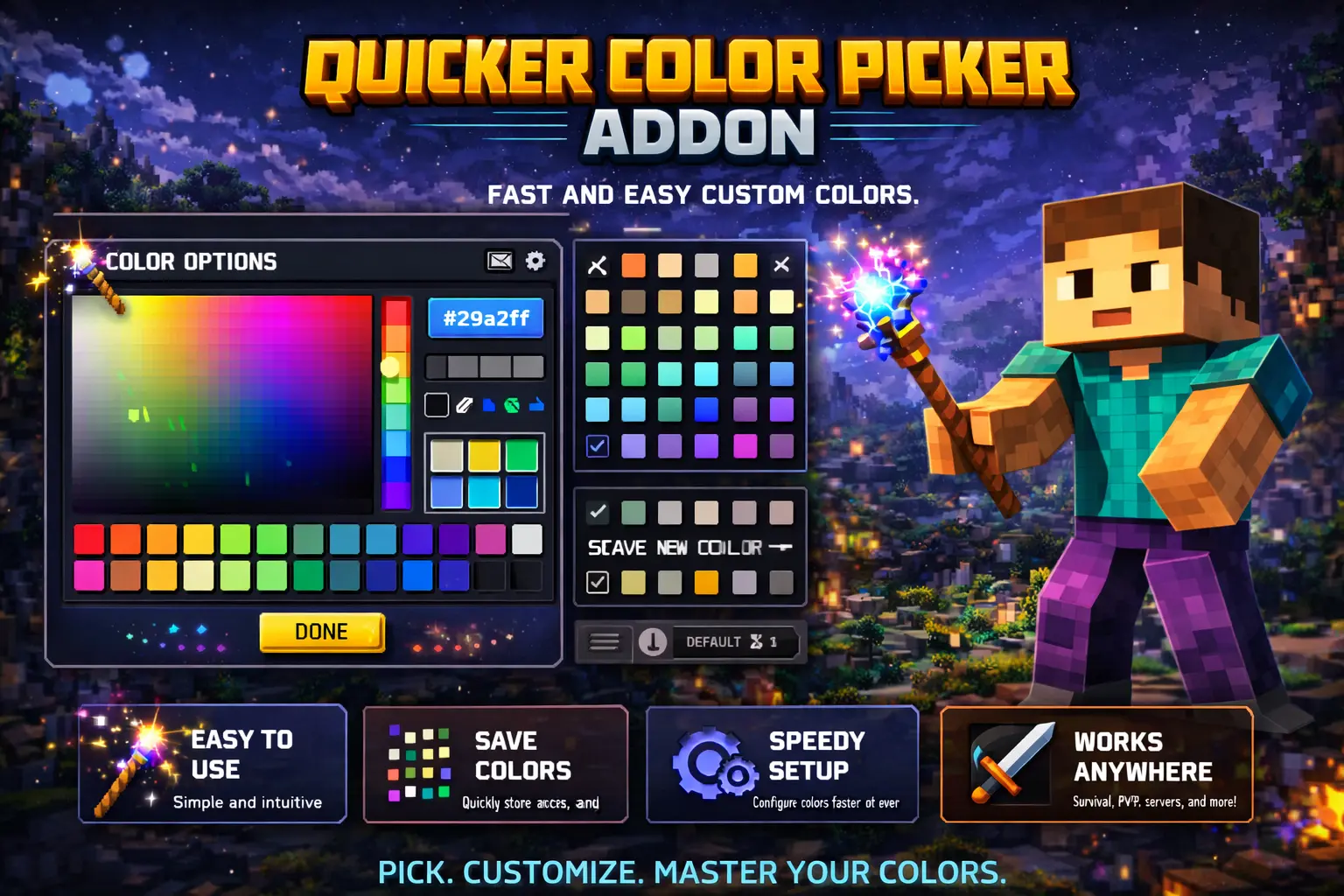
Quicker Color Picker Block Mod gives you a useful ability to quickly select the color of blocks in Minecraft. Suitable for games, construction, map creation. Picking colors for a Minecraft build can take longer than expected. You find a block that looks right in the inventory, place it next to the rest of the wall, and suddenly it seems too bright. Then you try another one, step back, replace it, and repeat. Quicker Color Picker makes that part of building easier by giving you a way to select blocks by color and create simple block palettes in your world.
A palette is useful when you have a general idea but haven’t settled on the materials yet. Suppose you’re planning a house with a blue roof. You might want a pale shade for the main surface, something darker around the edges, and another block for small details. Instead of trying to remember how each block looked on its own, you can put a palette together and compare the options side by side. The same approach works for a stone wall, a garden path, or a colorful floor. Seeing the blocks together often makes it easier to spot a combination you wouldn’t have considered while scrolling through the inventory.
Creating a palette starts with choosing a point and a side of a block. The side you select determines the direction in which the palette is built. Hold the build or interact button, move your view toward the point where you want the palette to end, and release the button. Once it’s there, you can look at the selection in the world rather than judging each material from a small inventory icon. Try placing your palette near the area you’re working on: the surrounding blocks can help you decide whether a color belongs in the build or stands out more than you intended.
The color picker gives you another way to look for a suitable block. Interact with a block to open the picker, then hold the build or interact button to move its sliders. When you’re finished, press the X to close the menu. It’s a straightforward way to explore colors while you’re already in the middle of building. If the first shade doesn’t look quite right, adjust the selection and keep looking until you find something you want to try. The add-on helps you choose from blocks; it doesn’t mean that every block can be painted any color you like.
For larger projects, having a few palettes nearby can make decisions much less frustrating. You could put together one for the outside of a castle and another for its interior, then check how the colors relate before committing to a design. Map makers might use the same process when choosing materials for different areas: warmer colors for a village, colder shades for a snowy location, or a distinct set of blocks for each part of a minigame. Even if you already know which blocks you want to use, seeing them together can help you decide where a darker accent or a lighter border would look best.
Creative players who enjoy experimenting may get the most immediate use out of the tool. There’s room to try an unusual combination, compare it with a safer choice, and change your mind before building an entire wall. It can also be handy when returning to an unfinished project after a break: make a small palette based on the blocks already in the build, then use it to find materials for the next section. You can spend less time searching through individual blocks and more time working out what you actually want the finished place to look like.
To get started, import the add-on and activate its resource and behavior packs in your world settings. Then choose a place where you have room to test some colors and make your first palette. It doesn’t have to be a large or elaborate project—a small room, a roof, or a path is enough to see how useful it can be to compare blocks before placing them throughout a build.
Installation Mod:
- Download the .mcaddon / .mcpack;
- Open the file to import into the game;
- In World Settings → Resource Packs and Behavior Packs, enable it (turn on Experiments if needed);
- Have fun!
Comments (0)