Squid Game Mod / Addon
- 26-09-2025, 12:25
- 1 074
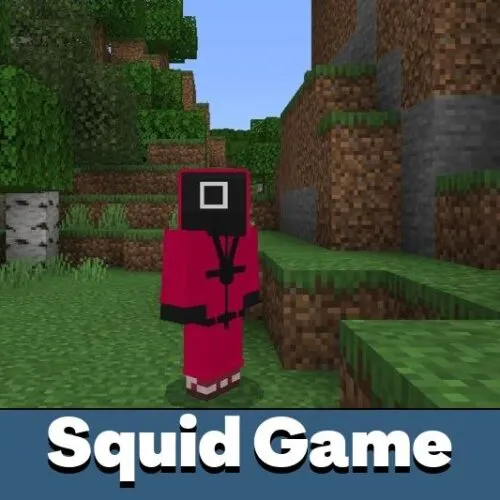
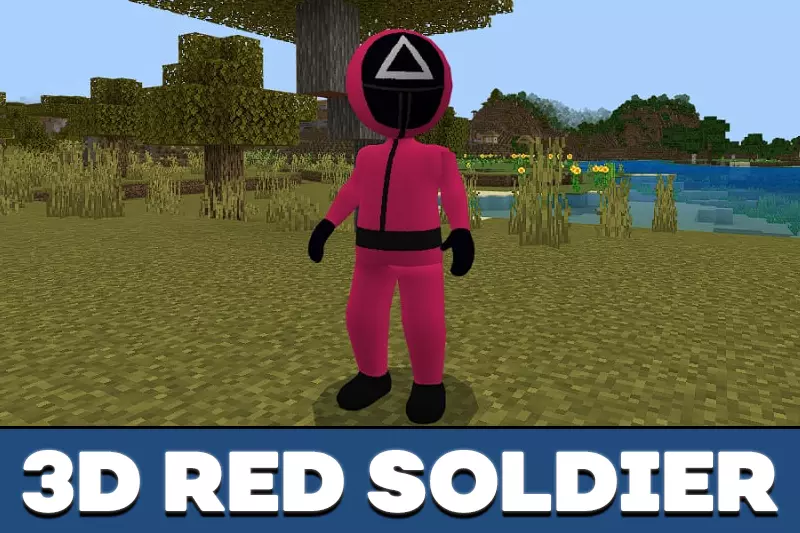
Squid Game Mod — a straight shot of chaos for Minecraft Bedrock where the series’ enforcers and set pieces crash your survival run. You gear up in the green overalls like the rules demand, the game starts, and the robot doll immediately goes hostile. She storms your position, lobs fire, and turns any open field into a kill zone while that famous tree looms over the arena. Meanwhile red fighters sweep the area and 3D soldiers with unique models hunt you down on sight. It’s loud, messy, and way more intense than a normal night in Bedrock.
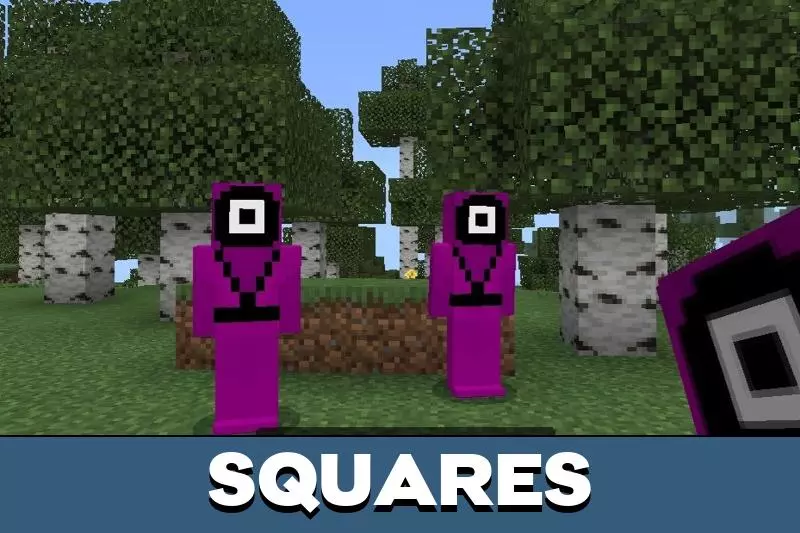



The giant doll has spotted you, red guards are closing in, and your hiding place suddenly feels way too small. Squid Game brings familiar faces from the series into Minecraft Bedrock, turning a quiet patch of your world into a survival challenge.
The doll is the star of the show here, and she’s got more than a creepy stare to worry about. She can attack with fireballs, so standing around in the open is a risky move. Find cover, watch where you’re going, and be ready to move when things get heated. The addon also brings in red-clad fighters and soldiers, giving you more enemies to deal with while you’re trying to stay out of the doll’s reach.
Fans of the series will recognize the green contestant outfits, too. Put one on if you want to look the part while taking on the guards or staging your own Squid Game scenario. The addon’s description also mentions character outfits and weapons, giving you some options for setting up a themed game with friends. Check the available items after installing it to see what you can use in your world.
Want to make a proper event out of it? Build an arena with a starting line, an open area, and a few places to hide. Then invite your friends, add the Squid Game characters, and agree on the rules before anyone starts running. One player could organize the challenge while everyone else tries to reach the other side. You can keep it simple or add obstacles of your own, depending on how chaotic you want the round to get.
The doll and guards can also be used outside an arena. Set up a challenge near a village, build a small compound to escape from, or see how long your group can survive against the addon’s enemies. If you’re playing in a survival world you care about, make a copy before experimenting with hostile mobs and fireballs. That way, you can try out your ideas without risking the base you spent all weekend building.
To install the Squid Game addon, download the .mcaddon file and open it with Minecraft. Activate the imported pack in your world settings, then load up a world and explore the new content. A creative test world is a handy place to meet the characters and check the items before bringing them into a bigger multiplayer session. Whether you’re building a game inspired by the show or just want a dangerous new encounter, keep an eye on that doll. She’s a lot less intimidating on the other side of a screen.
Moment to moment you’re playing pure survival under pressure. Sprint for cover the second the round starts, break line of sight, and use structures as heat shields while the doll targets you. If the patrols box you in, bait them wide and cut back to shelter; they’re weaker than a boss but absolutely not harmless. With friends it turns into a proper event: one player calls movements, two scout for safe lanes, and someone always watches the doll’s windup so the squad doesn’t get cooked.
The cosplay side is legit. The mod includes full outfits for the main characters and matching weapons so you can stage clean screenshots or themed runs. If you want to kit up fast, you can grab items with /give @s pa: and jump straight into a round. Spawning soldiers from the add-on lets you build your own scenarios—defend a village, run manhunts, or set up a makeshift arena and see who lasts longest before the doll finds them. It all stays within Minecraft Bedrock’s flow: equip the suit, start the game, find shelter, survive the waves. If you’ve been
Installation:
- Download Mod;
- Use Minecraft
- Open the downloaded file to install;
- Select it in the settings;
- Have fun!
Comments (0)