Quick Deposit Mod / Addon
- 27-09-2025, 10:11
- 1 118
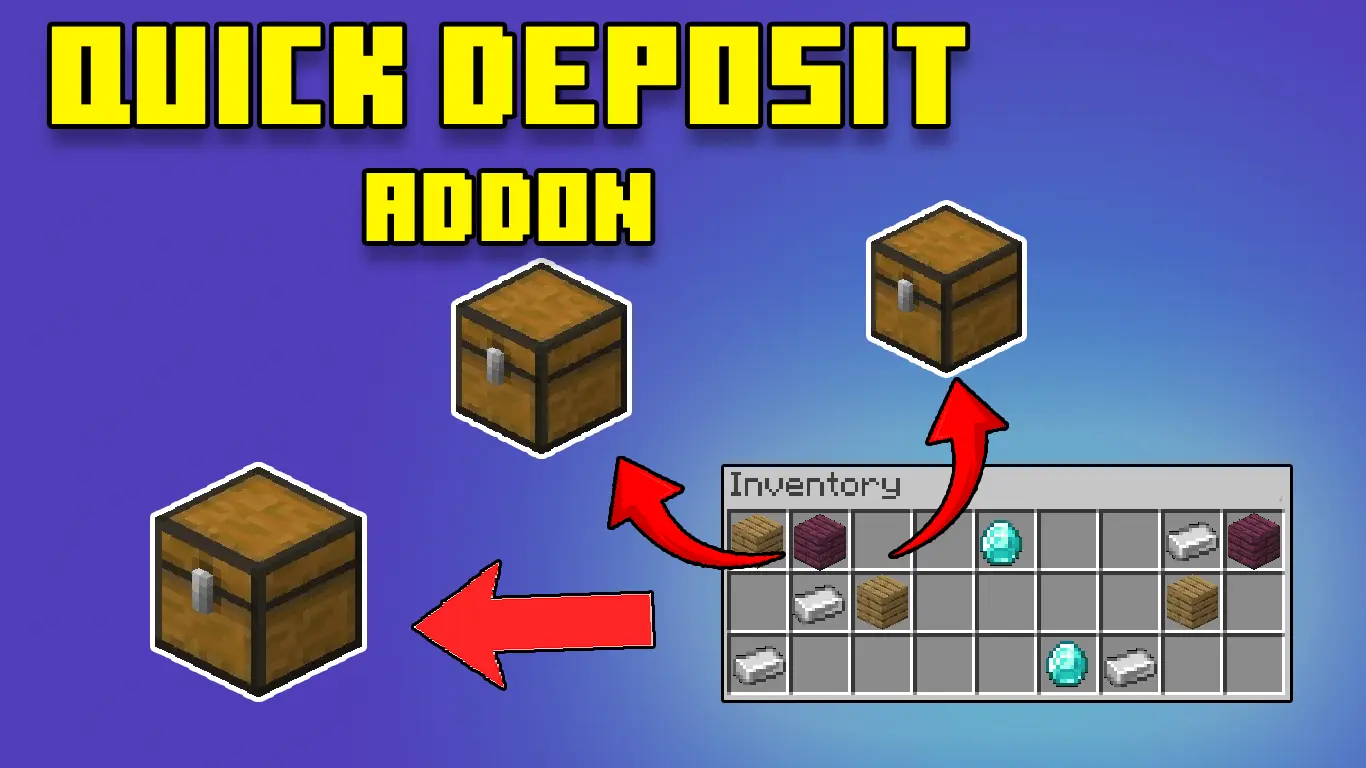
Quick Deposit Mod — the fastest way to clear your pockets in Minecraft Bedrock without turning your base into a chest-juggling nightmare. You craft the “Quick Deposit” item, pop it on your hotbar, and let it do the smart work: it scans for chests and only moves items that already match what’s inside. If a chest has oak planks and you’re holding oak planks, boom—your stack slides in. Nothing random, nothing lost, just clean transfers that respect your sorting.
The two modes make it click. Multiple mode is the default and it’s the post-run hero: within a 5-block radius, every chest gets topped up with any matching items you’re carrying. I use it after mining or a big building session—walk into the storage room, tap the tool, watch the inventory breathe again. When you need precision, look at a chest to switch the item to single mode, crouch, and deposit into that one box only. That’s perfect for specialty bins like redstone parts, food, or raid drops you don’t want scattered.

Your mining haul is great until you have to sort every last stack. Quick Deposit gets matching items into storage so you can get back to playing.
The Minecraft Bedrock add-on gives you a craftable Quick Deposit item that moves things from your inventory into containers already holding the same items. Say you’ve got oak planks in your pockets and a chest at home with oak planks inside: the tool can put them together for you. The matching rule makes your existing storage setup useful instead of asking you to build a whole new system. Keep a chest for cobblestone, another for wood, and one for the supplies you bring back from a cave trip. When you return with more of those materials, the deposit item helps put them with their matching stacks. You’ll still want to decide where new items belong and make sure your containers have room, but the routine of opening chest after chest gets a lot shorter. It’s especially handy after one of those trips where you come home carrying a little bit of everything.
There are two modes to choose from. Multiple mode is the default and checks surrounding chests within a five-block radius, making it a good fit for a compact storage room. Walk into your base after a long building session, use the item, and matching materials can go into nearby storage together. If you want to deal with one container instead, look at a chest to switch to single mode, then sneak while using the item to deposit into that chest. That gives you a more focused option when you’re working beside a particular supply box. The tool supports regular single and double chests as well as shulker boxes, so it has uses beyond the rows of chests in your main base. Keep a shulker box for a building project, for example, and use it to put away matching materials when you’re done working.
A little organization up front makes the add-on much more useful. If a chest already contains the material you want to store there, Quick Deposit has a match to work with. An empty chest won’t tell it where your new collection of blocks belongs, so place the first items yourself and build your system from there. You can arrange a storage room around the five-block range, keeping the containers you use most often close together. For a bigger base, consider where you stand when depositing and use single mode when you only want to work with one chest. Before all that, craft the Quick Deposit item; the recipe can use any type of planks. The download page provides the recipe image if you need the full layout. Once you’ve got the tool, toss it onto your hotbar and take it with you. Your next return from a resource run can end with a quick stop at storage instead of a long round of inventory management.
In practice it feels like a tiny sorting assistant riding shotgun. Finish a cave dive? Your cobble goes to bulk, ores to smelt chest, wood to supplies, all without menu wrestling. Mid-build, you stop hoarding filler blocks because topping off is painless. On realms, it keeps community storage sane since Quick Deposit never shoves random stuff where it doesn’t belong—it only stacks into what’s already there.
Setup is dead simple: craft the Quick Deposit item, keep multiple mode for broad sweeps, flip to single when you want surgical drops. No gimmicks, no laggy magic—just a slick, survival-friendly way to keep your Minecraft Bedrock base tidy and your hotbar ready for the next run.
Installation:
- Download Mod;
- Use Minecraft
- Open the downloaded file to install;
- Select it in the settings;
- Have fun!
Comments (0)