Advanced Compass Mod / Addon
- 12-10-2025, 10:03
- 1 370
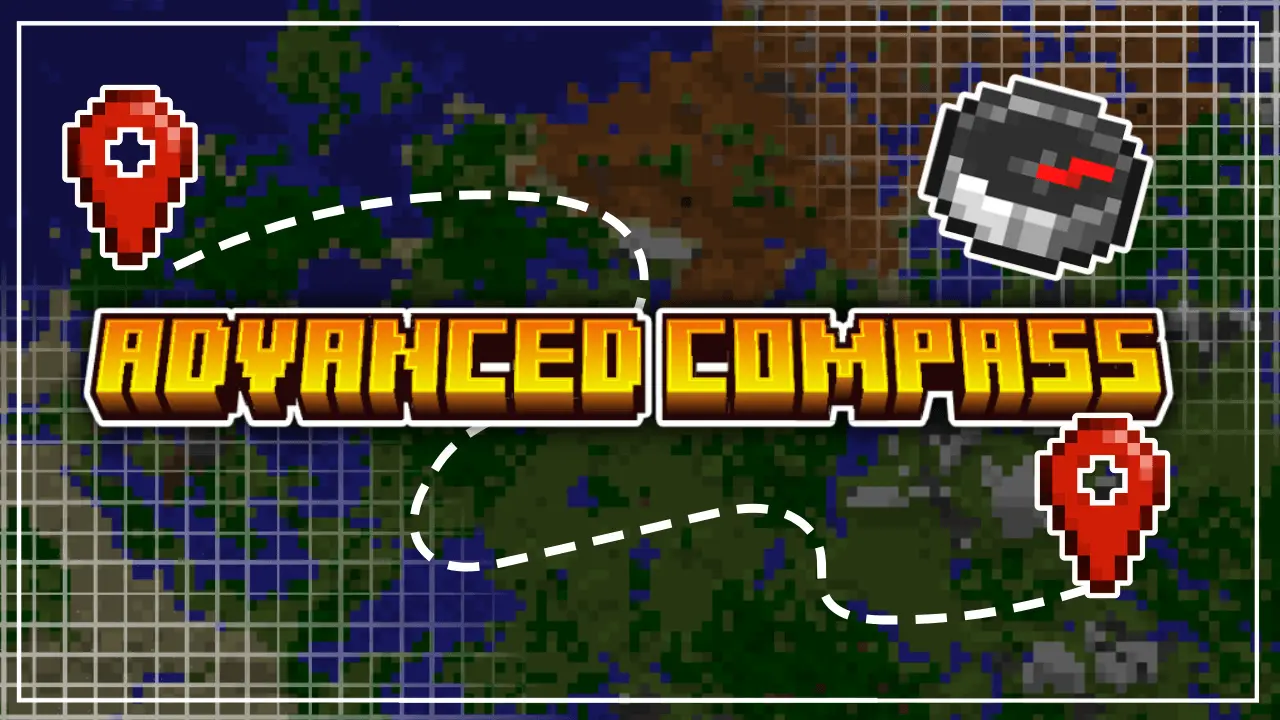
Advanced Compass Mod — turns the humble compass into a real navigator, the kind you actually trust on long runs. Pop the compass and a simple menu opens so you can choose exactly what to follow: your Home, any custom waypoint you’ve saved, or your Last Death if a bad jump or creeper pop ended the streak. Once you lock a target, a floating distance meter hovers in-world and ticks down as you move, so you steer by feel instead of staring at pause screens or spamming coordinates in chat. No teleports, no cheats—just clear bearings and clean numbers in Bedrock.
Out in survival, it changes the loop immediately. Sprinting home at dusk from a deep cave? Select Home and ride the meter through the trees without second-guessing. In the Nether, where every corridor looks the same, set a waypoint for your hub and aim straight down tunnels while lava bubbles on the other side of the wall. After a wipe, pick Last Death and beeline to your gear before the despawn timer even gets your heart rate up. Waypoints are saved per dimension, so your Overworld base, Nether hub, and End raid routes don’t step on each other, and the overlay stays lightweight enough for realms without getting in the way of combat or building.


You found the perfect spot for a base, wandered off to explore, and now every mountain looks exactly the same. Advanced Compass gives you a way back without turning your survival world into a teleporting free-for-all.
This Minecraft Bedrock add-on makes your compass a lot more useful. Open its menu and you can choose to track your home, a saved waypoint, or the spot where you last died. Once you pick a destination, a floating distance display updates as you move, giving you a sense of whether you’re heading the right way. You still have to make the trip yourself, but at least you won’t spend half the night circling the same forest.
Home tracking is especially handy when a quick resource run turns into a full-blown expedition. Maybe you went looking for a little iron, found a massive cave, and emerged on the other side of a mountain with your inventory stuffed full. Select Home on the compass, check the distance, and start making your way back. You’ll still need to deal with cliffs, rivers, and whatever comes out after sunset, so bring enough food for the journey.
Custom waypoints are great for places you plan to revisit. Save the location of a promising mine, a village you want to explore later, or the portal that leads back to your main base. The add-on saves home locations and waypoints separately for each dimension, which makes it useful in the Nether and the End as well as the Overworld. If you’ve ever lost your Nether portal after taking one too many turns through a tunnel, you’ll appreciate having a way to find that route again.
Then there’s Last Death, the option you’ll probably be happiest to see after a disastrous fight. Instead of trying to remember which cave entrance you used or where that creeper caught you off guard, select your last death location and follow the tracker. It won’t collect your dropped gear or clear the mobs guarding it, though. You’ll still need to get there, stay alive, and recover what you can before your items despawn. Keep some spare food and basic equipment at home for those emergency trips.
Advanced Compass keeps navigation simple: choose a destination, watch the distance, and travel there on your own terms. It’s a good fit for survival players who enjoy exploring but don’t enjoy writing down coordinates every five minutes. The add-on is described as achievement friendly and supports the Overworld, Nether, and End. After installing it, enable the pack in your world settings, open the compass menu, and set a destination before your next trip. Once you start marking the places that matter, even a long detour feels a lot less risky.
Because it’s achievement friendly, you keep your legit progress while enjoying modern navigation—no command blocks, no weird scripts, just smarter travel. It’s a UI/QoL add-on, so it won’t mess with drops, damage, or progression; it simply gives you a proper tracker and the feedback you need to stop getting lost. If you want directions that feel natural and a compass that finally earns a hotbar slot, Advanced Compass Mod is the upgrade your world’s been missing.
Installation:
- Download Mod;
- Open the downloaded file to install;
- Select it in the settings;
- Have fun!
Comments (0)