[Essentials] Dynamic Lights Mod / Addon
- 14-10-2025, 04:55
- 1 363

[Essentials] Dynamic Lights Mod lets your light actually move with you. Hold a torch, lantern, glowstone, or any of 35+ supported vanilla items and the cave around you brightens on the spot—no spam-placing torches just to see three steps ahead. Mobs can glow too: blazes, glow squids, allays, and even anything that’s currently on fire will cast light, so travel reads naturally as you push through the dark. It slots cleanly into Bedrock packs; the author built it to play nice alongside other add-ons and textures rather than fight them.
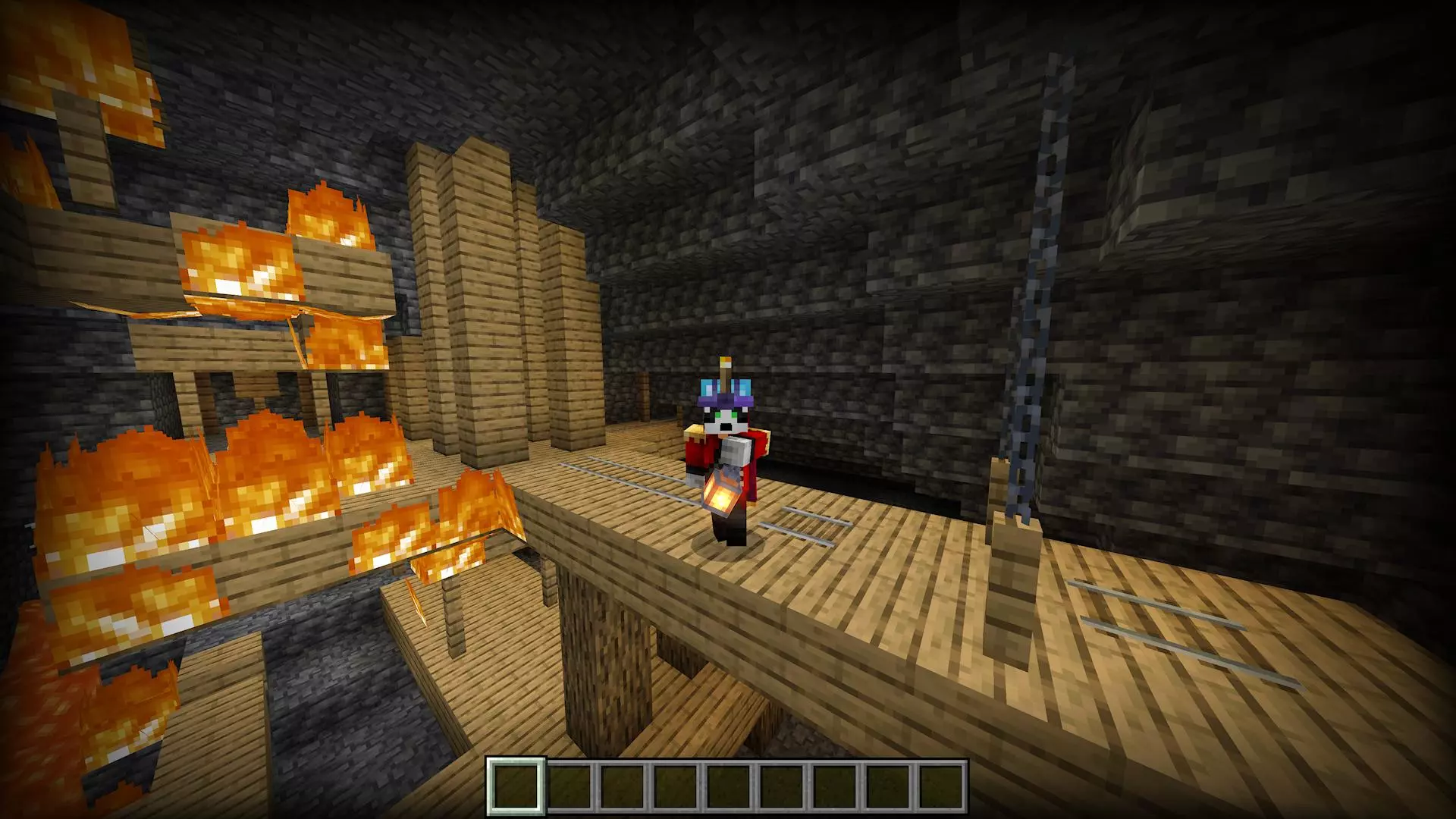
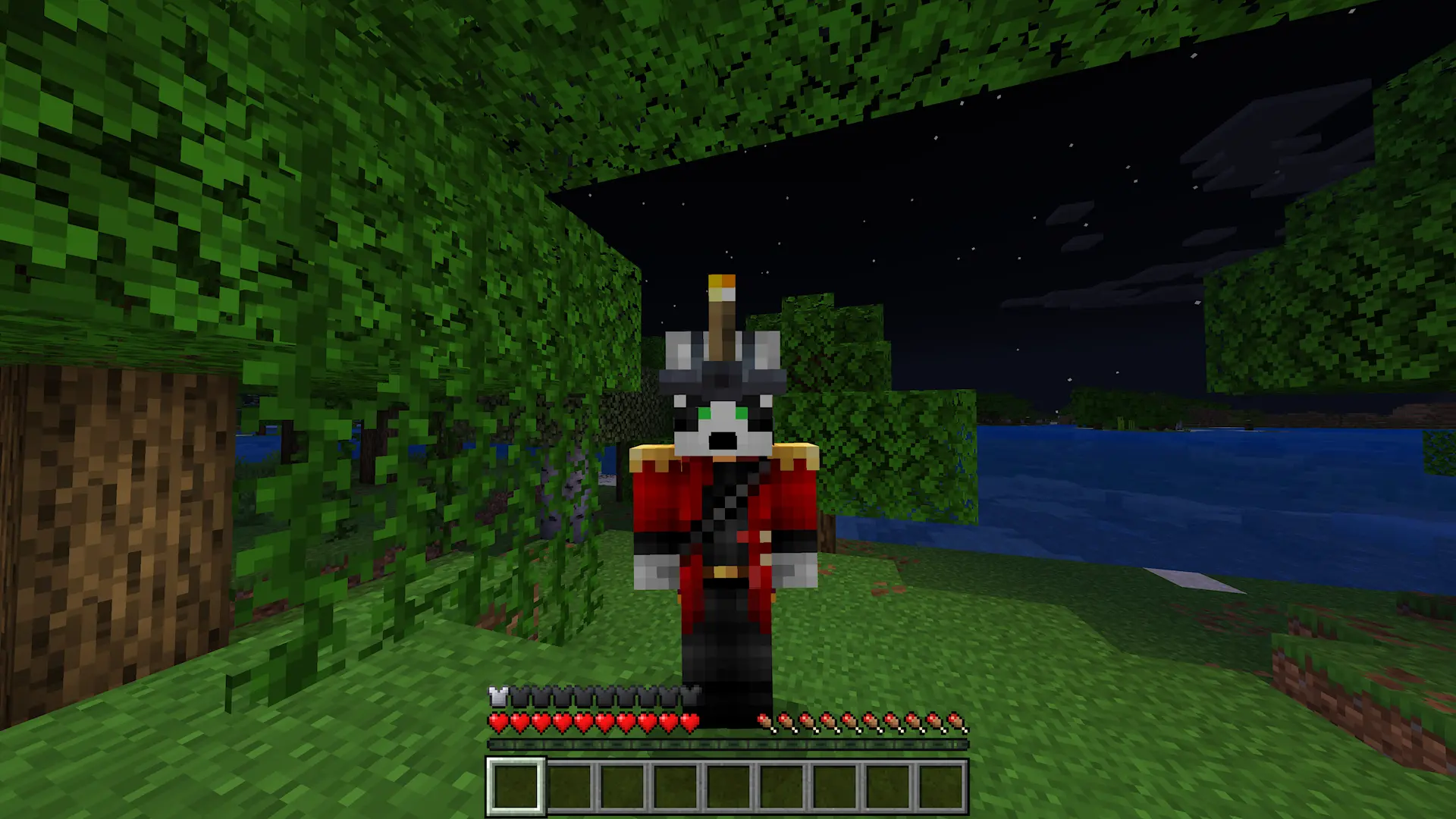
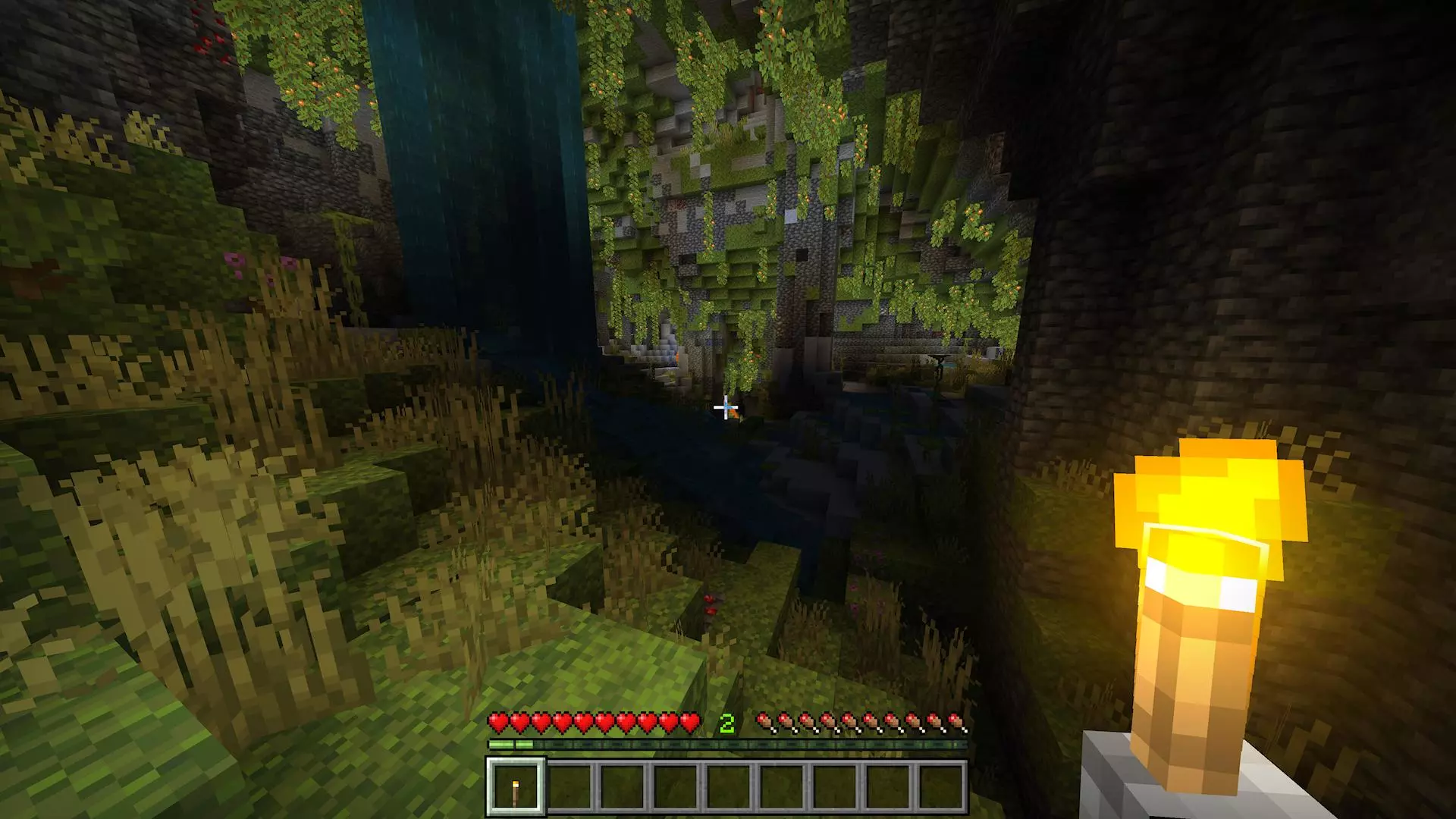
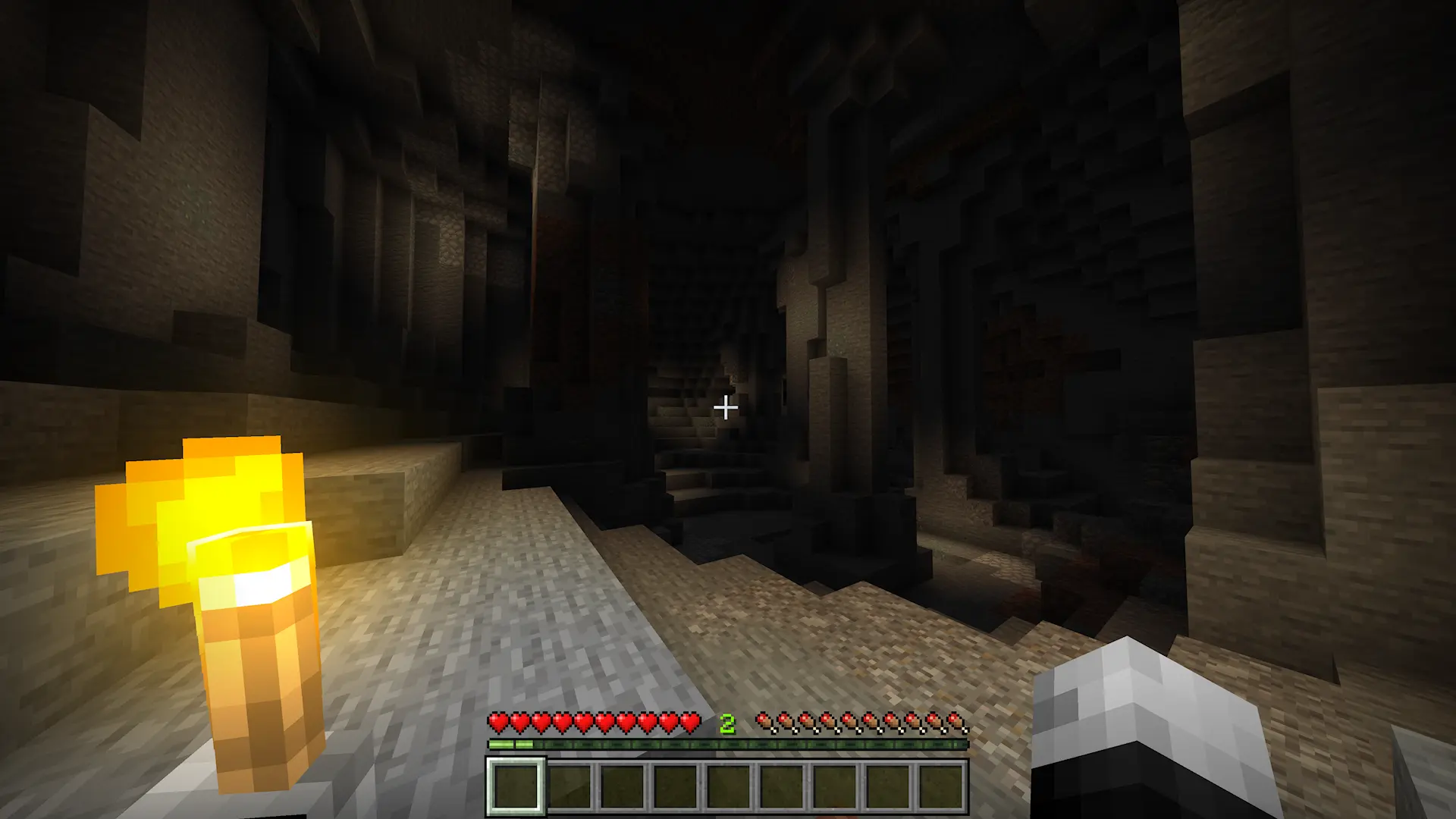
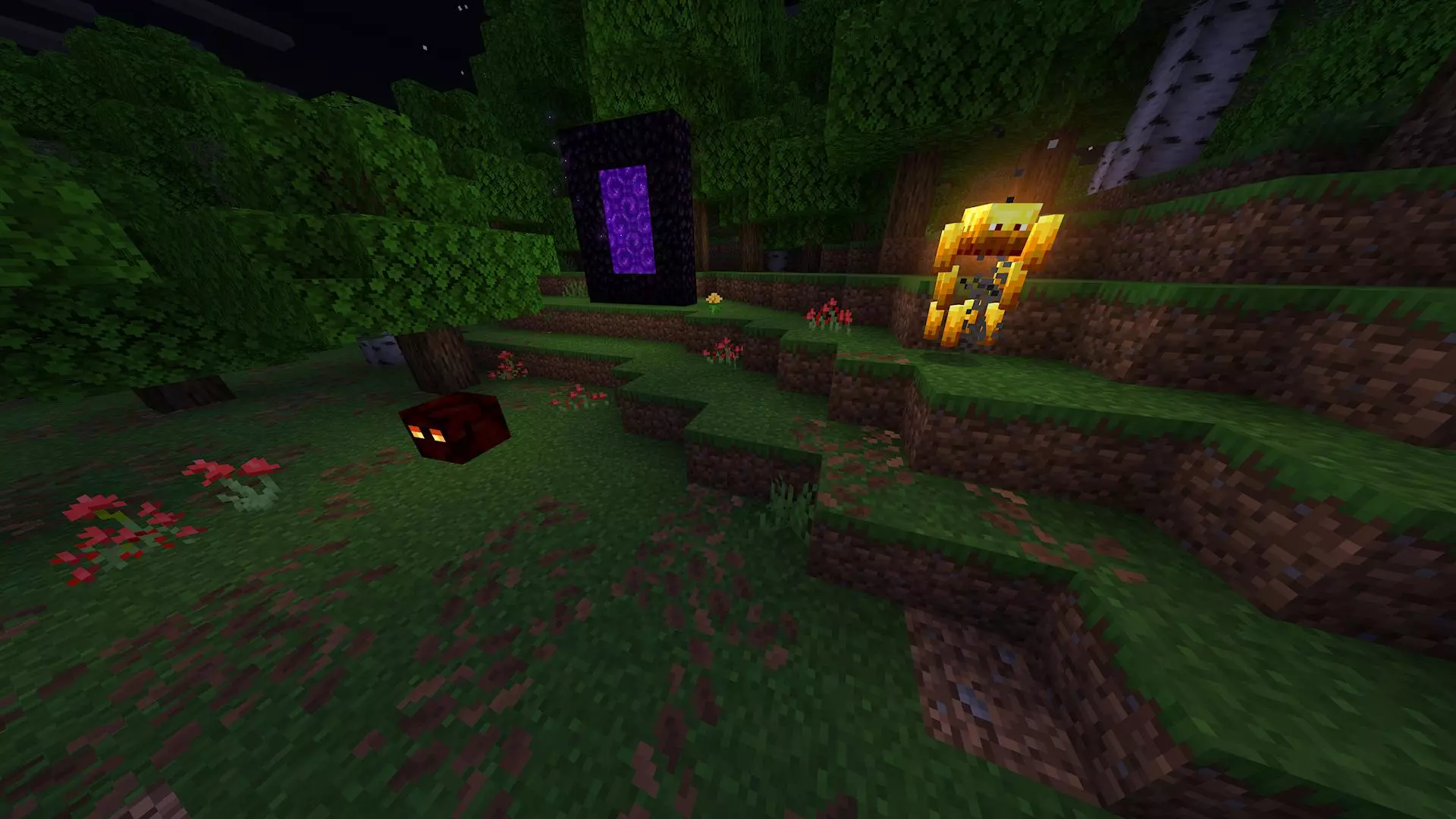
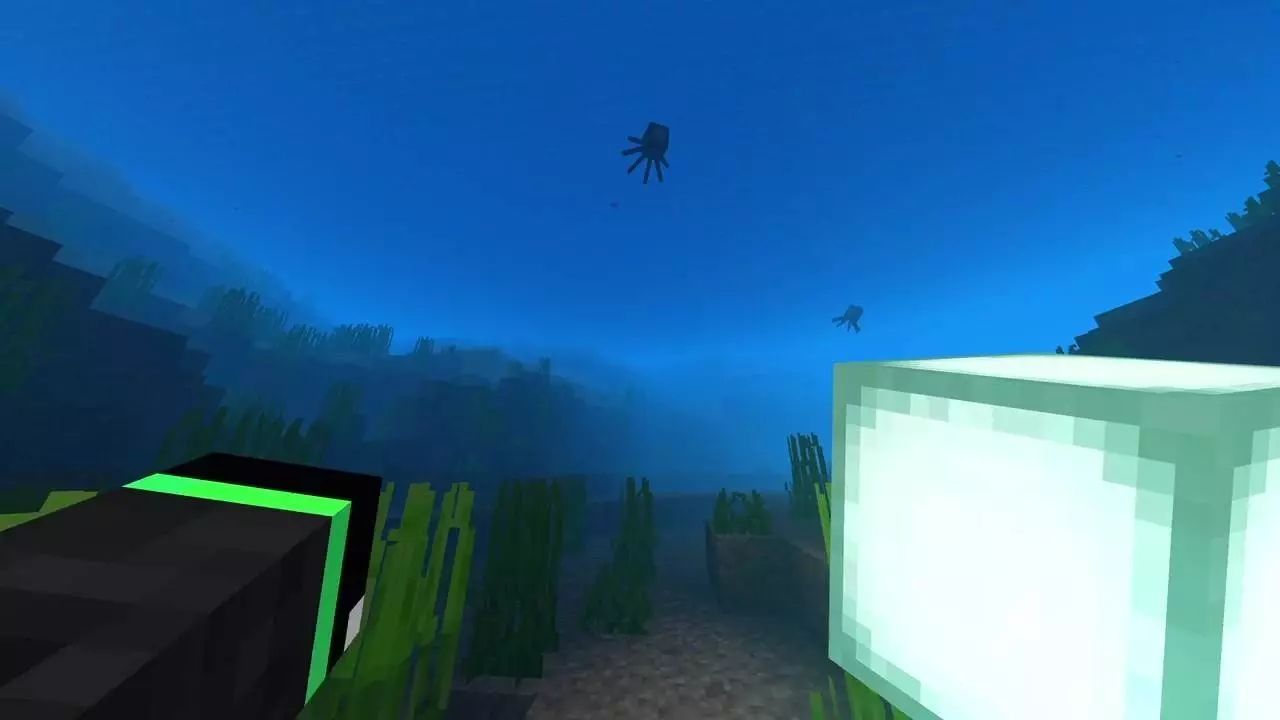
The cave drops away ahead of you, and your last placed torch is already behind you. With Essentials Dynamic Lights, the torch in your hand lights the way as you move.
This Minecraft Bedrock add-on makes familiar light sources useful without placing them first. Hold a torch, lantern, or another supported glowing item and the space around you brightens as you travel. That makes it easier to peek down a side tunnel, check the edge of a ravine, or search for the next safe step without covering every wall with torches. More than thirty vanilla items are supported, so the torch isn’t your only option. Try a lantern for a different look or experiment with the glowing supplies you already carry. The light follows the item, which means the area behind you becomes dark again as you move away. If you want a tunnel, base, or route to stay lit after you leave, you’ll still need to place permanent light sources. The handheld glow is a handy way to explore first and decide where those lights should go.
Keeping a light in your offhand makes the add-on even more convenient during a mining trip. Crouch and use the interaction button to swap a supported light item into that slot, then keep your pickaxe ready while the area around you stays visible. It’s a small change that makes scouting a cave feel much less stop-and-start. You can walk toward an ore vein, look around for hazards, and decide whether it’s safe to mine without changing items every few seconds. The moving light is useful above ground, too: bring a lantern while checking on a build after dark or carry a torch when you’re trying to find your way back to a path. You can still place torches to mark important turns, which helps when you return later without retracing every step.
Players aren’t the only moving light sources. Blazes, glow squids, and allays can emit light, as can entities that are on fire. Seeing that glow move through the darkness adds a nice bit of atmosphere, whether you’re watching a glow squid underwater or dealing with a blaze in the Nether. The add-on also includes a Performance setting intended for lower-end devices, so check it if your game struggles while dynamic lighting is active. To install the linked pack, import and enable both its behavior and resource packs in your world settings. Once you’re ready, grab a torch and visit a cave you know well. Walk down the passage without placing anything and watch the light move with you; then put a torch on the wall where you want the route to stay visible for the trip home.
Out in survival, the difference shows up immediately. Drop into a dripstone shaft with a torch in hand and you can scout side tunnels without committing a full torch line. Glide over ocean at night with a lantern and watch the waterline appear as you pass. In the Nether, a single handheld light makes narrow bridges less of a guess. When you need both hands, a quick off-hand swap keeps the beam up while you mine, build, or block—no clunky menu dance. Burning mobs lighting up arenas adds a small tactical read: you’ll spot threats by their glow before they round a corner.
Performance matters, so there’s a built-in Performance setting for lower-end devices. Dial it in when you’re running crowded farms or big co-op sessions, then bump it back up when you’re exploring solo. No new items, no progression tweaks—just responsive light that respects how you already play on Bedrock. If you’ve ever wished the cave around you reacted the moment you raised a torch, [Essentials] Dynamic Lights Mod finally makes that feel right.
Installation Mod:
- Download the .mcaddon / .mcpack;
- Open the file to import into the game;
- In World Settings → Resource Packs and Behavior Packs, enable it (turn on Experiments if needed);
- Have fun!
Comments (0)