Fours Scuba Goggles Mod / Addon
- 17-10-2025, 08:28
- 759
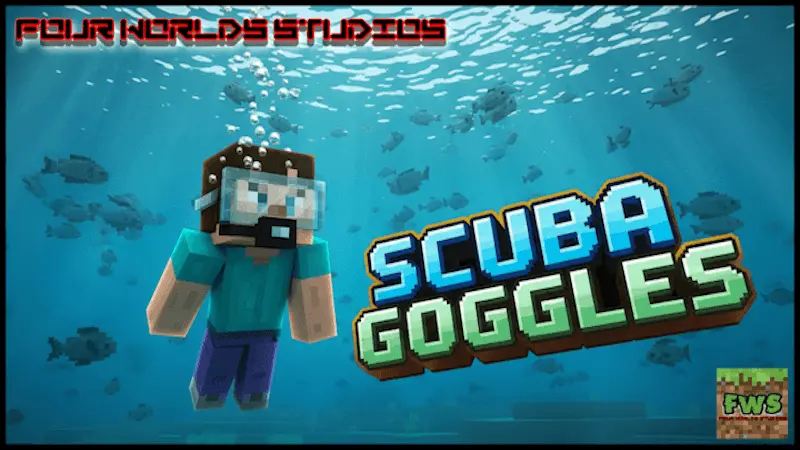
Fours Scuba Goggles Mod — slip the goggles into your helmet slot and the water stops feeling like blue fog. Stones on the river floor sharpen, kelp lines separate instead of blending into a wall, and the outline of a shipwreck appears before you’re right on top of it. It’s a small change with a big payoff: you spend less time guessing at shapes and more time choosing routes, spotting chests, and reading the bottom like a real map.
Crafting is simple—no late-game grind—so you can make a pair early and keep them by the door with your boat. They’re perfect for quick jobs: a morning swim to trace clay and gravel bands, a careful pass along a warm ocean to check coral shelves, or a quiet trench crawl where you follow ore veins that would’ve vanished in the murk. On stormy days, the difference is even clearer; waves and glare don’t steal the whole view, and you can track drowned outside your swing range before they drift close.

You spot the outline of a shipwreck below your boat and dive in for a closer look. With Scuba Goggles equipped, the ocean floor becomes a lot easier to make out.
This Minecraft Bedrock add-on introduces craftable goggles for players who spend time exploring rivers and oceans. Wear them in your helmet slot before diving, and you can get a clearer view of the terrain beneath the surface. That makes it easier to pick out the shape of a wreck, follow the seabed, or find your way around a patch of kelp. It’s a useful bit of equipment to keep nearby if your base is close to the water and you’re always heading out to see what’s offshore.
A clearer view can make searching for underwater structures much less frustrating. Instead of swimming straight down and hoping you land near an entrance, take a moment to look over the wreck and plan your approach. Find an opening, note where the surface is, and keep an eye out for drowned while you explore. If you find a chest tucked inside the hull, it’s a lot easier to return for it when you know which side of the wreck you entered from.
The goggles are handy for quieter jobs, too. Maybe you’re looking for a good place to build a dock, collecting materials along a riverbed, or trying to find a route through a kelp forest. Put them on and take a proper look around before you start digging or placing blocks. Builders working on an underwater base can use the improved view to check the shape of the surrounding terrain and decide where a window or entrance would look best. A glass room facing a reef sounds much better when you can actually enjoy the view.
The available descriptions differ on whether the goggles also provide underwater breathing. One describes clearer vision, while another says they help prevent drowning, so test the version you install in shallow water before relying on it for a long dive. Keep an eye on your air bubbles until you know how the goggles behave, and remember that they occupy the helmet slot. You may want your usual helmet back when the trip takes you away from the water and into a fight.
The download includes separate behavior and resource packs. Import both, enable them in your world settings, and check your version’s crafting recipe once you’re in the game. Then pick a stretch of coastline you haven’t explored and go see what’s down there. Whether you’re scouting for a new build or checking a shipwreck for loot, Scuba Goggles give you a good reason to take another look beneath the surface.
The best moments are the little wins. You line up a chest shadow inside a broken hull, surface once for air, then drop straight in without fumbling around in bubbles. You skirt a ravine lip and pick the safe ledge because you can see the drop instead of learning it the hard way. Nothing flashy—no gimmick skills, no combat changes—just clean visibility that makes underwater play feel deliberate. Craft the goggles, wear them when you head for the shore, and the ocean stops being a blur and starts being a place you can actually work.
Installation Mod:
- Download the .mcaddon / .mcpack;
- Open the file to import into the game;
- In World Settings → Resource Packs and Behavior Packs, enable it (turn on Experiments if needed);
- Have fun!
Comments (0)