VoltNetworks Skyblock GUI Mod / Addon
- 12-11-2025, 10:30
- 913
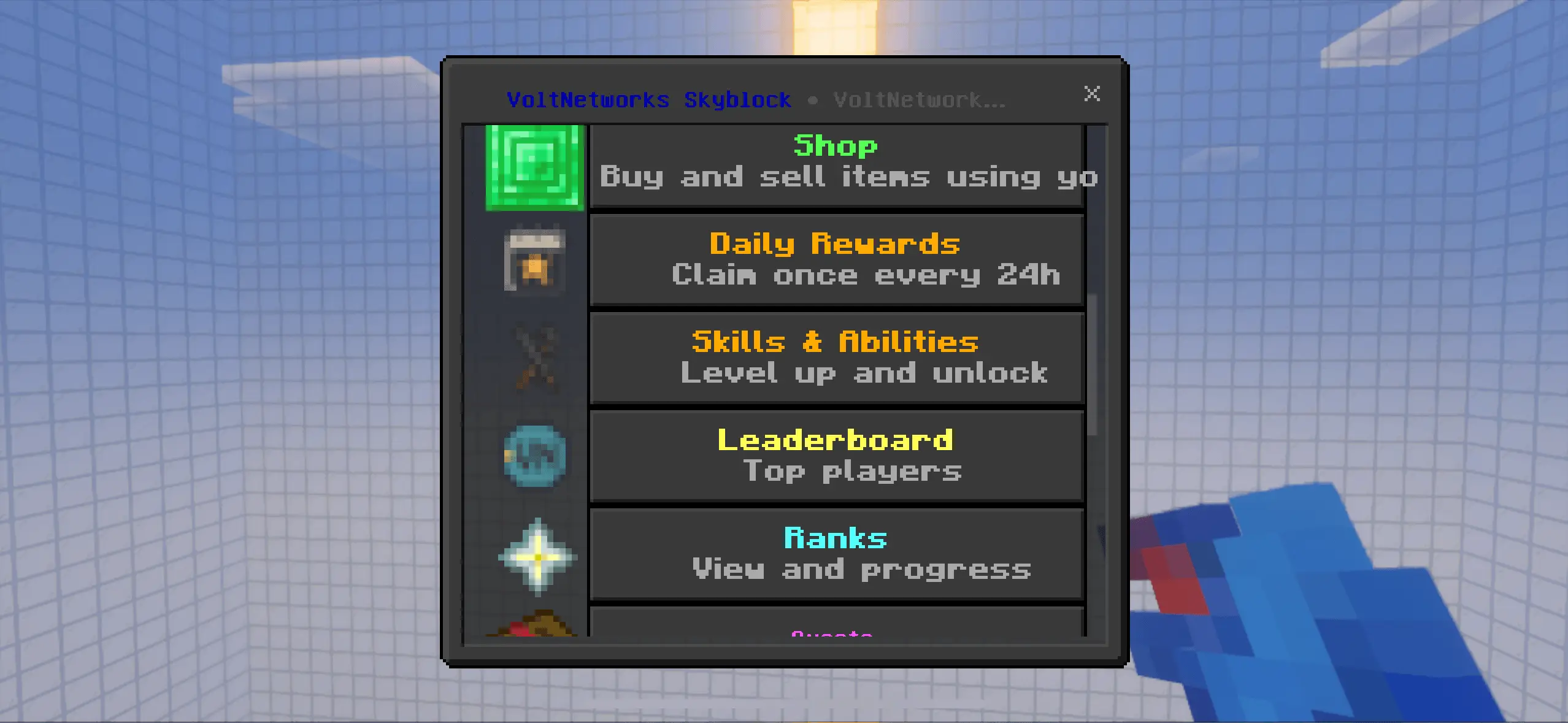
VoltNetworks Skyblock gui Mod turns the classic “tree-on-a-rock” start into a full progression loop you can actually live in. Spin up a fresh island through a polished UI, then push upgrades from the same menu instead of juggling commands or datapack lore. The addon tracks your climb from early cobble and crops to late-game automation, and it does it without the usual stutter—its command logic and scripting are tuned to stay snappy even when the server’s busy.
Day to day, it feels like running your own little micro-realm. You open a menu, queue island upgrades, pick player perks, and interact with a lightweight economy system that gives your grind purpose. Sell what you’re good at, buy what you’re short on, and keep the flywheel turning. It’s all built for groups, so your friends can spin up neighboring islands and you can race progress paths or specialize roles without stepping on each other’s toes.
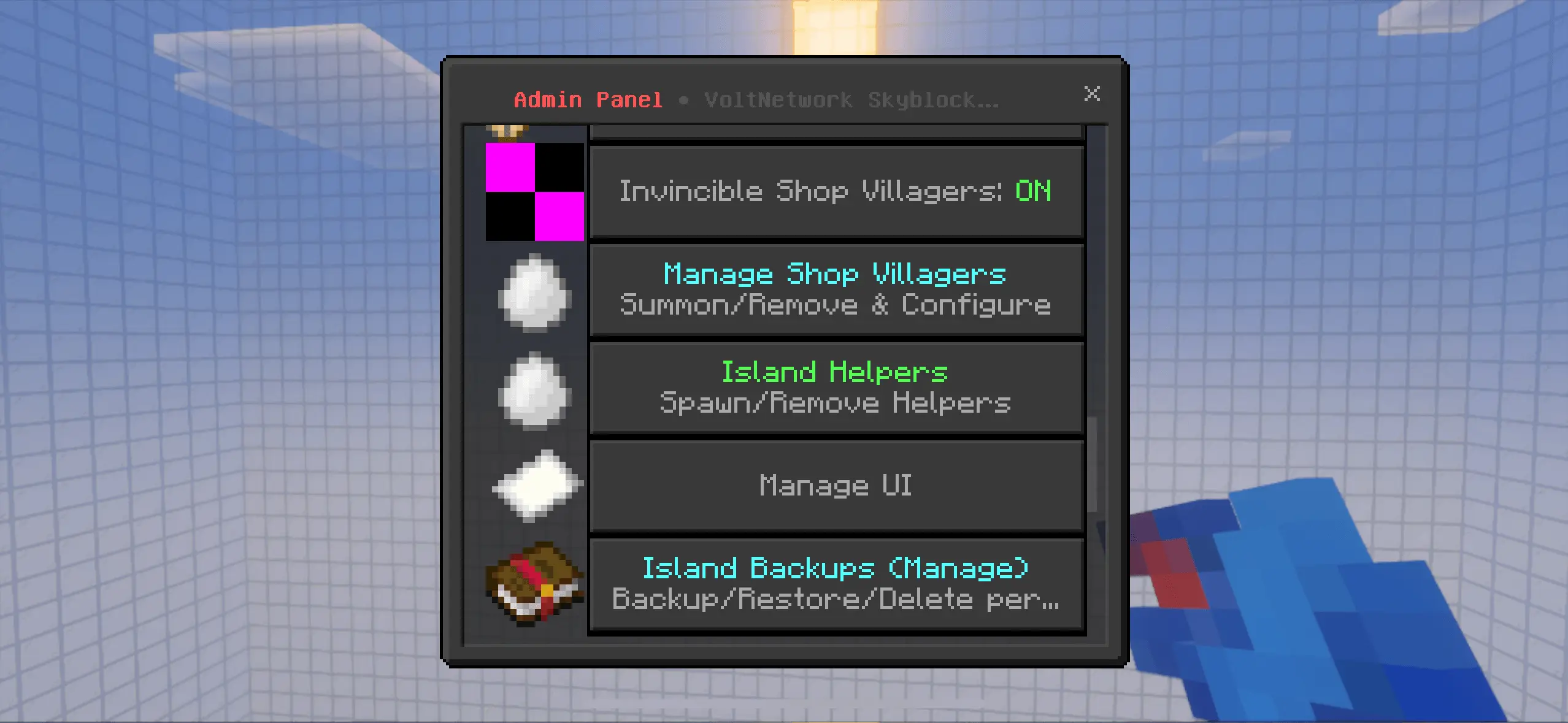
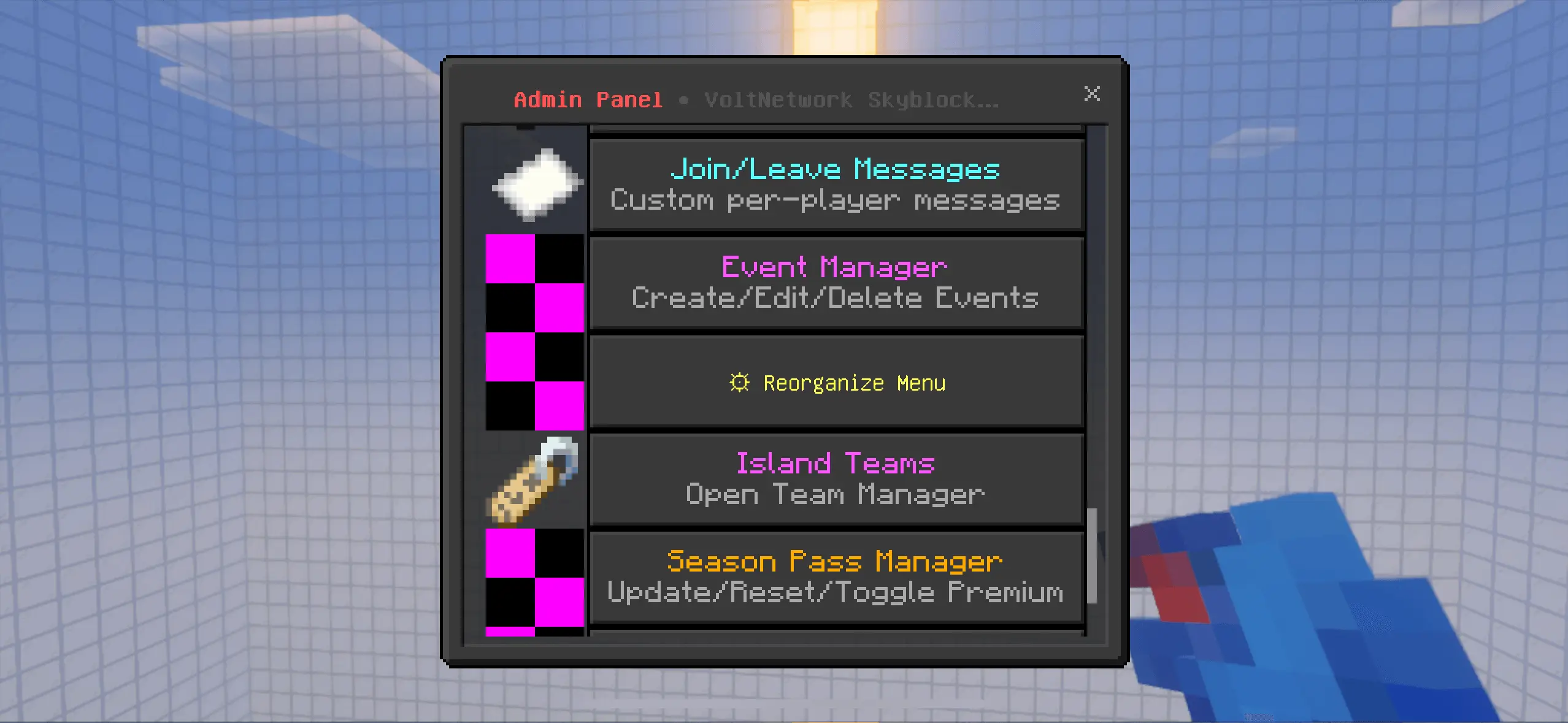
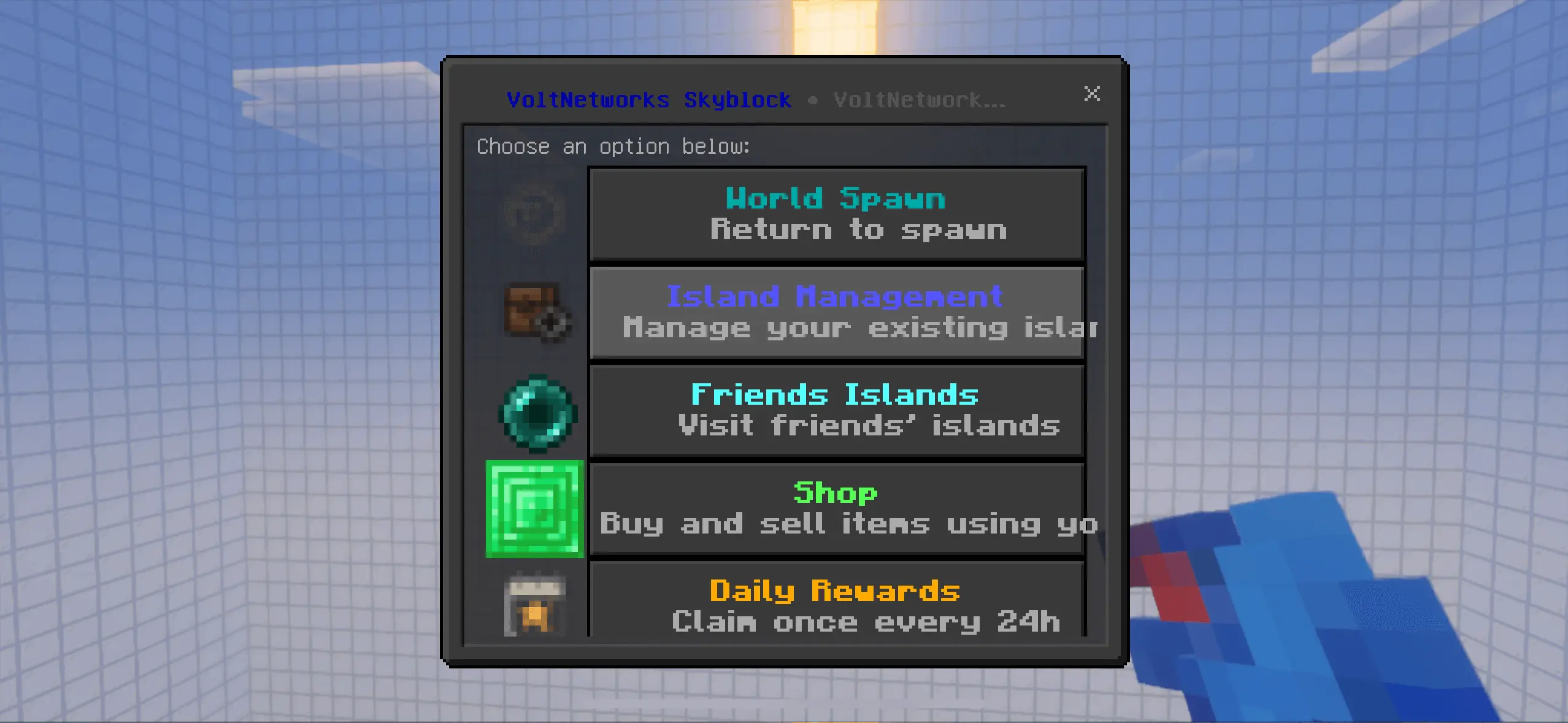
Your Skyblock island starts small, but the plans for it don’t have to. VoltNetworks Skyblock GUI gives you menus for managing your island, shopping for supplies, and working toward upgrades as your little patch of land grows.
The add-on brings a menu-driven Skyblock system to Minecraft Bedrock, with a focus on multiplayer worlds and Realms. You can create an island and use the Skyblock Compass to open its interface. There’s also a function command for opening the menu if you need it. Once you’re in, the interface gives you a place to look through island controls and other systems without trying to remember a long list of commands. Start by getting familiar with your island and its supplies, then decide what you want to work on first.
The shop and economy add another goal to your usual Skyblock routine. Check the shop categories and prices as you play, then decide which resources are worth selling and which ones you’d rather keep. A successful farming session feels even better when it helps pay for the next addition to your base.
Island upgrades give you something to aim for beyond the first wooden platform. The project description includes options for expanding your island and improving generators, with additional features depending on the add-on version. That makes it worth checking the menus before you commit your space and resources. You could build a small crop area first, leave room for storage, and plan where a larger generator setup might go. Once the island starts filling up, an expansion can give you more room to turn those early projects into a proper base.
The add-on is also designed with groups in mind. Friends can work on their own islands, compare progress, or invite others to help with a shared project. Member roles and permissions are described as part of the island system, so look through the available settings before giving visitors access to your builds and containers. There are also quests and ranks intended to give players goals as they mine, farm, and earn money. Some features may depend on the version you install, so check what’s available in your menus.
Import the add-on, activate its packs in your world settings, and open the Skyblock interface to get started. Take care of the basics first, then pick an upgrade or project to work toward. A few blocks suspended over the void can become a surprisingly busy place once the whole group has plans for it.
The best part is how stable it stays under load. This isn’t a “works great with two people” kind of pack—the backbone is optimized for big lobbies and Realm play, tested to run clean with a hundred players online. No exotic setup, no weird experiments, just a modern Skyblock experience that respects your time. If you want Skyblock with real structure—menus that make sense, upgrades that matter, and performance that holds—VoltNetworks Skyblock gui Mod is the server-ready way to do it.
Installation Mod:
- Download the .mcaddon / .mcpack;
- Open the file to import into the game;
- In World Settings → Resource Packs and Behavior Packs, enable it (turn on Experiments if needed);
- Have fun!
Comments (0)