Pick Up Display Mod / Addon
- 26-01-2026, 13:10
- 790
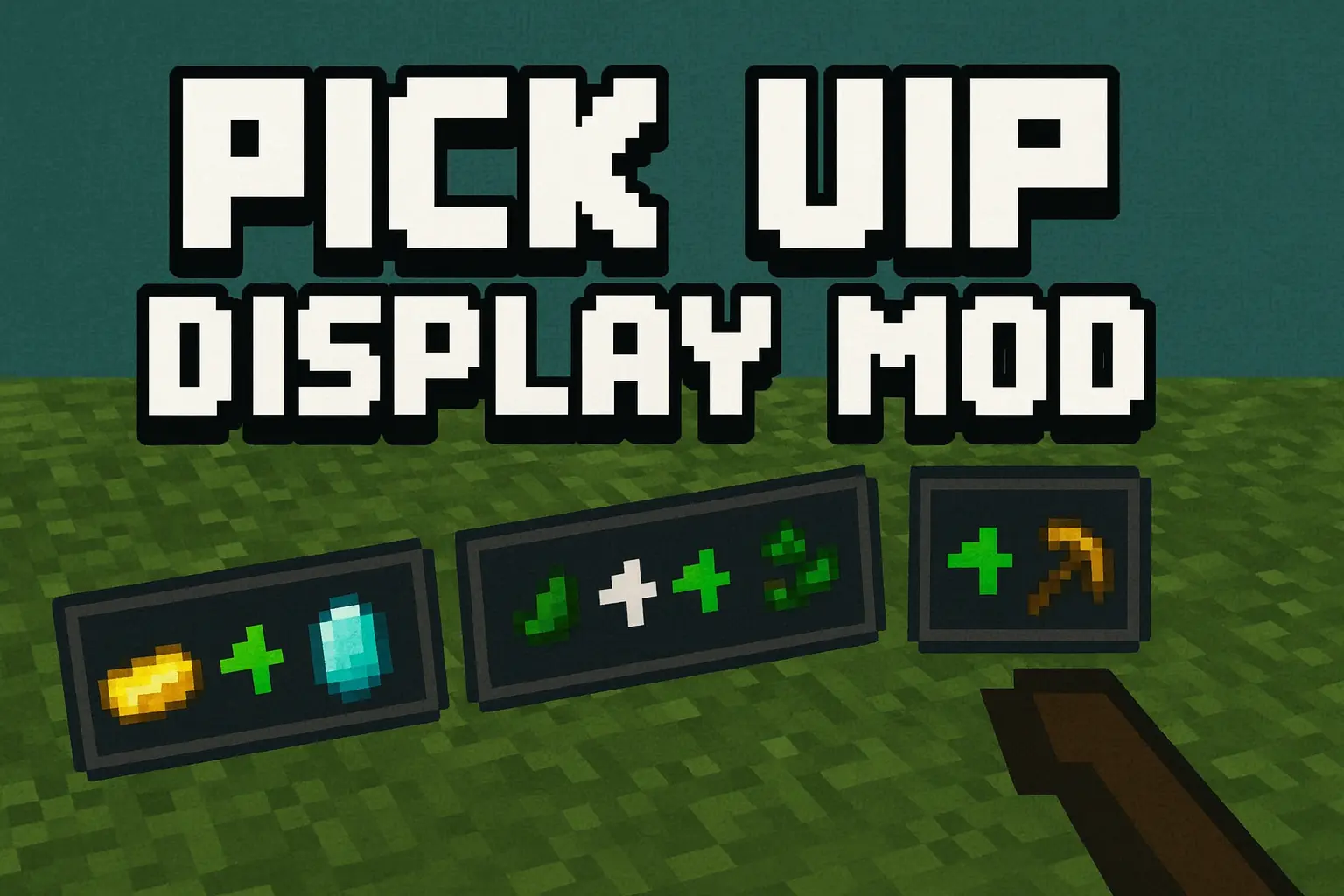
Pick Up Display Mod is one of those tiny helpers that you instantly get used to and then never want to play without. Every time you walk over loot, mine blocks, or scoop drops from a mob farm, a small display pops up in the bottom-right corner showing what you picked up and how much of it you got. No more guessing if that rare drop actually landed in your inventory or got burned, despawned, or yoinked by someone else.

It’s especially nice in fast-paced situations: clearing dungeons, running through caves stacked with ores, or grinding mob farms where items are raining in nonstop. Instead of constantly opening your inventory mid-fight, you can just glance at the pickup hub and keep moving. The screen stays clean and minimal, so it doesn’t feel like a giant mod overlay slapped on top of the game.
If you want to tweak things, you can open the mod’s config menu with /config or /pud:config. From there you can adjust how the system behaves for your world or server and keep the pickup feed feeling helpful, not spammy. It’s a simple idea, but it makes your survival runs and grinding sessions way more readable and satisfying.
Installation Mod:
- Download the .mcaddon / .mcpack;
- Open the file to import into the game;
- In World Settings → Resource Packs and Behavior Packs, enable it (turn on Experiments if needed);
- Have fun!
Comments (0)