Wither expansion Mod / Addon
- 18-11-2025, 17:30
- 781
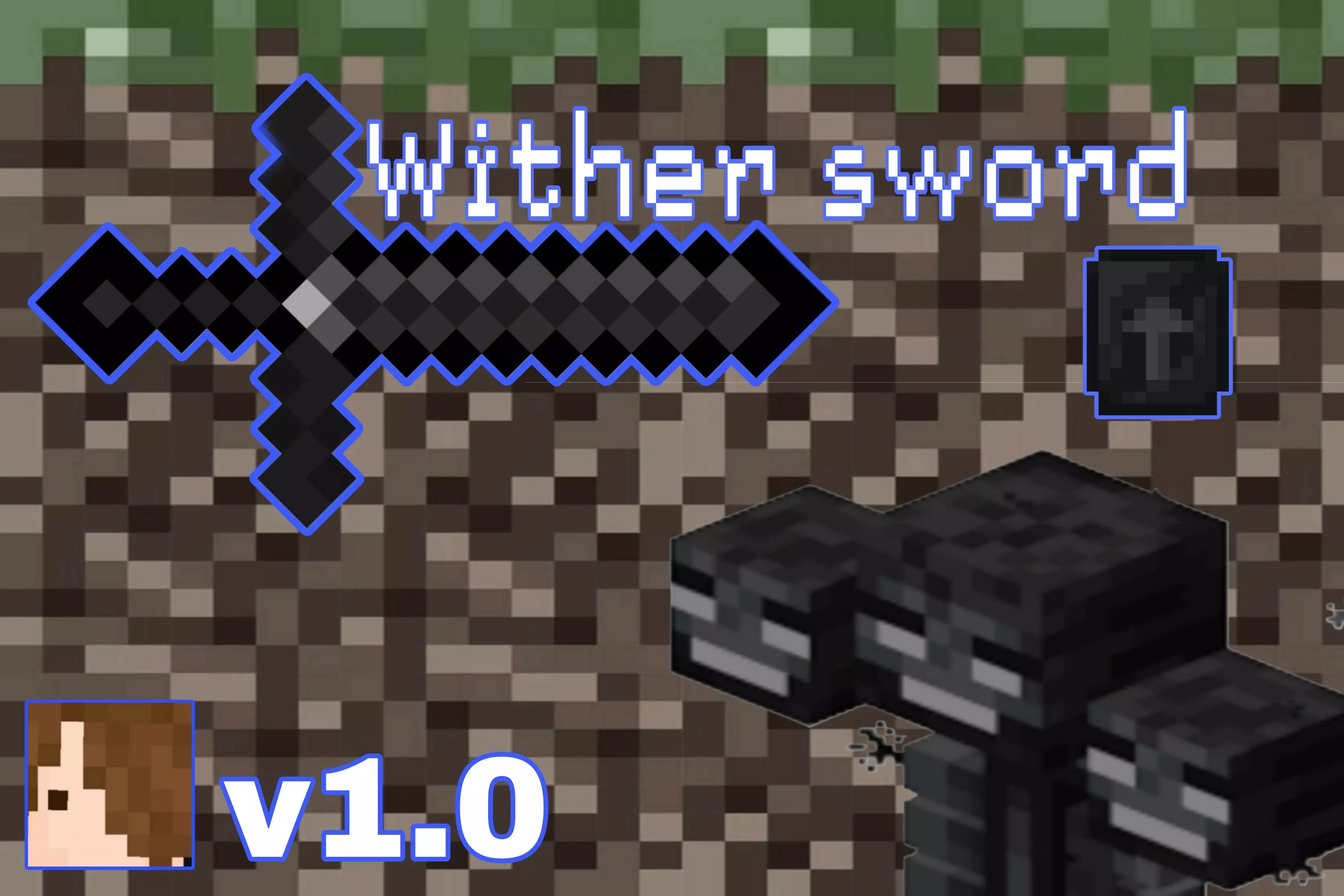
Wither expansion Mod is all about leaning into the most cursed boss in Minecraft and building an entire endgame around it. Instead of fighting the Wither once and forgetting about it, your world becomes a place where its influence sticks around in the form of new gear and enemies built around decay, skulls, and wither effects. This isn’t a tiny tweak — it’s a full power-up for anyone who wants late-game danger and cooler loot to chase.
You’ll be able to hunt down Wither-themed weapons that feel made for fast, aggressive combat: tools built to keep you alive when everything around you is trying to rot you down to half a heart. Matching armor sets give you the kind of protection you’d expect from gear forged in the middle of a Wither fight, helping you stay in the fight longer instead of constantly backing off to heal.


Defeating the Wither doesn’t have to be the end of your hunt for powerful gear. Wither Expansion adds a blade, an elaborate crafting ritual, and more reasons to keep gathering resources after your biggest fights.
The centerpiece is the Wither Blade, a weapon with a listed damage value of 30 and durability of 1,200. It’s meant as a late-game goal, so don’t expect to make one right after your first trip underground. The process involves crafting three parts of the sword and then completing a ritual at a special altar. The required setup calls for soul sand, netherite blocks, lapis blocks, soul campfires, and a craftable Altar of Corruption. The altar must be placed in the middle last, so check the arrangement carefully before committing those valuable materials. Once the ritual produces the crafting point, you can interact with it to finish the blade. That’s a substantial project for a survival world: you’ll need to prepare, gather resources, and make room for the ritual before you can walk away with the weapon.
The project also offers a newer download that expands the equipment selection beyond the blade. It adds Wither armor and a weapon called the Wither’s Hand, along with a Nether merchant known as the Corrupted Villager. Find the merchant and you can buy a manual needed for crafting the armor; the armor crafting point is associated with the same ritual location used for the sword. That turns a trip into the Nether into more than a quick supply run. You’ll be looking for an NPC while dealing with the dimension’s usual hazards, so bring enough gear and supplies for the search. The Wither’s Hand is described as easier to make than the blade and applies the Wither effect to its target, but its listed durability is much lower. It gives you another option to experiment with while you work toward the more demanding equipment.
There’s also an antidote intended to neutralize the Wither effect, which could be useful preparation when you’re planning a boss fight. Check the available recipes in your game and make sure you understand which supplies you need before heading out. The file on the linked page is the earlier download, while the expanded armor, merchant, hand weapon, and antidote are described on the project’s page for its newer download; choose the file that contains the features you want. The project also instructs players to enable Beta APIs in experimental settings. As with any add-on that introduces valuable crafting materials and a multistep ritual, trying it in a test world first is a smart way to learn the layout without risking your hard-earned resources. Once you’re ready, Wither Expansion offers a fitting next project for a player who wants their late-game equipment to feel earned.
On top of that, Wither expansion Mod brings in new mobs tied to the boss itself, so you’re not just waiting for one summoning ritual to feel threatened. Your overworld, Nether runs, or custom arenas can turn into proper Wither arenas, with enemies and gear that all share the same theme. If you’re bored of safe late-game worlds and want something that looks and feels corrupted in the best way, this is the kind of addon you build an entire playthrough around.
Installation Mod:
- Download the .mcaddon / .mcpack;
- Open the file to import into the game;
- In World Settings → Resource Packs and Behavior Packs, enable it (turn on Experiments if needed);
- Have fun!
Comments (0)