Pocket Wikipedia Mod / Addon
- 21-11-2025, 17:03
- 476

Pocket Wikipedia Mod turns a simple book in your hand into a mini in-game wiki you can open whenever your brain blanks on how something works. Instead of grabbing your phone or alt-tabbing to a browser, you just hold a regular Book, hit right click (or your equivalent button on mobile/controller), and a clean menu pops up right inside Minecraft Bedrock. From there you can browse categories, search, or even roll a random topic when you’re just bored and curious.
The addon comes with a proper navigation system, not some messy wall of text. You can flick through collections, filter what you’re searching for, and decide if you want to scan descriptions, stats, or lore. It covers the usual stuff like mobs, items, blocks, and biomes, but also adds extra collections: Mechanics & Guides, Structures & Landmarks, and Enchantments & Upgrades. So if you forget how a mechanic actually works, can’t remember what a structure can spawn, or want to check what an enchantment really does, it’s all there in one place. Each entry has its own detail view with description, stats, drops, and lore, with bold and italic text used in a way that makes it quick to skim.
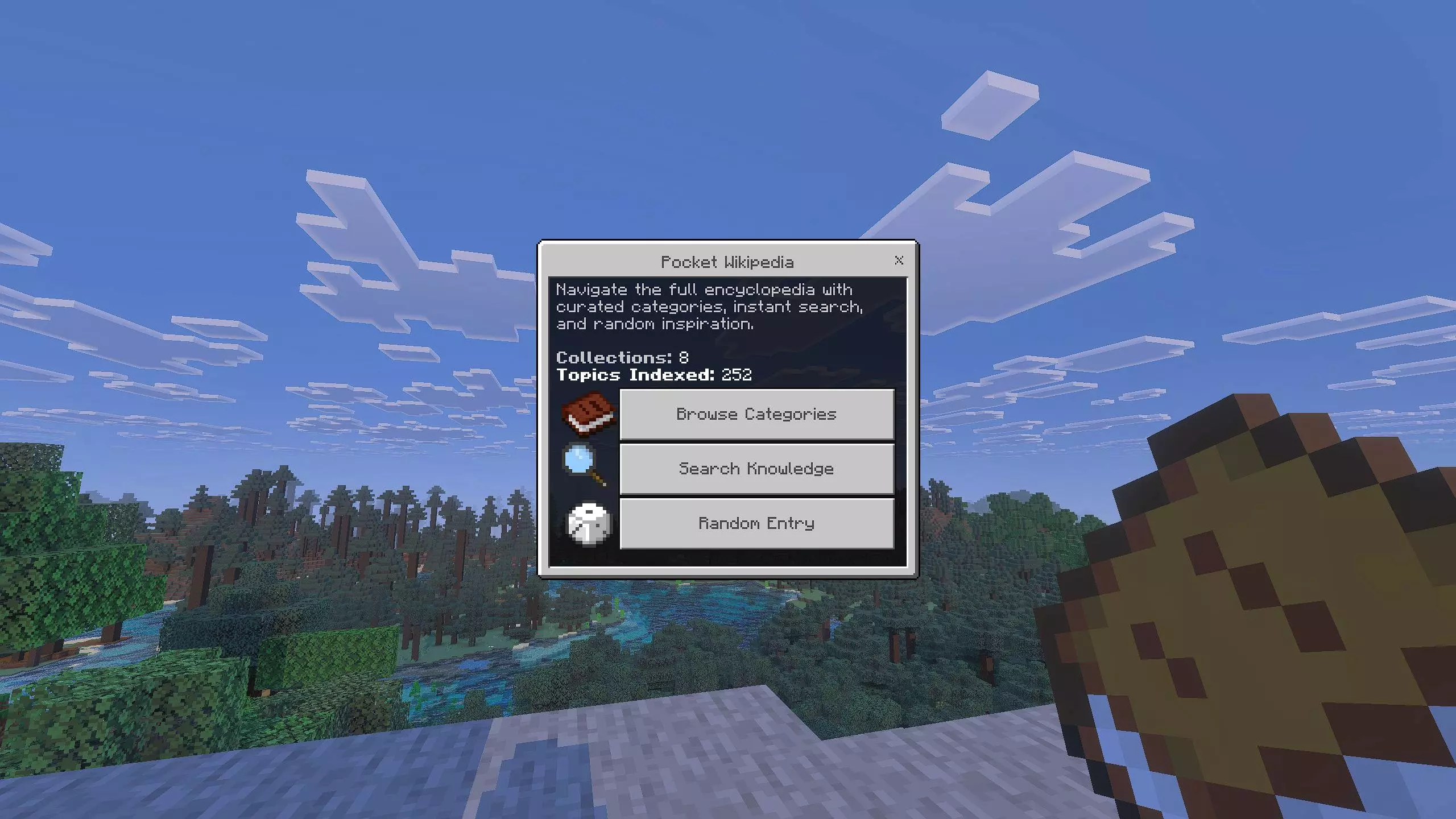
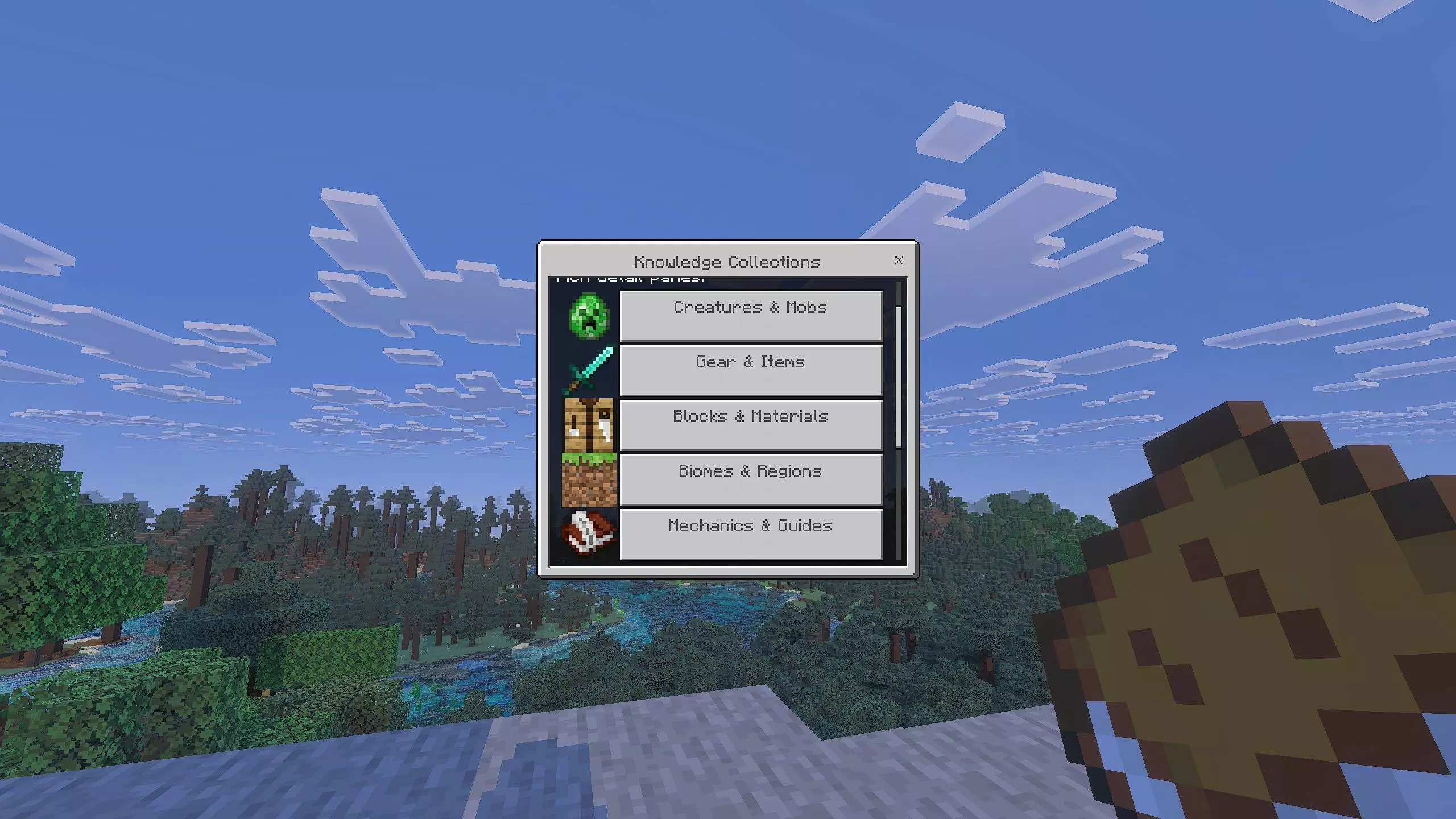
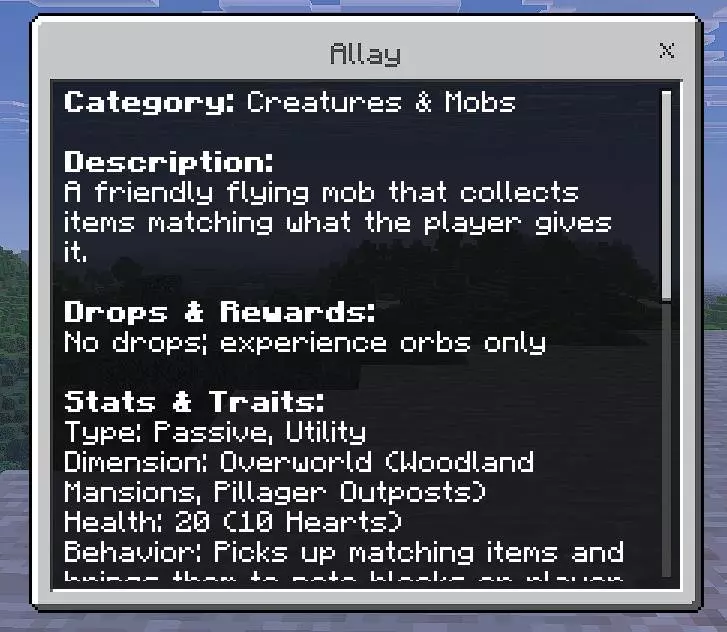
What makes Pocket Wikipedia Mod feel good in regular survival is how low-friction it is. You don’t need special items, commands, or a setup ritual. You just keep a book in your inventory and that’s your “open wiki� button for the whole world. It’s perfect for newer players learning the game, but it’s also nice for experienced players who just forget exact details in the middle of a session. Whether you’re grinding on a long-term Bedrock world, helping a friend on MCPE, or just experimenting with builds, having Pocket Wikipedia riding in your hotbar quietly saves a lot of “wait, let me Google that� moments.
Installation Mod:
- Download the .mcaddon / .mcpack;
- Open the file to import into the game;
- In World Settings → Resource Packs and Behavior Packs, enable it (turn on Experiments if needed);
- Have fun!
Comments (0)