Baldi's Basics Plus Mod / Addon
- 22-11-2025, 10:19
- 1 453
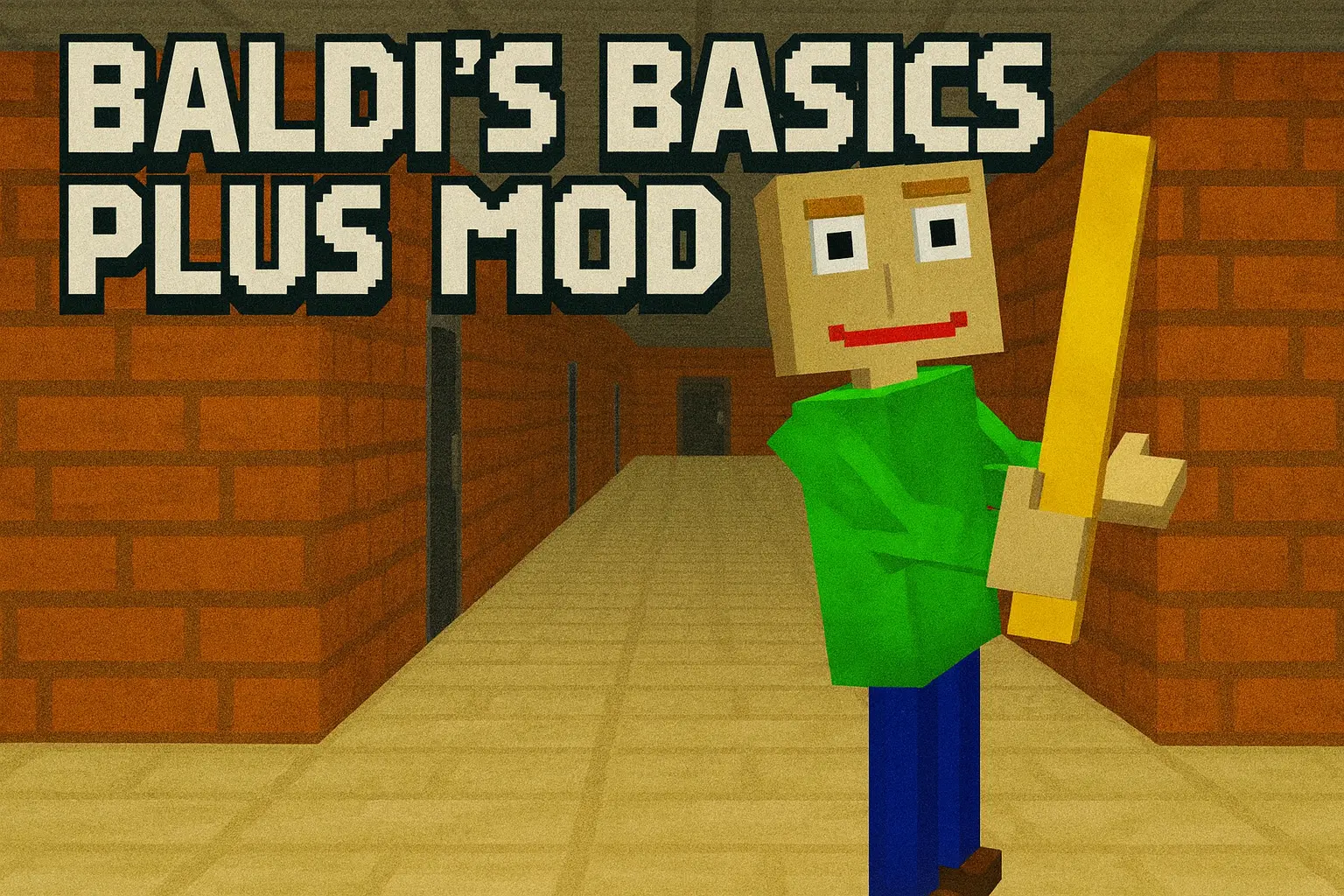
Baldi's Basics Plus Mod takes that old “educational CD from the late 90s� vibe and drops it right on top of your blocky world. Instead of just running around in a peaceful school build, you’ve suddenly got Baldi himself lurking in the halls, moving through your map with that mix of cheap edutainment style and straight-up horror. The addon is inspired by the indie game Baldi’s Basics from mystman12 and Basically, Games!, and it leans into the same surreal mix of goofy visuals and real pressure when you’re being chased.
Once the mod is in your Bedrock world, the tone changes fast. You’re not just exploring; you’re listening. Every sound, every corner, every door feels suspicious because you know Baldi can show up and punish you if you mess around too long. He’s not some slow, clumsy mob either. He’s tuned to feel like an actual threat, pushing you to plan your routes, remember where you came from, and keep moving before he closes the gap. It works really well in tight school layouts, office-style builds, or any map with long halls and dead ends.
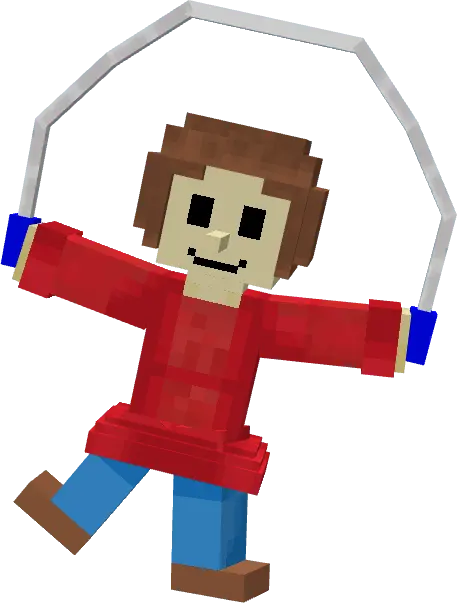
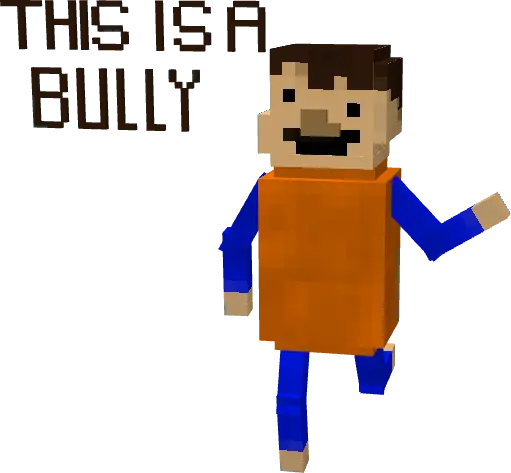
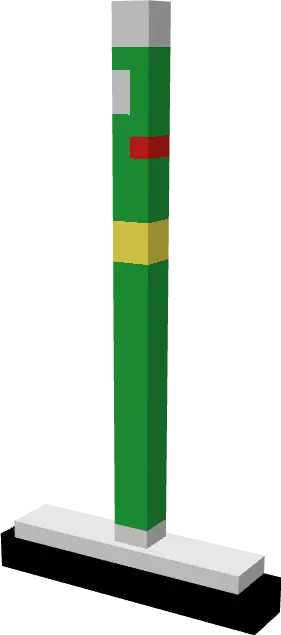
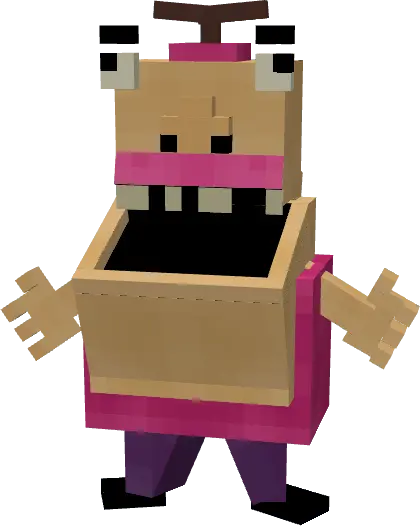
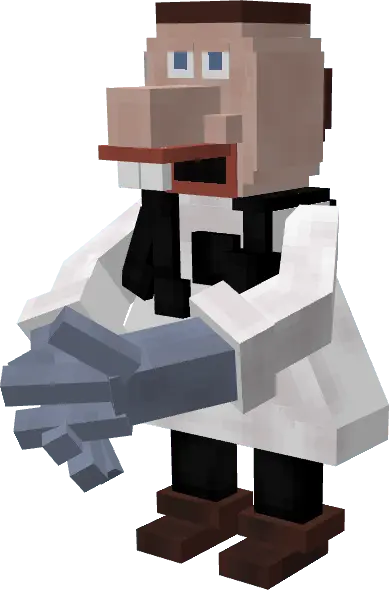
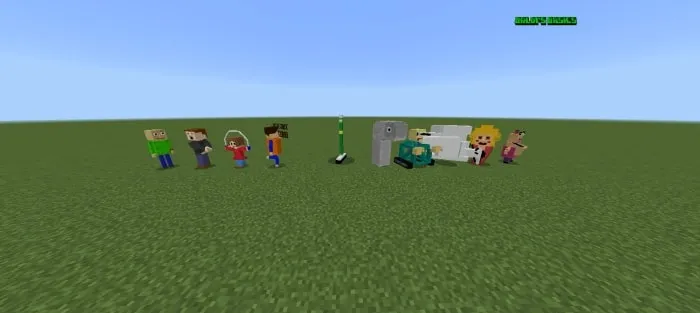
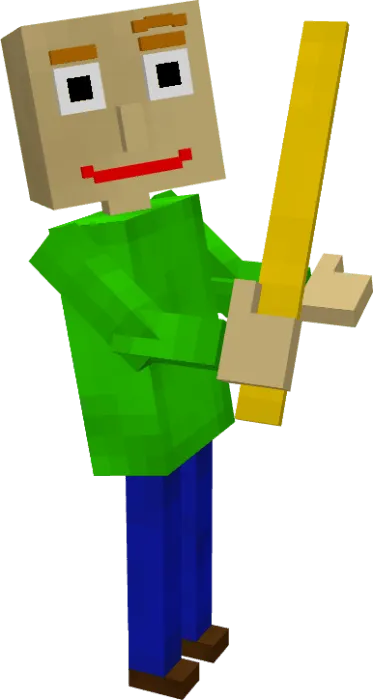
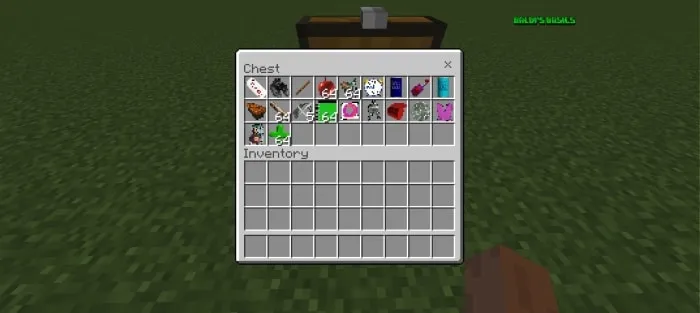
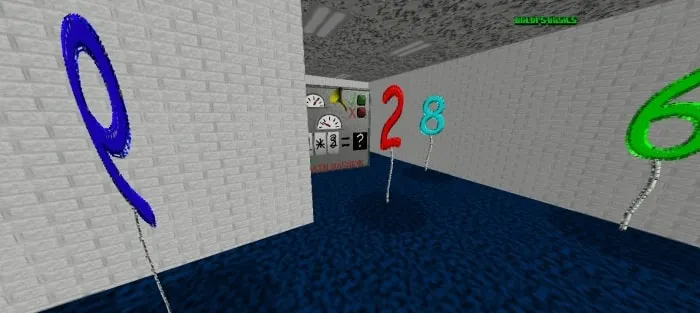
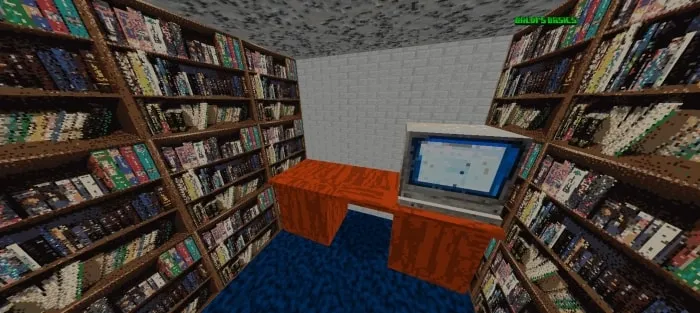
This addon is especially fun for creators who like horror maps, challenge runs, or YouTube content. You can build your own twisted “classroom� scenarios, set rules for your friends, and let Baldi do the rest of the work just by existing in the map. Because the mod pulls in most of the core elements from the Baldi’s Basics games, it doesn’t feel like a random reskin; it feels like that series was rebuilt inside Minecraft Bedrock. If you want something that’s simple to understand but genuinely stressful to play, Baldi's Basics Plus Mod is a solid way to make your world feel like you’re stuck in a cursed school where the teacher really does mean it when he says you’re in trouble.
Installation Mod:
- Download the .mcaddon / .mcpack;
- Open the file to import into the game;
- In World Settings → Resource Packs and Behavior Packs, enable it (turn on Experiments if needed);
- Have fun!
Comments (0)