Animated Skin Template
- 2-12-2025, 16:34
- 1 487
Mods 1.21 / Mods 1.20 / Mods 1.19 / Skins
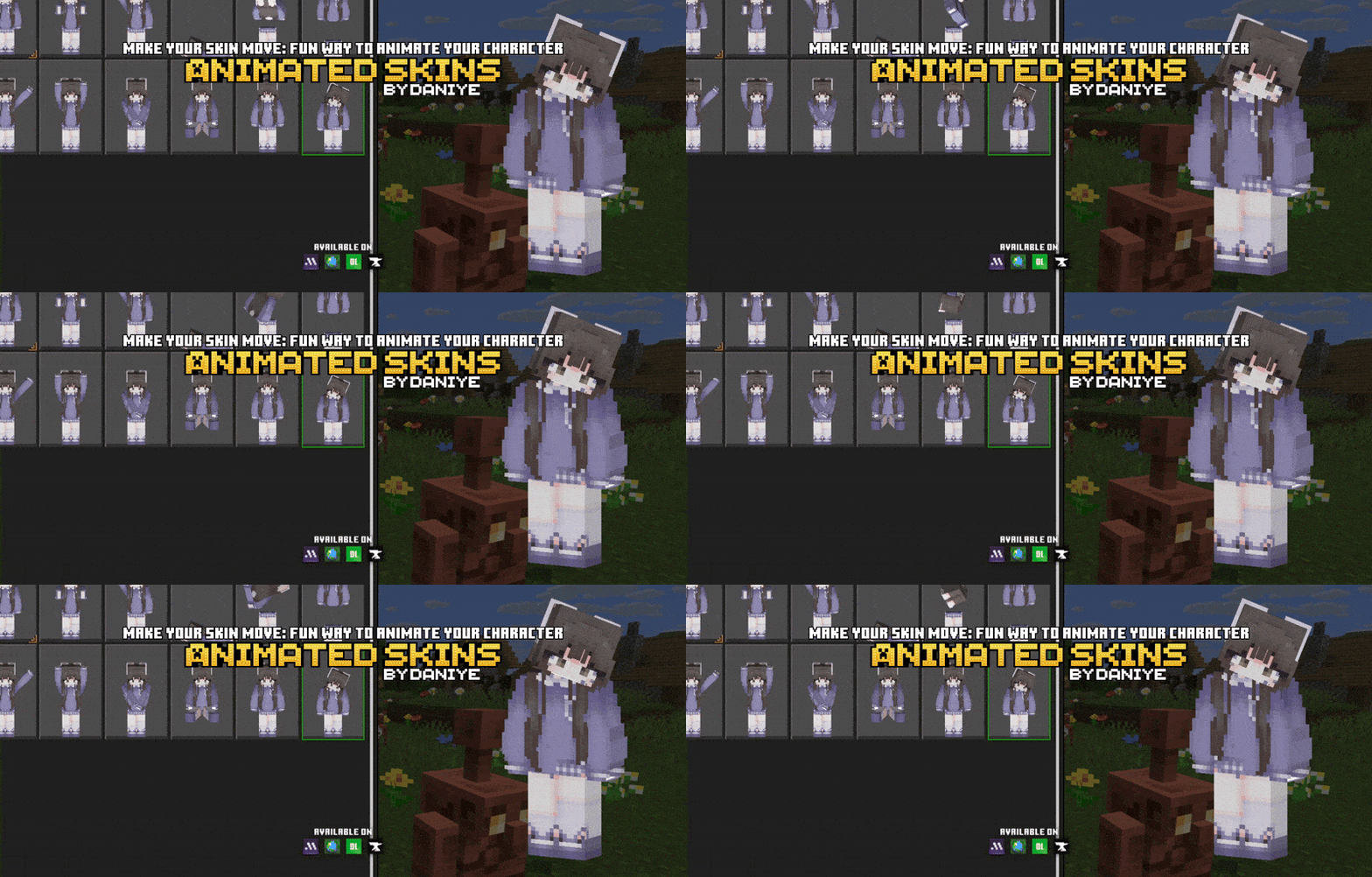
Animated Skin Template is basically a clean starting point if you’ve always wanted a little extra movement on your character without getting into weird, broken rigs. You drop the pack in, pick one of the animated slots, and suddenly your player isn’t just a stiff statue anymore. The animations are simple and lightweight, so it still feels like normal Minecraft, just with a bit more life in how your character stands and idles. It looks especially good in hubs, lobbies, and screenshots where you’re just hanging out with friends.
The coolest part is that it’s built like a template, not a locked skin. If you want to use your own look, you just edit the file and swap out the included “template.png� with your own skin texture. Once that’s replaced and saved correctly, your personal skin will use the same animation setup, so you keep your identity but gain the motion. No extra tools, no confusing steps, just a straightforward “replace the image and you’re done� flow.
It also works on most servers as long as they aren’t running super strict “fair play� settings that block custom animations or special models. That makes it great for content creators, SMP players, or anyone who spends a lot of time in public lobbies and wants their character to stand out just a bit more without going crazy with oversized models. If you’ve ever thought, “I wish my normal skin could move a little,� Animated Skin Template is pretty much the cleanest way to do that without messing up how the game feels.
Comments (0)