Throw Stones Mod / Addon
- 29-12-2025, 07:28
- 628
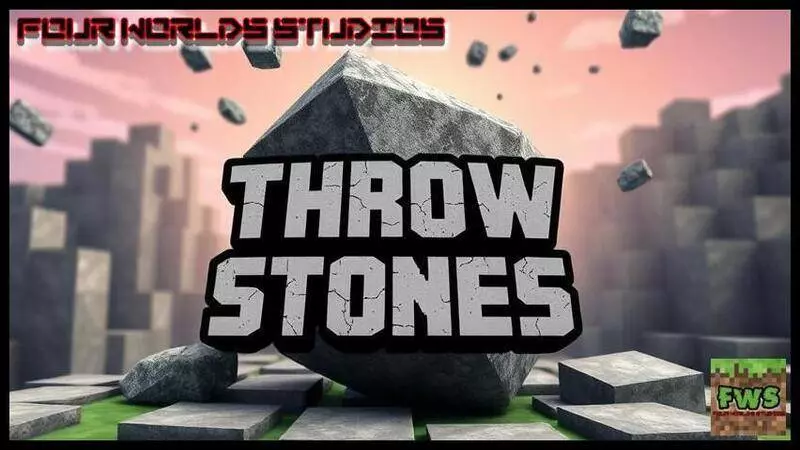
Throw Stones Mod is built around a super relatable early-game problem: arrows aren’t always convenient, but you still want something you can throw from a distance. The mod’s pitch is simple and kind of genius in a “why isn’t this vanilla?” way—stones are easier to find than going through the whole arrow-making routine, so you just find stones and throw stones. It’s that scrappy survival energy where you use what’s around you instead of waiting until you’ve got a full setup.
The way you get ammo is tied to exploration. You can find Small Stone Structures around your world, break them, and collect Small Stones from them. That means you’re not stuck grinding one resource at your base; you naturally pick up throwing supplies while you’re roaming, scouting for a build spot, or just traveling between biomes. It also makes the world feel a little more interactive, because you’re paying attention to small landmarks that you might normally ignore.
In actual Minecraft Bedrock gameplay, this is especially useful at the start of a world. When you’re low on gear and you don’t want to take every fight up close, having something throwable can help you keep space, poke at threats, or finish off something that’s trying to back away. It’s also nice for players who aren’t trying to be combat gods—sometimes you just want a basic ranged option while you’re building, mining, or hauling items, and you don’t want to stop what you’re doing to craft a stack of arrows first.
A good way to use Throw Stones Mod is to treat Small Stones like “travel ammo.” Grab them whenever you see those small stone structures, keep a handful on you during exploration, and save them for moments where distance matters—like when you’re low health, stuck in a tight area, or just trying to avoid getting swarmed. Throw Stones Mod keeps the loop simple: explore, break small stone structures, collect Small Stones, and throw them when you don’t want to get too close.
Installation Mod:
- Download the .mcaddon / .mcpack;
- Open the file to import into the game;
- In World Settings → Resource Packs and Behavior Packs, enable it (turn on Experiments if needed);
- Have fun!
Comments (0)