Genshin x Craft Mod / Addon
- 31-12-2025, 10:40
- 838
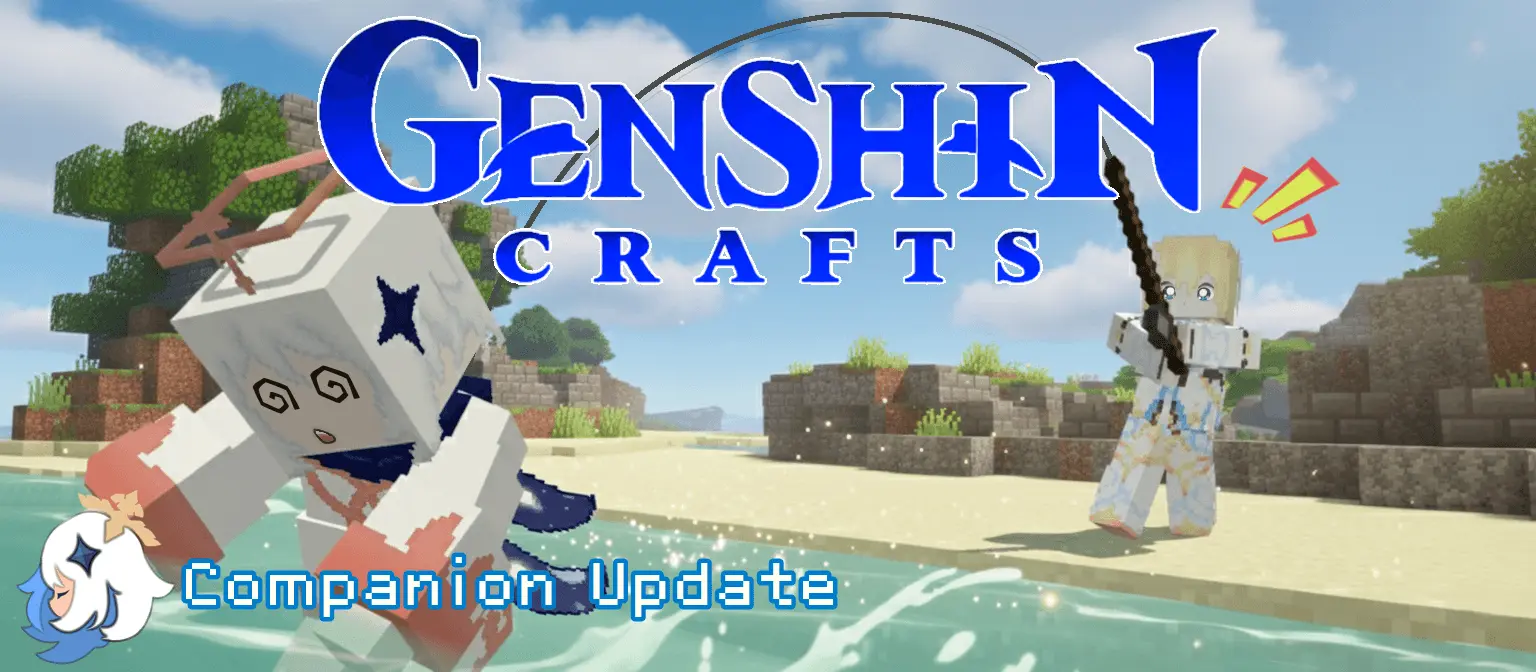
Genshin x Craft Mod is still in the “work-in-progress” stage, and right now it’s centered on the Aether Star Sword that was shown in the initial cut scene. So if you’re expecting a huge content dump, this isn’t that yet. It’s more like an early drop that lets you mess with a couple of standout additions and get a feel for where the project is heading in Minecraft Bedrock.
The Aether Star Sword is straight-up absurd in power, and the description doesn’t try to hide it. It’s a sword equipment piece with 42 attack damage, 9999 durability, and it’s described as way too powerful in a 1v1 to the point where it can defeat the Warden. It’s also only available in creative, which honestly makes sense because a weapon like that would delete normal survival balance instantly. If you’re testing it, treat it like a “boss fight sandbox” tool—spawn something scary, swing a few times, and see how fast the fight collapses.


Repair-wise, the Aether Star Sword uses iron ingots, and you’ll need a lot of iron ingots. That’s a good heads-up even for creative testing, because if you’re doing long sessions or repeated fights, you’ll want to keep repairs in mind instead of assuming it’s endless. With stats like these, the main “challenge” becomes self-control: if you want the world to stay fun, don’t carry it as your everyday weapon unless your goal is to steamroll everything.
The mod also adds Paimon as a new mob. You obtain Paimon through fishing, and it behaves like an allay, so it’s more of a companion-style addition than a combat threat. That’s the kind of thing you’ll notice most during normal play loops—hanging around water, fishing, and then having this familiar helper-type behavior show up in your world. A decent Minecraft description should answer the questions you're actually going to have while playing. I don't need three paragraphs telling me something is amazing. I'd rather know what I'm downloading, how to set it up, and whether there's anything important I should check before opening my world. I've learned this from making plenty of dumb mistakes. Once, I spent ages looking for something because I'd misunderstood where I was supposed to find it. The answer was sitting in a short note near the bottom of the page. Another time, I ignored a compatibility warning and wondered why my game wasn't behaving as expected. Now I skim the screenshots for an idea of what to expect, then actually read the useful details. I still enjoy discovering things on my own once I'm playing. I'd just prefer those surprises to happen inside Minecraft instead of while I'm staring at the settings menu.
Finally, Genshin x Craft Mod lists a new monster called Elemental Slime. No extra details are given beyond the name, so I’m not going to make up attacks or drops, but it’s clearly meant to expand the crossover “monster” side alongside the sword and Paimon. If you’re trying this early version, go in with the right expectation: it’s a small snapshot of the project, with an overpowered creative-only sword, a fishing-obtained allay-like mob, and an Elemental Slime to tease what comes next.
Installation Mod:
- Download the .mcaddon / .mcpack;
- Open the file to import into the game;
- In World Settings → Resource Packs and Behavior Packs, enable it (turn on Experiments if needed);
- Have fun!
Comments (0)