Orbital Railgun Mod / Addon
- 10-06-2026, 15:23
- 4 457
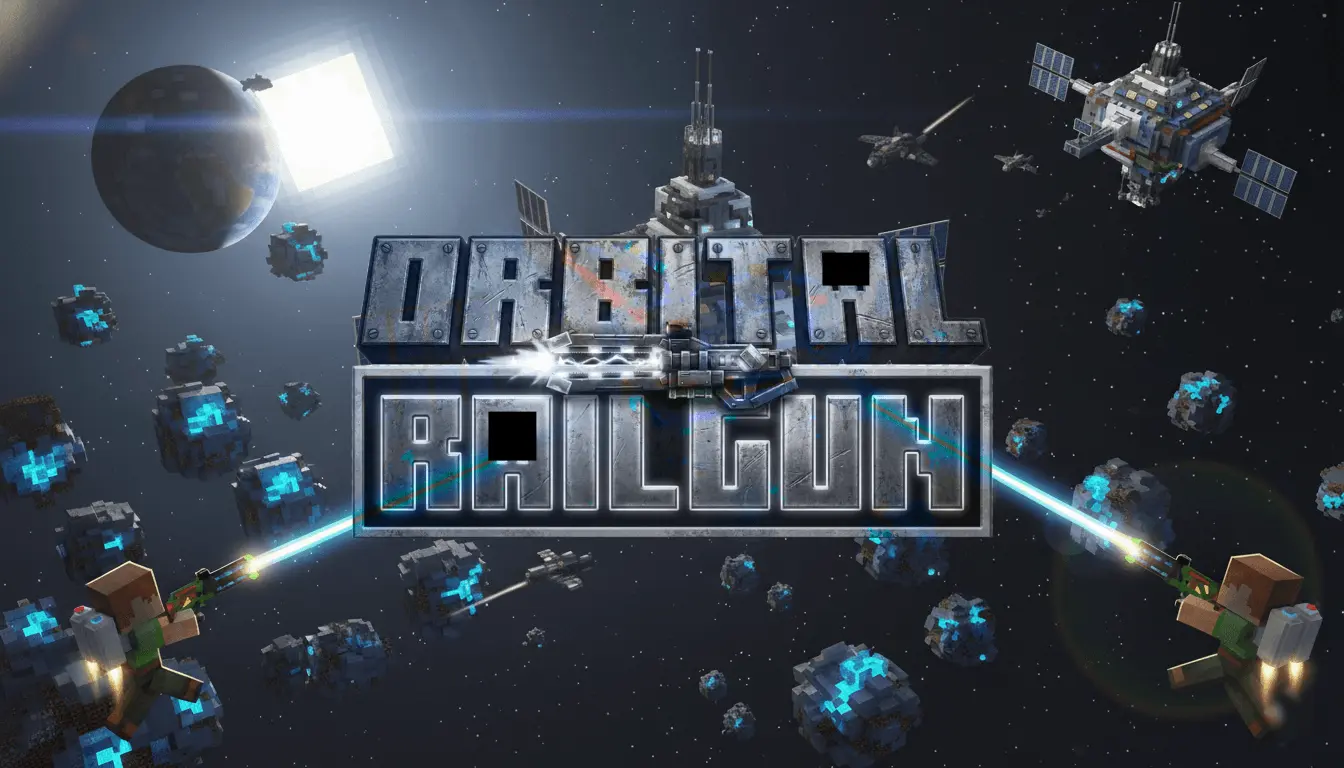
Orbital Railgun Mod is all about recreating that recognizable “orbital railgun” feel from the Java scene, but inside Minecraft Bedrock. The key selling point isn’t a long list of mechanics—it’s the presentation, with custom sound effects and visual effects that make the whole thing feel intense and memorable. It’s also marked as achievements-friendly, so it’s meant to fit into normal play without turning your world into a “no progress” save.
In-game, the biggest difference you’ll notice is how much the SFX and VFX change the mood when you use it. Instead of something quiet and forgettable, Orbital Railgun Mod is clearly going for that loud, cinematic energy that feels like a real moment in your session. That kind of feedback is perfect for highlight clips, themed survival worlds, or any time you want your world to feel more like a sci-fi sandbox without rewriting core gameplay rules.
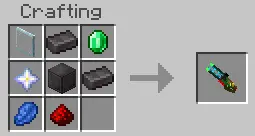

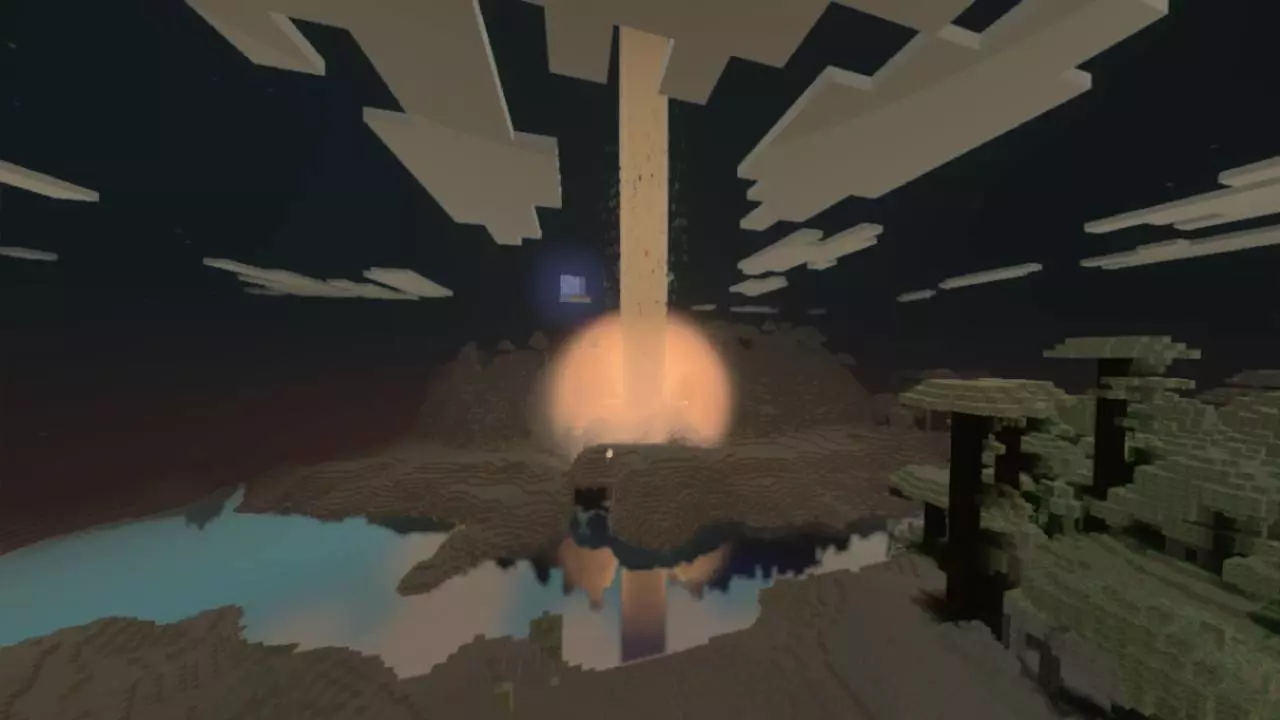
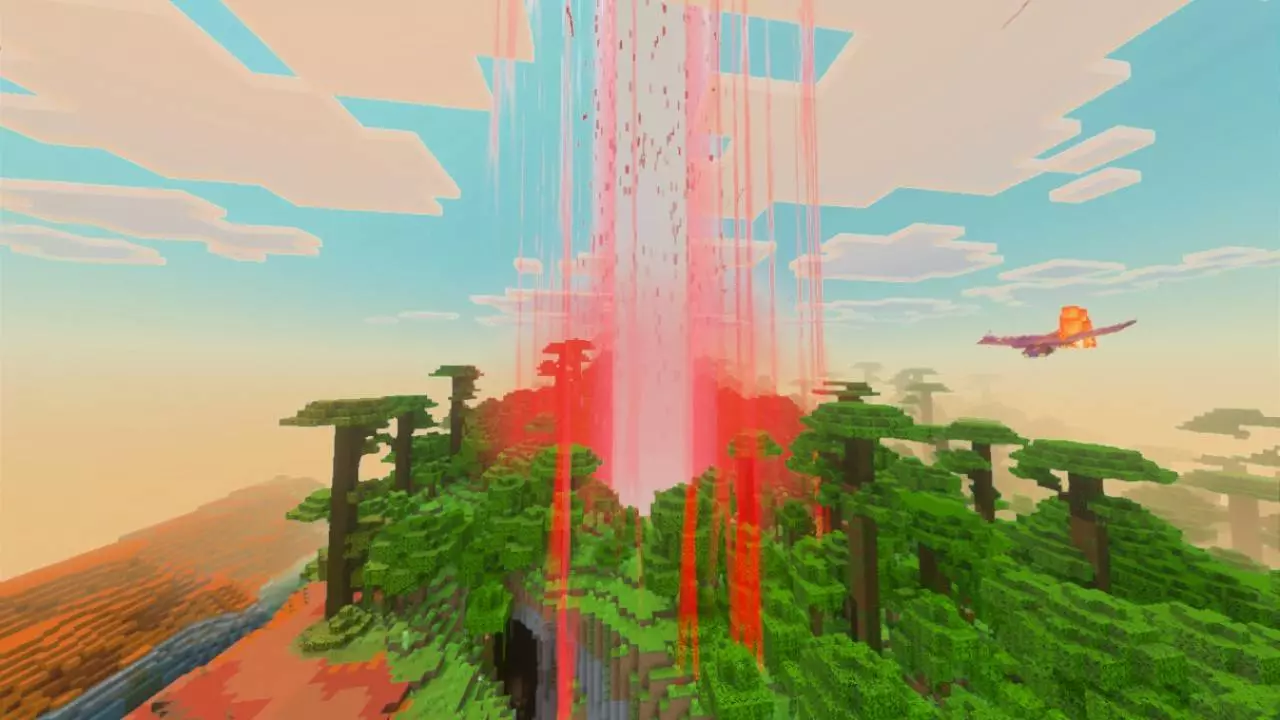
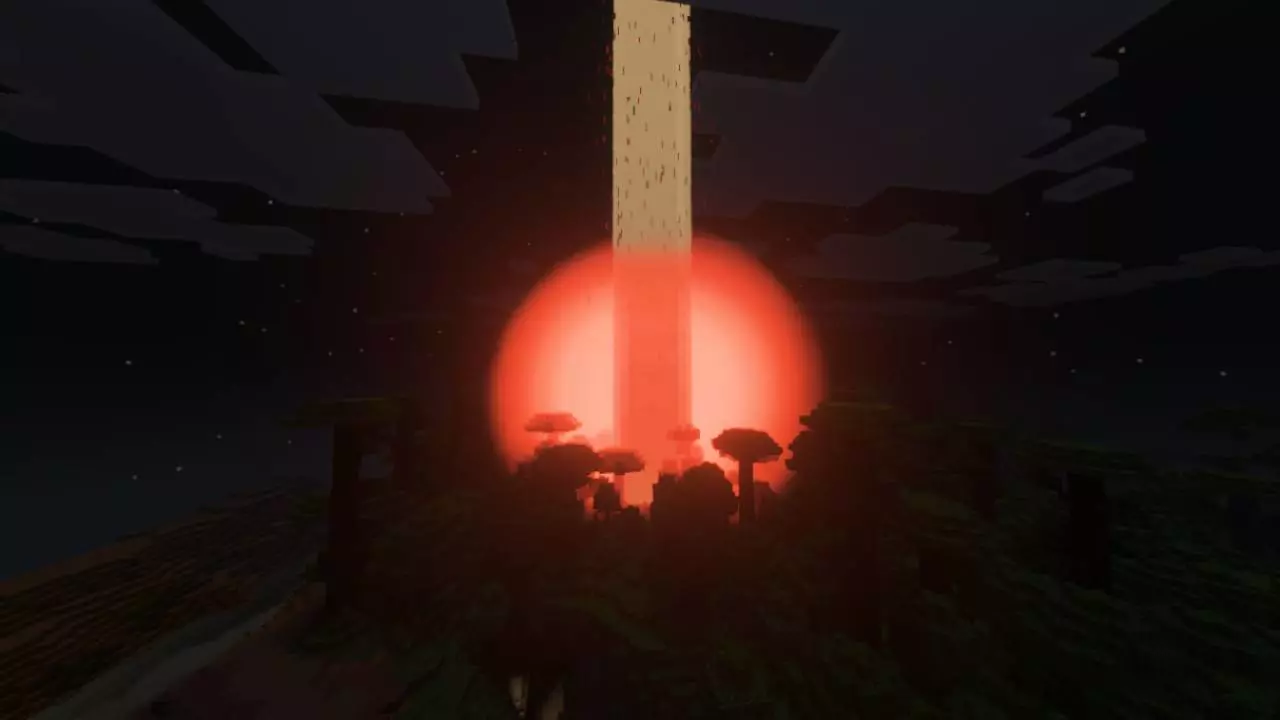
Practical tip: because Orbital Railgun Mod leans on visuals and sound, try it first in an open area where you can actually see what’s going on and enjoy the effects. If you’re playing in a long-term survival world, keep your “testing zone” a little away from your main base, just so your regular storage/build routine doesn’t get interrupted by flashy moments when you’re trying to stay organized. In co-op, it also helps to agree on when it’s okay to use it, because big effects can turn into chaos fast if everyone is spamming it at once.
Orbital Railgun Mod is a great fit for players who care about style and atmosphere, especially if you’ve seen the Java Orbital Railgun mod and you want that same kind of experience in Minecraft Bedrock. If you like mods that make your actions feel bigger through sound and visuals—without needing a bunch of extra setup—Orbital Railgun Mod is basically built for that exact lane.
Installation Mod:
- Download the .mcaddon / .mcpack;
- Open the file to import into the game;
- In World Settings → Resource Packs and Behavior Packs, enable it (turn on Experiments if needed);
- Have fun!
Comments (0)