MK Gravestone Mod / Addon
- 18-01-2026, 10:27
- 809
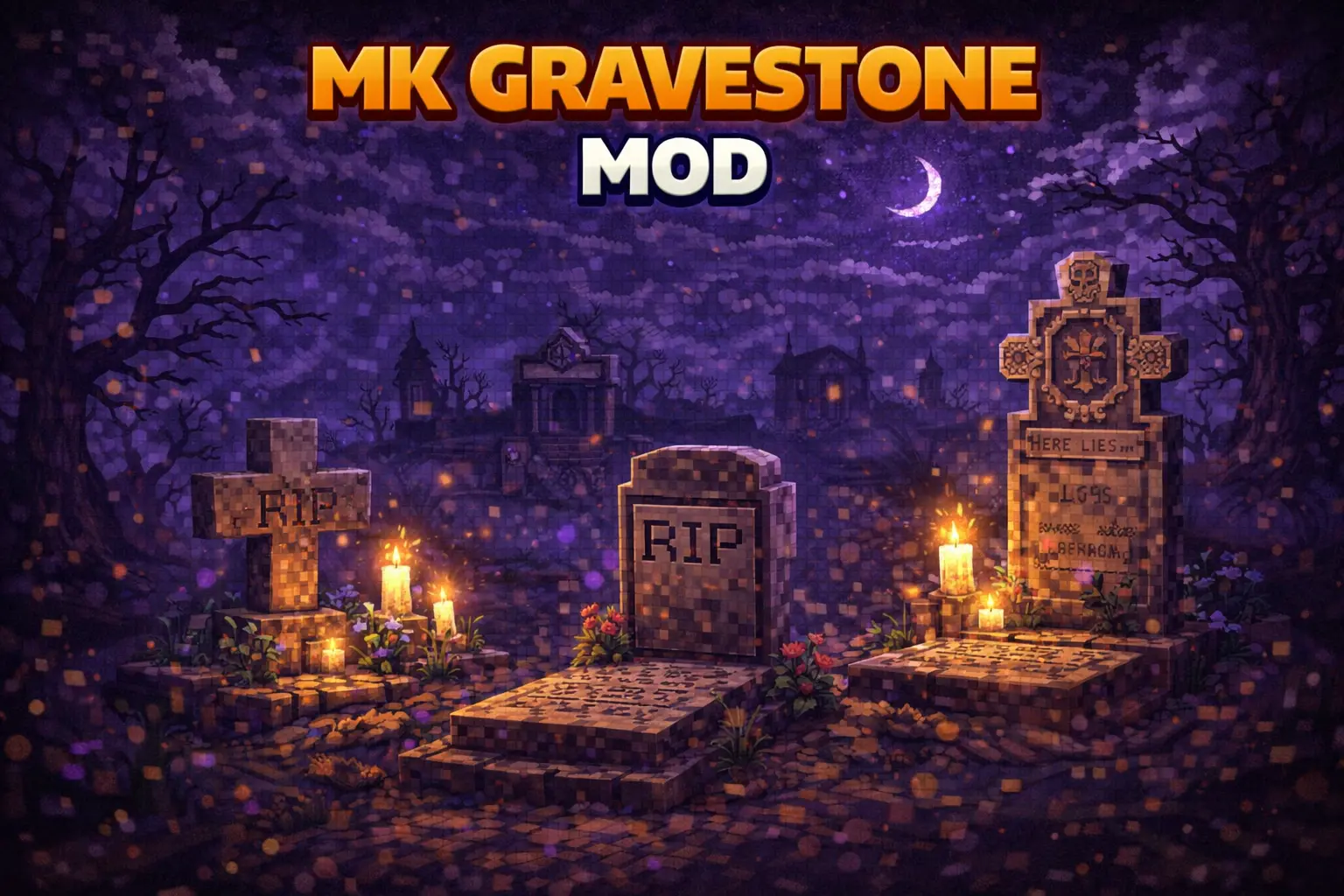
MK Gravestone Mod is one of those small Bedrock addons that instantly makes survival feel less punishing in the annoying way, without turning death into “whatever.� When you die, a gravestone appears at your death location, so you’re not playing detective trying to remember where you faceplanted. The gravestone design is intentionally simple and vanilla-friendly, so it doesn’t look out of place when it pops up in your world, and it’s also described as customizable for server or personal use.
The main reason people want something like MK Gravestone Mod is the recovery loop. You still died, you still have to get back there, but your items aren’t scattered everywhere or easy to miss. The pack keeps your items safe inside the gravestone, which is huge if you’ve ever died in a messy spot like rough terrain or a chaotic fight where you just want a clean way to grab your gear and move on. It also fits roleplay servers nicely, because a grave marker feels more immersive than a random item explosion on the ground.
The pickup behavior is a really practical touch. If you break the grave normally, the items drop on the ground. If you break it while sneaking, the items go directly into your inventory. In real play, that means you can decide how you want the moment to go: quick and clean inventory recovery if you’re trying to get out of danger fast, or normal drops if you’re sorting with friends or you want to manage space carefully. That little choice makes the addon feel thoughtful instead of just “here’s your stuff.�

MK Gravestone Mod also stays achievement friendly and doesn’t require experimental features, which makes it easy to use without changing how your world is set up. It works in both singleplayer and multiplayer, so it’s solid for solo survival runs, co-op worlds, and servers that want deaths to feel more realistic without turning item recovery into a frustrating chore. If you want a simple, vanilla-looking safety net for your gear, MK Gravestone Mod does exactly that in Minecraft Bedrock.
Installation Mod:
- Download the .mcaddon / .mcpack;
- Open the file to import into the game;
- In World Settings → Resource Packs and Behavior Packs, enable it (turn on Experiments if needed);
- Have fun!
Comments (0)