The Howler Mod / Addon
- 26-01-2026, 07:08
- 856
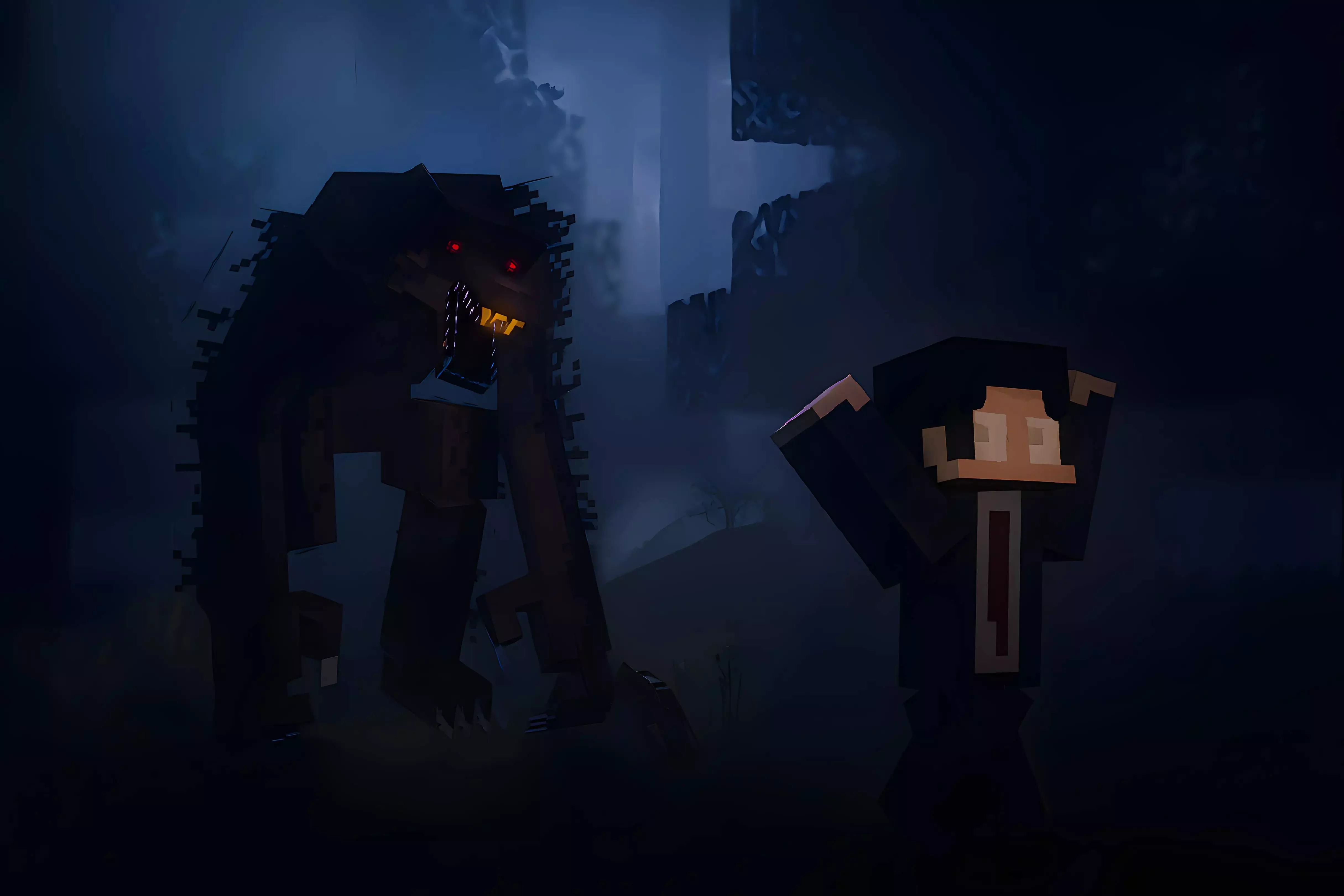
The Howler (Official) Mod is the cleaned-up, feature-packed official version that’s meant to be easier to run and easier to customize. It doesn’t need experimental toggles, it’s multiplayer compatible, and it comes with new behaviors, settings, recipes, and lots of bug fixes compared to earlier builds. If you’re dropping it into a survival world or an SMP, it’s clearly built to be something you can actually live with long-term.
One of the biggest practical points is compatibility. The add-on doesn’t use player.json, which means other add-ons that add custom behaviors for players are supported instead of getting instantly broken by conflicts. After you join the world, the mod tells you to hold or right click the Computer Menu and Survival notes items for extra info and tips, which is basically your starting point for understanding what’s been added and how the systems are meant to be used.
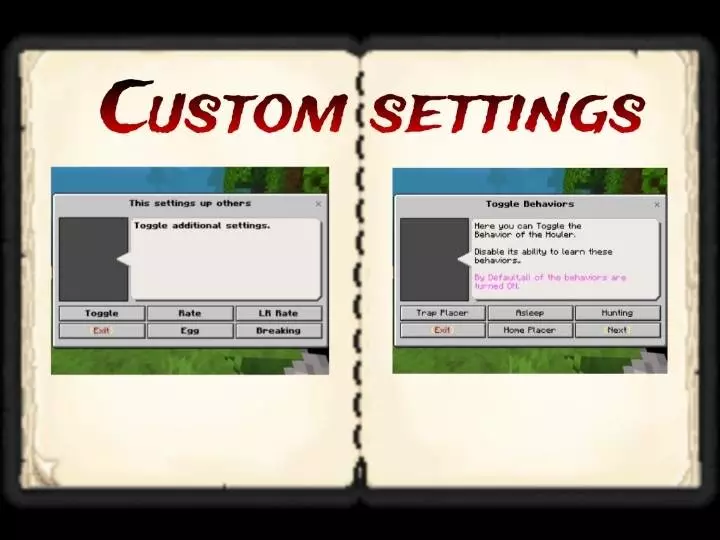
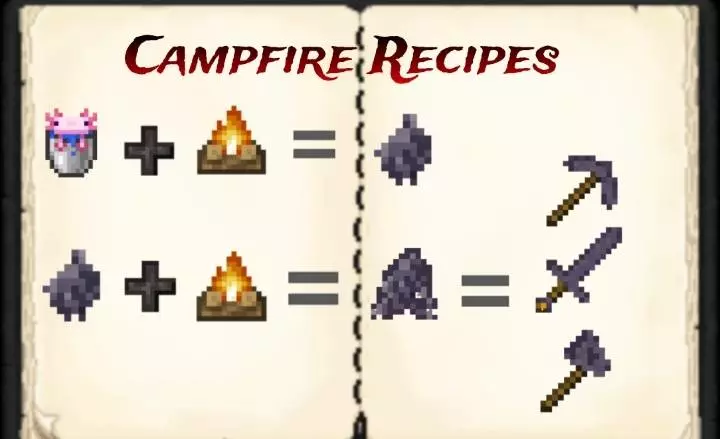
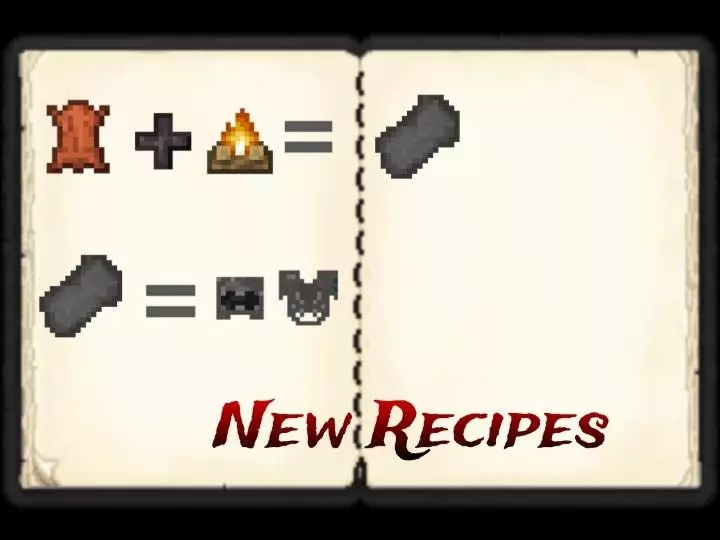
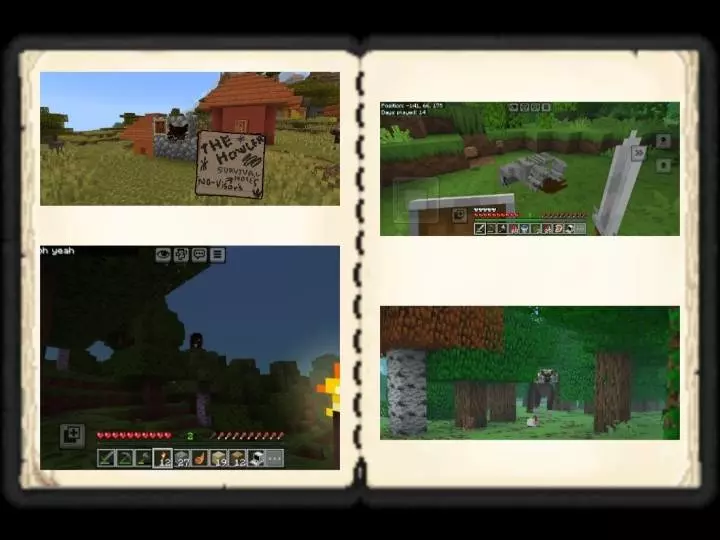
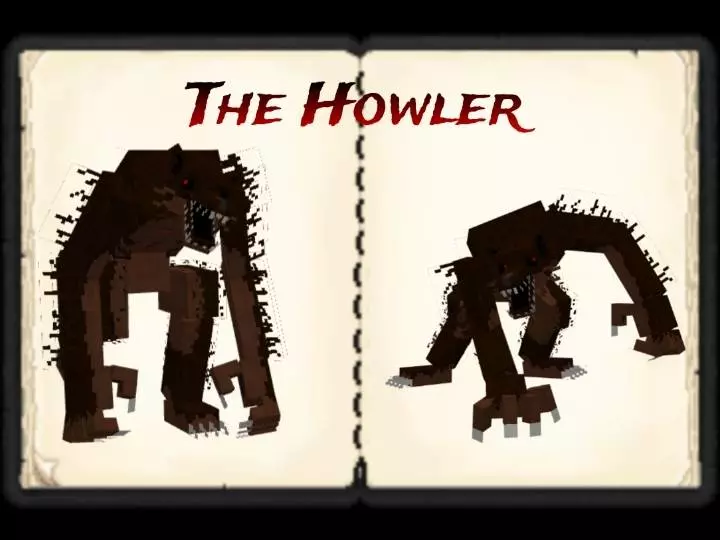
The update notes also call out a damage fix with different damage output depending on behavior. In the current setup, the Howler’s Hostile behavior is set to 3 damage and Aggressive is set to 5 damage, so how it acts matters instead of everything feeling like the same hit over and over. On top of that, the add-on is described as fully customizable with settings, and it includes new campfire recipes, plus a fix for custom items that had been broken earlier due to a manifest issue. There’s also a feature where players can morph as Howler, with the code mentioned as being available through the creator’s Discord.
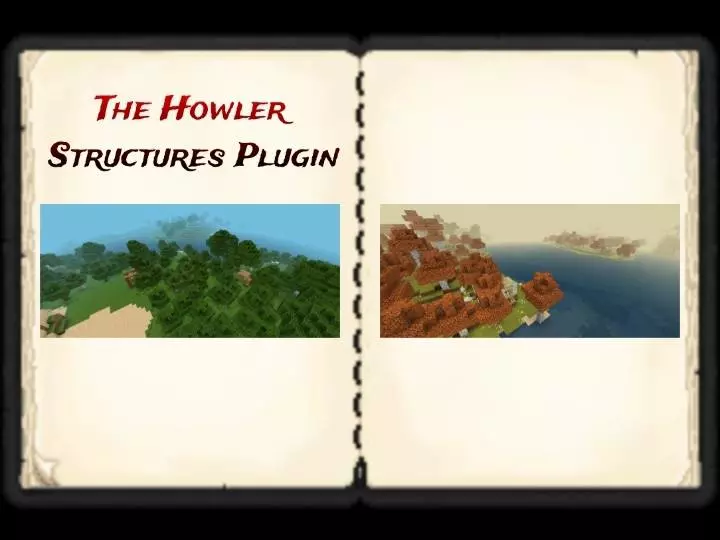
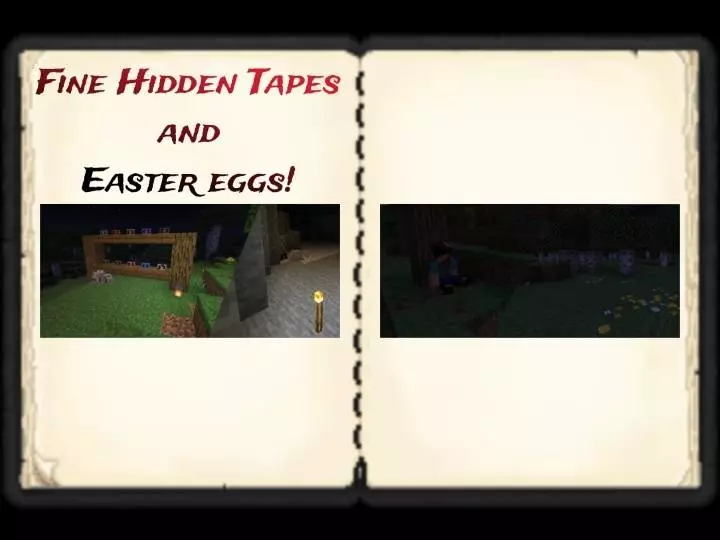
If you want more stuff to hunt for, The Howler (Official) Mod also has an optional structures plug-in that’s recommended for getting additional loot. That plug-in is also required if you want to obtain the VHS tapes and easter eggs the update mentions. Once you have the tapes, you click the block and place them into the VHS player, and they have to be in order, so it’s not just “grab one and forget it� — it’s more of a set you work through. For a smooth start in Minecraft Bedrock, it’s smart to check the Computer Menu and Survival notes early, then tweak the customizable settings before you go too deep, especially if you’re playing with friends and want the Howler experience to feel consistent for everyone.
Installation:
- Download Mod;
- Open the downloaded file to install;
- Select it in the settings;
- Have fun!
Comments (0)