Simple Sit Mod / Addon
- 4-02-2026, 08:28
- 666
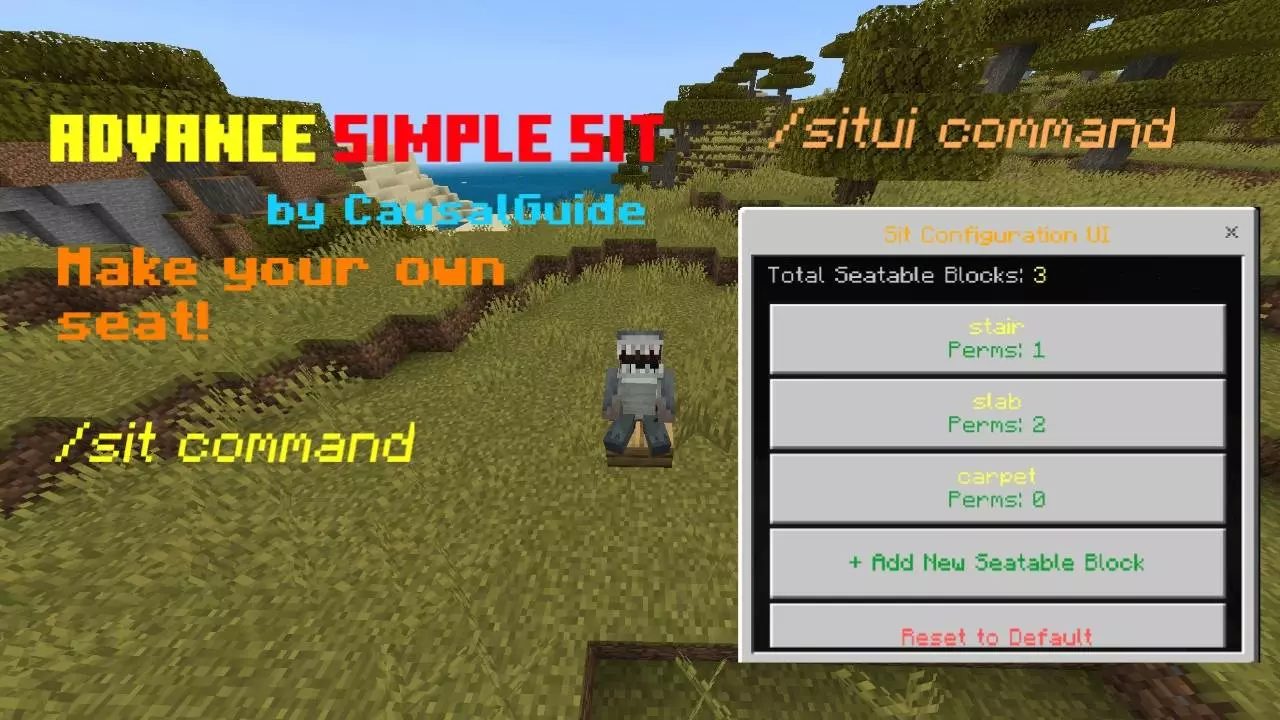
Simple Sit Mod gives you a straightforward way to sit down on demand, but the real win is how much control it hands to admins without turning setup into a headache. You’ve got the /sit command for instant sitting on the solid block under you, so it feels snappy when you’re chilling at base, waiting out rain, or just trying to make a build look lived-in. It won’t fire if you’re mid-air, and it won’t let you spam it while you’re already sitting, which keeps it feeling stable instead of janky.
Where Simple Sit Mod starts flexing is the SitUI editor. With /situi, admins can open an in-game configuration screen and manage seatable blocks without touching files. You can add, edit, or remove what players are allowed to sit on, and it’s not just “yes or no� by block type. You can build rules with permutation or block state logic, so you can get super picky about variants. That means you can do stuff like only allow sitting on stairs when they’re not upside-down, or only allow sitting on doors when they’re closed, and you can chain checks with && and || to make the rules as strict or as loose as you want.

The giant dirt arrow outside our Minecraft settlement looks awful, and removing it would probably start a civil war. We built it during our first week because people kept getting lost on the way back from the forest. Somebody suggested making a marker visible from the nearby hills, and dirt was the only material we had in ridiculous quantities. So we made an enormous arrow pointing toward the village. It worked surprisingly well. Months later, the settlement had proper roads, lanterns, and a huge tower you could spot from miles away. The arrow was completely unnecessary. I suggested replacing it with something nicer, and everyone immediately complained. Apparently, that ugly pile of dirt had become part of the landscape. We still use it when giving directions to new players. Turn left at the dirt arrow sounds ridiculous, but somehow everybody knows exactly what it means.
If you’ve ever had certain variants feel bugged or just not match your server vibe, the exclusion system is clutch. You can block specific variants by adding them to the exclusion list, keeping the sit list clean and avoiding problem blocks. And if you ever mess the setup up while experimenting, Simple Sit Mod lets you reset everything back to default right inside the SitUI. It also handles the ugly moments: if the block supporting a seat gets destroyed, the seat is removed and the player gets ejected safely, so nobody gets stuck in a weird sitting state. Best part for long-term worlds is that the configuration persists using dynamic world properties, so your Simple Sit Mod setup stays saved even after reloads and restarts in Minecraft Bedrock Edition.
Installation Mod:
- Download the .mcaddon / .mcpack;
- Open the file to import into the game;
- In World Settings → Resource Packs and Behavior Packs, enable it (turn on Experiments if needed);
- Have fun!
Comments (0)