Transformers Mod / Addon
- 7-02-2026, 08:07
- 1 600
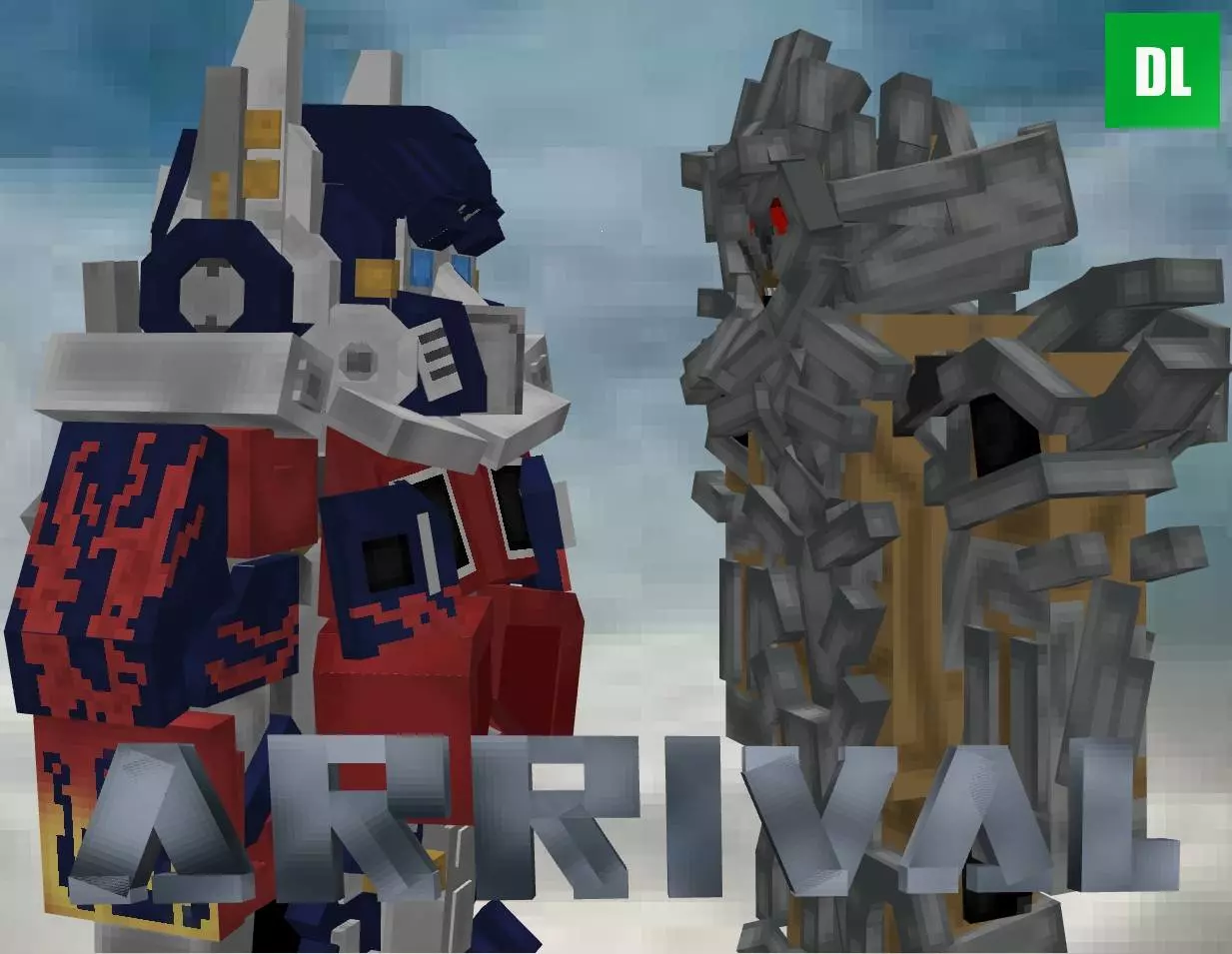
Transformers Mod is a simple concept with huge “play it your way” potential: it adds many transformers to Minecraft. That’s it, and honestly that’s enough to flip the mood of a world fast, because the second you add a big roster of recognizable robot-style characters, your builds and your sessions start leaning more toward action, role-play, and showdown moments instead of just quiet mining trips.
In survival, the fun part is how it changes what you choose to do on a normal day. You’re not only thinking about farms and gear anymore, you’re thinking about where these transformers fit in your world. It can turn a basic plains base into a “safe zone,” make deserts feel like a battleground, and make nighttime travel feel like you’re moving through a movie set. Even if you’re just building, it gives you an excuse to make wider roads, taller garages, hangars, or a little city block layout so the world feels like it has space for bigger-than-life characters.
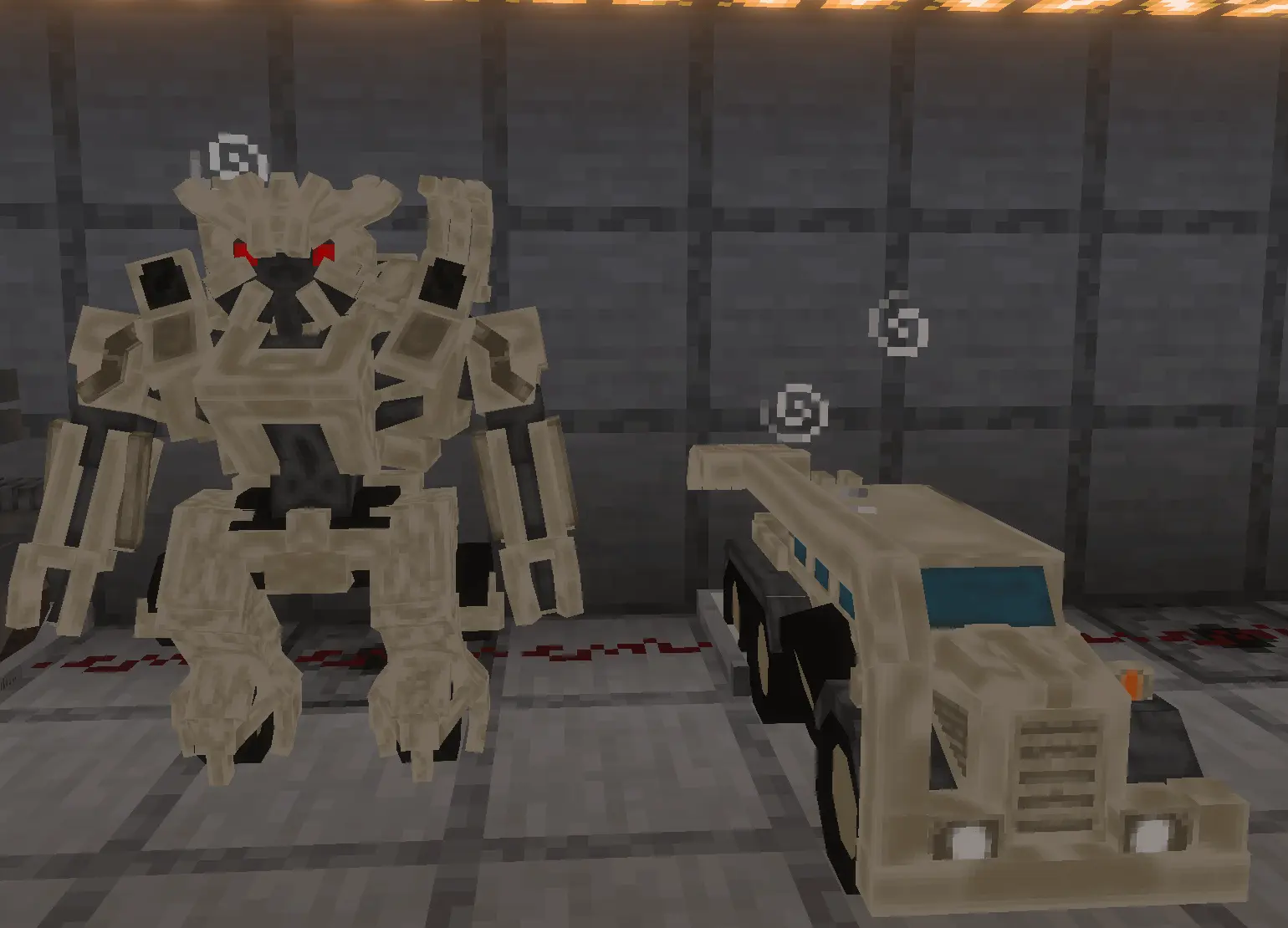
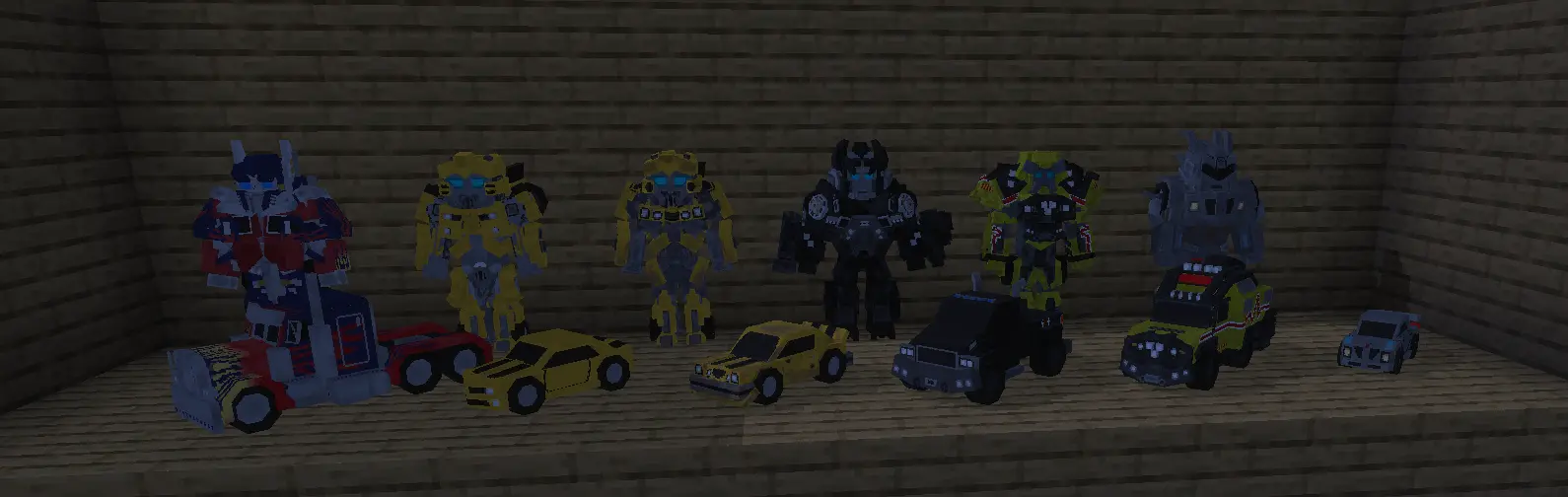
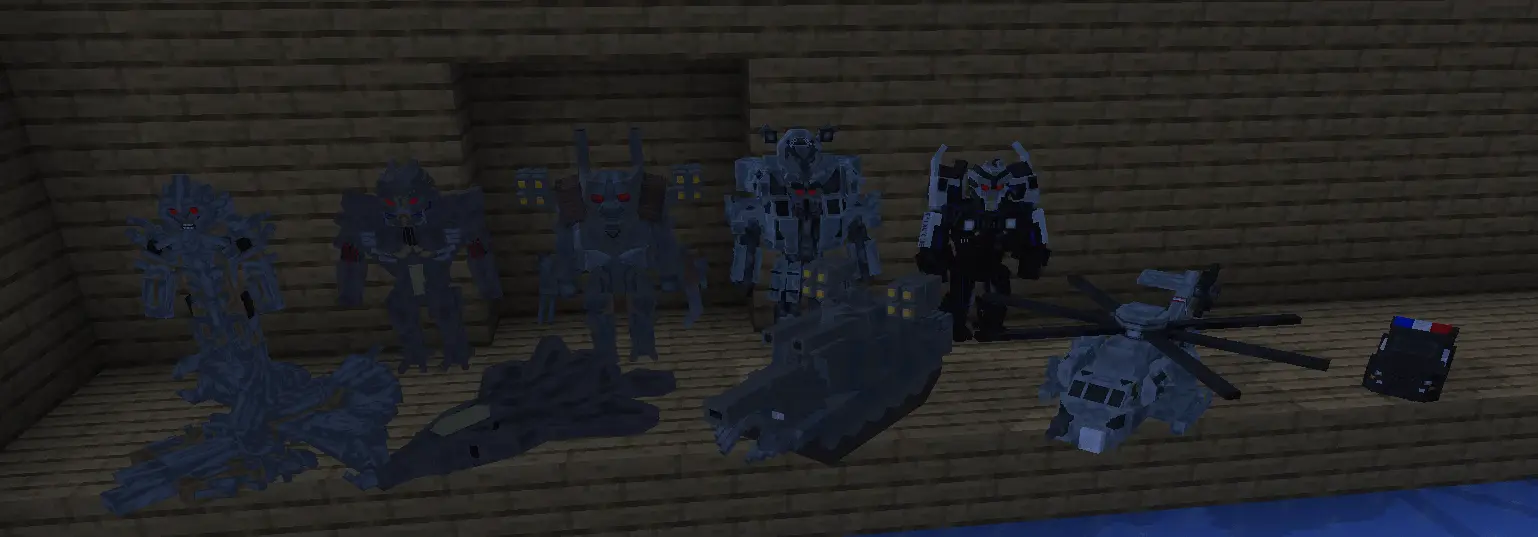
If you’re playing with friends, Transformers Mod is perfect for setting up your own mini stories without needing a complicated script. Make a meetup spot, pick a location for fights or “missions,” and let the world naturally create moments. One practical tip: if you’re going to lean into the “many transformers” vibe, build a dedicated arena area away from your main storage rooms so your everyday base stays chill and your action stuff stays contained. That way you can swap between normal Minecraft chores and hype sessions without everything turning into chaos.
Another practical tip is pacing. When a mod adds a lot at once, it’s easy to overload your world with too much happening everywhere. Start by exploring and building around the idea first, then slowly expand the areas where you want the transformers presence to be the main focus. Transformers Mod works best when your world has a few clear “scenes” you can rotate between, so it doesn’t just feel like random stuff dropped in—it feels like your Minecraft world got a whole new theme.
Installation Mod:
- Download the .mcaddon / .mcpack;
- Open the file to import into the game;
- In World Settings → Resource Packs and Behavior Packs, enable it (turn on Experiments if needed);
- Have fun!
Comments (0)