One Punch Tree (Tree Capitator) Mod / Addon
- 11-02-2026, 17:05
- 839
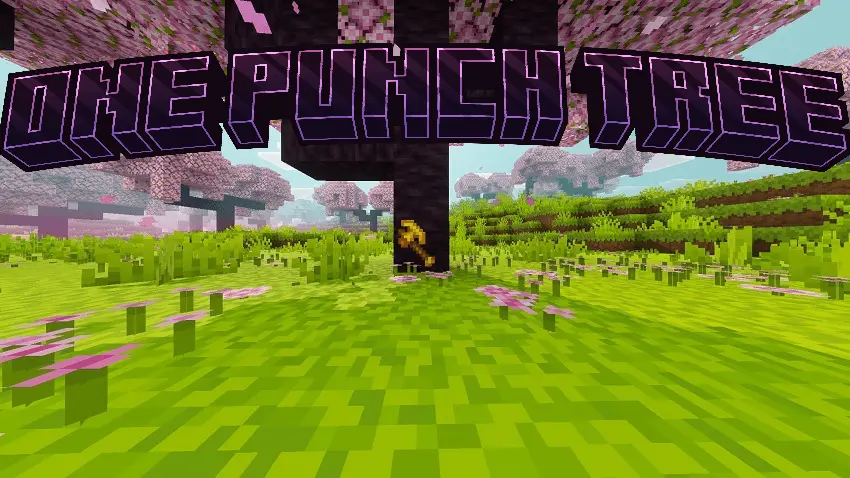
One Punch Tree (Tree Capitator) Mod is a full rework of the whole “chop a tree” routine, made for players who want logging to feel smoother and more modern. Instead of relying on the old “sneak to chop” style setup, it shifts to a more complete system that you can actually tune in-game. It’s also marked as compatible with 1.21 and Realms, so it fits into the way a lot of people play right now.
The best part is that it isn’t just a single on/off gimmick. You get an In-Game Settings Menu and smart toggles, which means you can shape how the tree-capitator behavior feels while you’re actively playing, not by messing around outside your world. That’s huge in survival when you’re bouncing between jobs like grabbing wood, building, mining, and then suddenly realizing you need a stack of logs for a roof before night hits.
Durability is where this mod tries to keep things from feeling sloppy. One Punch Tree (Tree Capitator) Mod calls out advanced durability calculations, so the “fast logging” vibe still has a sense of cost instead of being a free cheat button. In real play, that matters when you’re grinding out a starter base, clearing space for farms, or doing big build sessions where you’re harvesting trees for an hour straight. The practical move is to pay attention to how quickly your tools are wearing down and tweak your settings so you’re not constantly getting caught mid-project with broken gear.
If you’re running a shared world, the Realms compatibility makes this kind of system feel extra useful because everyone’s always short on wood at the same time. With One Punch Tree (Tree Capitator) Mod, you can keep the pace up during those early-game scrambles, then dial it in for longer-term building so it doesn’t turn every forest into an instant delete button. It’s a solid fit for Minecraft Bedrock players who want faster gathering, but still want the world to feel like survival instead of a chore-free sandbox.
Installation Mod:
- Download the .mcaddon / .mcpack;
- Open the file to import into the game;
- In World Settings → Resource Packs and Behavior Packs, enable it (turn on Experiments if needed);
- Have fun!
Comments (0)