Smart Lag Remover Mod / Addon
- 11-02-2026, 17:03
- 768

Smart Lag remover Mod "remove aternos delay and lag" [ACHIEVEMENT FRIENDLY] is all about cutting down that annoying stuttery, delayed feeling that can make Bedrock sessions feel sloppy—especially when you’re playing on Aternos and everything starts responding a half-second late. It’s also labeled achievement friendly, so it’s meant to fit into normal survival without turning your world into “mods disabled� mode.
In-game, the biggest win from something like this is when your actions feel tighter. Mining shouldn’t feel like blocks are taking forever to pop, opening chests shouldn’t hang for a beat, and fighting mobs shouldn’t turn into that weird rubber-band mess where hits feel off. On Minecraft Bedrock, even a small reduction in delay changes how confident you play, because you stop second-guessing whether the game is lagging or you just missed.
If you want the best results, pair Smart Lag remover Mod "remove aternos delay and lag" [ACHIEVEMENT FRIENDLY] with smart survival habits that reduce stress on your world without changing what the mod does. Keep mob-heavy areas under control, don’t let animals stack into huge pens, and be careful with massive “always-on� farms if your server is already struggling. When you’re building, spread out big projects a bit instead of cramming everything into one chunk, because crowded areas can start feeling choppy fast.
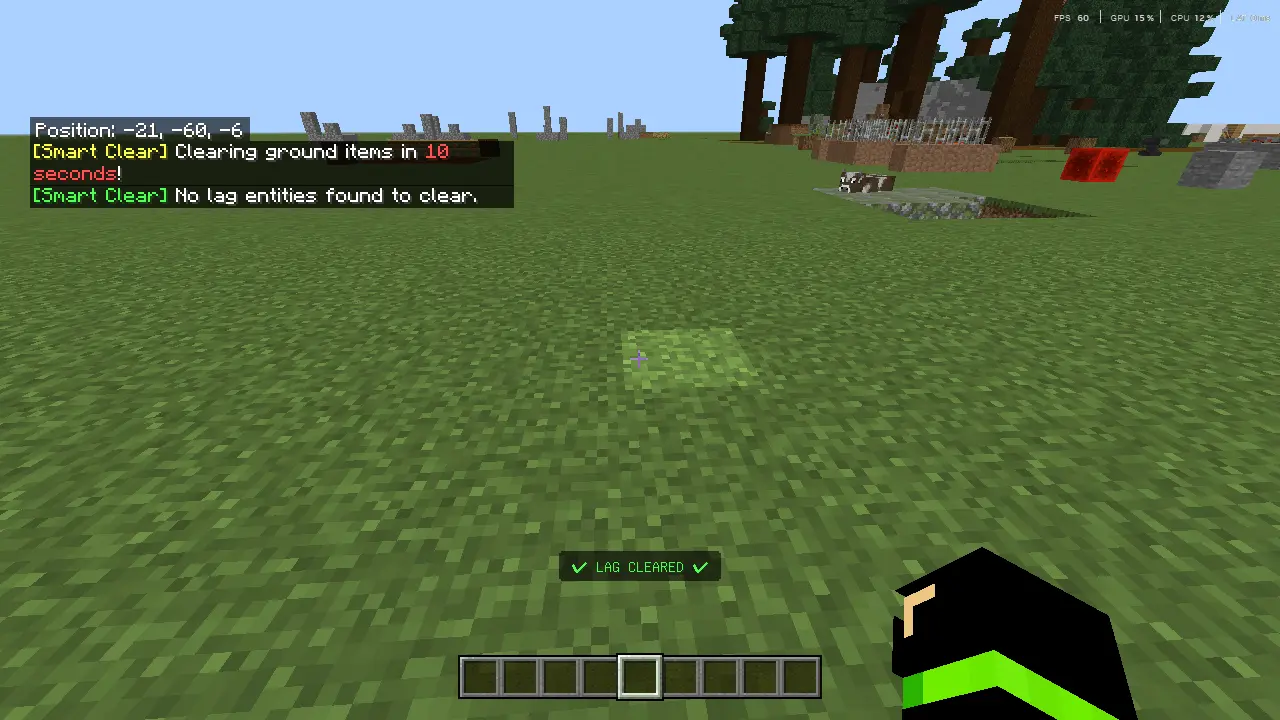
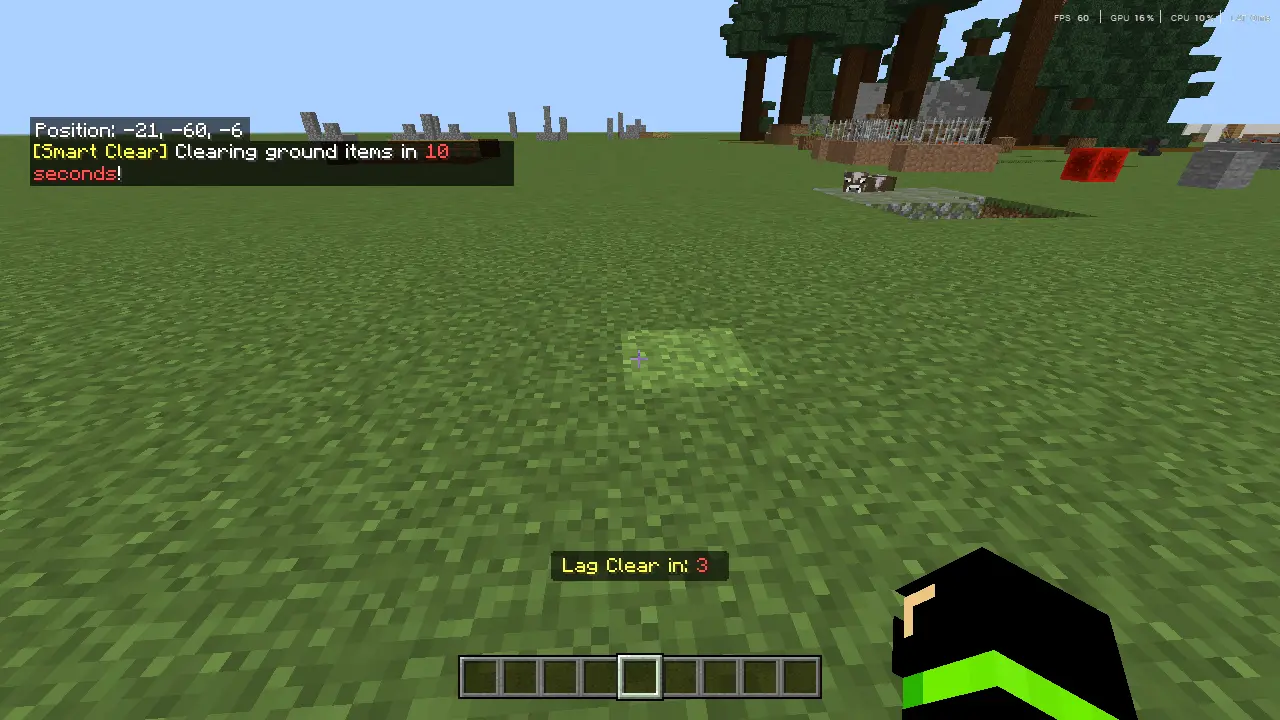
A simple playstyle tweak helps too: if you notice lag spikes, avoid sprinting through brand-new terrain nonstop for a while and spend time working near your base until things settle down. The whole point of Smart Lag remover Mod "remove aternos delay and lag" [ACHIEVEMENT FRIENDLY] is to make your survival sessions feel less like a fight against the server and more like you’re actually in control of your gear, movement, and timing.
Installation Mod:
- Download the .mcaddon / .mcpack;
- Open the file to import into the game;
- In World Settings → Resource Packs and Behavior Packs, enable it (turn on Experiments if needed);
- Have fun!
Comments (0)