Valentine's Special Mod / Addon
- 11-02-2026, 14:34
- 807
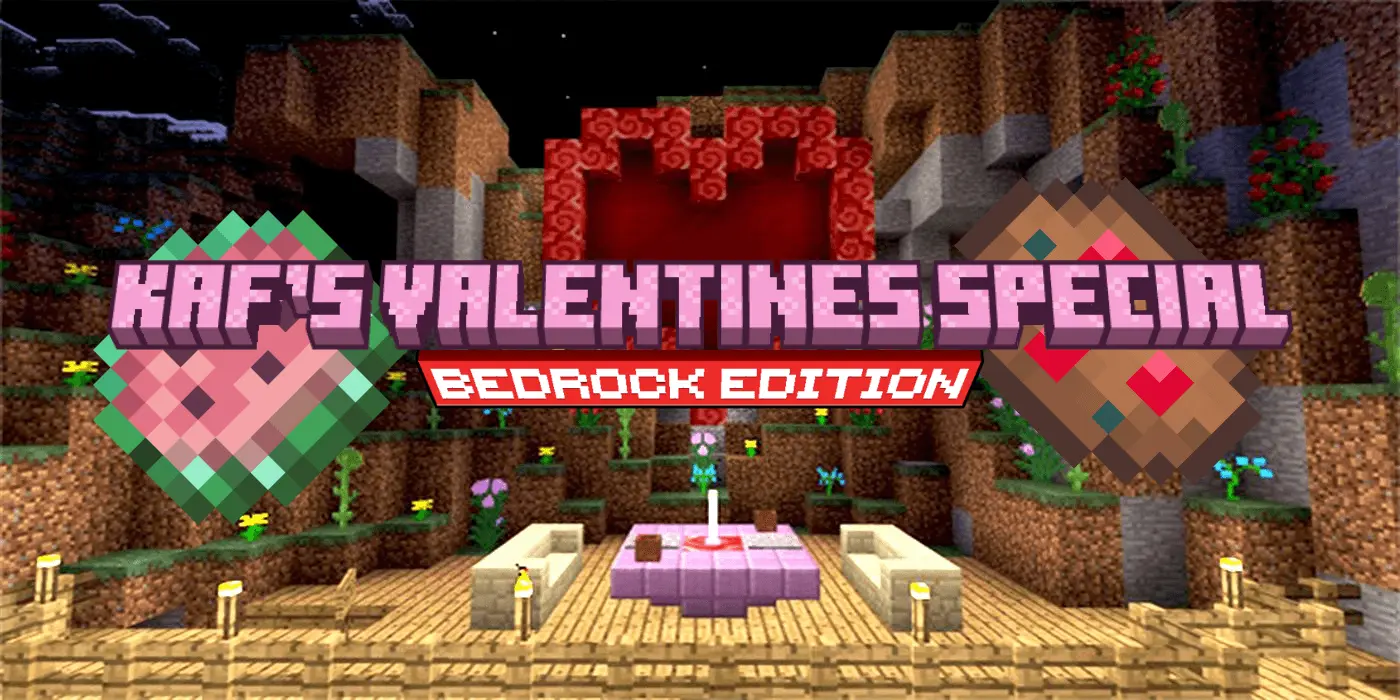
Valentine's Special Mod (Bedrock Edition) is basically for players who want their world to feel a little more playful and themed, especially around Valentine’s Day. The mod’s whole vibe is love, care, and sugary foods, and it doesn’t try to hide it—this is a dessert-first add-on that gives you more fun things to collect and snack on while you’re doing your normal survival routine.
The main feature right now is the cookie lineup: it adds 20 base versions of cookies, and each one has its own unique effects. That instantly makes cookies feel like more than a throwaway food item, because you can treat them like a stash of “situational snacks� depending on what you’re doing that day. Before a cave run, before a long travel stretch, before a risky night outside—having different cookies with different effects gives you a reason to actually care which one you bring instead of grabbing whatever is closest.
On the world-building side, it also adds a new flower called the Aristea. Even one new flower can make a big difference if you like decorating, because it gives you a fresh color and a new reason to roam around looking for it. And if you’re the type who builds cozy bases, garden paths, or little Valentine-themed builds, Aristea is the kind of detail that makes a place feel intentional instead of copy-pasted.
The last big piece is the new cotton candy crop, which fits perfectly with the sugary theme and gives you another thing to grow and manage alongside your usual survival farms. Practical tip: set up a small “treat garden� near your main base so you can keep the mod’s content in one place—cookies in a kitchen chest, the flower in a display area, and the cotton candy crop nearby so it feels like a real themed addition, not random items scattered everywhere. Valentine's Special Mod (Bedrock Edition) works best when you lean into the vibe and let your survival world have a little candy-coated personality.
Installation Mod:
- Download the .mcaddon / .mcpack;
- Open the file to import into the game;
- In World Settings → Resource Packs and Behavior Packs, enable it (turn on Experiments if needed);
- Have fun!
Comments (0)