TunerCars Fairblock Z (Car) Mod / Addon
- 17-02-2026, 09:00
- 935
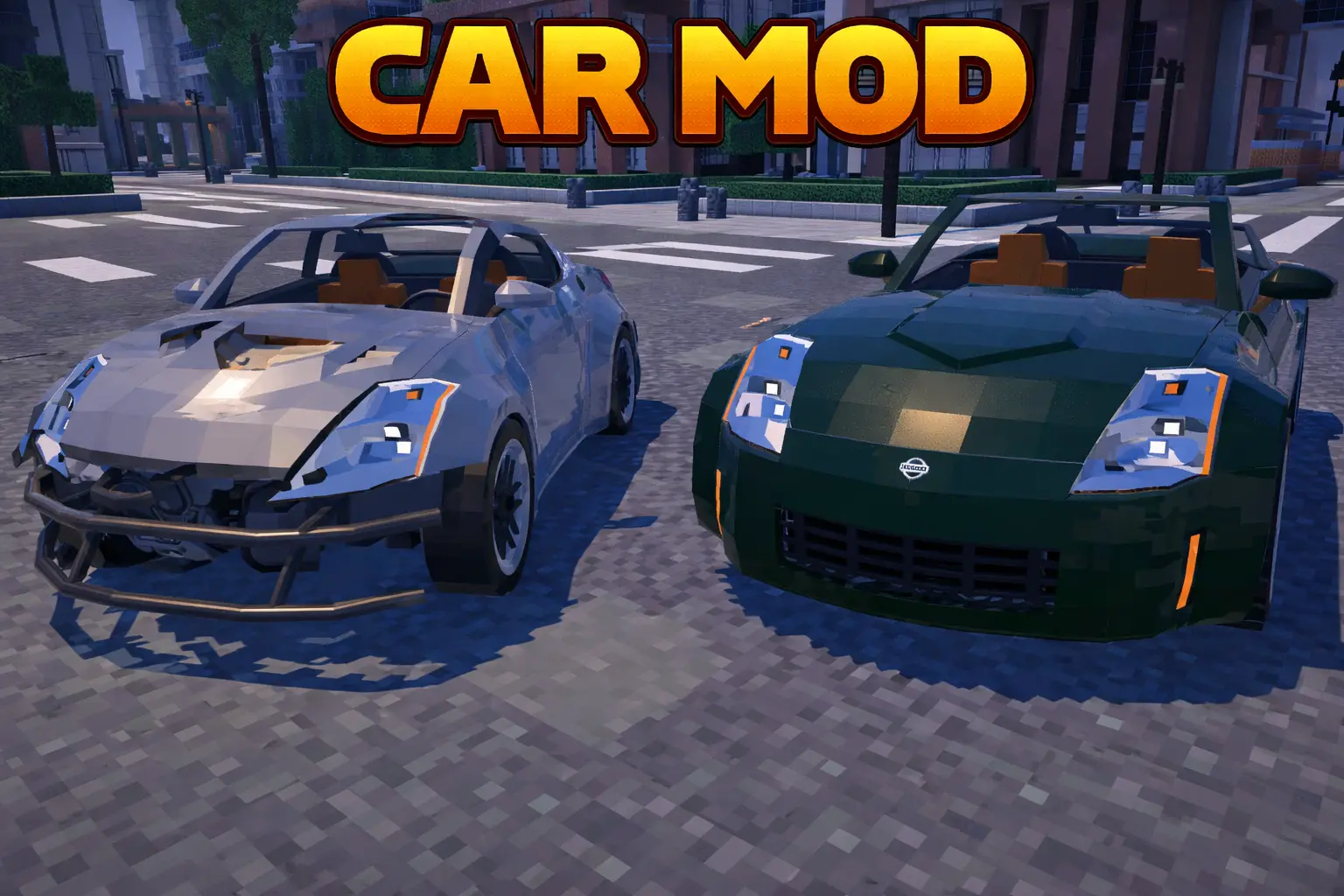
TunerCars Fairblock Z Mod is basically for anyone who wants a car build that actually feels detailed and properly scaled instead of looking like a chunky toy. You get two versions to vibe with right away: the LHD Z35 and the RHD Fairblock Z, both set up with working interior lights, exterior lights, and windows. If you’re into screenshots or cruising around your builds, it even calls out that it looks best with Vibrant Visuals on, especially since the lights are meant to work with Vibrant Visuals enabled.
What makes this mod fun is how “hands-on� it feels. You can open the doors with shift click, roll down windows, and if you swap into the convertible body style, the top can open and close. It’s not stuck as one shape either—you can cycle between coupe, convertible, and a Pandem/RB widebody look, so the same car can match totally different garage themes. There are also working hazard lights that turn on in the rain, which is such a small thing but it makes the car feel way more alive when the weather changes while you’re out driving back to base.
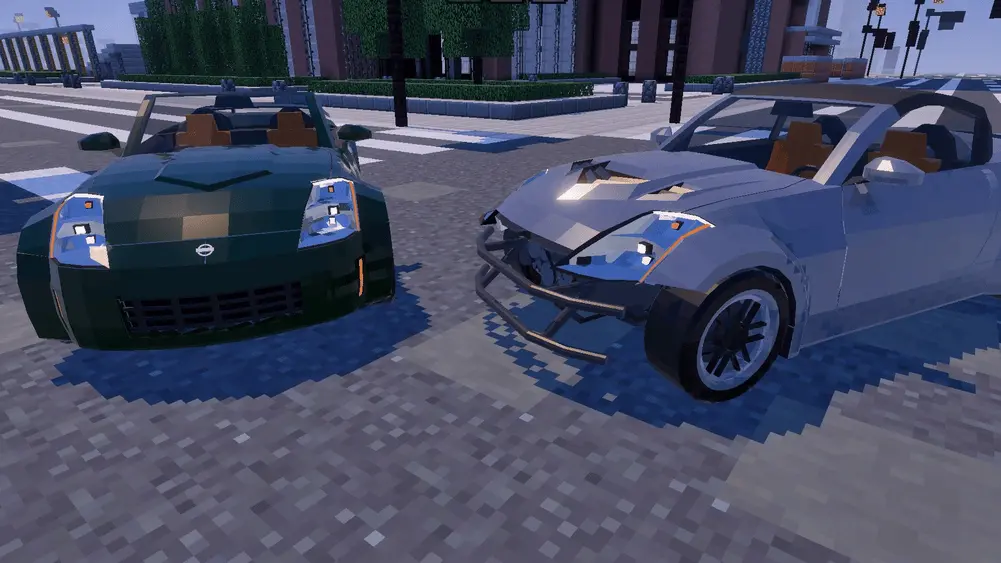
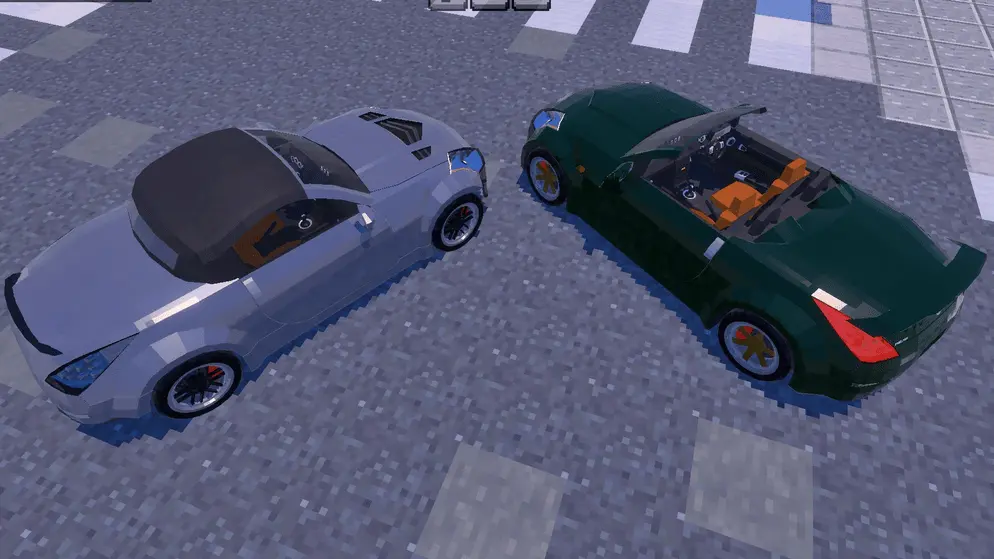
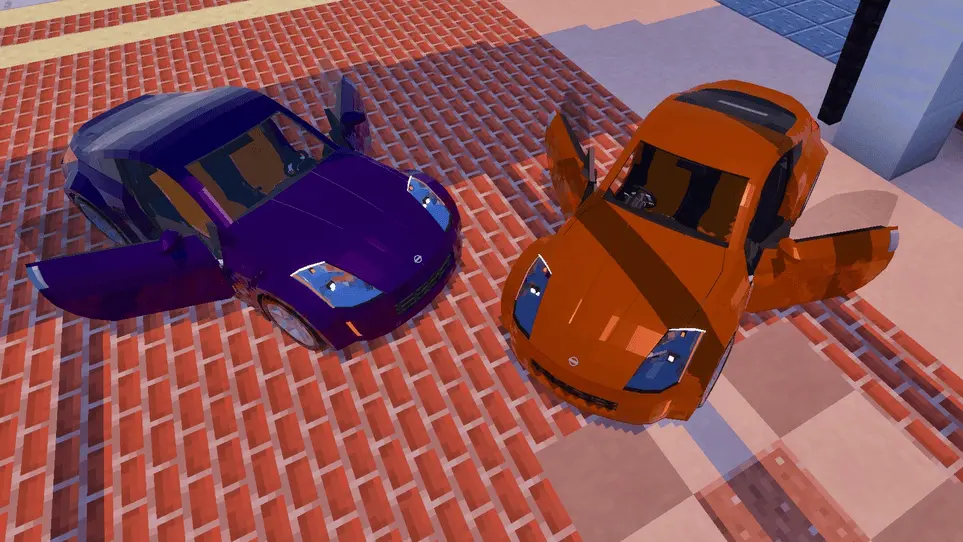
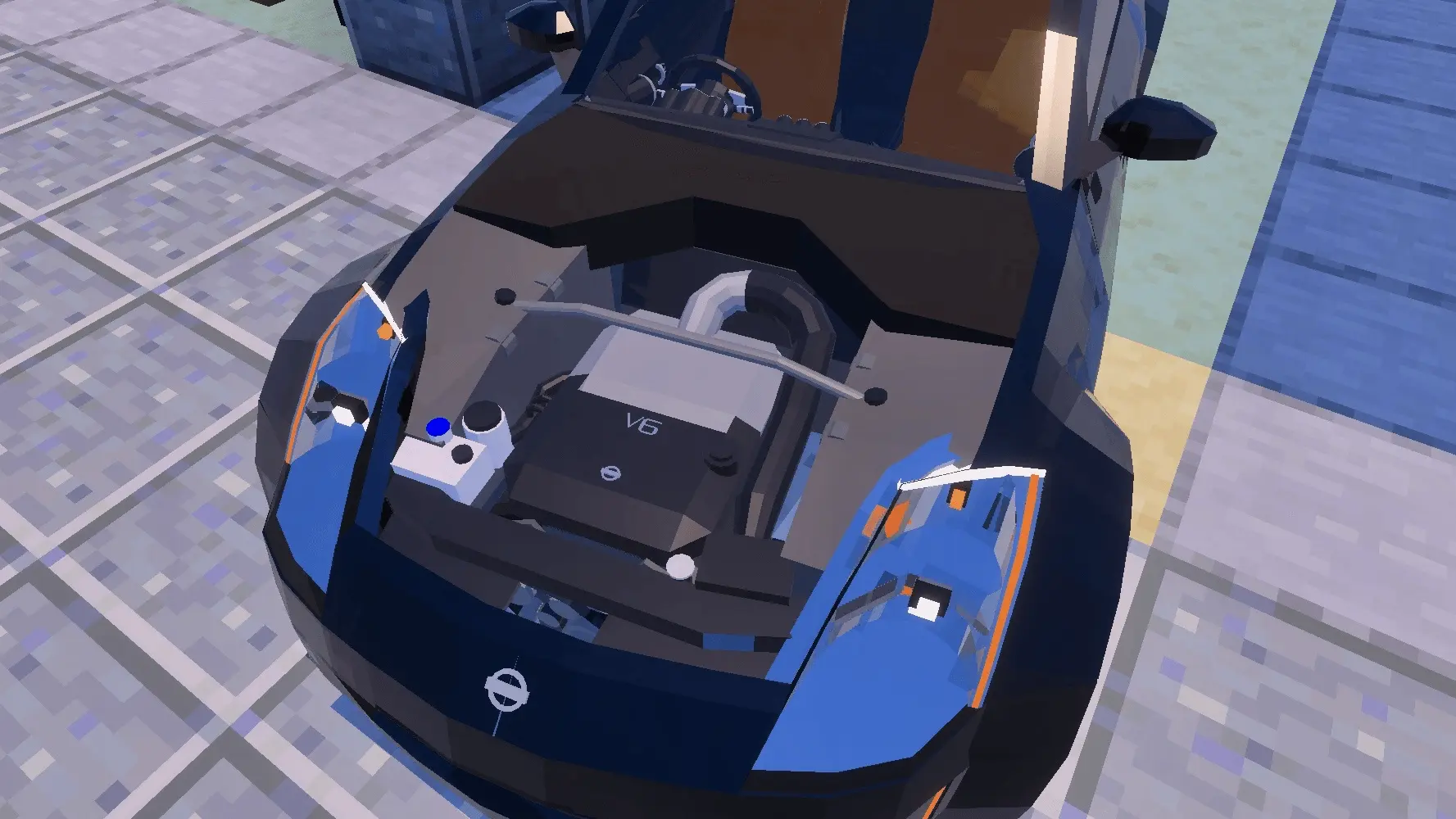
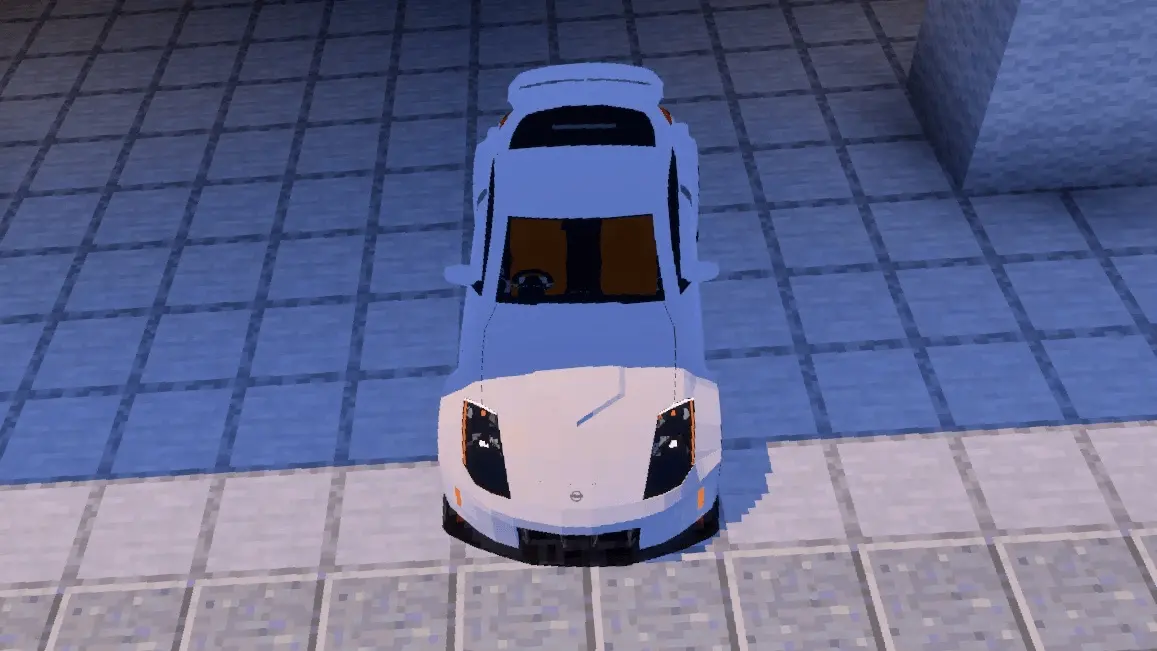
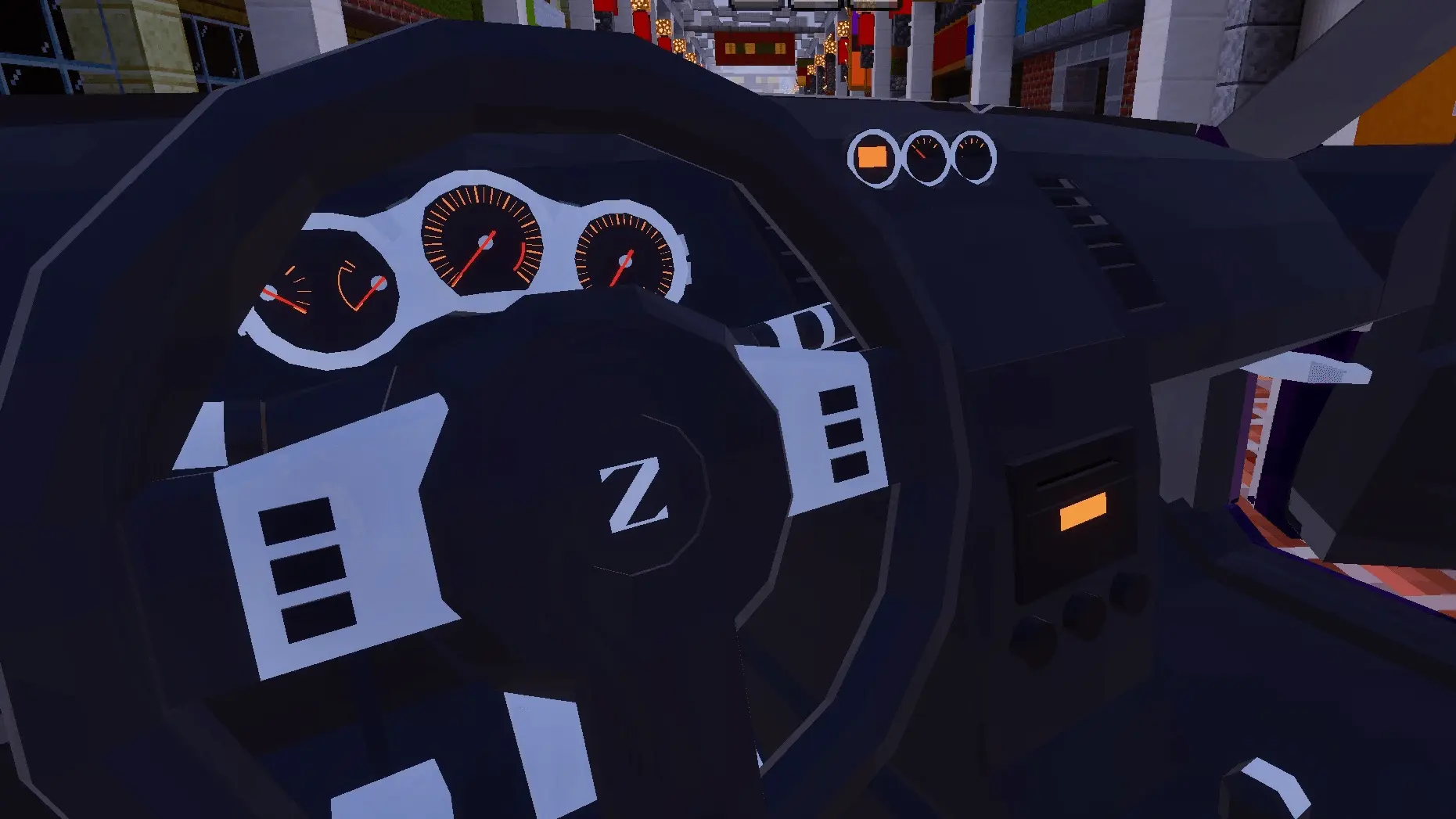
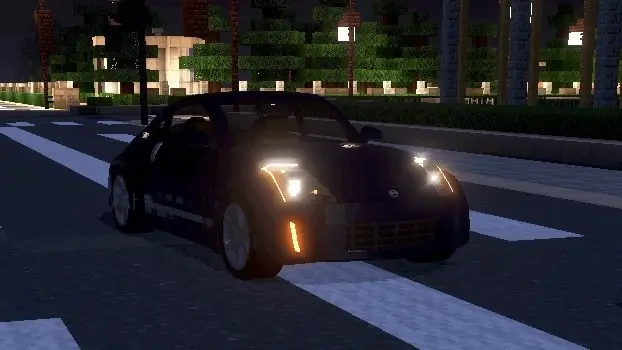
The customization is deep enough that you’ll probably end up making a “daily,� a show build, and a wild widebody just because you can. TunerCars Fairblock Z Mod lets you mess with body style, bumpers, hood styles, rims, spoiler styles, light styles, and even light covers like OEM and smoked. You also get legit tuning vibes with adjustable suspension, fitment, track width for the widebody, and camber options at -0, -2.5, and -5 degrees, plus coilovers to lower ride height. It even mentions the full suspension, engine, and drivetrain being there, and you’ve got 13 OEM-inspired body colors to keep the build looking clean instead of random.
To actually work all that customization, you’ll use specific items as your “toolbox.� The screwdriver swaps bumpers (and shift click swaps the rear bumper), but it doesn’t work on the widebody, so keep that in mind before you lock in that kit. The ratchet swaps wheels, the wrench swaps hood and spoiler, the wiring kit switches headlight and taillight styles, and pliers swap headlight and taillight covers depending on shift click. The blueprint cycles the body style, the converter handles windows and the convertible cover, the angle kit controls camber, coilovers lower the suspension, and wheel spacers push track width for the widebody. If you want this to feel smooth in Minecraft Bedrock, keep those tools together so you can tweak the car like you’re actually building it, not digging through a messy inventory every time you want to change one part.
Installation Mod:
- Download the .mcaddon / .mcpack;
- Open the file to import into the game;
- In World Settings → Resource Packs and Behavior Packs, enable it (turn on Experiments if needed);
- Have fun!
Comments (0)