Console Aspects – Texture Pack / Addon
- 28-01-2026, 07:17
- 6 326
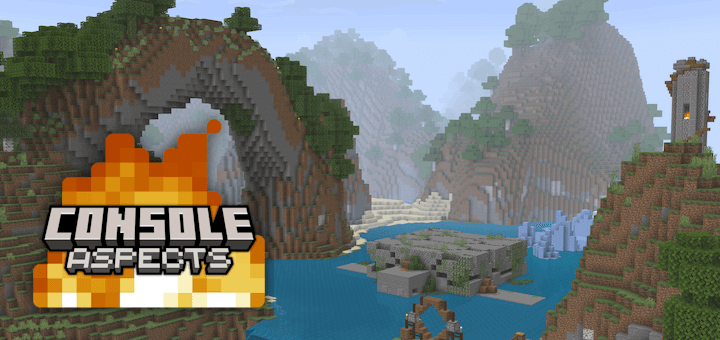
Console Aspects - texture changes the sounds, appearance of blocks, items, menus and the rest of the Console version in Minecraft Bedrock. Remember booting up Minecraft on a console and hearing those familiar menu sounds before loading your favorite world? Console Aspects brings that old-school atmosphere to Minecraft Bedrock, right down to the fog, colors, and little interface details.
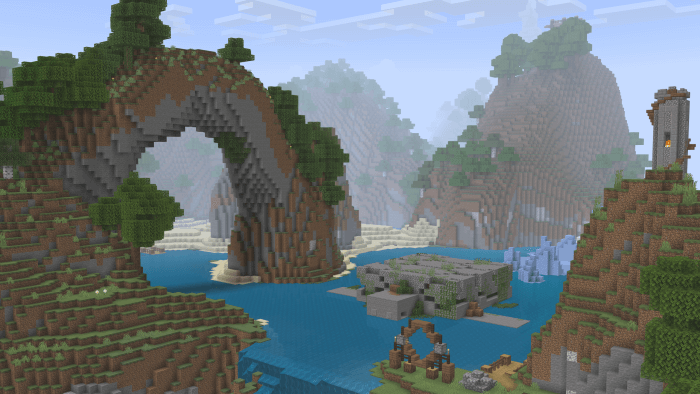
The first thing you might notice is the way the world looks at a distance. The pack adds warmer color grading and changes the fog, giving landscapes a softer, more familiar appearance for players who spent hours exploring the older console editions. Walk out of your base at sunrise, look across a forest, and the change becomes easier to appreciate than it does in a quick glance at a menu. There are adjustments to block and item textures too, along with classic-looking potion colors and mob appearances. Even explosions and their particles get attention. None of those details needs to carry the whole experience on its own; together, they give familiar places a different mood. Try loading a world you know well and visiting a spot you’ve seen a hundred times. A coastline, a snowy mountain, or the path between your house and your farm can feel surprisingly different when the atmosphere around it changes.
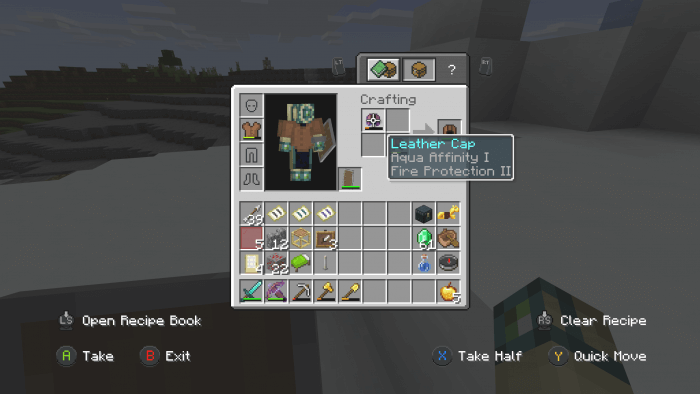
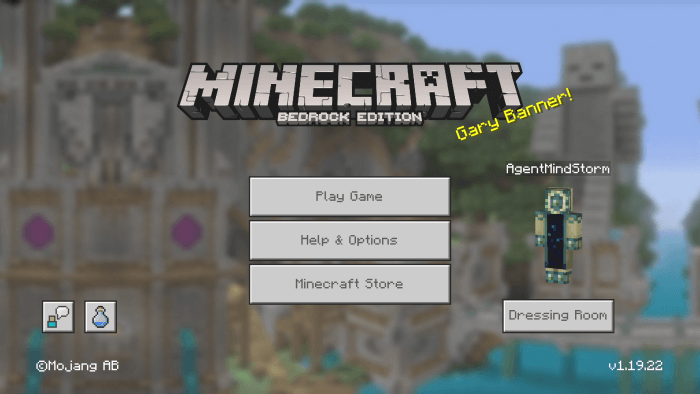
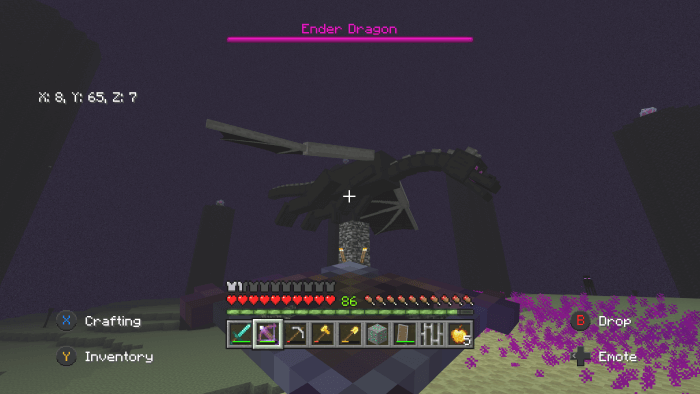
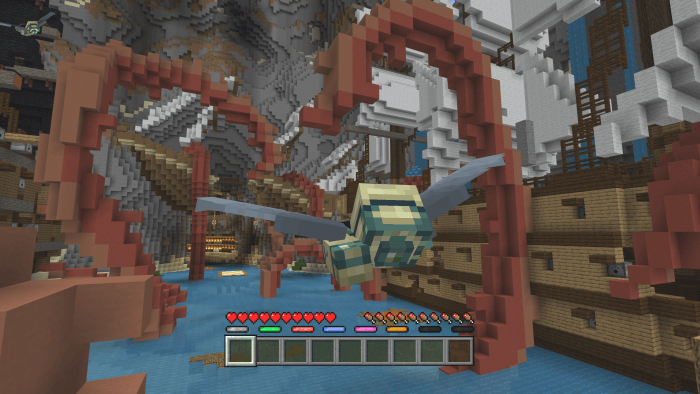
Console Aspects also reaches into the parts of Minecraft you see and hear constantly. The hotbar, experience bar, boss bar, and other HUD details take inspiration from the console look, while menu sounds bring back another piece of that experience. First-person item animations get attention as well, so using equipment such as a bow or shield can feel different even when you’re busy doing ordinary survival chores. It’s the sort of pack you may appreciate most after playing for a while: opening a menu, checking your gear, or heading into a cave gives you another chance to notice something familiar. If you remember sitting on the couch with a controller and passing time in an old shared world, those small touches can bring back the feeling without asking you to leave your current Bedrock builds behind.
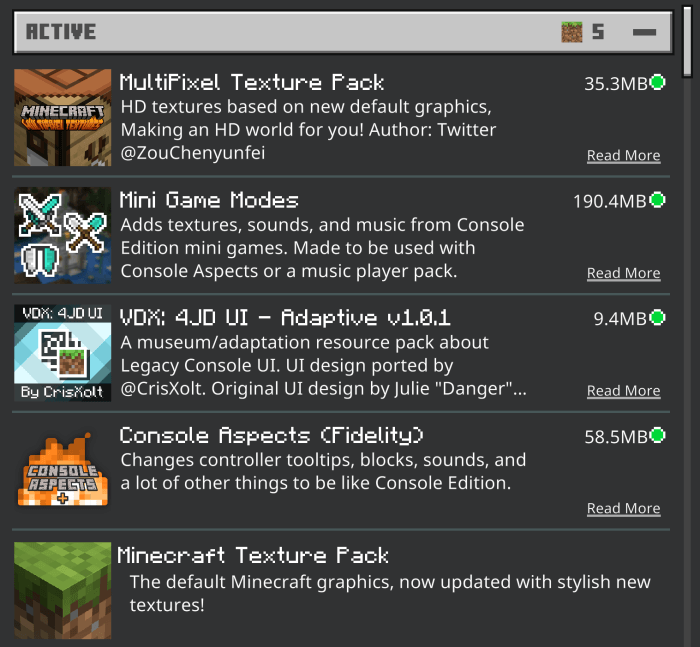
There are several pack options depending on how much of the older look you want. Default Textures aim for the style of the later console releases, while Updated Textures retain the general feel without replacing certain newer mob textures, sounds, and item names. Classic Textures go further toward the original appearance and require the Minecraft Classic Texture Pack to be placed below Console Aspects. Compatibility Mode is available if you want another resource pack to handle textures while keeping elements such as the console-style sounds and animations. Optional companion packs can also make chat smaller, change item icons, or turn off the warm color grading. That gives you room to tune the experience instead of accepting every visual choice at once. Start with the default look, spend a session exploring, and then adjust the pieces that matter to you. Console Aspects is especially easy to enjoy during a relaxed building night, when you have time to notice the familiar details as they appear.
Installation:
- Download Texture;
- Open the downloaded .mcpack to install;
- Select texture in settings;
- Done.
Comments (0)