Party Craft Addon
- 31-03-2025, 15:51
- 1 049
Party Craft Addon decorative blocks for a better party. Your friends are coming over, the jukebox is ready, and the dance floor still looks like a stone basement. Party Craft brings colorful decorative blocks to Minecraft Bedrock, giving you the materials to build a venue that actually looks ready for a party.
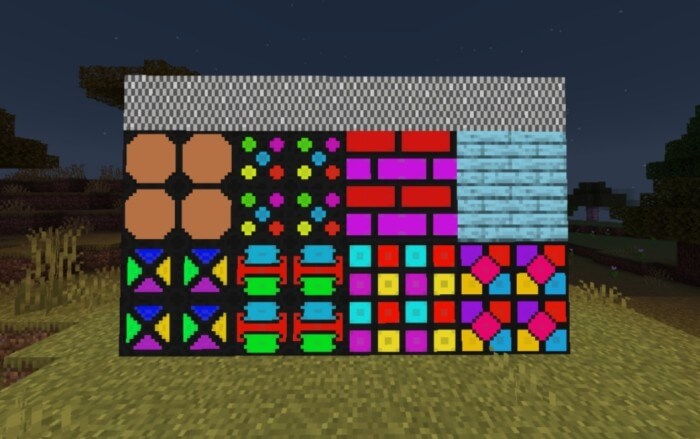
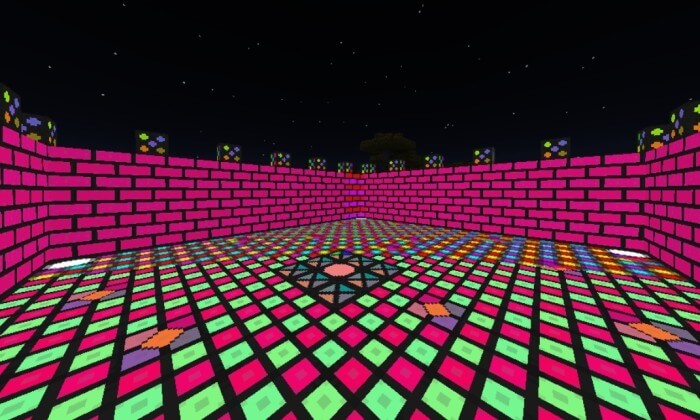
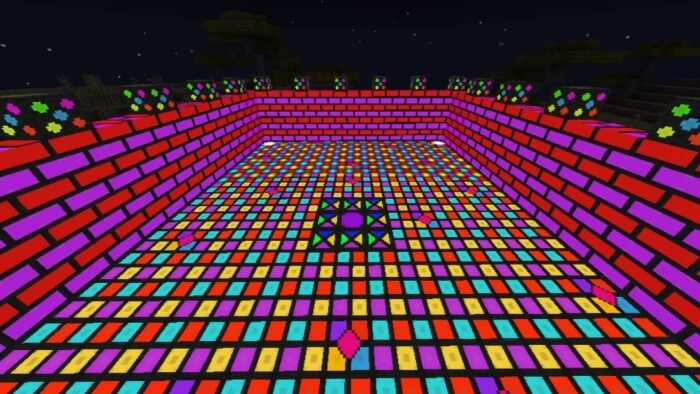
Party Craft Add-on for Minecraft Bedrock
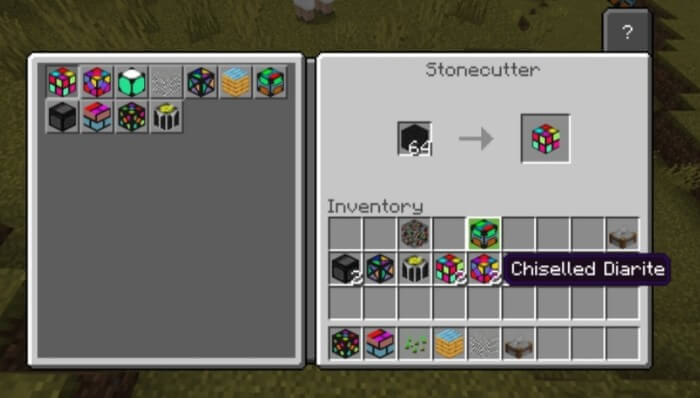
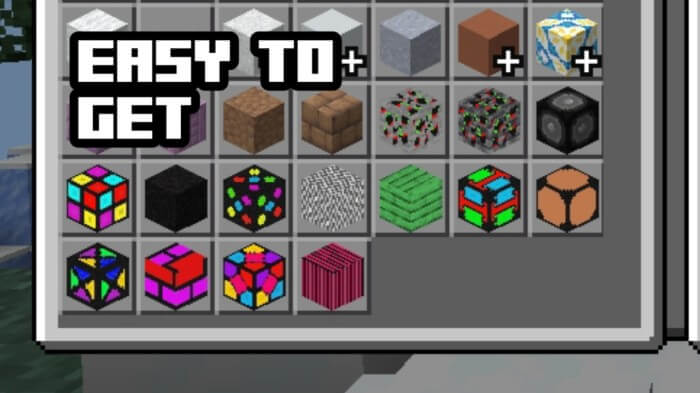
The add-on includes more than ten party-themed blocks with different designs, so you can mix things up instead of covering every surface with the same pattern. Start with a dance floor, then experiment with a border around it or a feature wall behind the DJ booth. Dark blocks can help the brighter patterns stand out, while polished Diarite tiles give you another option for finishing the room. You could turn an empty underground base into a nightclub, build an open-air festival stage, or add a party room to the mansion you’ve been working on for weeks. Even a small build can look great when the floor, walls, and entrance feel like they belong together.
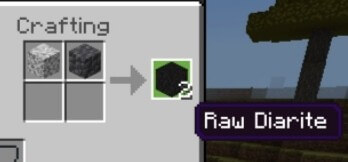
Survival builders can make the new blocks themselves. Craft Raw Diarite using diorite and cobbled deepslate, then place the material in a stonecutter to choose from the party block designs. Check the recipe in your crafting interface, gather enough supplies, and you’re ready to start decorating. If you’d rather plan the entire venue before collecting materials, the blocks are also available in the Creative inventory. Try arranging a few designs next to each other first: a pattern that looks awesome on its own might be a little overwhelming across an entire room. Then again, if your goal is maximum color from wall to wall, this is your chance to go for it.
For a multiplayer build, give everyone a job and turn the construction into part of the event. One friend can design the dance floor, another can make the entrance, and someone else can build a snack bar with item frames and tables. Add a jukebox and bring your favorite music discs, then set up a balcony where players can watch the crowd below. A rooftop venue could have a view over your city, while a hidden club behind a secret door gives everyone a reason to explore your base. The blocks are decorations, so the activities and music are yours to organize—but that also means you can make the space fit your group.
Party Craft is useful beyond an actual party, too. Use a few colorful blocks for an arcade entrance, a game-show stage, or a bold accent inside a futuristic building. Try combining the new designs with ordinary Minecraft materials to see which ones fit your style. A small strip around a doorway can make a room feel special without taking over the whole build, while a full patterned floor works when you want the place to be impossible to miss. Pick a spot, bring your friends, and give that jukebox somewhere worthy of the next music disc you find.
Installation:
- Download Mod;
- Open the downloaded file to install;
- Select it in the settings;
- Have fun!
Comments (0)