The Ore Finder Project Addon
- 6-10-2025, 06:09
- 11 861
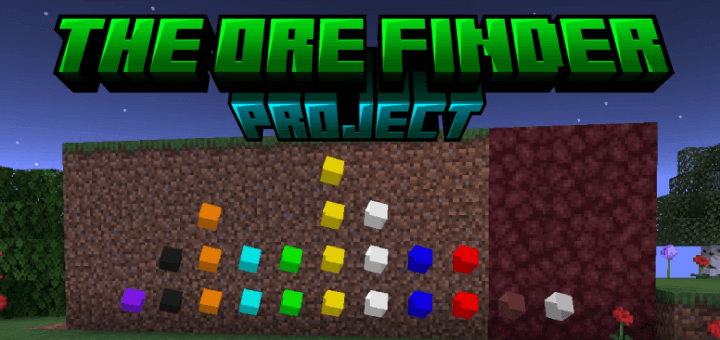
The Ore Finder Project Addon a new ability to more easily search for ores and diamond veins in Bedrock. You’ve spent twenty minutes digging through deepslate, your pickaxe is looking rough, and the diamonds are apparently playing hide-and-seek. The Ore Finder Project gives you craftable goggles that reveal valuable blocks hidden nearby, so your next mining trip can start with a target instead of a guess.
The goggles are the heart of this Minecraft Bedrock addon. Different pairs help you locate resources such as coal, copper, iron, gold, and diamonds, with markers showing where the matching blocks are buried. To make a basic pair, combine one piece of leather, one spider eye, and a piece of the material you want to find. The ingredients don’t need a particular arrangement, and you can use your inventory crafting grid. That does mean you’ll need some of the resource before making goggles for it, so your first diamond is still a find worth celebrating. Once you have the right pair, take it underground and look for the indicators around you. You still have to reach and mine the ore yourself, but knowing where to dig can save a lot of aimless tunneling. Keep your usual supplies on hand, too: a marker won’t clear lava or fight off the creeper waiting around the corner.
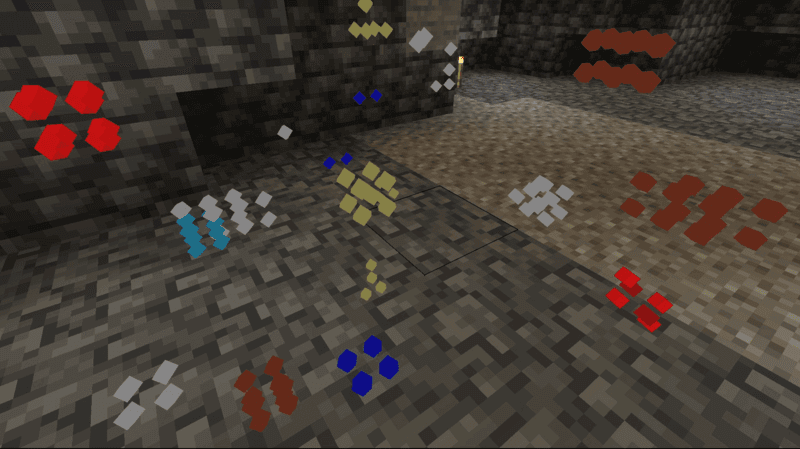
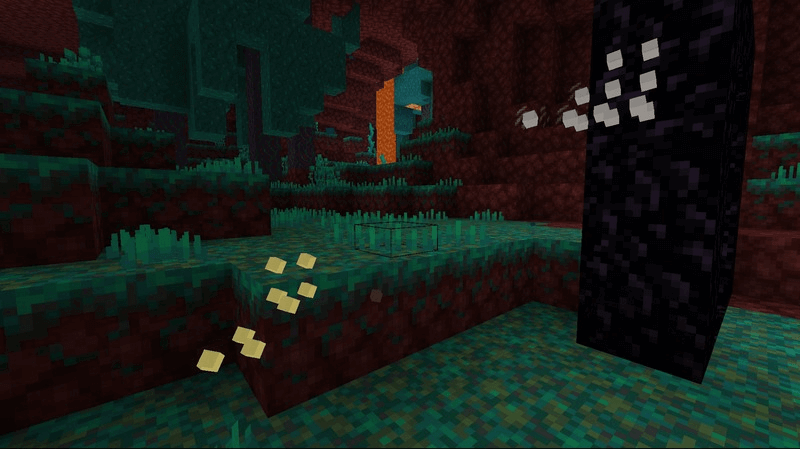
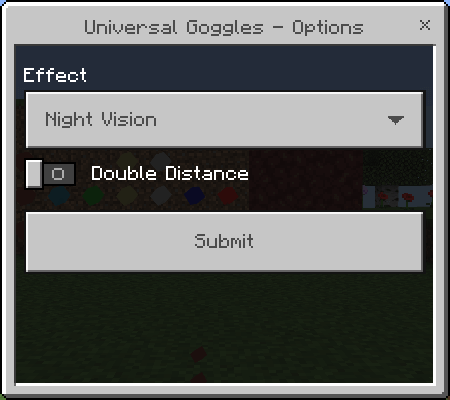
You have several ways to carry your ore-finding gear. Goggles can go in your main hand, off hand, or helmet slot, allowing you to use different pairs at the same time. Wearing a single-resource pair as a helmet can also provide light, while the combined Overworld and Universal goggles offer night vision. If you’d rather adjust what you see, use the goggles while crouching to open their options. Depending on the pair, you can change the lighting effect, choose a marker style, or increase the detection distance. The marker choices include boxes, orbs, outlines, and ore-style indicators, so you can pick whichever is easiest for you to read against the surrounding blocks. Combined goggles also let you switch individual ores on or off. Looking specifically for diamonds? Hide the other indicators and give your screen some breathing room. A wider detection range can be useful when searching for rare materials, though it may also cause lag when many markers are active.
The addon changes the pace of a mining session in a way you can tailor to your own world. Use a single pair when you need iron for a build, or bring broader goggles when you’re heading into an unfamiliar cave and want to see what’s worth collecting. If you enjoy the glow effect, it requires Vibrant Visuals in the graphics settings; the indicators themselves are the useful part when you’re plotting where to dig. A good routine is to pause at a safe spot, check the nearby markers, and decide which deposits are worth the trip. Some might lead you through solid rock, while others could be close to an open cavern you haven’t explored yet. Either way, bring a pickaxe suited to the ore you’re after and leave room in your inventory for the haul. The goggles make finding resources easier; getting back home with them is still your job.
Installation:
- Download Mod;
- Open the downloaded file to install;
- Select it in the settings;
- Have fun!
Comments (2)