Simple Damage Indicator Addon
- 16-12-2025, 08:55
- 2 272
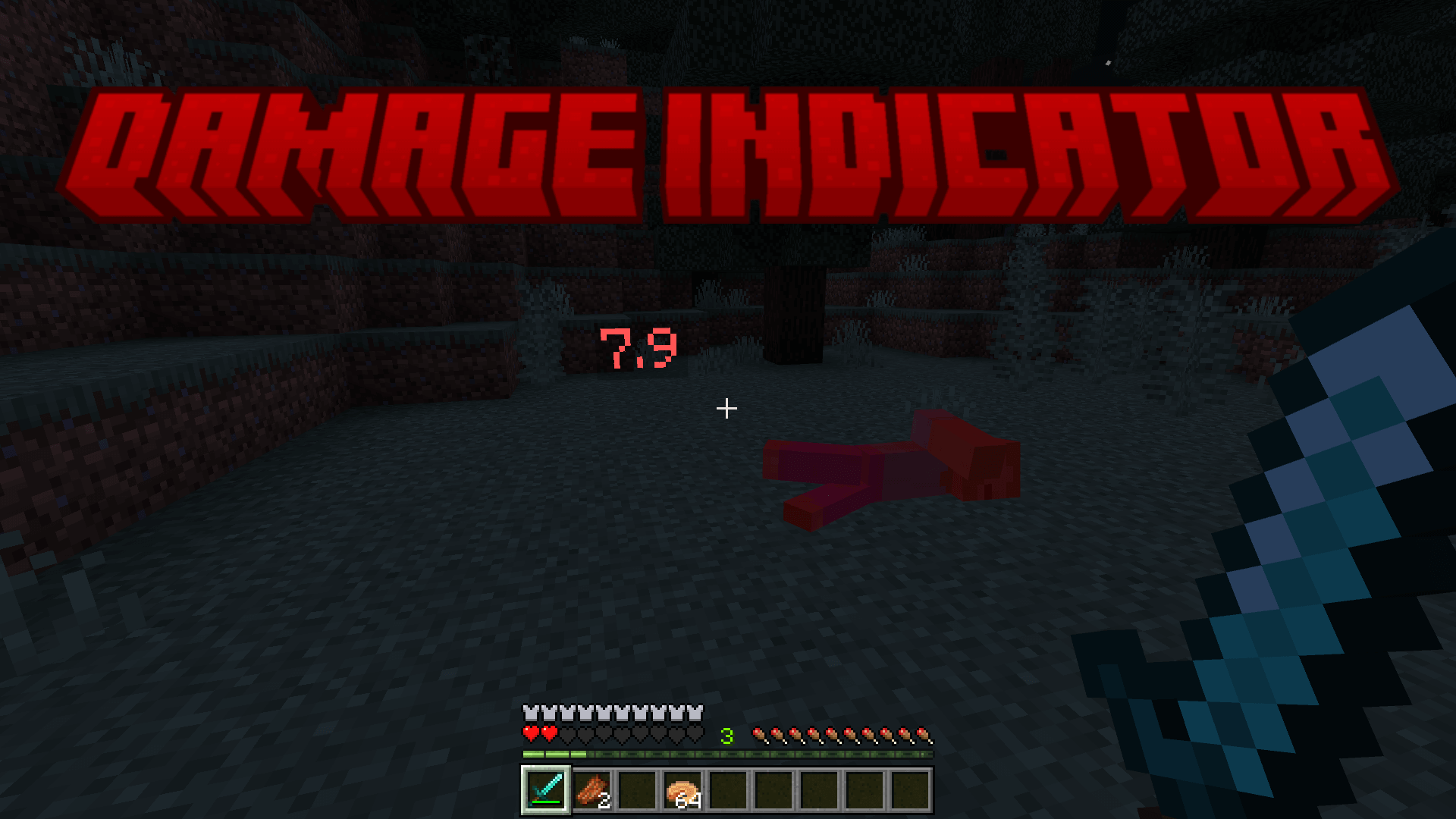
Simple Damage Indicator Addon is a simple but working mod that will show the Damage Indicator in Minecraft.
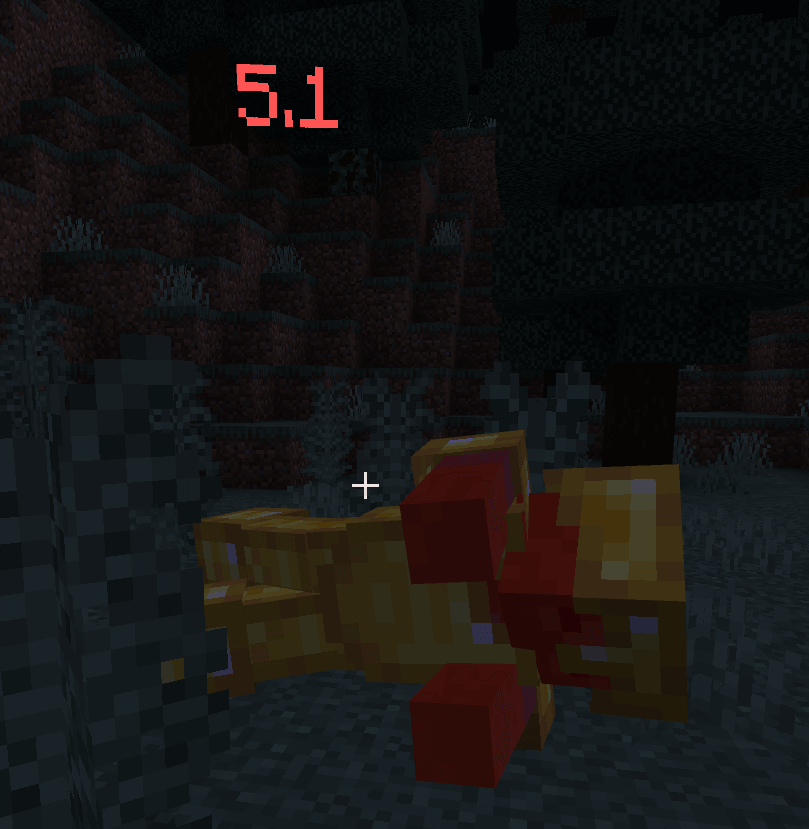
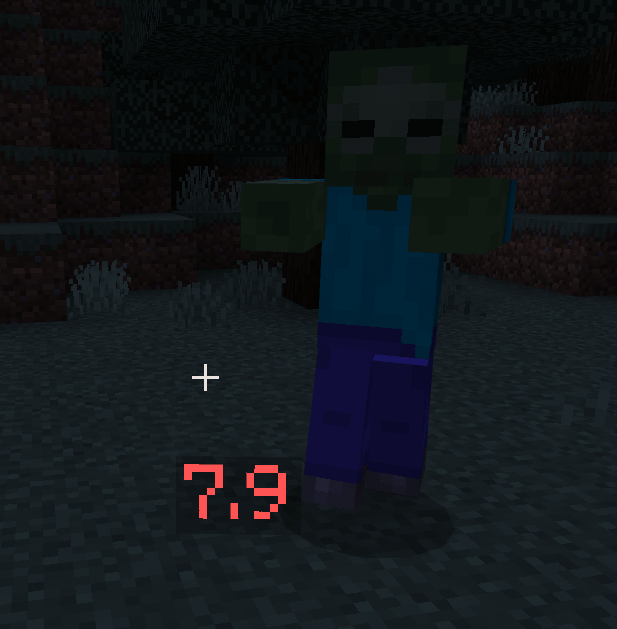
That sword swing looked impressive, but how hard did it actually hit? Simple Damage Indicator puts a number on the screen so you can see the damage instead of guessing.
When you hit a creature, the add-on displays a floating damage value near it. The idea is easy to understand the moment you land your first attack: swing, see the number, and get straight back to the fight. It’s a handy addition for Minecraft Bedrock players who like paying attention to combat without digging through menus or stopping to check a chart. You can keep playing your survival world as usual, with a little extra feedback whenever your weapon connects. The number shows the damage dealt by that hit; it doesn’t automatically tell you how much health the mob has left.
Try it when you’re deciding which weapon to bring on an adventure. Take a sword into a fight, watch the value that appears, then compare it with what you see when using another weapon. For a useful comparison, try similar attacks against the same kind of mob and pay attention to the conditions of each hit. A single number isn’t the whole story: the weapon you enjoy using, how quickly you can react, and the situation you’re fighting in all matter too. Still, seeing the result immediately can make testing your equipment much more interesting than relying on the way a swing feels.
The indicator is especially useful when you come across a creature you don’t fight often. Maybe you’re preparing for a tougher encounter and want to see how your current weapon performs before committing to the whole battle. Watch the numbers, keep your distance when you need to, and adjust your approach as you learn. It can also be satisfying during an ordinary cave trip: even a familiar zombie fight feels a little different when each hit gives you visible feedback. Just don’t get so focused on reading the number that you miss the skeleton lining up a shot behind it.
To get started, import the add-on into Minecraft and activate it in your world settings. Experimental options need to be enabled for it to work, so check those settings before heading out to test your first attack. Once everything is running, bring a few weapons on your next expedition and see what you notice. You might discover that the weapon you’ve been carrying out of habit isn’t the one you most enjoy using—or simply appreciate knowing what happened when you land a hit. Simple Damage Indicator keeps its focus on one useful detail, making it a good choice when you want clearer combat feedback while keeping the rest of your adventure familiar. Now that wild swing at a creeper comes with an actual result, even if your follow-up plan is still to run.
Installation:
— Download McPack
— Install McAddon or McPack files, just open it for this;
— Select new textures in the settings;
— Done.
Comments (0)