Teleport Anchors Addon
- 12-03-2025, 15:51
- 1 023

Teleport anchors is a cool and really working teleport mod for Minecraft. An addon for those who have long wanted to teleport in the game to different parts of the world. One bad step into lava can turn a great mining trip into a disaster. Teleport Anchors gives you a way back to your death location and lets you save destinations for much faster travel across your Minecraft world.
The addon is especially useful once your survival world starts spreading out. Your storage room might be near spawn, your favorite village could be across an ocean, and that massive cave you discovered may be thousands of blocks from either one. Instead of making the same journey every time you need supplies, you can record important locations and teleport back to them. Save a spot at your main base, another near the village, and one at the entrance to your current mining area. Each destination becomes easier to revisit, leaving you with more time to trade, build, and explore. You still get the adventure of finding these places in the first place; you just don’t have to repeat the whole trip whenever you forget your pickaxe.
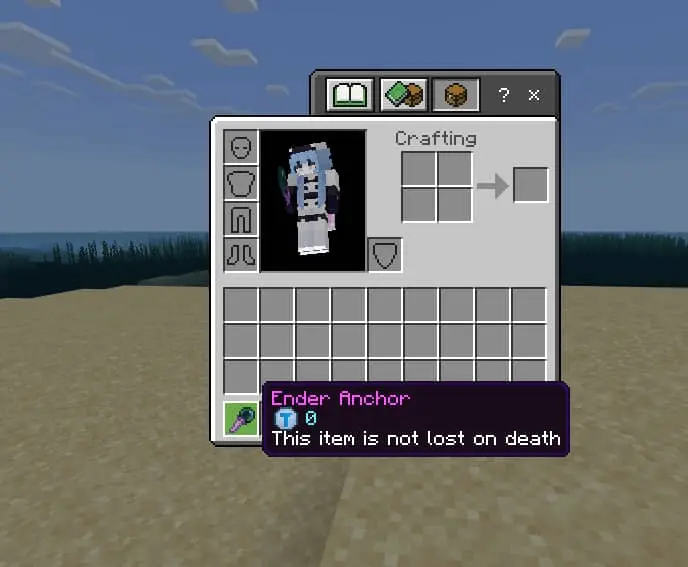
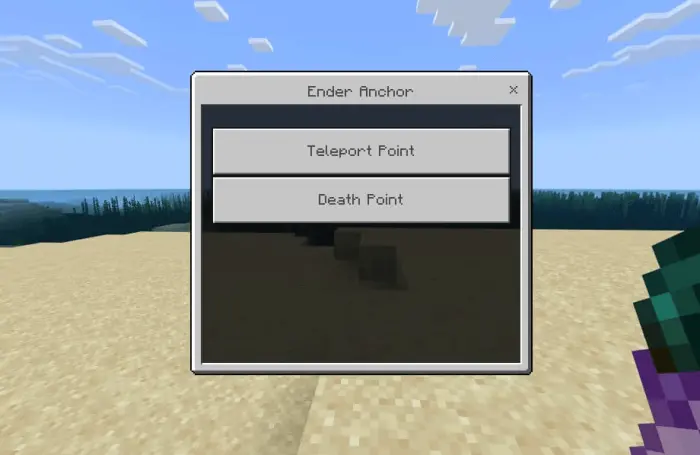
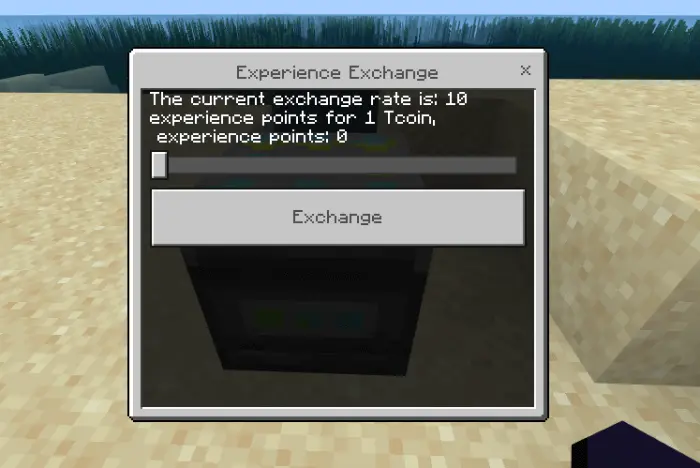
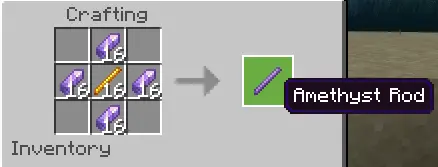
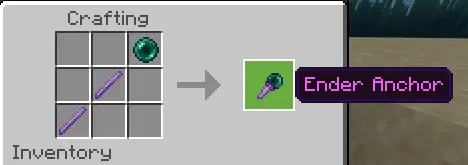
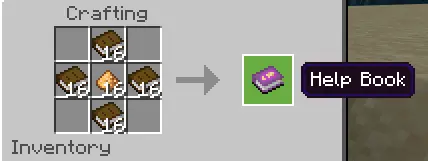
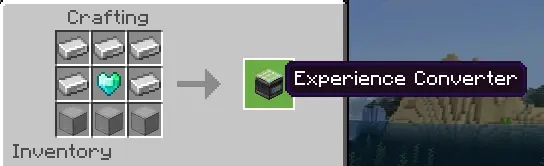
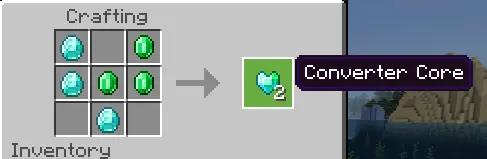
Teleport Anchors Addon for Minecraft Bedrock
Returning to a death point can be a lifesaver when you’re carrying equipment you really don’t want to lose. Maybe a skeleton knocked you off a cliff, or a creeper caught you sorting your inventory in a cave. With Teleport Anchors, you can head back to where you died instead of trying to remember every turn through the mineshaft. That doesn’t mean your gear will be waiting somewhere completely safe, though. The mobs that got you might still be nearby, and items that landed in lava may be gone. Take a moment to prepare for the return if you can: a spare weapon, some food, and a bit of armor could make the difference between recovering your stuff and suffering the exact same fate twice.
The addon also supports teleportation across dimensions, which opens up some useful possibilities for players with projects beyond the Overworld. If you’ve built a Nether base or found a location you want to return to in the End, being able to save destinations gives you another way to organize those trips. You could keep track of a favorite spot while gathering resources, then return when you’re ready to continue working. It’s worth choosing your destinations carefully, especially in the Nether, where an apparently quiet platform can become a terrible arrival point the moment a ghast shows up. A sheltered area with solid ground around it is a much better place to aim for than the edge of a lava lake.
Builders can use teleport locations to keep ambitious projects moving. Think about how many trips it takes to build a castle when your stone, wood, and decorative blocks are stored at different sites. Saving those locations makes it easier to collect supplies and get back to work without crossing the same terrain over and over. The same idea works for farms, trading areas, and distant outposts. If you’re exploring and discover a landscape that would be perfect for a future build, record the location before moving on. When you finally have the materials and an actual plan, you can return without spending half an evening trying to find that one mountain again.
Teleport Anchors also offers customization options, so players can adjust the system to suit their world. That makes it a practical choice whether you want a quick way to get around a large creative project or a more convenient return trip in survival. It’s particularly handy with friends when everyone is working on different parts of a shared world and the important places are far apart. Give your saved destinations clear names and think about which locations you actually visit often; a useful list is much easier to navigate than a pile of mystery points. With a little planning, you can spend less time retracing familiar routes and more time doing whatever made you open Minecraft in the first place.
Installation:
- Download Mod;
- Open the downloaded file to install;
- Select it in the settings;
- Have fun!
Comments (0)