Nick Command V2 Name Changer Addon
- 12-06-2025, 10:08
- 1 235
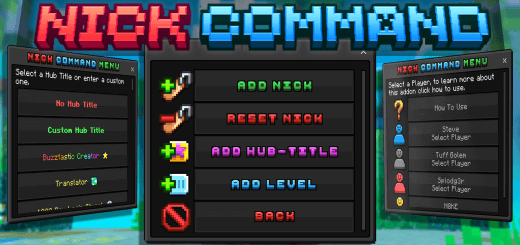
Nick Command V2 Name Changer Addon with new version and features added to the game. Get ranks, names, chat improvements and much more. Your Minecraft username might be fine for everyday play, but what if your character needs a completely different name? Nick Command gives you a way to change how players are presented in Bedrock worlds, complete with ranks and chat tags.
The addon uses a special Name Changer item to open its customization menu. From there, you can choose a player and set a nickname without asking them to change their account name. That’s useful for a roleplay world where the person behind a character already has an established gamertag. Your friend who usually goes by something ridiculous can finally appear as the serious castle guard they’ve been trying to play—or choose an even sillier nickname when the roleplay is over.
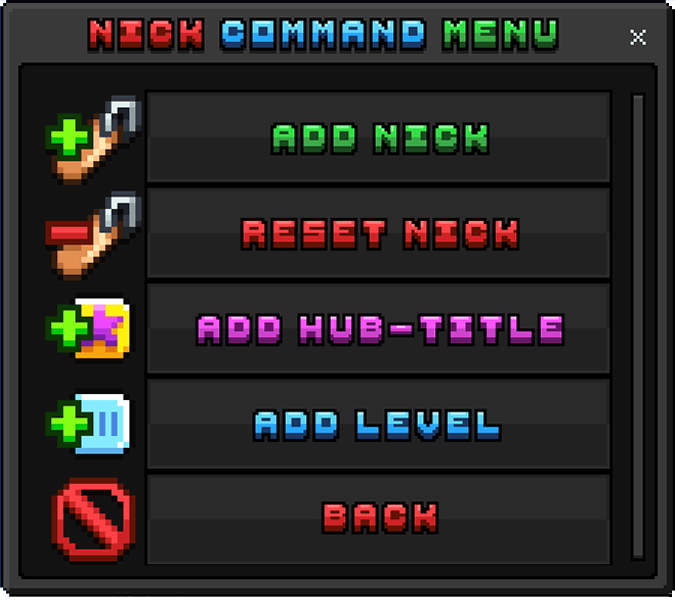
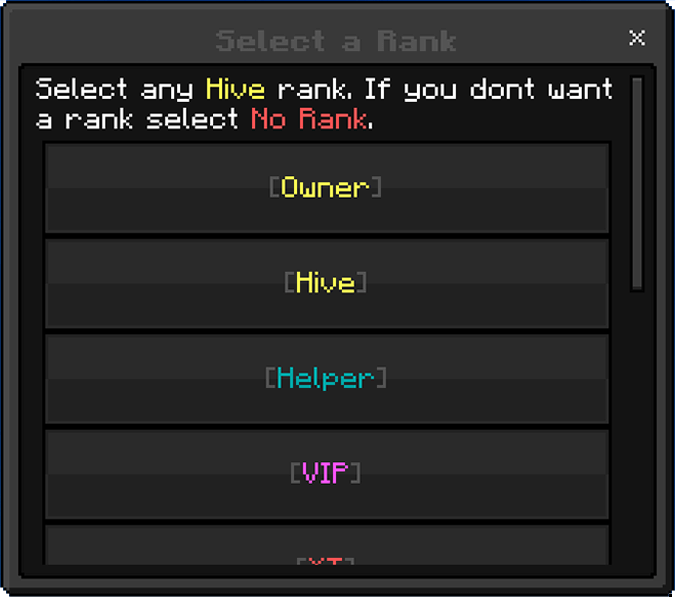
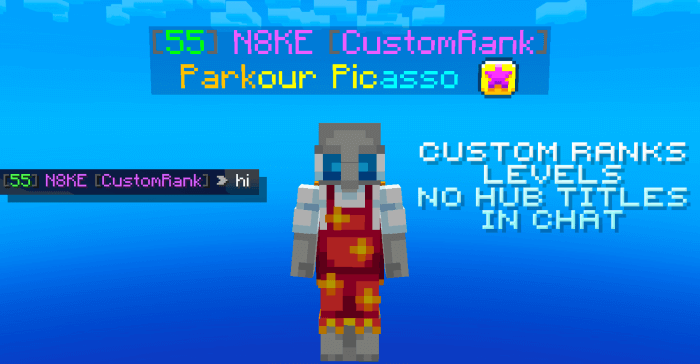
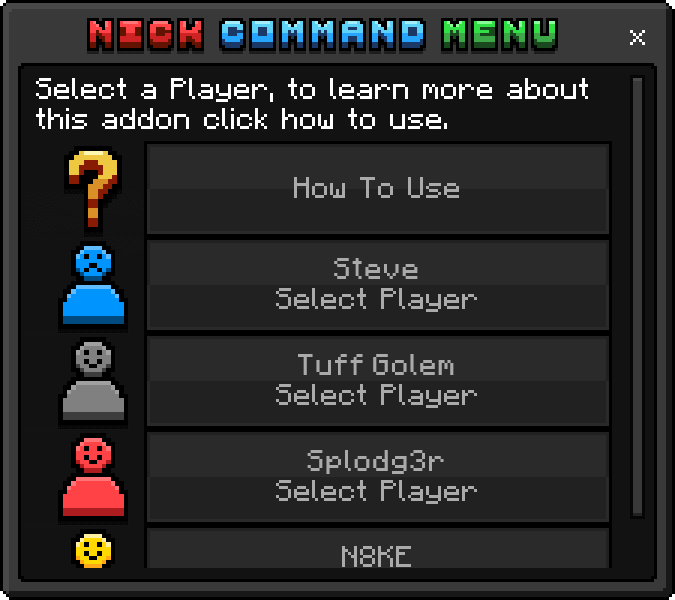
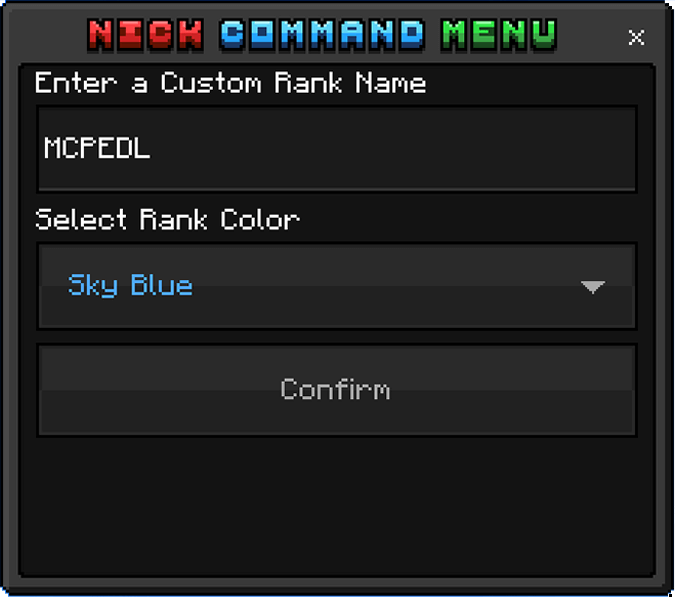
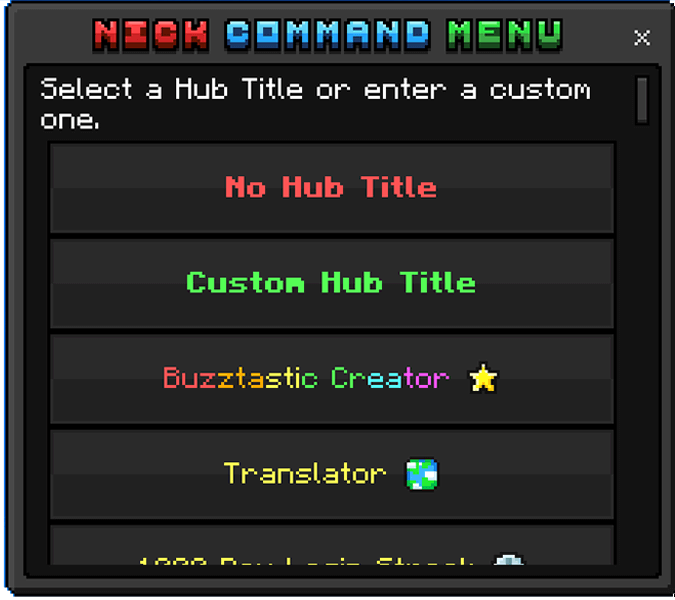
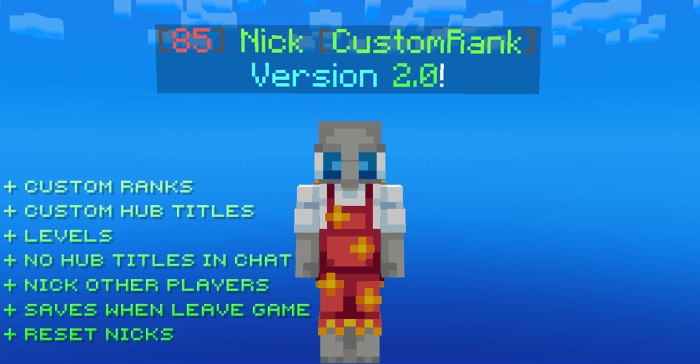
Names are only part of the fun. Nick Command also offers ranks that can appear alongside player names in chat. Server owners can use them to make different roles easier to recognize, whether that means identifying moderators, labeling members of rival factions, or showing who runs the town’s most questionable shop. Custom ranks and colors give you room to match those labels to the style of your world. A fantasy realm might have knights and mages, while a building server could give its regulars their own titles.
For a group that likes making up stories, the menu opens up some possibilities. Give each player a character name before starting an adventure, assign ranks to the crew of a ship, or organize a village with a mayor and a few very confident guards. When the story changes, you can adjust the names to fit what happens next. It’s a small detail, but seeing a character’s name and role in chat can make a shared world feel more like a place your group has created together.
The addon can also be useful outside roleplay. If several friends have similar usernames, nicknames and colored ranks can make conversations easier to follow. You might use a recognizable tag for event organizers during a minigame night, or give building teams labels while they work on different parts of a shared project. The Name Changer menu lets you select players directly, so managing those display names doesn’t have to mean sending everyone off to edit their account.
Nick Command changes the names and tags shown through the addon; it doesn’t rename a player’s underlying Minecraft account. It’s a handy tool for server owners, roleplayers, and groups who want their chat to reflect the world they’re playing in. Pick a name, give your character a fitting rank, and see how long your friends take to figure out who the mysterious new mayor actually is.
Installation:
- Download Mod;
- Open the downloaded file to install;
- Select it in the settings;
- Have fun!
Comments (0)