Wireless Hopper Mod / Addon
- 16-01-2026, 12:54
- 1 426
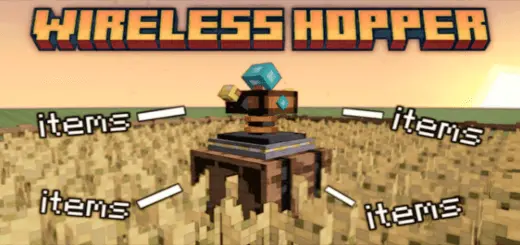
Wireless Hopper Addon for wireless transfer of extracted resources, you can immediately teleport extracted resources from the farm to your base. Your farm is working overtime, but getting everything back to base still feels like a delivery job. Wireless Hopper sends collected resources across your Minecraft Bedrock world without a long trail of hoppers connecting the two locations.
The idea is simple: set up a way for items from your farm to reach your base, then spend less time running back and forth to collect them. That makes the add-on especially appealing when your favorite building spot and your most productive farm aren’t right next to each other. Maybe you built a cozy home where the scenery is good, then realized the farm belongs somewhere else entirely. You don’t have to redesign the whole area around a visible transport line. Resources can travel wirelessly, leaving you free to keep the space between your builds looking the way you want.
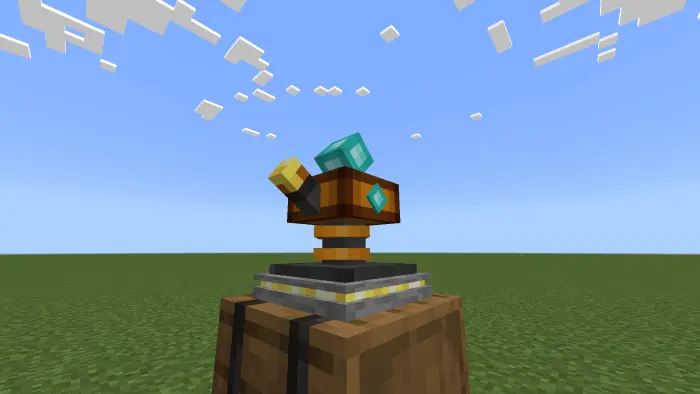
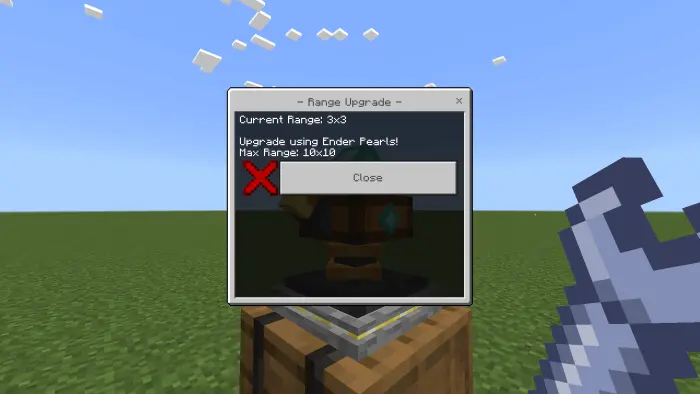
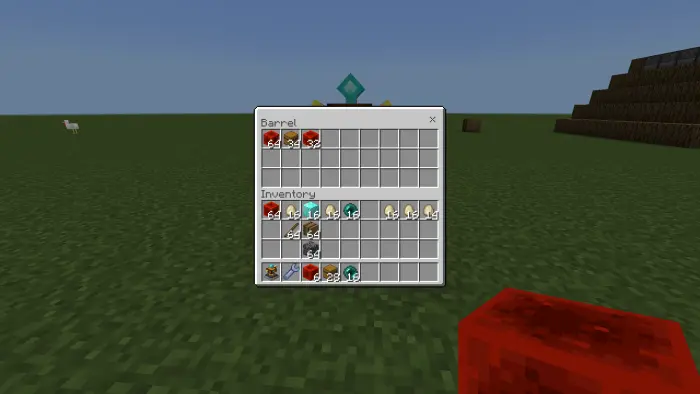
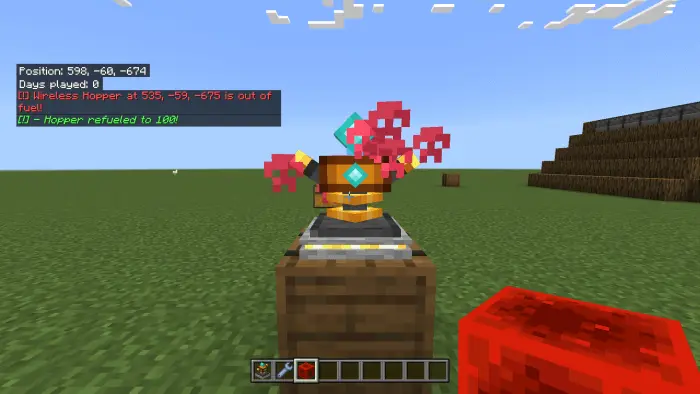
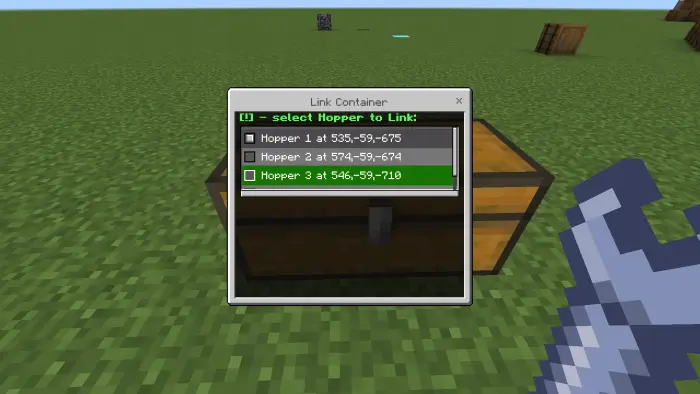
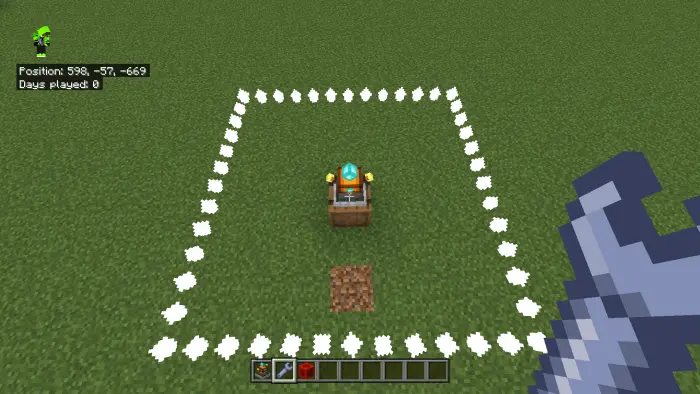
Think about all those small trips that add up during a survival session. You head over to collect the farm’s output, realize your inventory is nearly full, return to base, sort everything, and then go back because you forgot half the haul. Wireless Hopper cuts down on that routine by moving resources toward your storage area for you. You can spend the time working on a new build, exploring, or finally organizing the chests you’ve been avoiding. The farm still needs a sensible setup, of course, and you’ll still want somewhere to put everything when it arrives. A little planning around your storage room can save you from swapping one clutter problem for another.
The wireless connection also opens up some interesting building possibilities. A farm doesn’t have to sit awkwardly against your house just because you want easy access to its output. Give it its own space, build a separate structure around it, or place it somewhere that makes sense for the landscape. Back at the base, you can plan a collection area that suits your style, whether that means a tidy warehouse or a few practical chests near your crafting stations. If you enjoy making your world look like a collection of distinct places instead of one crowded compound, that freedom is useful. You get to think about where a build belongs rather than worrying about fitting a long hopper route through the scenery.
Start with one farm and a destination you can check easily. Once it’s set up, send some resources through and make sure they arrive where you expect before building your storage plans around it. It’s also a good idea to leave enough room for the haul: a busy farm can produce more than you realize while you’re off doing something else. Wireless Hopper is the kind of add-on you’ll appreciate most after the novelty wears off and you notice how many collection runs you’ve skipped. Your farms can keep contributing to the base, your builds can have a little more breathing room, and you can get back to the part of Minecraft you actually sat down to play.
Installation:
- Download Mod;
- Open the downloaded file to install;
- Select it in the settings;
- Have fun!
Comments (0)