Construction Wan(d)'s Mod / Addon
- 11-05-2025, 12:12
- 1 128
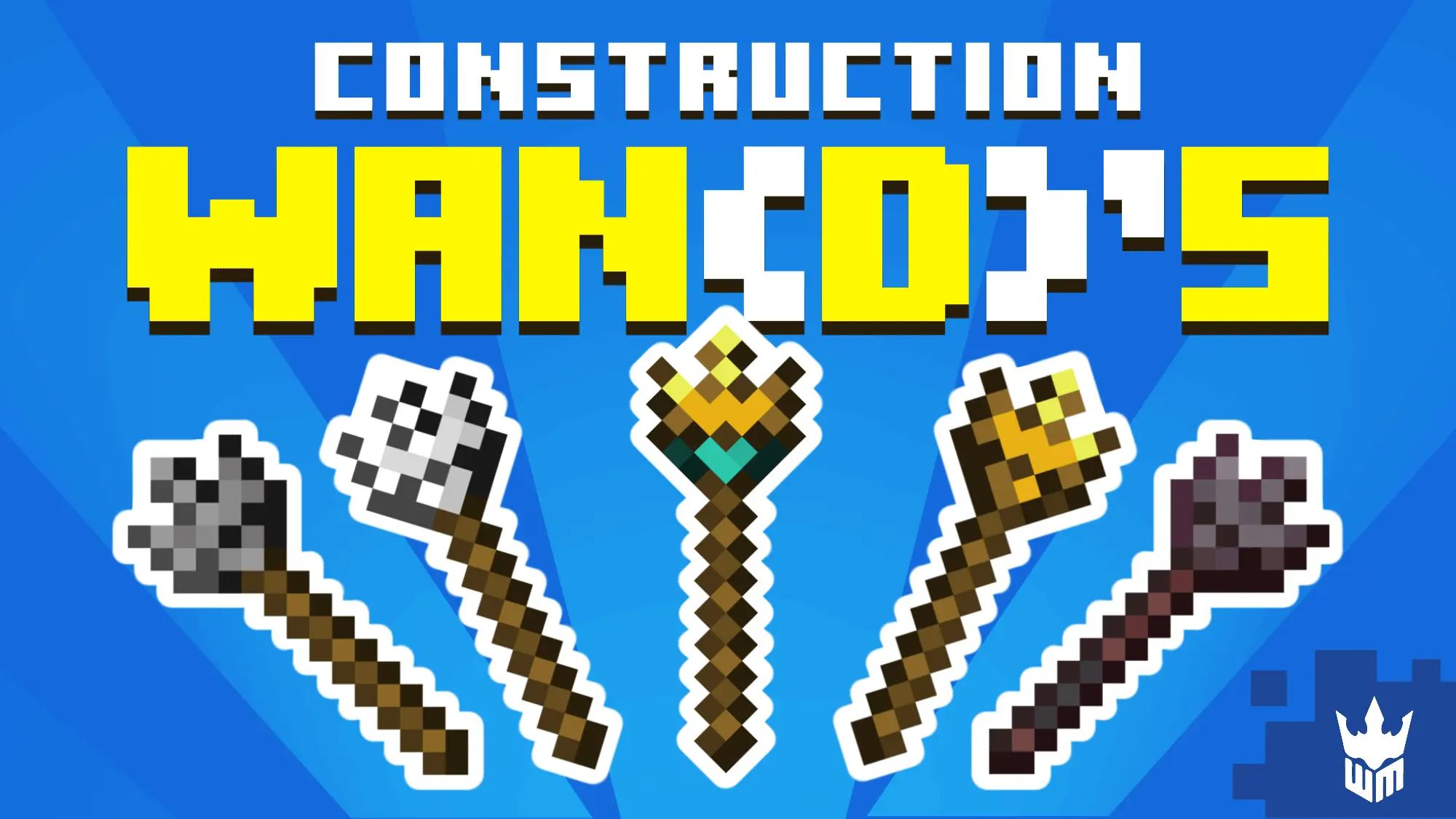
Construction Wan(d)'s Addon craft special wands for convenient, fast and beautiful construction in Minecraft. This Minecraft Bedrock add-on gives builders special wands that help place blocks in patterns. Instead of repeating the same placement over and over, you can use a wand to extend a section of your build more quickly. It’s a handy tool for the big, repetitive parts of a project: think long walls, broad floors, and foundations that seem to go on forever. You still decide what the finished build looks like; the wand helps with the groundwork.

You’ve picked the perfect spot for a castle. Now you just have to place several hundred blocks for the walls—and that’s where Construction Wan(d)’s comes in.
Different wands have different capabilities, so the tool you choose matters. The add-on includes tiers made from materials such as stone, iron, diamond, and netherite. Higher-tier options can handle more blocks and, in the current release, offer access to additional patterns. A basic wand can help with straight lines and connected blocks, while more advanced tools can be used for shapes such as walls, circles, cubes, and spheres. That’s useful when your plans go beyond another square room.
Imagine you’re building a tower with a circular base. Rather than placing every block by hand and constantly checking the outline, you can use an available circle pattern to help shape it. For a larger project, a wall pattern can take care of repeated sections while you concentrate on entrances, windows, and details. You can also use the tools on less glamorous jobs, like laying out a flat floor before the fun part of decorating begins.
The current add-on also offers modes for removing and replacing blocks, along with an undo option for recent operations. Changed your mind about a material halfway through a build? Replacement tools can help you revise the design without starting from scratch. It’s smart to try these features on a small test area first, especially around a build you’ve spent hours finishing. The exact modes and controls can differ between downloads, so check the instructions for the pack you’re using.
To install Construction Wan(d)’s, open the downloaded file in Minecraft and activate its packs in your world settings. In the current release, sneaking and using a wand opens its menu, where you can choose what you want to do. Take a moment to explore the options before tackling your biggest build. Whether you’re making a survival base, a city street, or a massive fortress with friends, having a faster way to handle repeated block placement leaves more time for the details that make the project yours.
Installation:
- Download Mod;
- Open the downloaded file to install;
- Select it in the settings;
- Have fun!
Comments (0)