No Lag – Addon / Texture Pack
- 26-05-2025, 12:13
- 2 009
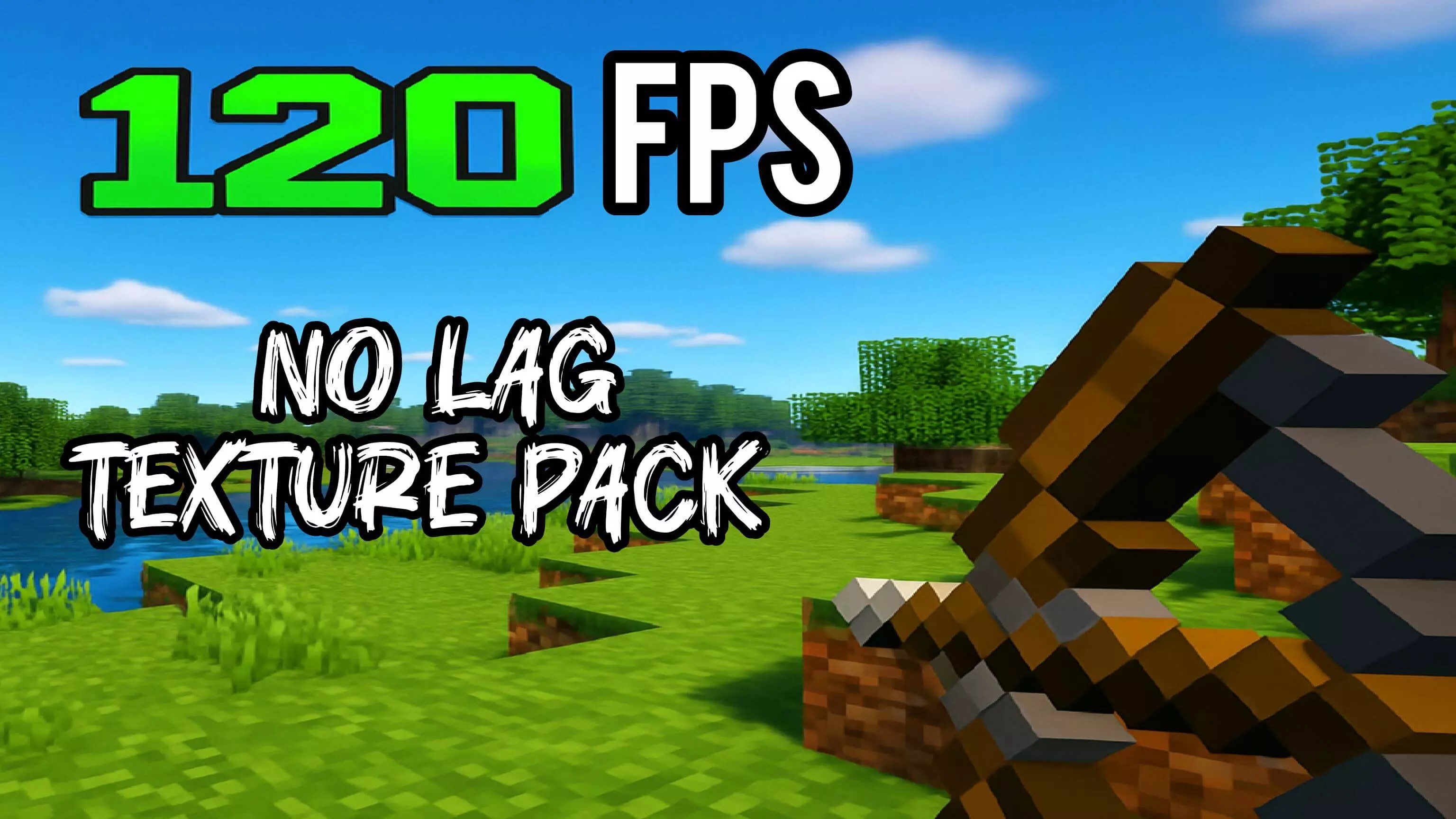
No Lag - download a special and useful add-on to improve FPS and eliminate lag even on weak devices. You’re lining up a jump in Minecraft when the screen stutters and your character walks straight off the edge. No Lag is a performance-focused texture pack made for players who would rather blame their mistakes on bad timing than a sudden drop in frames.
The pack aims to make Minecraft Bedrock run more comfortably by reducing some of the visual work your device has to handle. Its listed changes include fewer particles and adjusted animations, which can be useful when there’s a lot happening on screen. Think of the moments when a fight gets crowded, effects start appearing everywhere, and turning the camera suddenly feels less responsive. A lighter visual setup may help make those situations easier on your device, although the result depends on what you’re playing on and what else is happening in your world. It’s worth trying if your phone or computer struggles with busy scenes and you’re willing to trade some visual effects for performance.
Survival players have plenty of places to put the pack to the test. Visit the farm that usually makes your frames drop, fight a few mobs near your base, or take your usual route through an area packed with builds. Pay attention to how the game feels while you move and turn, not just when you’re standing still. If the camera responds more consistently while you’re exploring a cave or managing a crowded animal pen, that’s a useful improvement. Your world won’t suddenly become empty or stop being dangerous, though, so keep an eye on the creeper approaching while you’re busy checking whether the game feels better.
PvP and minigames are another reason to care about steady performance. In a match where you’re building a bridge, chasing an opponent, or trying to land a hit, a sudden frame drop can throw off your timing. No Lag is designed to reduce visual overhead, which may make busy moments feel more manageable. It won’t improve your aim for you, and it can’t guarantee a win, but it gives you another setting to experiment with if your device struggles during matches. If you normally use several resource packs at once, try comparing the game with No Lag active and without it in the same area. That makes it easier to notice whether it’s actually helping your setup.
Despite the name, no texture pack can promise to eliminate every kind of lag. A slow connection can still affect multiplayer, and a huge build or crowded world can still push a device hard. For a useful comparison, visit the same location with the same video settings before and after activating the pack. You can also try lowering render distance or other graphics settings if you need more breathing room. To get started, import the downloaded pack and enable it in your resource settings. Then jump into a world you know well and see how it feels during the parts of the game that usually give your device trouble.
Installation:
- Download Texture;
- Open the downloaded .mcpack to install;
- Select texture in settings;
- Done.
Comments (0)