Poppy Playtime Mod / Addon
- 17-10-2025, 11:18
- 6 269

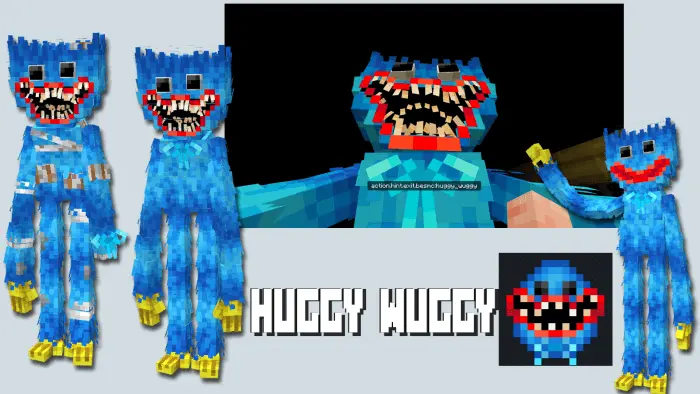
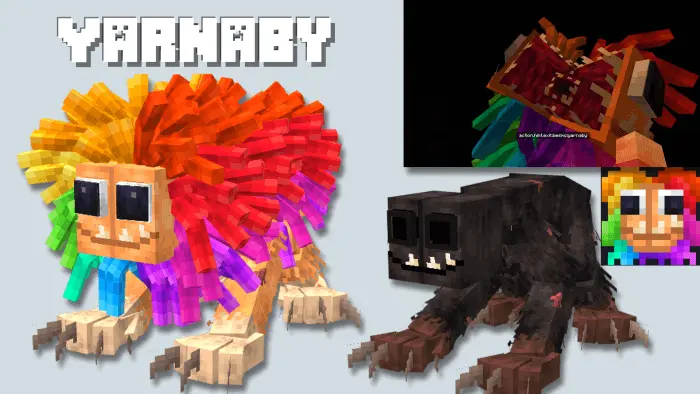
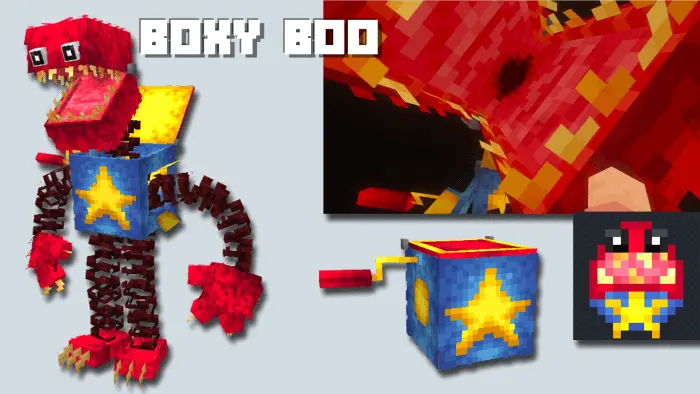
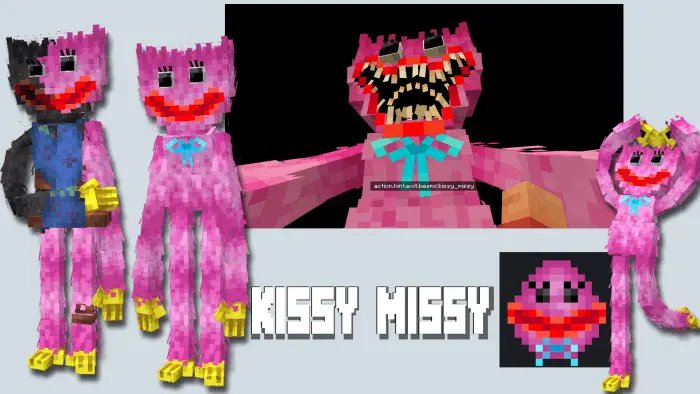
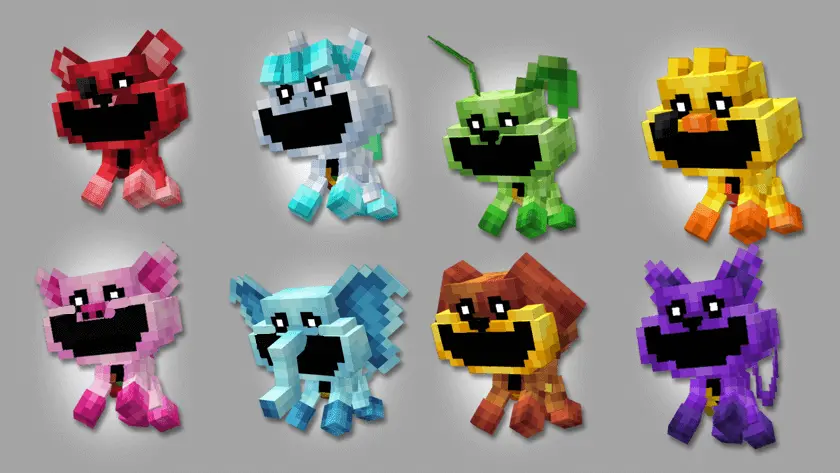
Poppy Playtime by MeBesm Mod adds Poppy Playtime characters and items to Minecraft. Huggy Waggy, Yarnaby, Boxy Boo, Huggy's Nightmare, Scanners and doors, Energy system and decorations. The factory doors open, the lights come on, and Huggy Wuggy is somewhere inside. Poppy Playtime brings familiar toys and factory equipment into Minecraft Bedrock, giving you the pieces for a seriously creepy adventure.
Huggy Wuggy isn’t the only character waiting for you. The add-on also includes Yarnaby, Boxy Boo, and a nightmare take on Huggy, giving fans several recognizable faces to bring into their worlds. Each one can set a different mood for a build: Boxy Boo belongs somewhere you wouldn’t want to open a suspicious box, while Yarnaby is a good reason to think twice before stepping into a dark room. Take some time to meet the characters in a test world and see how they behave before placing them around a project you’ve spent hours building. If you’re inviting friends to explore, keep the locations of the toys a surprise. A colorful hallway is much more entertaining when your friend has no idea what might be waiting at the other end. Just give them a way to escape—or don’t, if the two of you enjoy a little chaos.
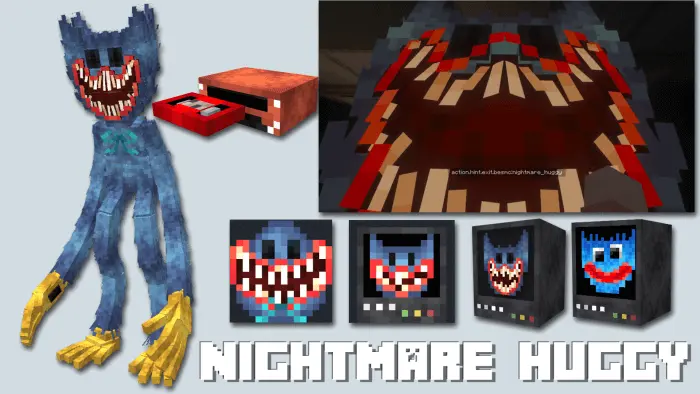
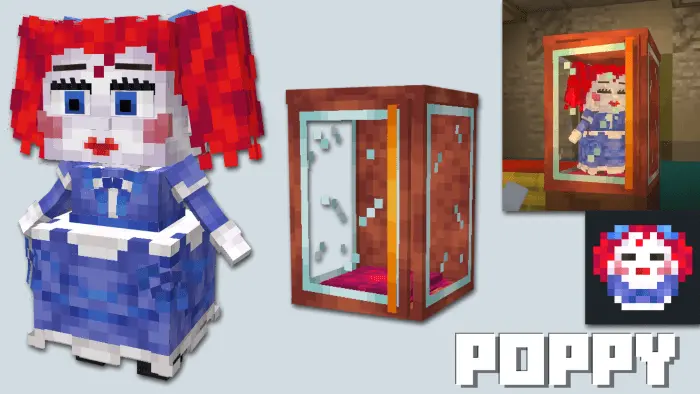
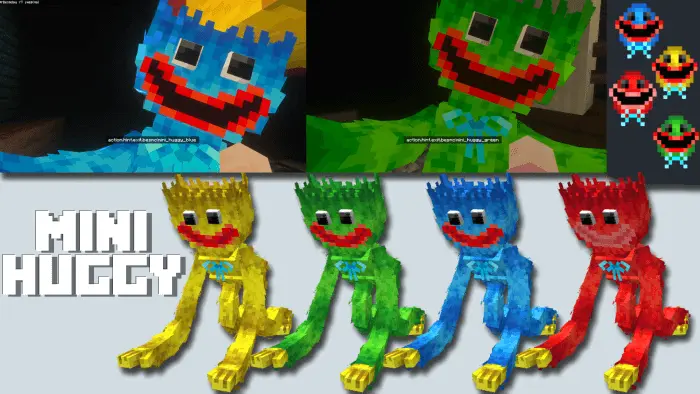
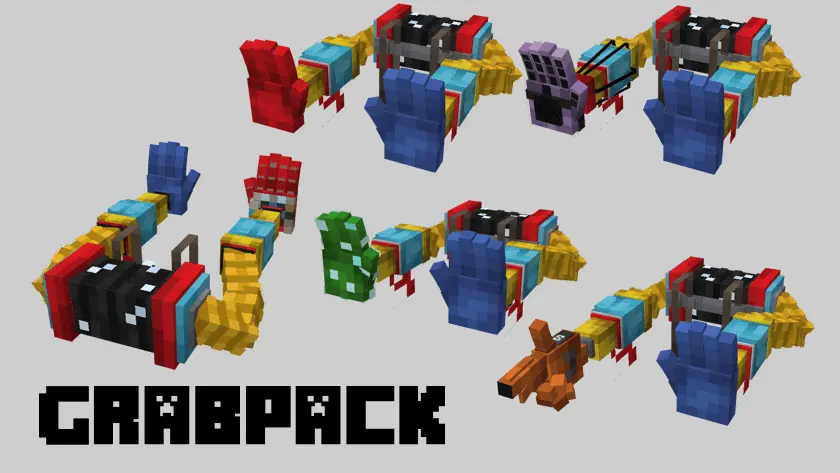
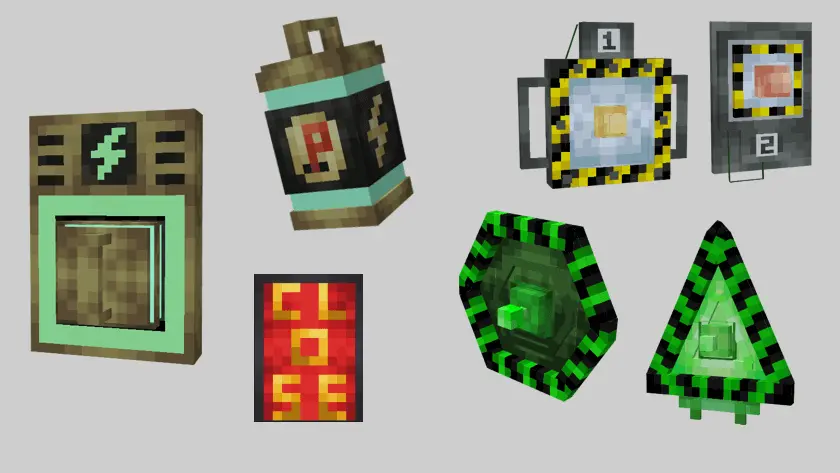
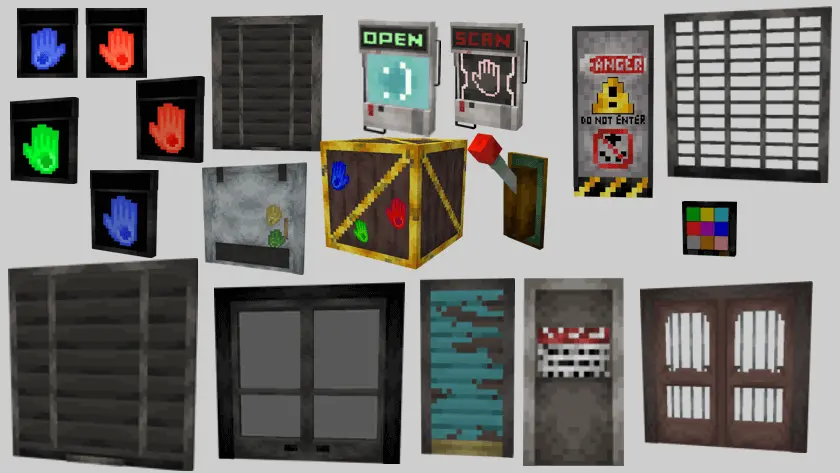
The factory tools are a big part of the appeal. Scanners, doors, an energy system, and decorations give builders more to work with than a collection of scary mobs. You can plan a security entrance, make a corridor lead toward a locked-looking room, and arrange machinery around a central power area. The add-on also features an animated GrabPack with different hands, giving you another recognizable piece of Poppy Playtime equipment to experiment with. Try out the available interactions while planning your map, then build your challenges around the mechanics you want players to use. A scanner near an entrance can make a room feel like part of a working facility, while a door at the end of a long passage gives explorers a reason to look for another route. Mix in posters, toys, and other decorative blocks to make the place feel like it once belonged to a company that expected visitors.
You don’t need to reproduce the entire original factory to have fun with these pieces. Start with a reception room, add a storage area full of toys, and connect them with a few narrow hallways. From there, give each section its own purpose: one room could house the energy equipment, while another serves as the place where players first spot one of the characters. If you prefer roleplay, build a safe control room and send your friends out to investigate the facility one section at a time. For a more direct survival session, bring the characters into your world and see how your group handles meeting them outside a purpose-built map. Either approach gives Poppy Playtime fans a chance to create their own story in Minecraft. Just remember to check the room before you call it safe; a toy factory gets a lot less welcoming when the toys start showing up.
Installation:
- Download Mod;
- Open the downloaded file to install;
- Select it in the settings;
- Have fun!
Comments (4)