NPC Instant Farm Mod / Addon
- 4-03-2026, 12:13
- 1 221
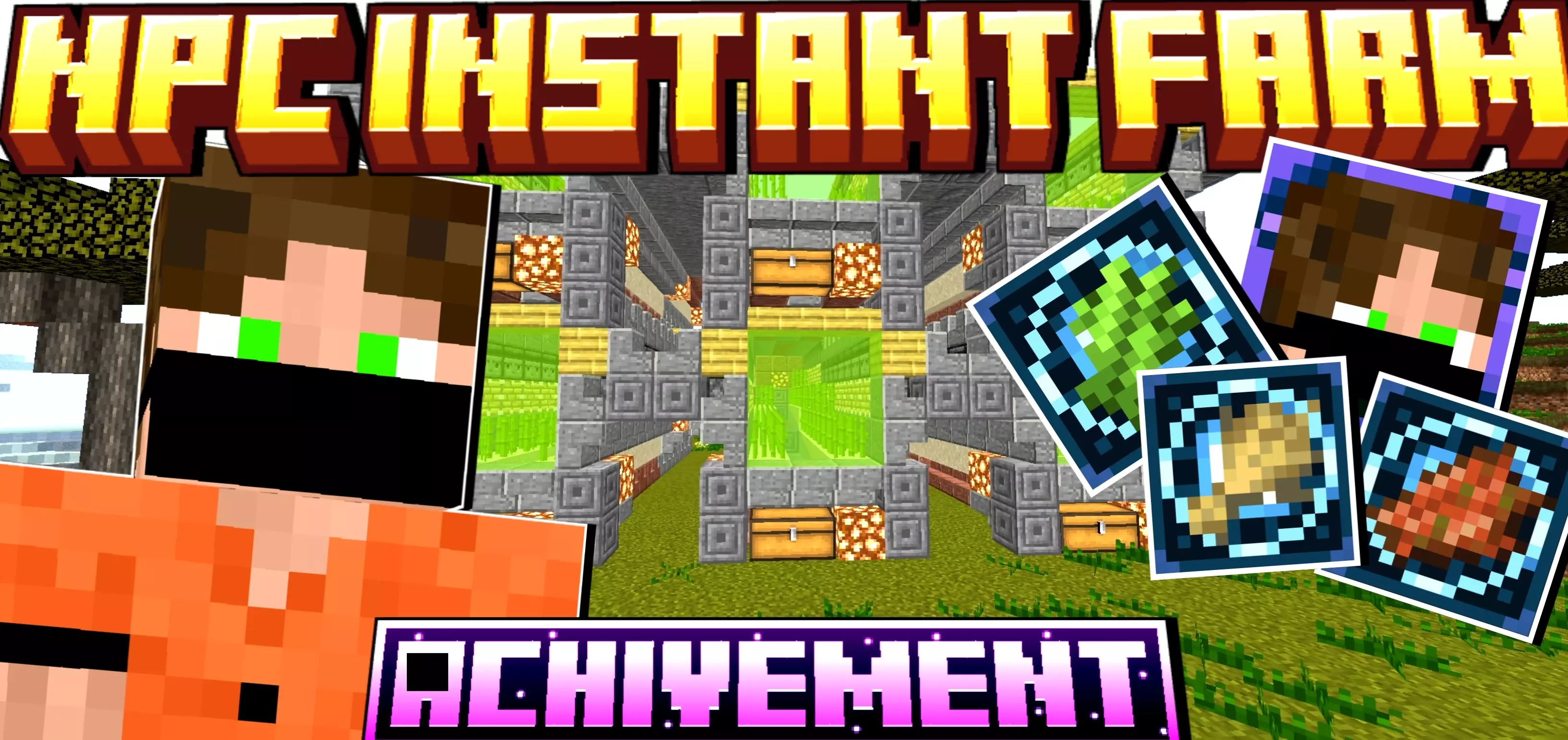
NPC Instant Farm Mod is basically the “I’m tired of rebuilding the same farm for the tenth time� button, but done in a way that still feels fair for survival. You start by crafting the Farm Master Table and placing it down. The moment it hits the ground, an NPC Farmer pops in beside it, like your own personal redstone guy who actually knows what he’s doing. Talk to him and he offers a small set of core farm blocks: a cobblestone generator, sugar cane farm, cow farm, wheat farm, and a mob farm block. It’s all stuff you’d build anyway, just packaged so you don’t have to blueprint it from scratch every new world.


When you pick one of his farm blocks and place it, the addon doesn’t instantly slap some giant structure in your face. Instead, you get a preview block that outlines the footprint of the farm. You can walk around it, check where it overlaps your base or terrain, and decide if the spot works. If it doesn’t, just interact with the preview, cancel it through the small UI, and try somewhere else. Once you’re happy, confirm it and the full farm structure spawns in one go, ready to use. No commands, no weird setup — just craft, place, confirm, done.
This works really well on survival and SMP worlds where you still care about balance and progression. You still have to gather resources, craft the Farm Master Table, and choose which farms you actually want in your area, but you don’t lose an evening to copying the same cobble gen or basic wheat layout again. It’s especially nice for Realm owners and friends hosting servers: new players can get a functional setup quickly, and veterans can focus on big builds and late-game projects instead of wiring the same starter farms over and over. NPC Instant Farm Mod doesn’t replace survival; it just respects your time and lets your “farmer NPC� handle the boring repeats.
Installation Mod:
- Download the .mcaddon / .mcpack;
- Open the file to import into the game;
- In World Settings → Resource Packs and Behavior Packs, enable it (turn on Experiments if needed);
- Have fun!
Comments (0)