CHAOS MODE Mod / Addon
- 2-03-2026, 11:36
- 1 219
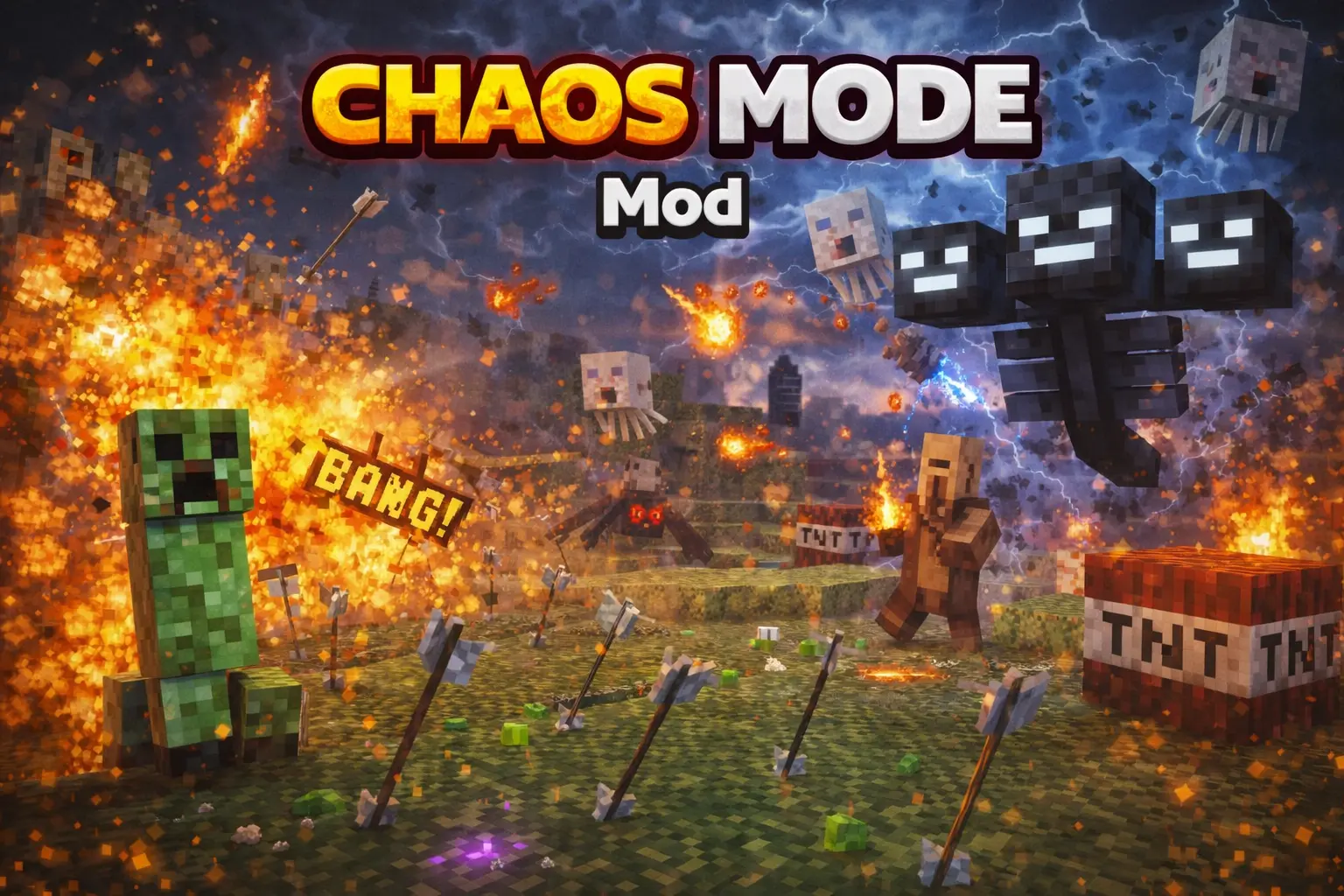
CHAOS MODE Mod is the kind of addon you install when normal survival stops scaring you. You know that point where you’ve got decent gear, you’re not worried about running outside at night, and mobs feel more like chores than threats? This mod tries to erase that comfort fast. Mobs get double health, they move faster, and they hit harder, so every fight takes longer, punishes mistakes more, and gives you way less time to react.
In real gameplay, the first thing you’ll feel is how much riskier basic tasks become. Grabbing wood at dusk, crossing a field, or doing a quick cave dip turns into “okay, I actually need a plan.” Faster mobs mean you can’t casually backpedal and reset fights the way you normally do. Double health means you don’t get those quick clean wins—you’re stuck committing to fights, and that’s exactly where you start burning through food and durability. And the harder hits mean you can’t tank damage while half-paying attention; if you get cornered, it goes bad quick.
The best way to survive with CHAOS MODE Mod is to play smarter, not braver. Light up your base area like it’s a no-fun zone, keep your escape routes open, and don’t take fights in tight spaces unless you’re sure you can control the crowd. If you’re heading out, bring extra food and think about when you travel—night runs become way more expensive when everything is faster and tougher. Also, don’t be embarrassed to retreat. With mobs hitting harder, “resetting the fight” is a skill, not a weakness.
This is also a fun addon for co-op because it forces teamwork naturally. You can’t just split up and solo everything if mobs are tuned to be a menace. Stick together, watch each other’s backs, and treat every random encounter like it could snowball. CHAOS MODE Mod is simple on paper—double health, more speed, more damage—but in Minecraft Bedrock it changes the whole vibe into actual chaos, the kind you either conquer or respawn into.
Installation Mod:
- Download the .mcaddon / .mcpack;
- Open the file to import into the game;
- In World Settings → Resource Packs and Behavior Packs, enable it (turn on Experiments if needed);
- Have fun!
Comments (0)