RR Super TNT Bow (Nuclear Explosions) Mod / Addon
- 5-03-2026, 04:48
- 1 662
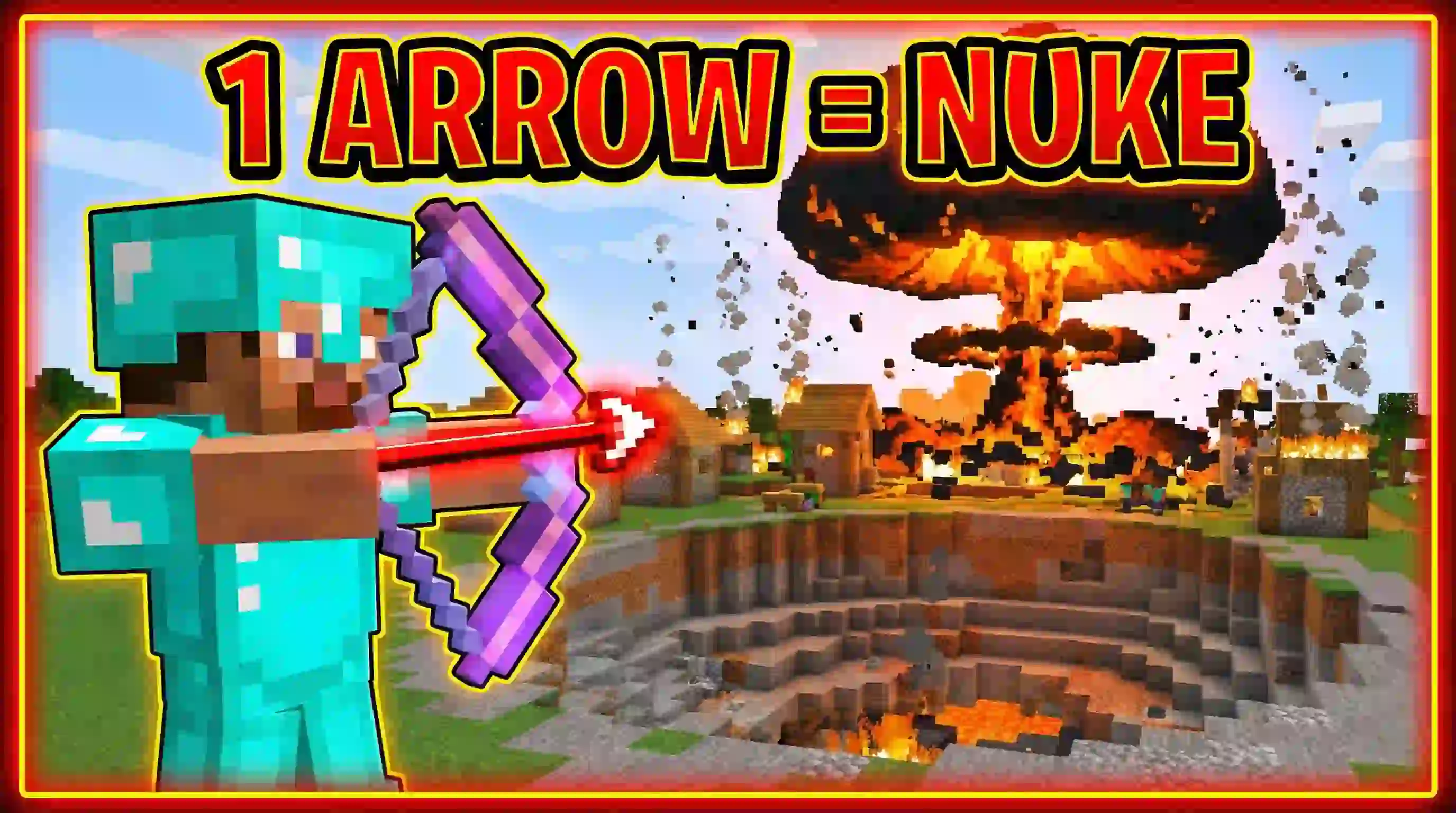
RR Super TNT Bow Mod (Nuclear Explosions) exists for one reason: normal TNT feels slow when you just want something to explode right now. Instead of crafting, placing, and lighting TNT, you shoot an arrow and get an explosion on impact. The mod is written as a Script Addon, so it actually changes bow behavior in-game rather than only changing visuals.
When you first install it, the bow runs in Grenade Mode by default. In this mode, an arrow creates a small explosion where it lands. It’s designed to feel strong without nuking your whole world, so you can use it for practical stuff like mining ores or clearing trees. It’s also described as strong enough to one-shot zombies, but it won’t delete the entire map every time you fire, which makes it the “daily driver� setting if you still want your world to exist tomorrow.
Nuclear Mode is the “advanced� option, and it’s the main flex: the explosion is said to be 10 times bigger than normal TNT. One shot can carve a massive crater, set the area on fire, and even wipe out a Pillager Outpost. That’s the kind of power that turns a normal fight into a highlight clip, but it’s also the kind of power that can ruin your own base if you get careless or start firing too close to stuff you care about.


Because of that, RR Super TNT Bow Mod (Nuclear Explosions) keeps Nuclear Mode disabled by default as a safety lock. To unlock it, you calibrate the bow with a system key: grab an Anvil and a Paper, rename the paper to Activation Key, then hold the renamed paper to update the bow settings. Once you do that, the full power is unlocked and you can use it anytime—so the smart play is testing Nuclear far away first, keeping distance, and treating it like a “special moment� tool so you don’t accidentally torch your own world or lag out a busy session.
Installation Mod:
- Download the .mcaddon / .mcpack;
- Open the file to import into the game;
- In World Settings → Resource Packs and Behavior Packs, enable it (turn on Experiments if needed);
- Have fun!
Comments (0)