RR Real Time Addon: World Clock
- 19-05-2026, 12:41
- 1 025

RR Real Time Addon: World Clock is built for that classic Minecraft problem where your real day and your in-game day are constantly out of sync. You sit down on a bright afternoon, load into your world, and boom—it’s pitch black with mobs spawning like it’s midnight. This addon is a script made as a Bedrock Edition answer to the kind of real-time fixes Java players have had for years.
The way it works is straight to the point: the default Minecraft day is about 20 minutes long, and this script changes that so your world runs at a 1:1 speed ratio with reality. That means your world ticks get synchronized to your device’s actual clock. If it’s 12:00 PM in real life, the sun is at the top in-game. If it’s 8:00 PM, the moon starts rising. RR Real Time Addon: World Clock basically turns your world into a real-time clock you can feel while you play.
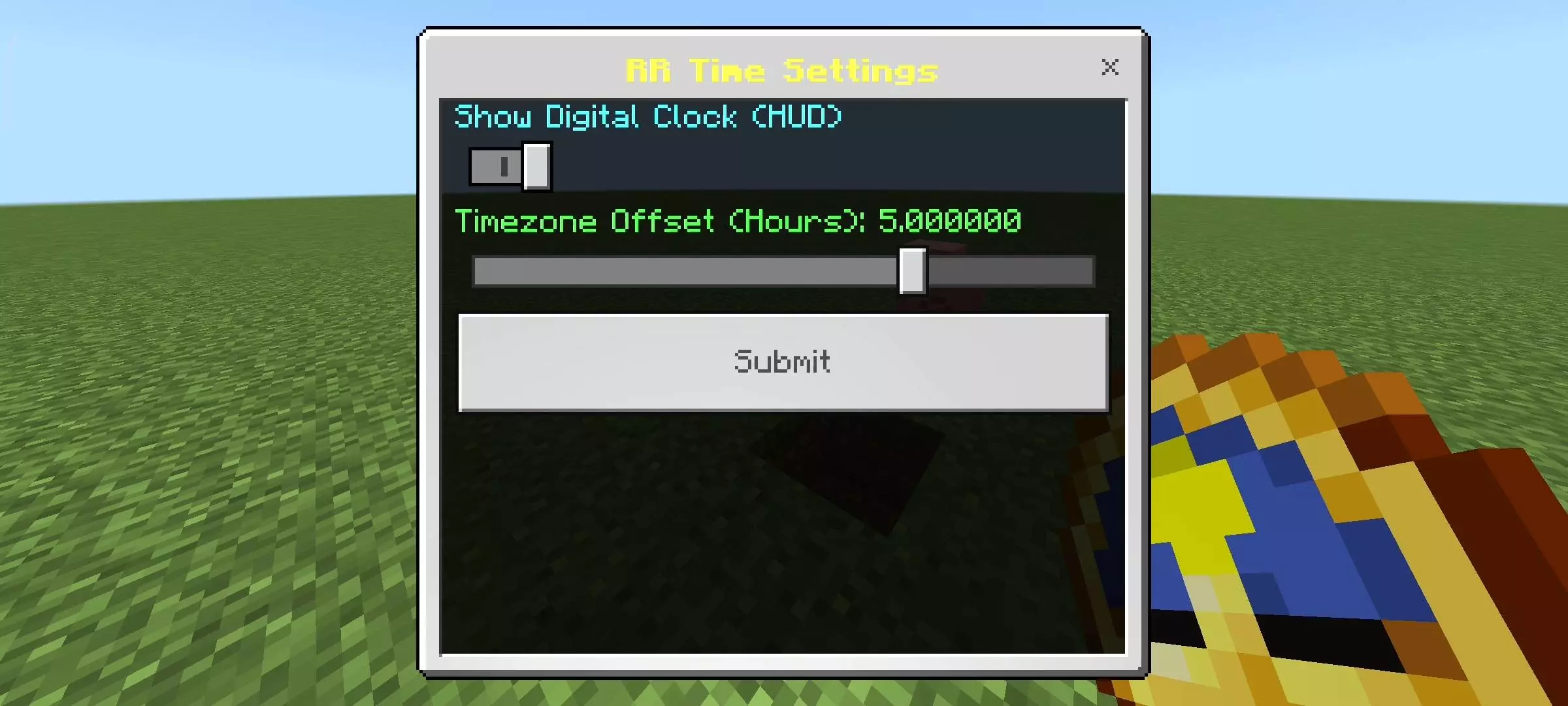
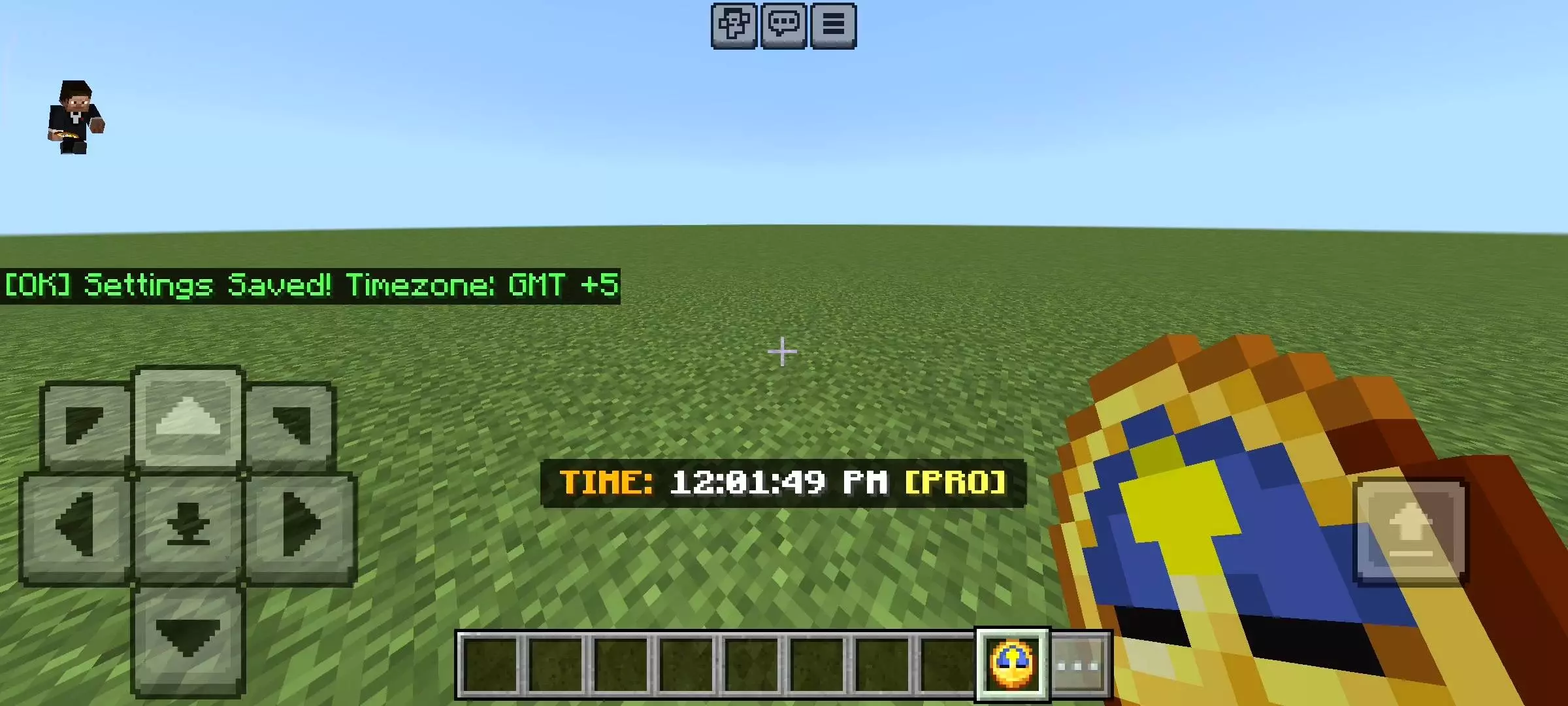
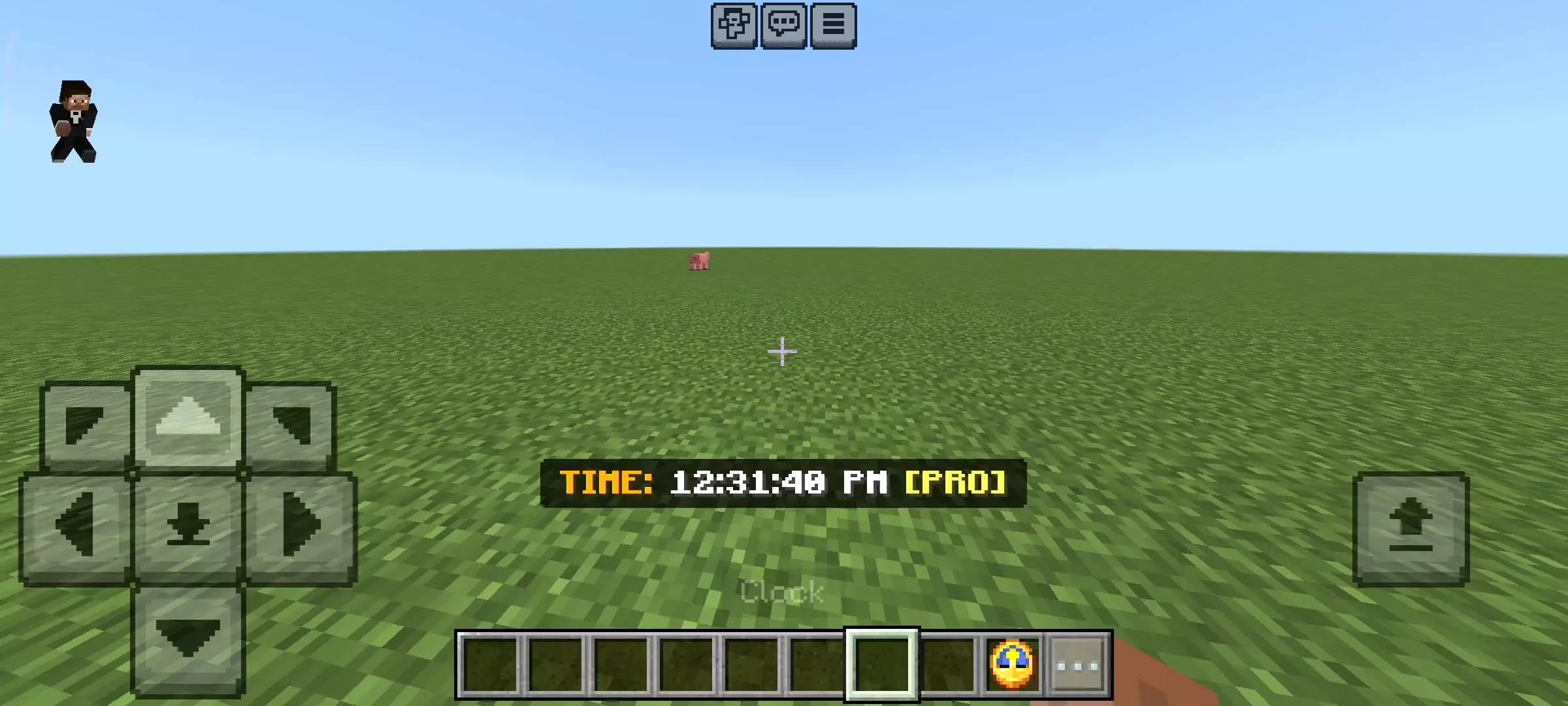
In survival, this changes the vibe instantly. Your sessions stop feeling random and start feeling predictable in a good way—especially if you like planning. Jump on in the morning and you’ll actually get a long stretch of daylight to build, travel, and do risky errands without the game rushing you into night. Hop on late and you’ll know you’re signing up for darkness right away, which makes you play smarter: keep your base lit, don’t wander without a plan, and treat nighttime trips like a real mission instead of a casual walk.
The best tip with RR Real Time Addon: World Clock is to use the real clock to your advantage. If you want a chill building session, play when it’s daytime for you. If you want the tense “night run� energy, log in when it’s evening. And since the world matches your device time, sleeping and safety planning feel more intentional—because night isn’t a quick 5-minute phase anymore, it’s tied to actual time passing.
Installation Mod:
- Download the .mcaddon / .mcpack;
- Open the file to import into the game;
- In World Settings → Resource Packs and Behavior Packs, enable it (turn on Experiments if needed);
- Have fun!
Comments (0)