Aimbot: Homing Arrows (Auto Headshot!) Mod / Addon
- 20-05-2026, 04:30
- 2 635
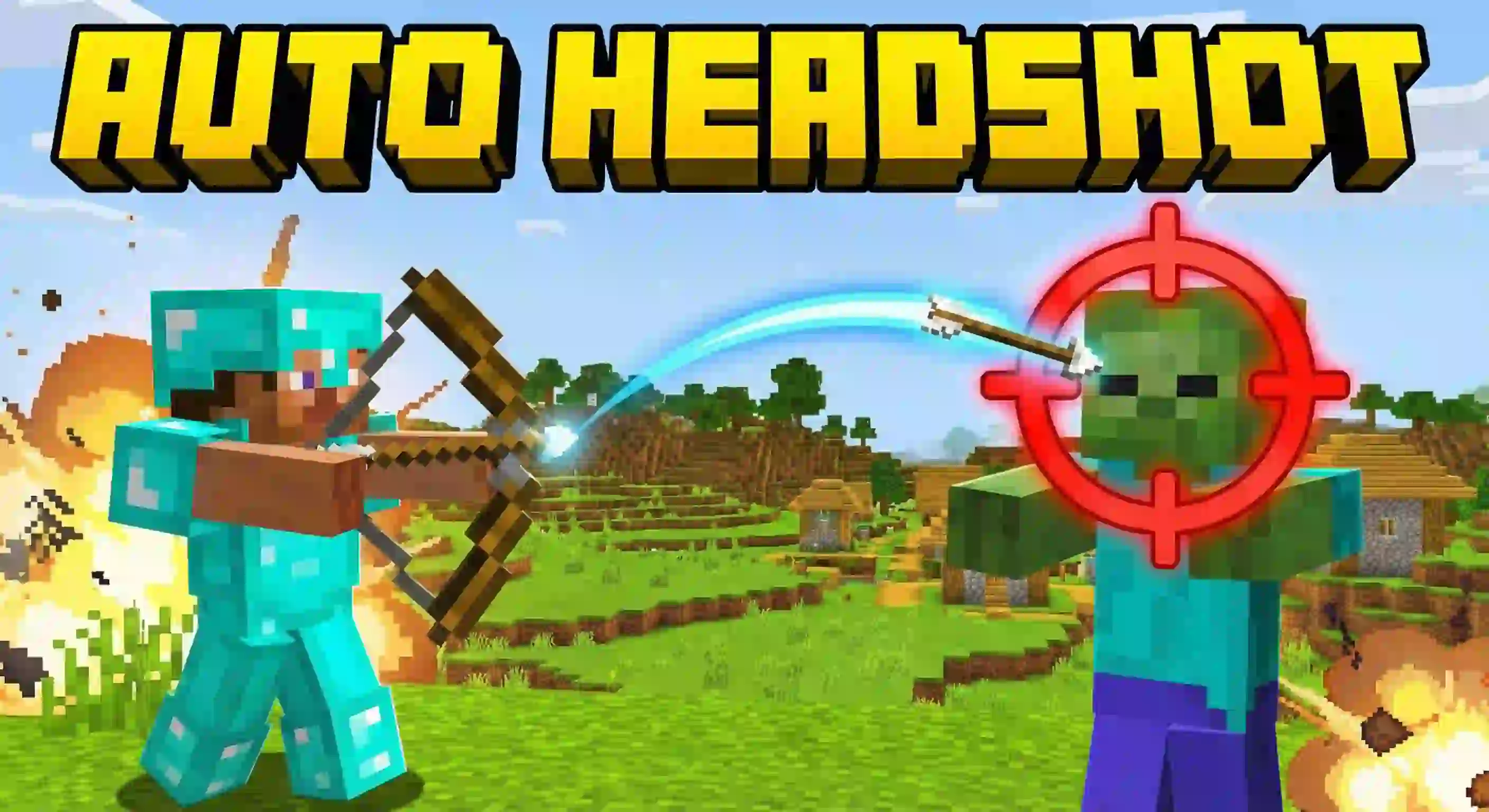
RR Aimbot: Homing Arrows (Auto Headshot!) Mod is built for players who panic-shoot in fights and watch arrows fly past everything. Instead of needing perfect crosshair placement, you fire roughly toward the enemy and the arrow can curve mid-air to connect, turning a regular bow vibe into something that feels way more guided and aggressive.
The core idea is a target lock setup that helps you know who you’re about to tag. When you hold a bow, enemies can get marked with a red indicator to show they’re locked, and then the arrow can physically change direction in the air to hit the nearest mob or player. The mod straight-up sells itself as “auto-headshot� behavior, where shots bend into the target instead of rewarding clean aim. It also supports crossbows, so you’re not stuck using only one weapon style if you prefer crossbow timing.

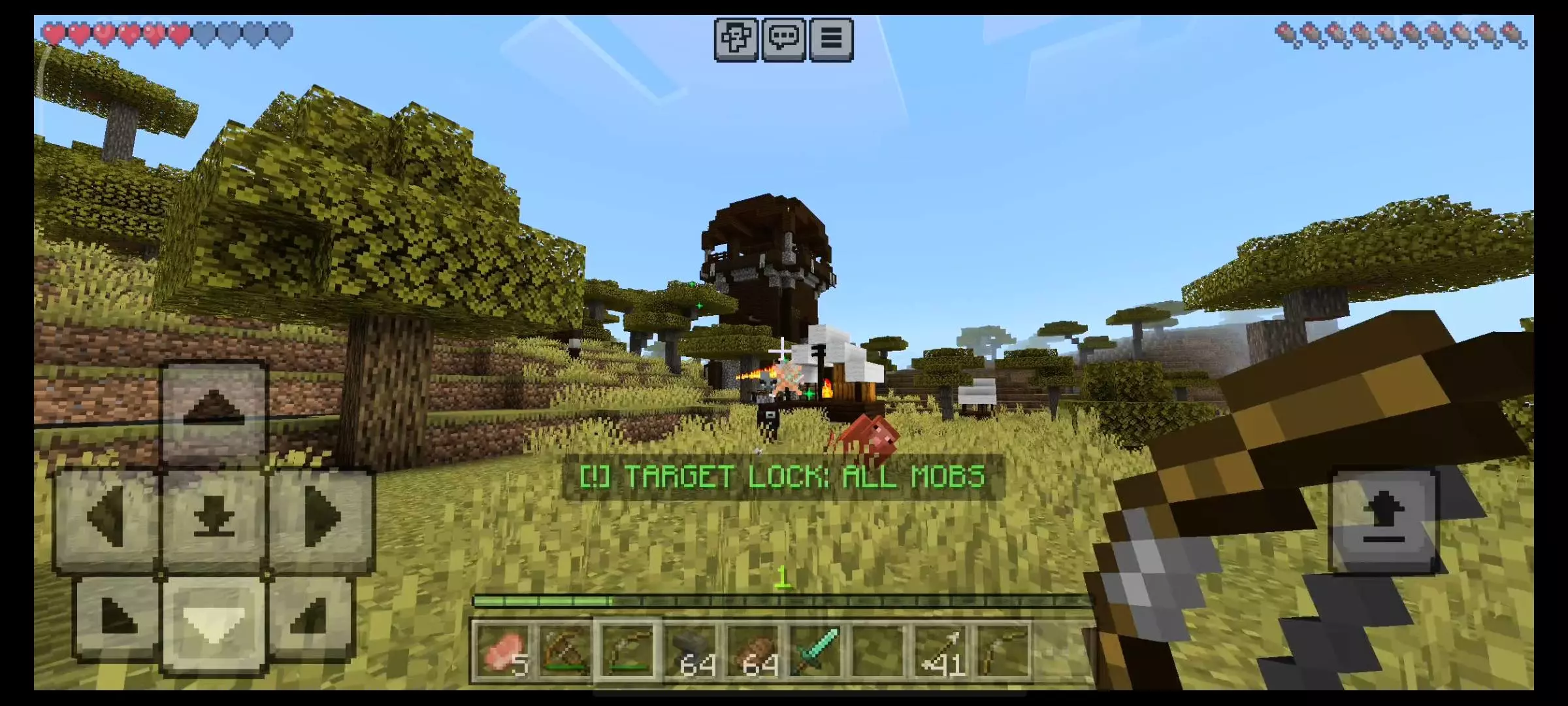
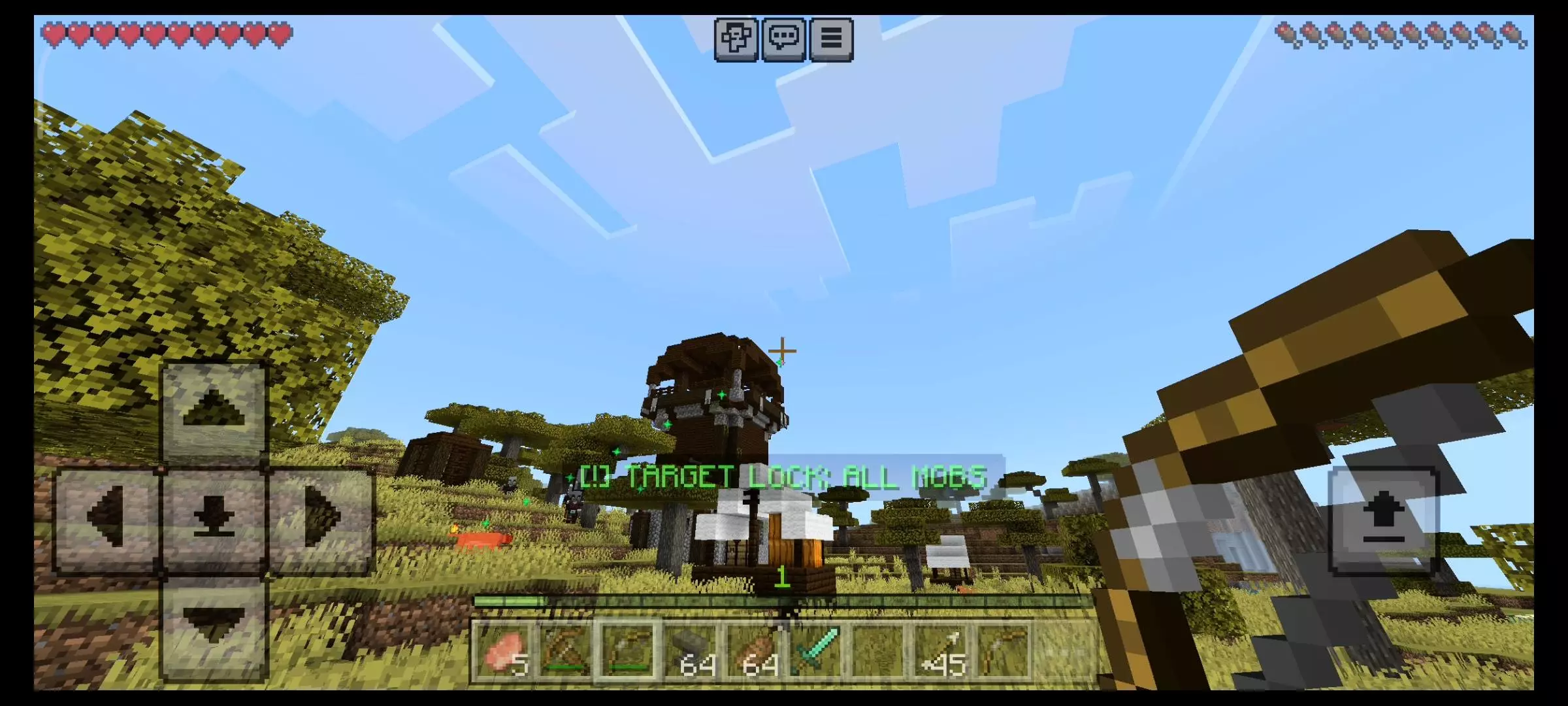
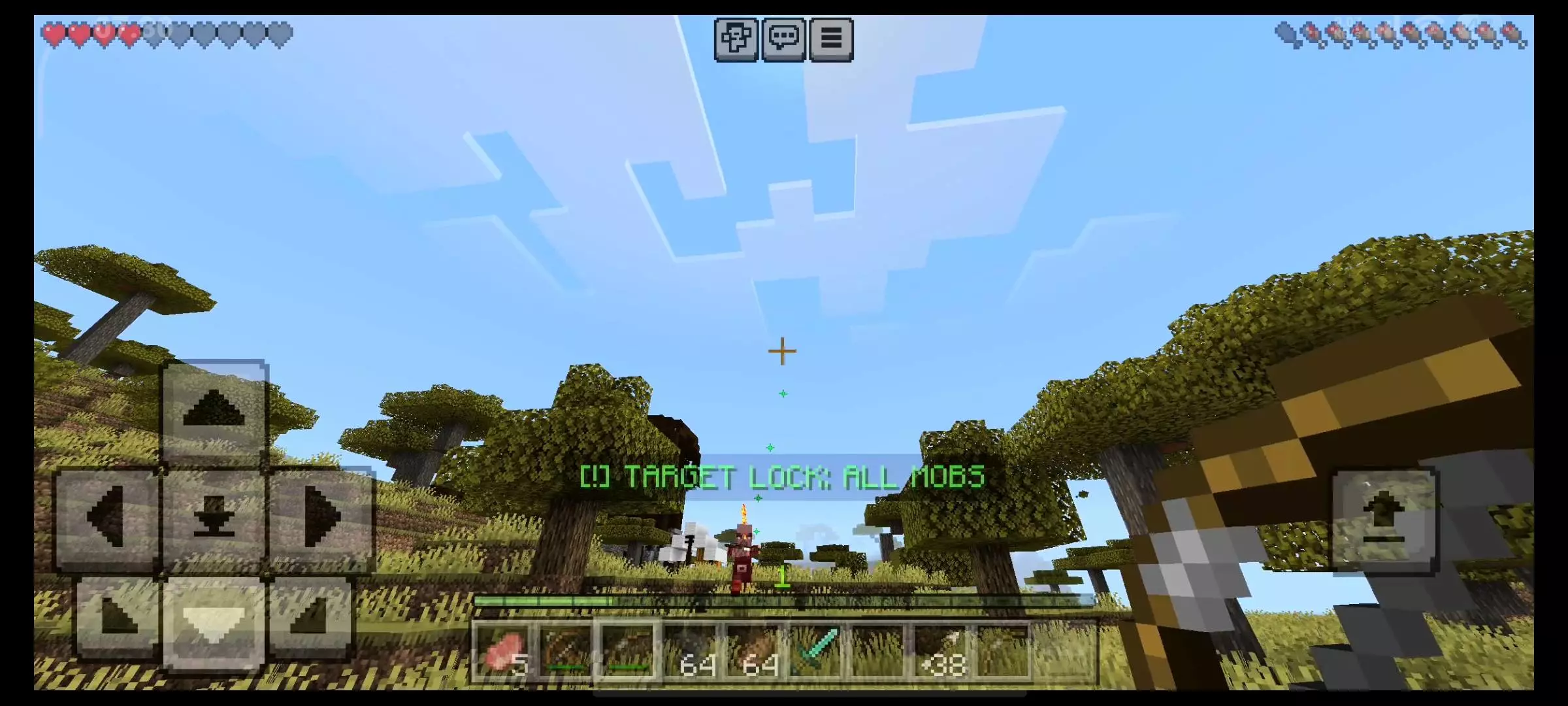
There’s also a dual mode system that changes what your arrows will track. Safe Mode is the default and is meant for practice, where arrows only track passive animals like pigs and cows. Headshot Mode is the harder setting that tracks players for PvP plus mobs like zombies and creepers, and the mod keeps that locked by default. To unlock the PvP tracking, you rename your bow in an anvil using a password, which flips you from “animals only� into a mode that hits everything automatically, including players and monsters.
In-game, RR Aimbot: Homing Arrows (Auto Headshot!) Mod is the kind of thing that makes fights feel completely different, because you’re spending less brainpower on aim and more on positioning. A smart way to use it is to start in Safe Mode and get a feel for how the arrows curve so you don’t waste shots or misread distance. If you do unlock the PvP side, it’s going to feel super strong fast, so don’t play careless just because your arrows bend—movement, cover, and timing still matter when enemies are close or when chaos breaks out. And since the add-on is intentionally locked to avoid unfair use by beginners, it’s worth treating Headshot Mode like a “serious switch� instead of leaving it on for every casual moment in Minecraft Bedrock.
Installation Mod:
- Download the .mcaddon / .mcpack;
- Open the file to import into the game;
- In World Settings → Resource Packs and Behavior Packs, enable it (turn on Experiments if needed);
- Have fun!
Comments (0)