Pokemon Totems Mod / Addon
- 4-06-2026, 01:13
- 1 338
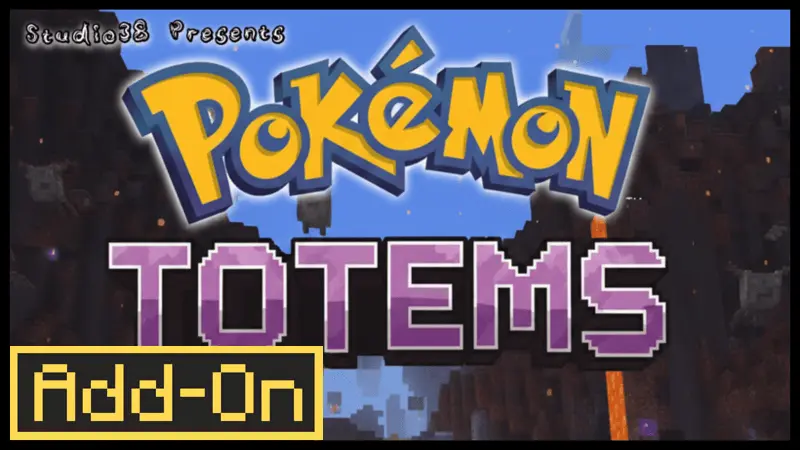
Pokemon Totems Mod is all about that last-second survival comeback. When your health is collapsing and the screen’s basically saying “goodnight,” the small Pokémon effigy you’re holding pops off with a flashy burst of healing energy and gives you a second chance instead of a death screen. It’s designed to fit into normal play without turning your world into a complicated setup project, so you can keep doing your usual survival stuff and just enjoy the safety net.
In real gameplay, this feels best in those “everything went wrong at once” situations. You’re deep in a cave, you get cornered, or you misjudge a drop while hauling loot back home—stuff like that. Having the effigy in your hand means you can take risks you’d normally avoid, like pushing for one more vein of ore or finishing a sketchy fight instead of panic-running. It’s the kind of addon that makes Minecraft Bedrock Edition feel a little more forgiving without changing how you explore, build, and grind.
One of the coolest parts is the personalization angle: you can choose your favorite Pokémon as your totem, and there are 9 options to pick from so far. That’s perfect for multiplayer vibes too, because everyone can roll with a different pick and it instantly becomes a little “signature” thing—like your own lucky charm when the world tries to delete you.
It’s also stated to be fully compatible with other add-ons, which is a big deal if your world already has a bunch of packs running. Practical tip: don’t treat it like you’re invincible—use it as insurance for high-stakes moments, not as an excuse to play reckless 24/7. Pokemon Totems Mod is strongest when it saves you from the one dumb mistake that would’ve ruined an otherwise solid survival session, and then you get to keep the story going instead of doing a painful loot recovery run.
Installation Mod:
- Download the .mcaddon / .mcpack;
- Open the file to import into the game;
- In World Settings → Resource Packs and Behavior Packs, enable it (turn on Experiments if needed);
- Have fun!
Comments (0)