Bedrock Everywhere! Mod / Addon
- 20-02-2026, 18:24
- 585
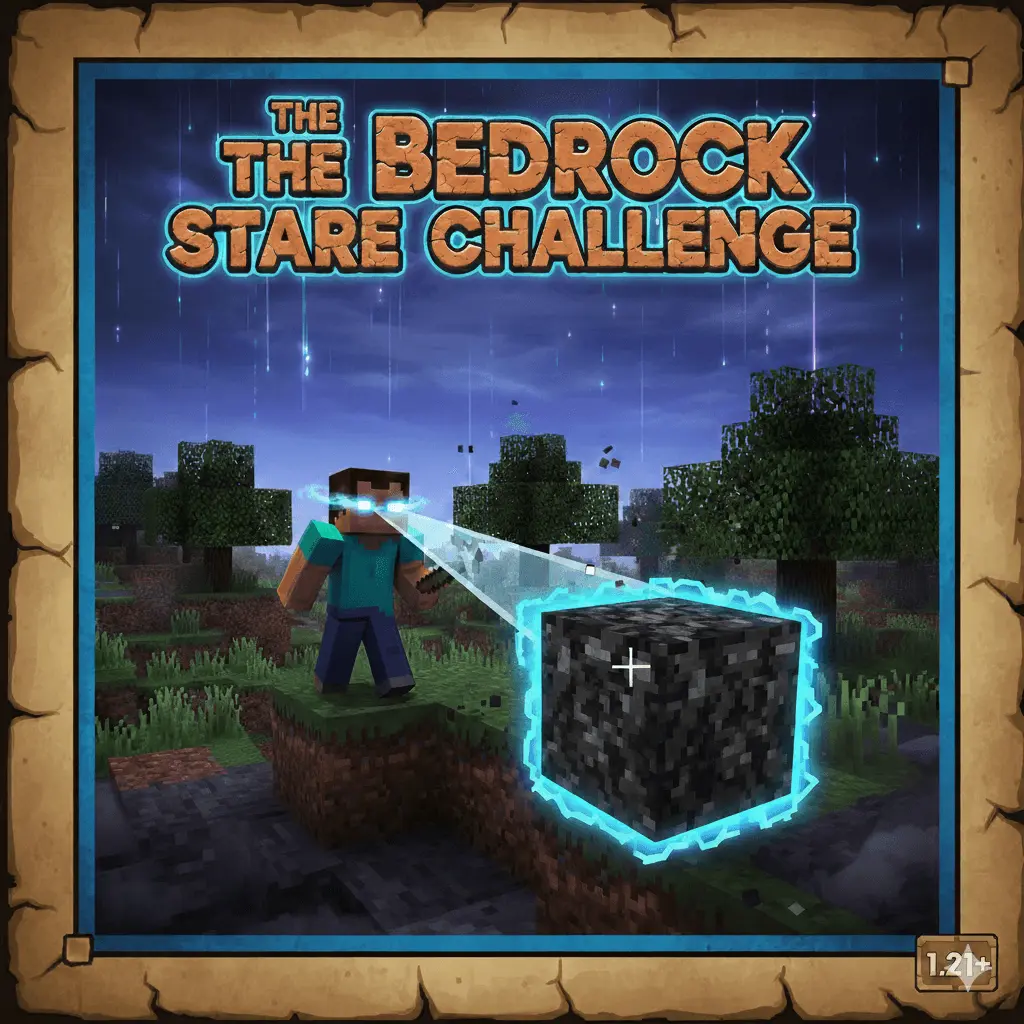
Bedrock Everywhere! Mod is built around a nasty twist that changes how you move, mine, and even just look around. In this challenge, looking at the world isn’t harmless anymore. The map/mod premise says your observation becomes a permanent transformation, so every time you turn your camera, you’re making decisions you can’t take back.
The “what you see is what you lose” idea hits hardest once you start playing like you normally would and realize you can’t. In regular Minecraft Bedrock survival, your camera is basically free—you scan for caves, check hills, spot resources, and keep your head on a swivel at night. Here, that habit becomes risky. It turns simple stuff like exploring a new area into a tension moment, because curiosity can cost you. You stop sightseeing and start managing your view like it’s part of your health bar.
The vibe becomes super tactical. You’ll find yourself moving slower, planning paths before you commit, and keeping your vision controlled so you don’t accidentally ruin your own options. Instead of wandering and reacting, you’re thinking ahead: where do I actually need to go, what do I actually need to look at, and what’s worth sacrificing if the world changes permanently? That tradeoff is what makes Bedrock Everywhere! Mod feel different from a normal hardcore run. It’s not just “don’t die,” it’s “don’t waste the world.”
A good way to approach Bedrock Everywhere! Mod is to play like you’re clearing a route on purpose. Keep your base area stable by being careful where you point your camera, then expand out in controlled lines when you’re ready to progress. If you start feeling stuck, don’t panic-spin your view looking for a solution—that’s the exact moment this challenge punishes. Stay calm, choose your direction, and treat vision like a resource. The mod’s whole point is forcing discipline, and the most satisfying runs are the ones where you adapt, survive, and still manage to build progress without losing control of what you’ve already seen.
Installation Mod:
- Download the .mcaddon / .mcpack;
- Open the file to import into the game;
- In World Settings → Resource Packs and Behavior Packs, enable it (turn on Experiments if needed);
- Have fun!
Comments (0)