FPS BOOSTER+ – Addon / Texture Pack
- 8-05-2026, 01:50
- 1 156
Mods 1.26 / Mods 1.21 / Mods 1.20 / Mods 1.19 / Mods 1.18 / Textures
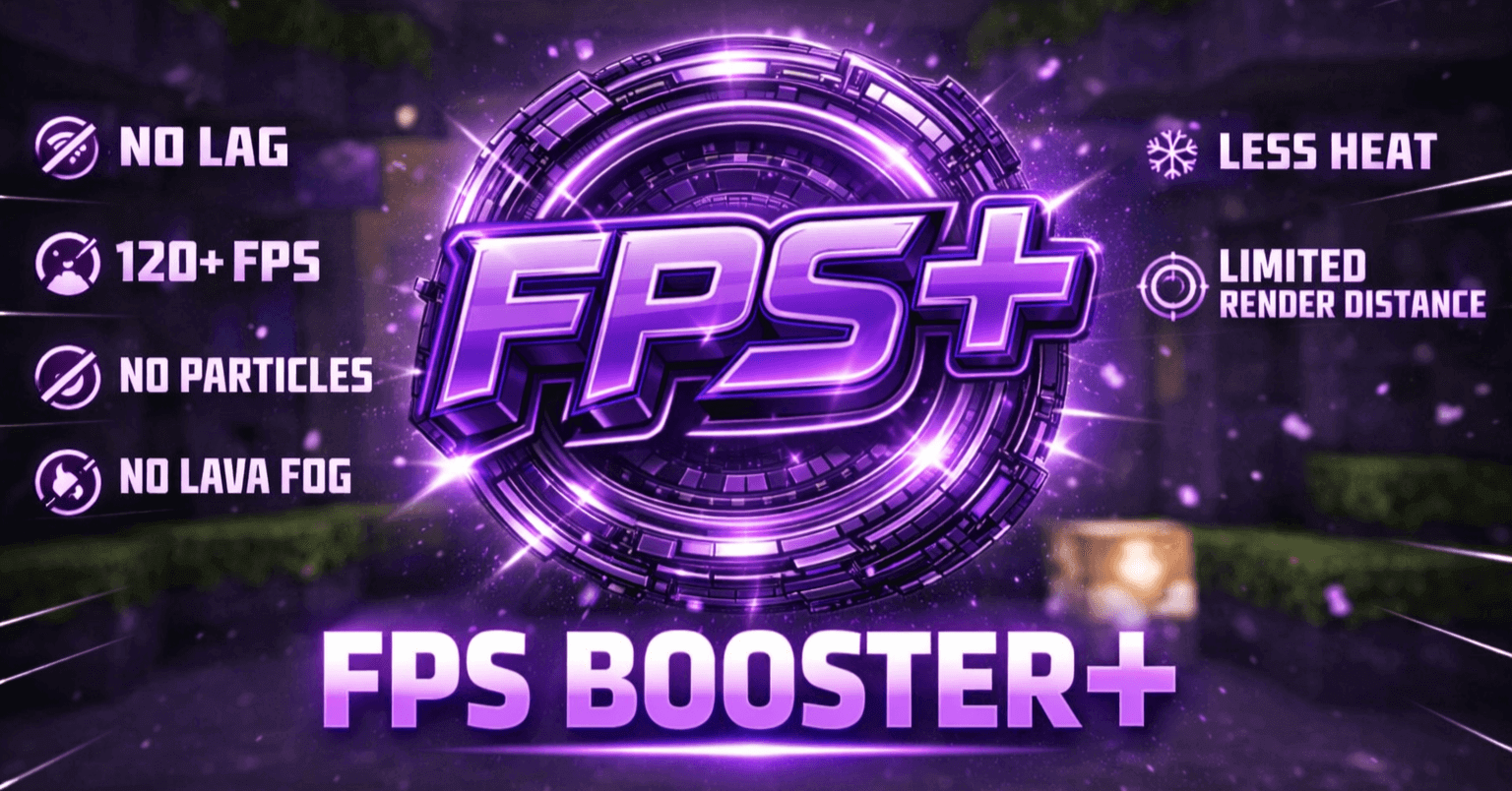
FPS BOOSTER+ Mod is a performance-focused resource pack for Minecraft Bedrock that aims to smooth out gameplay without turning the game into an unrecognizable mess. The idea is simple: cut down the visual workload by simplifying textures and UI elements so your device has less to render and less texture data to juggle. It keeps the familiar Minecraft style, but trims off the extra complexity that can drag FPS down.
The pack does that by redesigning blocks and UI with flatter shading, reduced transparency, and fewer fine details. It also removes unnecessary overlays and elaborate shading, which helps because those effects can cost extra rendering work and texture memory. The goal isn’t to “remove features,� it’s to optimize what’s already there in a smarter way, so you still get a normal-looking world, just cleaner and easier for your device to handle.


In real gameplay, the benefits it calls out are exactly what most Bedrock players want when performance is rough: smoother movement, faster chunk rendering, and less stutter. That matters a lot if you’re exploring new areas, flying around in creative, or playing survival where loading spikes can ruin fights and parkour. The pack also includes clean UI assets for better readability, which is nice because some performance packs make menus ugly or hard to read—this one is trying to keep things usable while still being lighter.
It’s also strictly a resource pack, meaning no scripts or behavior packs, which makes it safer and simpler to run alongside other add-ons. If you already have gameplay add-ons installed, FPS BOOSTER+ Mod is the kind of pack you can slap on top to help performance without messing with mechanics. Practical tip: this type of pack shines most when your device is struggling with texture load and rendering, so you’ll feel it most in busy areas, big bases, and heavy exploration sessions. FPS BOOSTER+ Mod is basically for players who want Minecraft Bedrock to feel smoother and more responsive, even if that means trading a bit of visual detail for stability.
Installation:
- Download Texture;
- Open the downloaded .mcpack to install;
- Select texture in settings;
- Done.
Comments (0)